Archive
New Sanako Lite Recorder Installation error
As seen when starting up the Student.exe after instalaltion (and before restart). What i noticed was the red warning in the sanako student “no audio”. After a restart after installation, i could play back sound. no microphone was installed on the system, but should that result in such errors? we are having a lot of installation issues with the sanako lite recorder on our pretty standard (xp dp3, win7 64-bit) dell optiplex (755, 760,780 mostly) machines. I am used to reading stack traces, but my users are not and would run into this – plus this one seems deliberately obfuscated.
************** Exception Text **************
System.ArgumentOutOfRangeException: Index was out of range. Must be non-negative and less than the size of the collection.
Parameter name: index
at System.Collections.ArrayList.get_Item(Int32 index)
at A.B.A()
at A.B.A(Int32 offset)
at A.B.b(Object sender, EventArgs e)
at System.Windows.Forms.Control.OnClick(EventArgs e)
at System.Windows.Forms.Button.OnClick(EventArgs e)
at System.Windows.Forms.Button.OnMouseUp(MouseEventArgs mevent)
at System.Windows.Forms.Control.WmMouseUp(Message& m, MouseButtons button, Int32 clicks)
at System.Windows.Forms.Control.WndProc(Message& m)
at System.Windows.Forms.ButtonBase.WndProc(Message& m)
at System.Windows.Forms.Button.WndProc(Message& m)
at System.Windows.Forms.Control.ControlNativeWindow.OnMessage(Message& m)
at System.Windows.Forms.Control.ControlNativeWindow.WndProc(Message& m)
at System.Windows.Forms.NativeWindow.Callback(IntPtr hWnd, Int32 msg, IntPtr wparam, IntPtr lparam)
************** Loaded Assemblies **************
mscorlib
Assembly Version: 2.0.0.0
Win32 Version: 2.0.50727.5466 (Win7SP1GDR.050727-5400)
CodeBase: file:///C:/Windows/Microsoft.NET/Framework/v2.0.50727/mscorlib.dll
—————————————-
SoundDeviceWizard
Assembly Version: 5.51.10221.1
Win32 Version: 5.51.010221.01
CodeBase: file:///C:/Program%20Files%20(x86)/SANAKO/Study/Student/SoundDeviceWizard.exe
—————————————-
System.Windows.Forms
Assembly Version: 2.0.0.0
Win32 Version: 2.0.50727.5468 (Win7SP1GDR.050727-5400)
CodeBase: file:///C:/windows/assembly/GAC_MSIL/System.Windows.Forms/2.0.0.0__b77a5c561934e089/System.Windows.Forms.dll
—————————————-
System
Assembly Version: 2.0.0.0
Win32 Version: 2.0.50727.5467 (Win7SP1GDR.050727-5400)
CodeBase: file:///C:/windows/assembly/GAC_MSIL/System/2.0.0.0__b77a5c561934e089/System.dll
—————————————-
System.Drawing
Assembly Version: 2.0.0.0
Win32 Version: 2.0.50727.5467 (Win7SP1GDR.050727-5400)
CodeBase: file:///C:/windows/assembly/GAC_MSIL/System.Drawing/2.0.0.0__b03f5f7f11d50a3a/System.Drawing.dll
—————————————-
Localization
Assembly Version: 5.51.10221.1
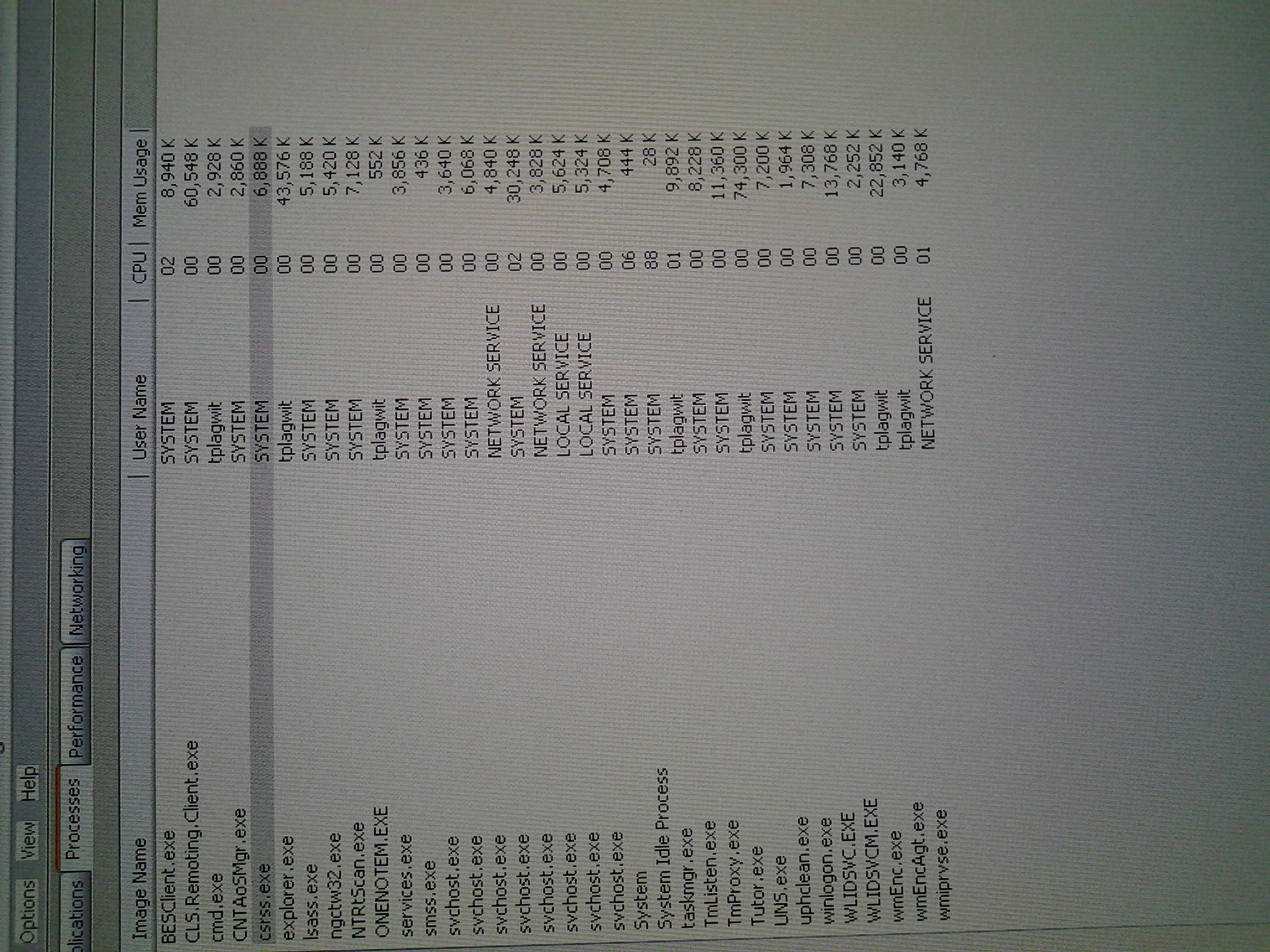
The process normally between ccrss.exe and explorer.exe prevents shutdown…
… and log-off on the teacher station. not always, but often?
Why do some room calendars refuse to synch in Outlook?
- Problem: I recently had to recreate ("Add calendar"/ "From address book") my calendar tree (groups) in Outlook 2010, and now I notice that
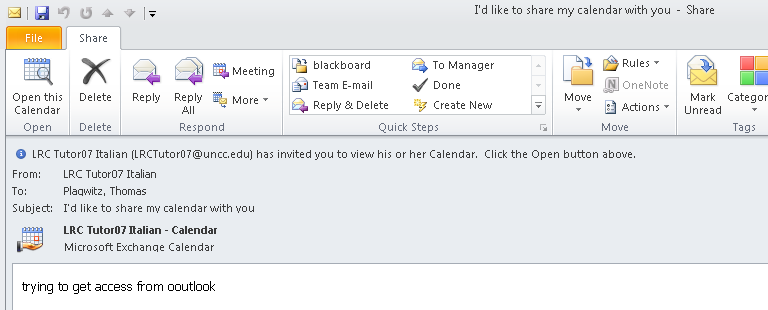
- some (especially all tutor "Room" calendars) steadfastly remain blank (e.g. LRCTutor07),
- while other room calendars do not (e.g. LRCRoomCOED433b).

- The offending calendars can be loaded from internet (being published – with limited details, so that is not a real workaround): e.g. “ITL up t to 2201”.
- In the Properties/ Permissions, I can see that for some calendars that synch, I am not listed as Editor (presumably being more than that? Owner?) – but not all calendars that synch (e.g. LRCRoomCOED433b) have this as a requirement.

- Is there maybe a limit of how many calendars can be loaded in Outlook at any given time?
- Impersonating the calendar and sharing it with myself does not help either:

- In the settings below (albeit a year old), I cannot see a substantial difference either:
type
room
Room
shortname/type
LRCRoomCOED433a
LRCTutor07
displayname
PSComputerName
rpitsexms1.its.uncc.edu
rpitsexms1.its.uncc.edu
RunspaceId
fc10f102-74a8-4edb-ace5-d13662b8da3e
fc10f102-74a8-4edb-ace5-d13662b8da3e
AutomateProcessing
AutoAccept
AutoUpdate
AllowConflicts
TRUE
TRUE
BookingWindowInDays
180
180
MaximumDurationInMinutes
1440
1440
AllowRecurringMeetings
TRUE
TRUE
EnforceSchedulingHorizon
TRUE
TRUE
ScheduleOnlyDuringWorkHours
FALSE
FALSE
ConflictPercentageAllowed
0
100
MaximumConflictInstances
0
9999
ForwardRequestsToDelegates
TRUE
TRUE
DeleteAttachments
TRUE
TRUE
DeleteComments
FALSE
FALSE
RemovePrivateProperty
TRUE
TRUE
DeleteSubject
FALSE
FALSE
AddOrganizerToSubject
TRUE
TRUE
DeleteNonCalendarItems
TRUE
TRUE
TentativePendingApproval
TRUE
TRUE
EnableResponseDetails
TRUE
TRUE
OrganizerInfo
TRUE
TRUE
ResourceDelegates
Microsoft.Exchange.Data.MultiValuedProperty`1[Microsoft.Exchange.Data.Directory.ADObjectId]
Microsoft.Exchange.Data.MultiValuedProperty`1[Microsoft.Exchange.Data.Directory.ADObjectId]
RequestOutOfPolicy
Microsoft.Exchange.Data.MultiValuedProperty`1[Microsoft.Exchange.Data.Directory.ADObjectId]
Microsoft.Exchange.Data.MultiValuedProperty`1[Microsoft.Exchange.Data.Directory.ADObjectId]
AllRequestOutOfPolicy
FALSE
FALSE
BookInPolicy
Microsoft.Exchange.Data.MultiValuedProperty`1[Microsoft.Exchange.Data.Directory.ADObjectId]
Microsoft.Exchange.Data.MultiValuedProperty`1[Microsoft.Exchange.Data.Directory.ADObjectId]
AllBookInPolicy
TRUE
FALSE
RequestInPolicy
Microsoft.Exchange.Data.MultiValuedProperty`1[Microsoft.Exchange.Data.Directory.ADObjectId]
Microsoft.Exchange.Data.MultiValuedProperty`1[Microsoft.Exchange.Data.Directory.ADObjectId]
AllRequestInPolicy
FALSE
TRUE
AddAdditionalResponse
TRUE
TRUE
AdditionalResponse
<DIV><FONT face=Tahoma size=2>Faculty,staff&students in LCS/ELTI are the only users that can book this resource. If you do not qualify, please cancel your meeting request immediately and email instead LRChelp@uncc.edu with your request! </FONT></DIV>
<DIV><FONT face=Tahoma size=2>LRC Staff (and possibly tutor-seeking students) in LCS are the only users that can book this resource. If you do not qualify, please cancel your meeting request immediately and email instead LRChelp@uncc.edu with your request! </FONT></DIV>
RemoveOldMeetingMessages
TRUE
FALSE
AddNewRequestsTentatively
TRUE
TRUE
ProcessExternalMeetingMessages
FALSE
FALSE
RemoveForwardedMeetingNotifications
FALSE
FALSE
MailboxOwnerId
its.uncc.edu/unccharlotte/Generic Accounts/LRCRoomCOED433a
its.uncc.edu/unccharlotte/Generic Accounts/LRCTutor07
Identity
its.uncc.edu/unccharlotte/Generic Accounts/LRCRoomCOED433a
its.uncc.edu/unccharlotte/Generic Accounts/LRCTutor07
IsValid
TRUE
TRUE


How you can fix student homework “file save errors” on Sanako Study 1200 and Windows XP
- Background: We recently got our Sanako network share permissions set up to vendor specifications, and the privileges tightened up appropriately. Fortunately, in the process of this, I was warned to make sure Windows XP has the registry key set: MoveSecurityAttributes, as otherwise XP does not update the permissions when moving files between folders:
- Symptom: Here is how this seems to have played out with Sanako ”homework” files (which get sent from the teacher to the student for writing and submitted back), specifically with files that I had:
- uploaded from my office PC (XP without the MoveSecurityAttributes key) to the Sanako teacher share
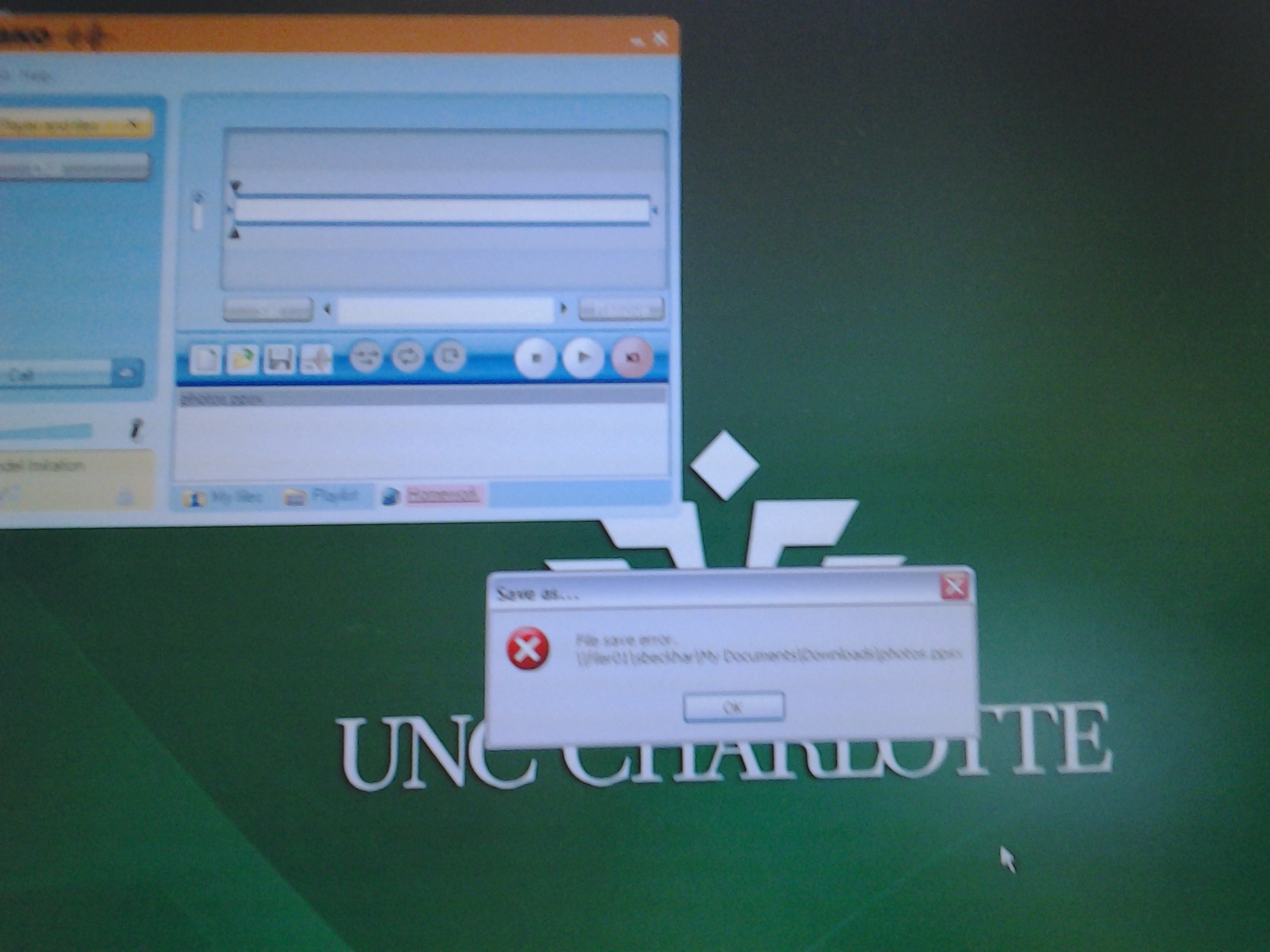
- tried to deploy as homework from the Sanako Study 1200 teacher station (also XP without the MoveSecurityAttributes key), resulting in a “file save” error:

- Additional context:
- sending files to students failed, but not to teachers;
- student had not run out of file space on the network share;
- students did not lack permissions to the Sanako network share in general;
- we did not run into issues with Sanako exam audio recordings which are sent from the student PCs to the network share.
- Resolution:
- adding HKLM\SOFTWARE\Microsoft\Windows\CurrentVersion\Explorer\MoveSecurityAttributes, DWORD ,1, to the computer the files originates from:
- first the office pc: this did not fix the issue.
- then the teacher PC: this seems to have fixed the issue:

- Here is hoping that this can fix your “file save”error also.
- adding HKLM\SOFTWARE\Microsoft\Windows\CurrentVersion\Explorer\MoveSecurityAttributes, DWORD ,1, to the computer the files originates from:
- Update: Also consult Raymond Chen’s "Wait, so does moving a file recalculate inherited permissions or doesn’t it?", and the hearty discussion that ensued.


Protected: Block common translator, webmail and/or social web sites during LRC class by loading a RUL file in Sanako Study 1200
Sanako homework files do not save
Permissions, and on your h drive? File space ? I can save, but students not only not ppts.
Tivoli TEM console connect error
- Problem: I seem to have lost the capability to connect to the TEM console from my Office PC, with this error:

- Root cause : This error is due to these credentials:

- Solution: add its to the email addy.


Tivoli TEM console connect error
- Problem: I lost the capability to connect to the TEM console from my Office PC, with this error:

- Solution: Use not your username, but your full email, even if it is an alias you did not know delivered email to you (its).



Questions? Read the About. Or just ask me a quick Our Databases: Resources with calendars -- Language learning material Moodle Sites, multimedia files -- films


FAQs for LRC student staff or for students or for teachers. To search our FAQs, in the browser addressbar, add after "https://plagwitz.wordpress.com/feed/?tag=faqs+/" "+TAG1" (from tag cloud below) OR "https://plagwitz.wordpress.com/feed/tag=faqs
&category_name=" "CAT1" (from category hierarchy below). OR search both categories and tags, and multiple TAGs/CATs (connect with "," for OR-search, with "+" for AND-search), like so: https://plagwitz.wordpress.com/feed/?tag=TAG1+TAG2+...TAGn&category_name=CAT1
+CAT2+...CATn"
Other ways to find help
If you cannot find it here, look there: 5,500 Language-Learning Links and Programs for learning or teaching 150 languages
Shortcuts:Our Lists, Our Maps, LRC Staff Moodle Site,LRC Project Moodle Site, 49erexpress, UNCC Moodle, Student Recordings: s:claslcslrcsanakostudent
Learning usage samples: Sanako oral exam, Kaltura webcam presentation, Dictation with speech recognition, Sanako written exam, Chinese and Japanese interactive stroke-order practice
Test the Sanako Installer, Webbrowser Popup Konfigurator for XP, or Windows7, faster LRC TeacherPC Log-in Let MS facilitate diacritics writing by installing for you US-International keyboard layout
This is my personal blog (Google+). The views expressed on these pages are mine alone and not those of my employer. The information in this weblog is provided “AS IS” with no warranties, and confers no rights.
 Thomas' Work Space