Archive
Archive for the ‘Learning-Tool-is-any’ Category
Putting 2 Manfroto and Cullman camera tripods and 2 Smith-Victor Lights back into circulation with repair parts from eBay and HomeDepot
2014/01/19
Leave a comment
- The Library handed us back circulation of equipment that supports production classes in film studies since they could not maintain the equipment in good state of repair. We are having a hard time to do that, too,
- and regularly seem to lose – since we have no library, but only student staff, likely even more – vital parts (despite plenty of training and (feed:)checklists)
- which we cannot get replaced through approved university procurement channels.
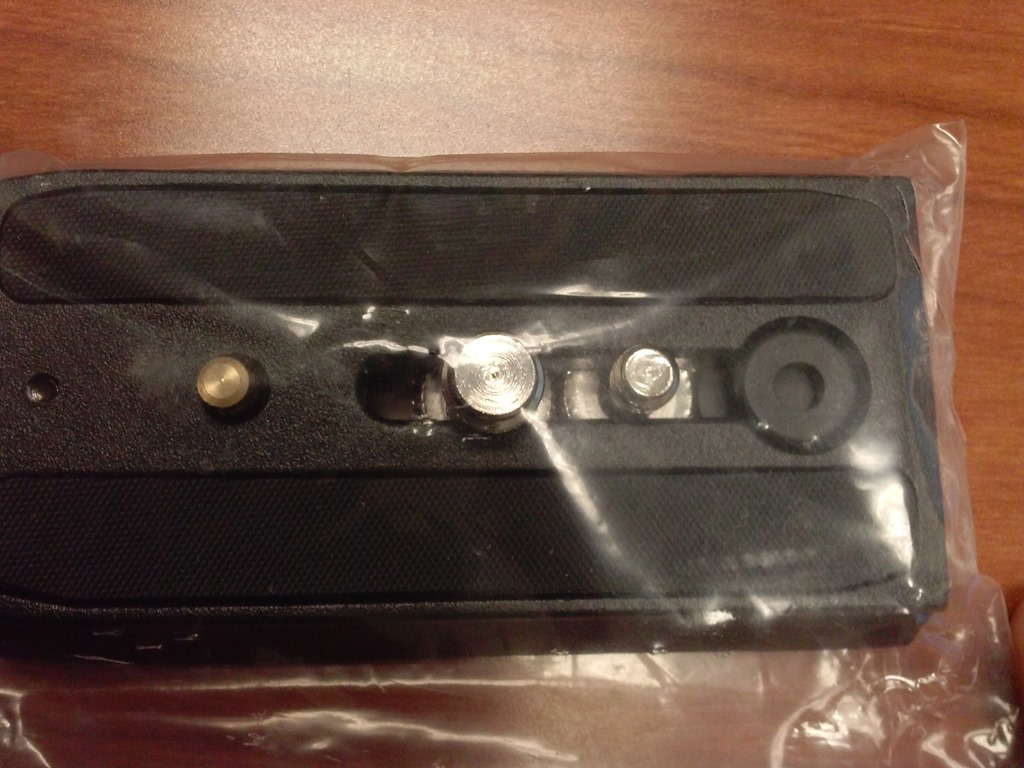
- Enter the local HomeDepot, which has an entire aisle dedicated to screws, bolts, nuts and wing nuts, and eBay, which provides reasonable search features if you specify your parts well. While we do not have part numbers, the first order attempt was delivered in short time and proved successful: Here are the broken lights (screws wing nuts has been replaced in the meantime):
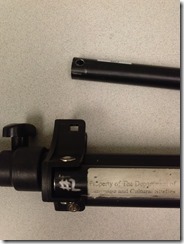
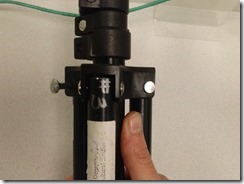
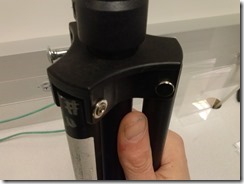
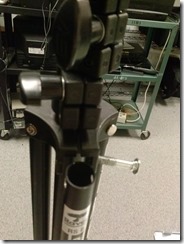
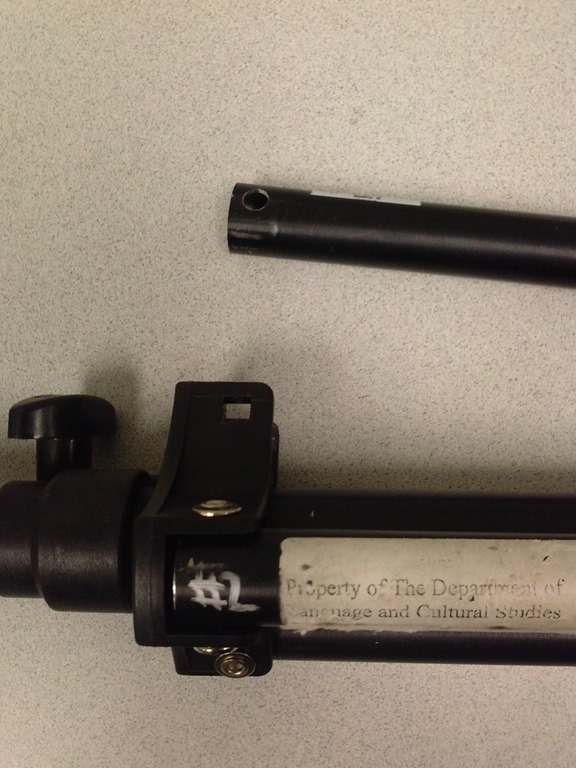
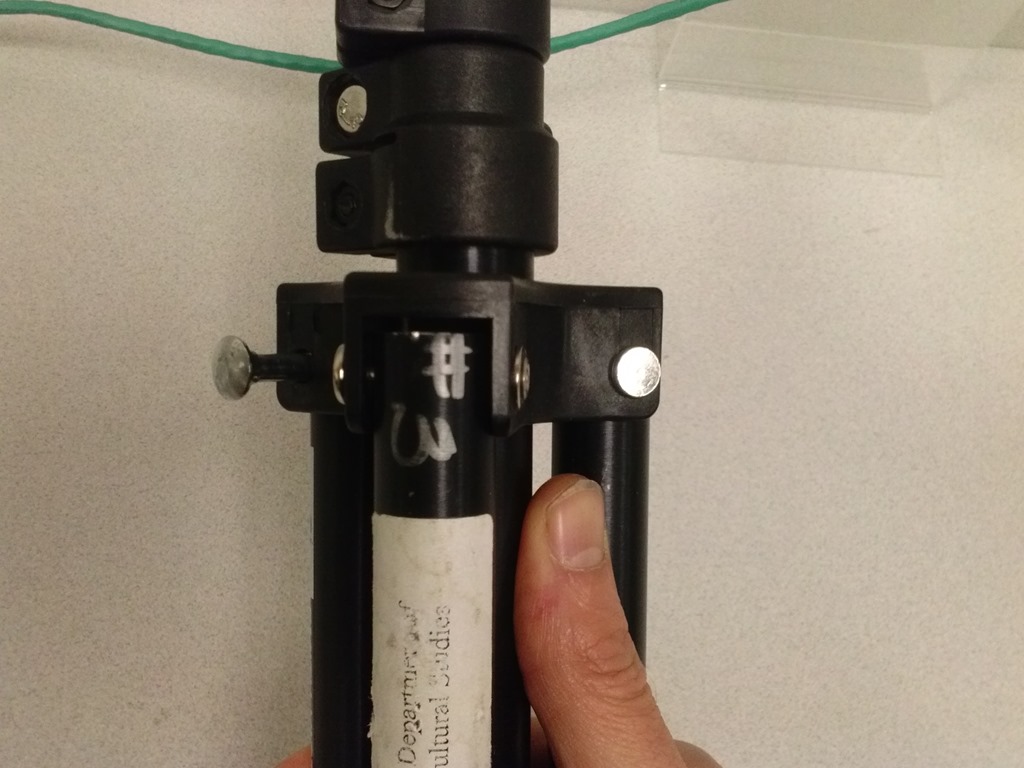
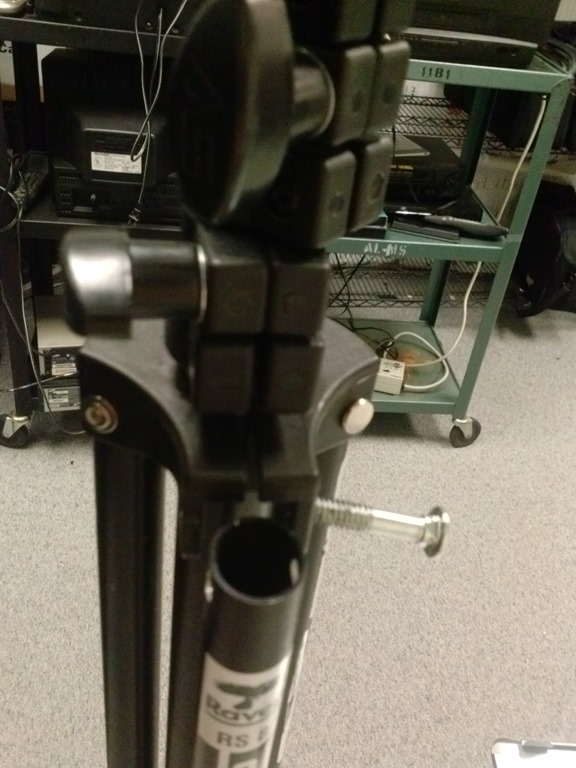
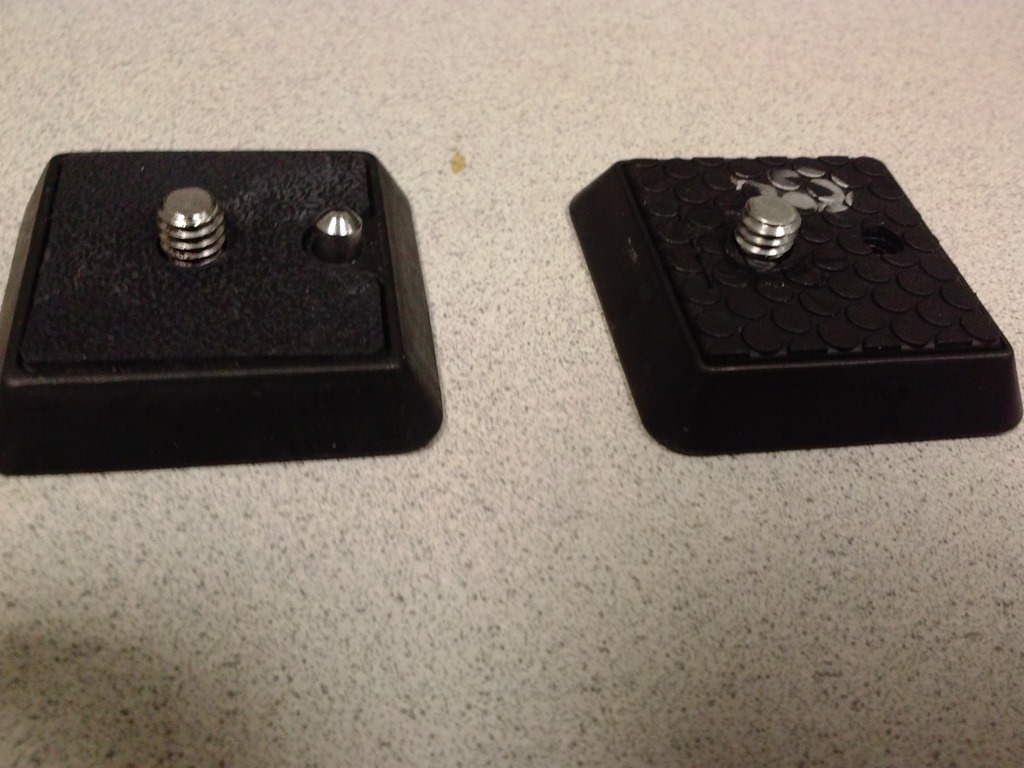
- Here are the the fixed tripods
- (still in the surplus bin, but no need: back into circulation):

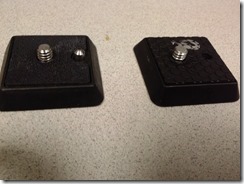
- and their original parts, and replacement parts from eBay:







How staff can connect their smart phones to Ninermail
2014/01/16
Leave a comment
Including Calendars, useful if you need to receive a reminder for your LRC bookings. It is all documented here (but the student instructions are on top of the search results, which may be confusing to some): http://itservices.uncc.edu/facultystaff-services/email/mobile.
“Server busy” dialogue on system startup and Speech recognition listening on by default
2014/01/14
Leave a comment
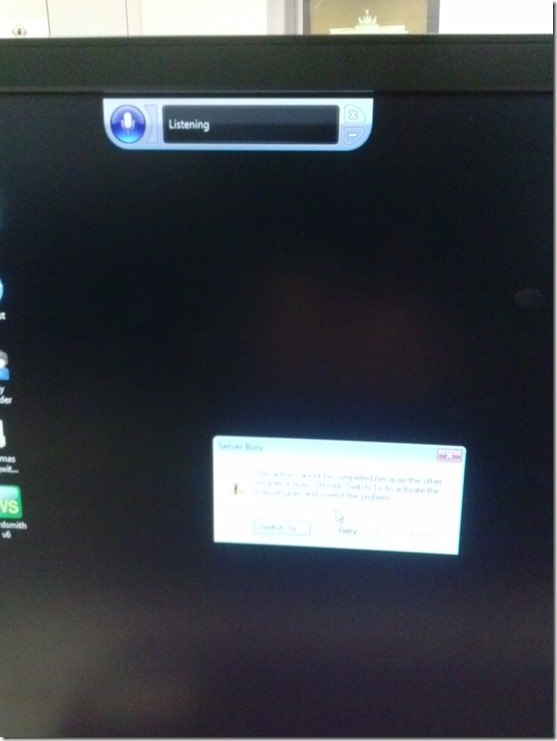
- How can one find the program that causes this error? It is not immediately obvious from the dialogue itself, including “Switch to”.
- Speech recognition should not be on (saying “listening”) by default (we have seen it freaking students out when it goes into command or typing mode).

Categories: e-infrastructure, os
image2014spring, speech-recognition
SDL-Trados 2011 configuration issues
2014/01/14
Leave a comment
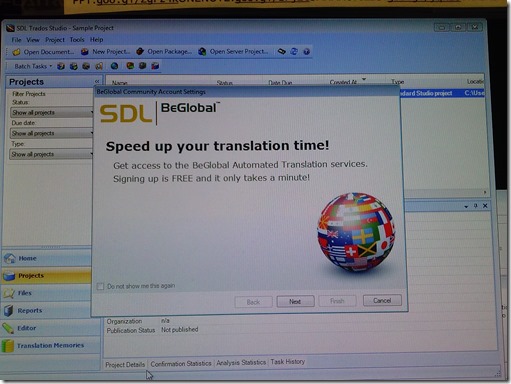
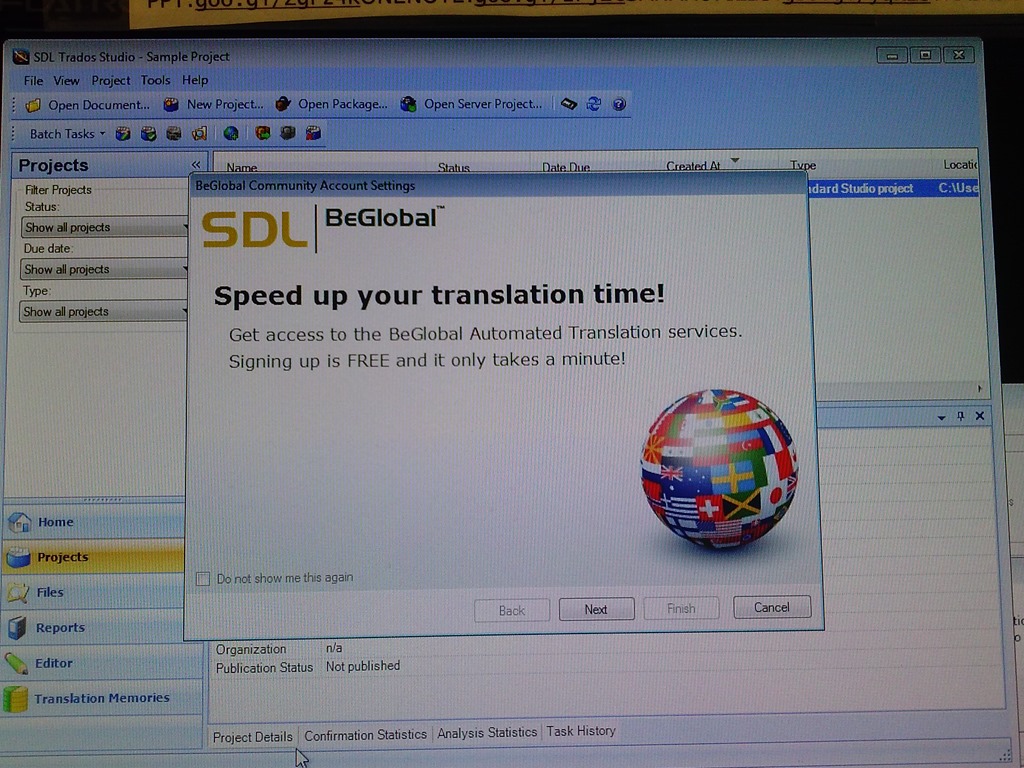
- This is on the teacher PC during a demo – student PCs may not display this behavior, but should be checked also):
- We do not need the demo on each login for each user (“do not show me this again”).
- We have a duplicate project?
- Screenshots:




Categories: e-languages, Translation, translation-software
image2014spring, sdl-trados
Positioning of Language Lab PCs needs improving
2014/01/11
3 comments
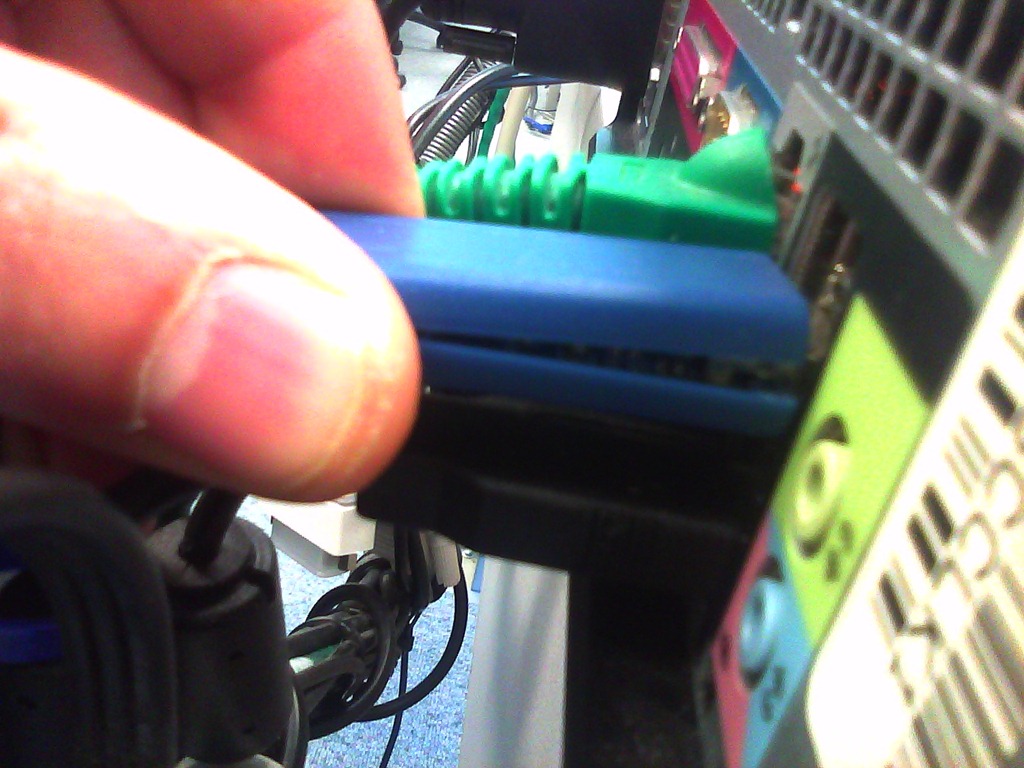
- Update: We worked around the issue with a male/female USB extension cord (black) to connect the Sanako USB connector (blue) into, this way, the whole setup can be aligned with the rear of the PC and won’t stick out and get in the way:

- Problem: Rear connectors of computers get disconnected or even damaged. Input (keyboard, mouse, microphone) and output devices (headset) get disconnected connected and therefore fails to work. Damaged equipment needs to be ordered and replaced, at considerable cost of time and money ($TBA per Sanako cable). It is too time-consuming to test equipment functionality (30 headsets and mice and keyboards) before each assessments and exam.
- Example of student in seat:
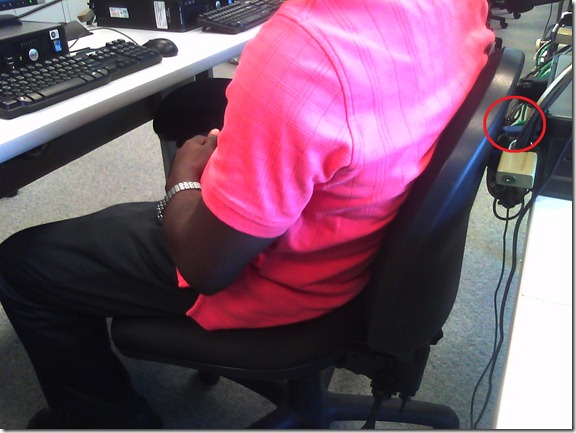
- We have observed these and similar damages regularly:


- Cause: Our language lab computer desks and rows are too narrow, for individual student sitting in front of the computer, not to mention classes moving in and out of their seats
- Other requirements:
- We need to have equipment plugged in the rear connectors of the computer and cable-tied to prevent students from trying to adjust or “fix” computers by re-plugging the equipment (often improperly, making them fail to work), and also because there is limited desk surface in front of the computers, given keyboard and mouse need to fit in front.
- For the functionality of the Sanako digital audio language lab system, we especially need to make sure, that the headset is plugged in on the same USB port in all computers.
- Solutionsthat we have
- already tried
- we have tied down the connectors with cable ties, but this has not worked sufficiently.
- yet to try: is there a way
- to permanently attach computers in a different, safer position on the existing furniture?
- or to buy and install different furniture, computers seated under desks inaccessible for end user and locked?
- already tried



Categories: e-infrastructure, Glitches&Errors, headphones, Photos, proposals, Student-Computers
furniture
Daily LRC walkthrough
2014/01/10
Leave a comment
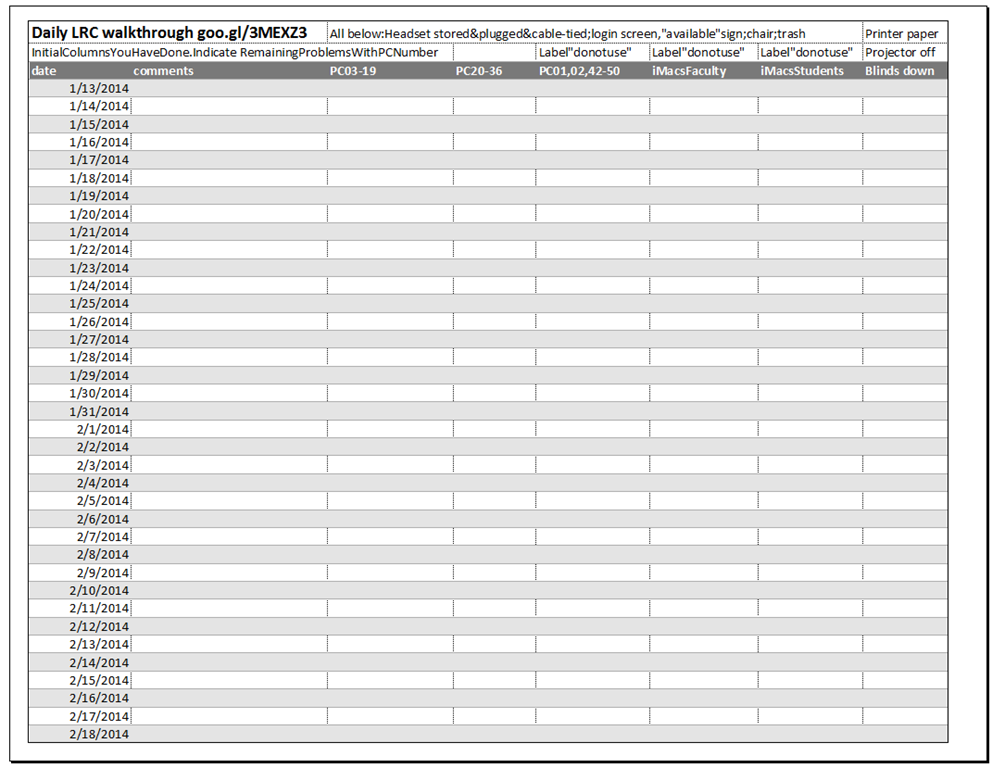
Take the clip board with this list, and, follow the instructions for the daily walkthrough, fill it out for the current row (= today’s date).
Categories: checklists, e-infrastructure, hardware, Spreadsheets
entrypoints
LRC headset tests
2014/01/10
Leave a comment
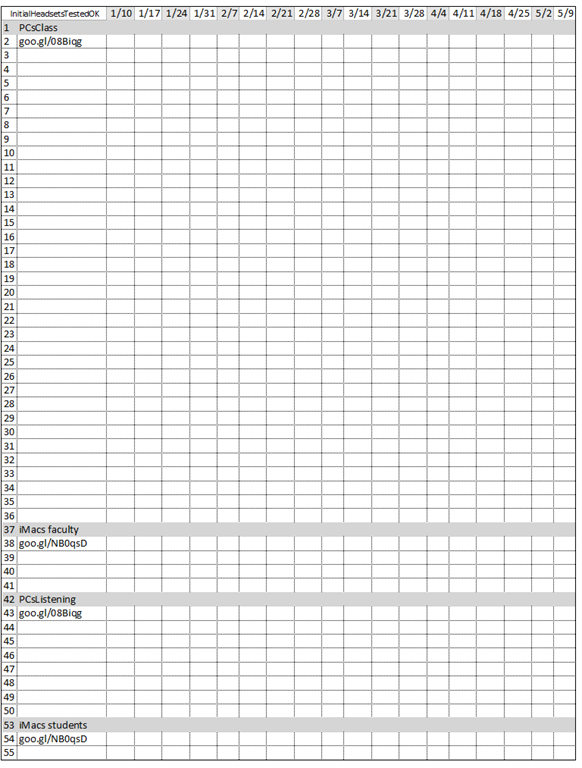
- To improve LRC readiness – given that headsets are the most prominent component of the language center, as well as a wear and tear part –,
- every Friday during the term (see column),
- a group of expert LRC assistants, armed with the above checklist on a clip board on the reception desk,
- tests each headset (see rows) in the LRC for functionality (play, record), using the procedure outlined in step-by-step instructions linked in the 2nd column from the left above
- and reports the test results on the clip board:
- upon success, puts tester’s initials,
- otherwise marks as “not ok”, e.g.
- “no plug”,
- ”no mic”, or “mic w/ static”
- “no sound”,
- etc.
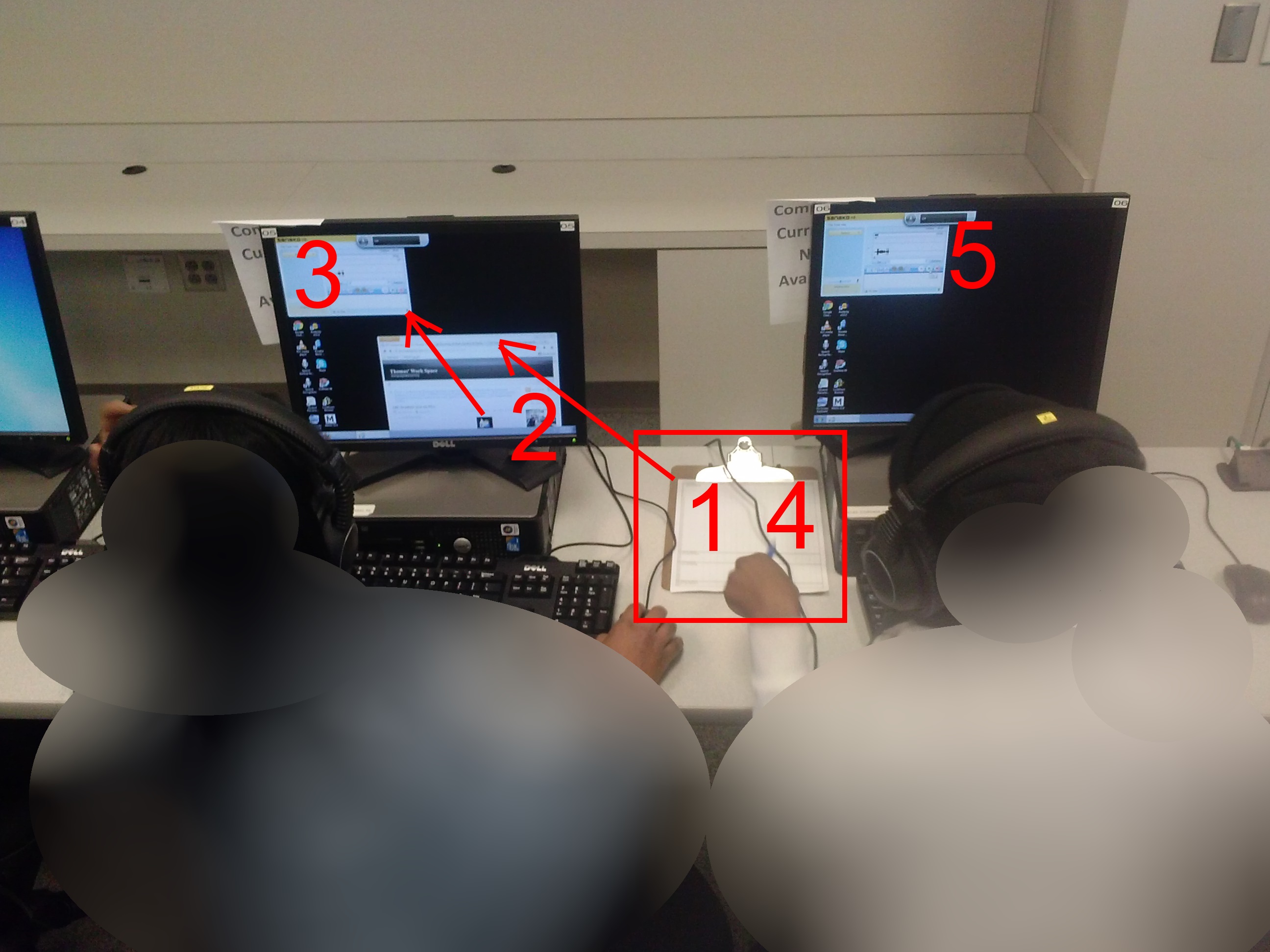
- LRC assistants should, as pictured:

- from the clipboard,
- access the instructions
- follow the instructions
- record the results
- while working side-by-side to cut the load in half.
- In addition (not pictured), they can log in on multiple computers and start working on the first pair while the last pair stills starts up.
Categories: audience-is-students, checklists, e-infrastructure, hardware, headphones, Spreadsheets
asset-management


Questions? Read the About. Or just ask me a quick Our Databases: Resources with calendars -- Language learning material Moodle Sites, multimedia files -- films


FAQs for LRC student staff or for students or for teachers. To search our FAQs, in the browser addressbar, add after "https://plagwitz.wordpress.com/feed/?tag=faqs+/" "+TAG1" (from tag cloud below) OR "https://plagwitz.wordpress.com/feed/tag=faqs
&category_name=" "CAT1" (from category hierarchy below). OR search both categories and tags, and multiple TAGs/CATs (connect with "," for OR-search, with "+" for AND-search), like so: https://plagwitz.wordpress.com/feed/?tag=TAG1+TAG2+...TAGn&category_name=CAT1
+CAT2+...CATn"
Other ways to find help
If you cannot find it here, look there: 5,500 Language-Learning Links and Programs for learning or teaching 150 languages
Shortcuts:Our Lists, Our Maps, LRC Staff Moodle Site,LRC Project Moodle Site, 49erexpress, UNCC Moodle, Student Recordings: s:claslcslrcsanakostudent
Learning usage samples: Sanako oral exam, Kaltura webcam presentation, Dictation with speech recognition, Sanako written exam, Chinese and Japanese interactive stroke-order practice
Test the Sanako Installer, Webbrowser Popup Konfigurator for XP, or Windows7, faster LRC TeacherPC Log-in Let MS facilitate diacritics writing by installing for you US-International keyboard layout
This is my personal blog (Google+). The views expressed on these pages are mine alone and not those of my employer. The information in this weblog is provided “AS IS” with no warranties, and confers no rights.
 Thomas' Work Space