Archive
Archive for the ‘Notes’ Category
What to do if university websites seem to be not working, nothing happens when you click?
2013/09/14
Leave a comment
- Try and get the popup blocker on your office or lab PC fixed here (if you are on Windows 7 here, you need to use the 64-bit version): choose "Run" – preferable to “Download” and "Open".
- Then use Internet Explorer to try again what you were trying to do on one of our websites.
- Background:
- My users have been reporting for a while problems getting simple things done on campus websites. Last week I observed a few in their office and in the LRC being stalled by mis- or non-configured popup blocker, and not noticing the cause, being flummoxed.
- The above little program configures the built-in internet explorer popup blocker to allow popups from websites that are part of our infrastructure.
- It does not attempt to configure other popup blockers, whether inside or outside of this web browser.
- The end user could also try
- (holding the key:) CTRL-click on the link where your web browsing fails.
- Or configure the popup blocker manually.
- However, it would likely be best if this were done via GPO…
Our Sanako Study 1200 tutor is “not responding” or crashes
2013/09/11
Leave a comment
- Update: We have been advised to
- change the Windows Color Scheme to Basic (especially removing the desktop background on both client and teacher) and
- set the Tutor / Preferences / to “Slow WLAN”
- possibly update the video driver on the teacher station, using Windows Update or, preferably, the manufacturer’s version
- try to replicate the problem, but keep the Sanako logs.
- Now we are trying to replicate he issue without the teacher station frozen, so that we have access to the logs.
- change the Windows Color Scheme to Basic (especially removing the desktop background on both client and teacher) and
- 2 hard crashes during one class
- The first one
- on “Autoscanning” (cycling screensharing connections to student PC’s)
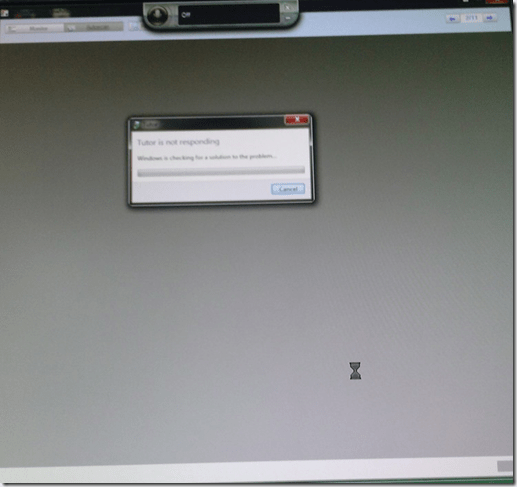
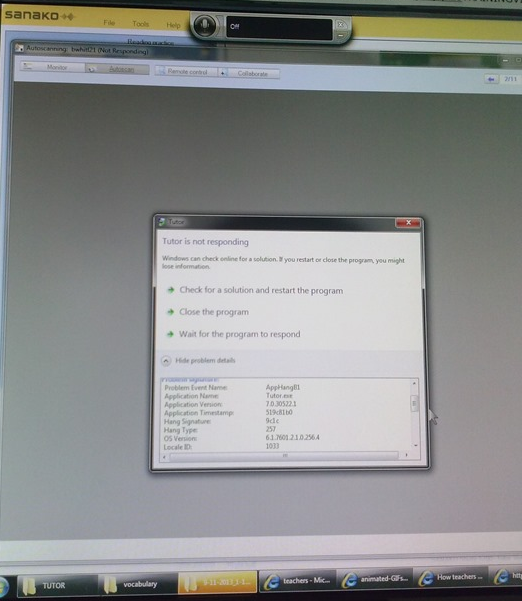
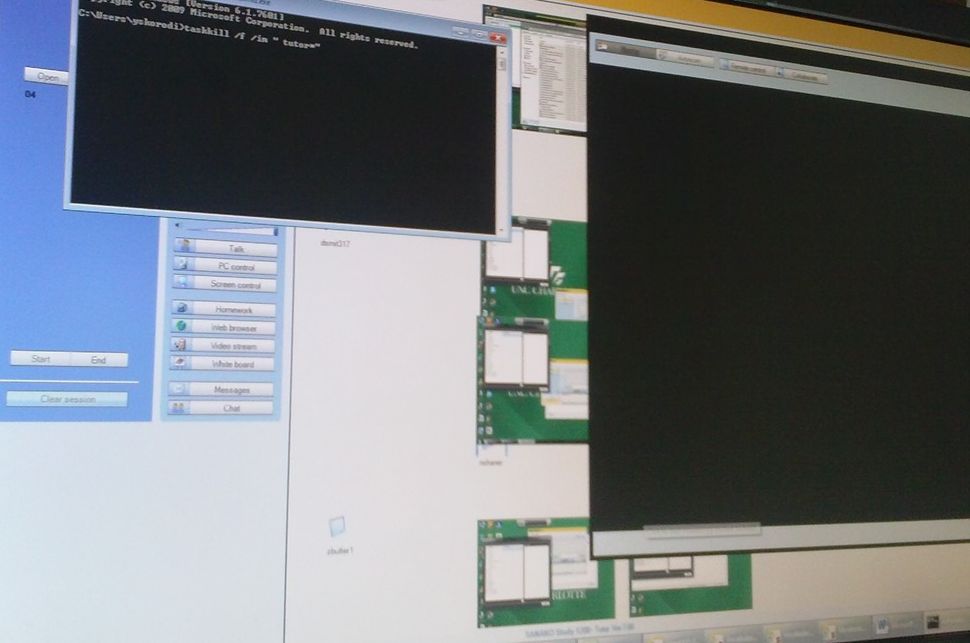
- The first one took me by surprise, the computer hung completely, I could not bring up process manager nor taskkill the tutor, had to power cycle, at considerable interruption to the the class.
- However, here I got some problem details from windows:

- The first one
- The 2nd one
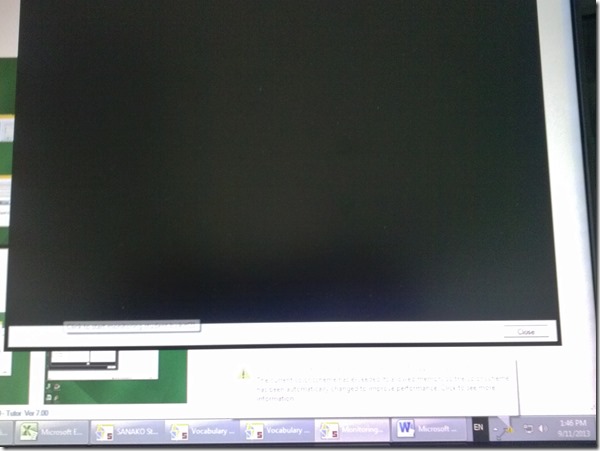
- also occurred during “Autoscanning”.
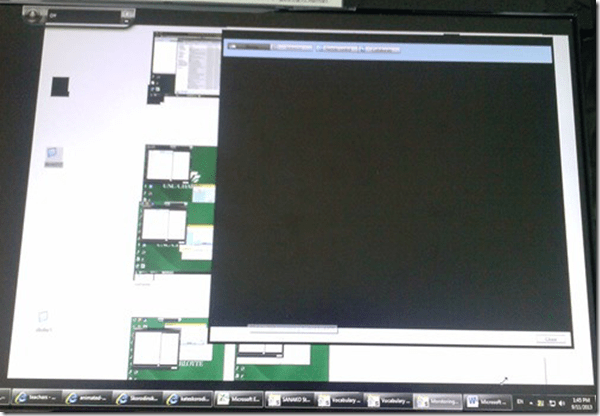
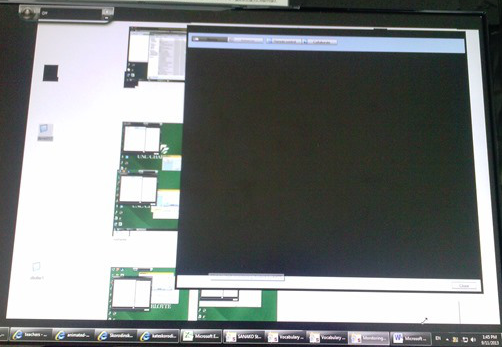
- This time, however, not the Autoscan itself brought the system down, but only when I tried to resize the autoscan window by dragging and dropping the border (video-intensive?).
- I got a performance notification from Windows (not legible here, but something to the amount of “your computer is dangerously slow”):
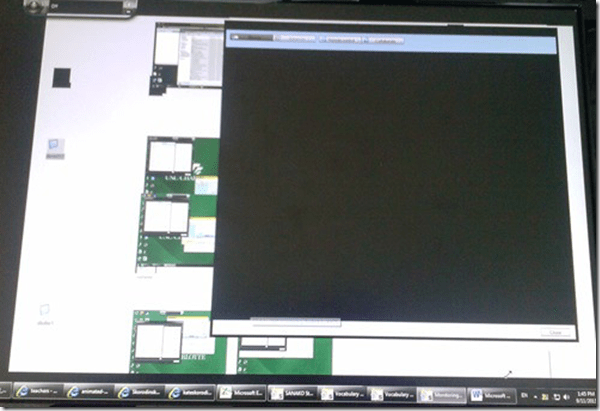
- I managed to task kill the tutor:
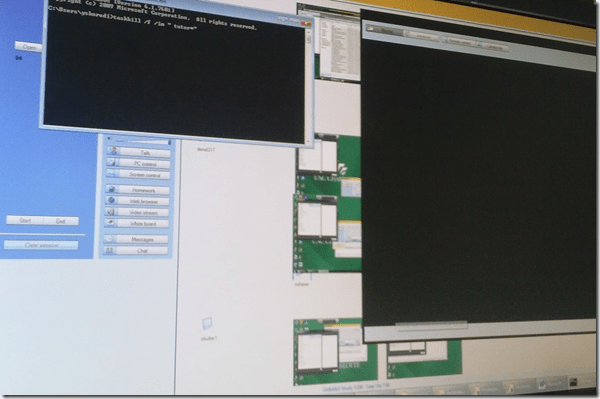
- I got some more diagnostics help from Windows which notified me that my “Windows Color scheme” had to be downgraded to “Basic”:
- also occurred during “Autoscanning”.
- Dell Optiplex 760 (B6CCLK1)
- 4GB,
- graphics chip: Y103D Card, Graphics, 256, Loop, OUGA6; original driver Video: AMD Radeon HD3450 256M, v.8.593 WHQL Vista, A05 with DUP (101 MB)
- dual screen (1024*768 secondary, 1920*1080 primary – I remember having hard hangs on this system when attempting to drag Autoscan Windows of Sanako Stuy 1200 Tutor ver. 5.2 across 2 dual screens of the same size on Windows XP )
- Win 7 (64bit).
- No eventvwr or Sanako log data since PC was frozen…

How to work around a possible bug of Sanako Study 1200 collecting student files opening multiple explorer windows?
2013/09/09
Leave a comment
- Problem: To great confusion of my teachers, Sanako version 7 often seems to open multiple collection windows (1 per student recorded?) when collecting files, like so:
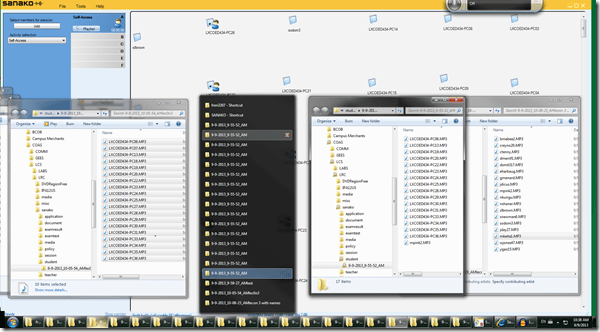
- Possible Cause: From the screenshot above,
- where only 1 collection event out of 3 shows this undesirable behavior,
- and the 2 that did not, collected all file either under student computer name or all under student login name:
- is it possible that Sanako has a bug which causes it to open one Windows explorer window per student file collected, if
- some students are displayed under their computer name,
- while other are displayed under their login name?
- This is aggravated by another limitation (or bug): Students that come online after I chose show student computer names, are not affected by this setting, but display with their login name (the default).
- Possible Workaround:
- Make sure all students display under the same naming scheme.
- This is best achieved by waiting until every student icon shows up in the classroom map before changing the classroom map student display option.
Categories: digital-audio-lab, e-languages, Glitches&Errors
naming, sanako-study-1200
"Server busy” error?
2013/09/08
Leave a comment
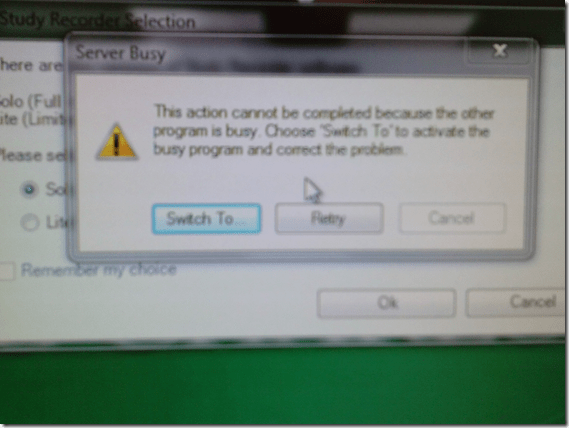
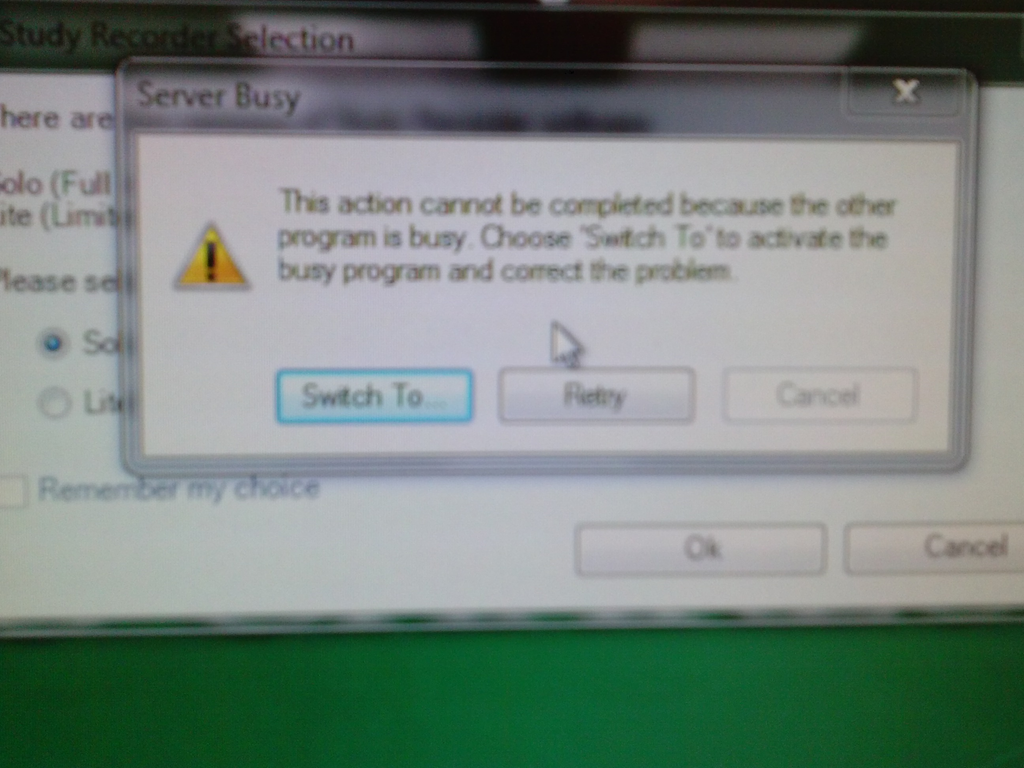
- This dialogue appears regularly on student log in:
- Update: This seems to have disappeared in the 2nd half of the term.
Categories: e-infrastructure, Glitches&Errors
7, image2013, ms-windows
First steps with the Sanako Study 1200 vocabulary test activity
2013/09/06
Leave a comment
- Click to watch an example below of the new (in version 6, we are now on 7) activity:”Vocabulary Test”
 which allows you to administer during a face-top-face-class just exactly what its name says –
 - with these benefits:
- needing no paper,
- digital contents
- “can” and reuse past tests with ease
- TBA: can you swap target and source language?
- blending automated and teacher feedback:
- the example I give below is based on what the teacher gave me: single words and very short idiomatic expression.
- You can use longer phrases (I prefer teaching and studying vocabulary in context), but then it become increasingly unlikely that the automated feedback is accurate (The automated feedback is limited to exact, up to case-insensitive string matching – now distance metrics).
- You can override the automated feedback before sending the results back to the student. This is somewhat practical, since the submitting is fast and not all students will finish at the same time, and if you provided students with the follow up activity after submission, The teacher overriding the feedback gets unpractical in large classes, so it is recommended restricting the test to short source/target language pairs. Also be clear about or minimize punctuation and, if required, the format of other metalinguistic information (gender, plural forms etc).
- Issues:
- not communicative, how can this be used or fitted in with other activities to make best use of a fully computerized face-to-face teaching environment?
- simplistic autocorrecting algorithm (case-insensitive, otherwise exact, right or wrong, my way or the highway” string matching)
- no tracking, no memory, personalization only via the other built-in Sanako personalization features (groups – to be left to the teacher to handle)
- no learning content – at least no vocabulary learning materials usable out of the box for us (TBA).
New issues with Respondus-lockdown-browser
2013/09/04
Leave a comment
- Problem description:
- Upon starting the quiz, Students are asked to select the right Moodle server (assuming Moodle2 is the right answer – how long will this step be necessary?)
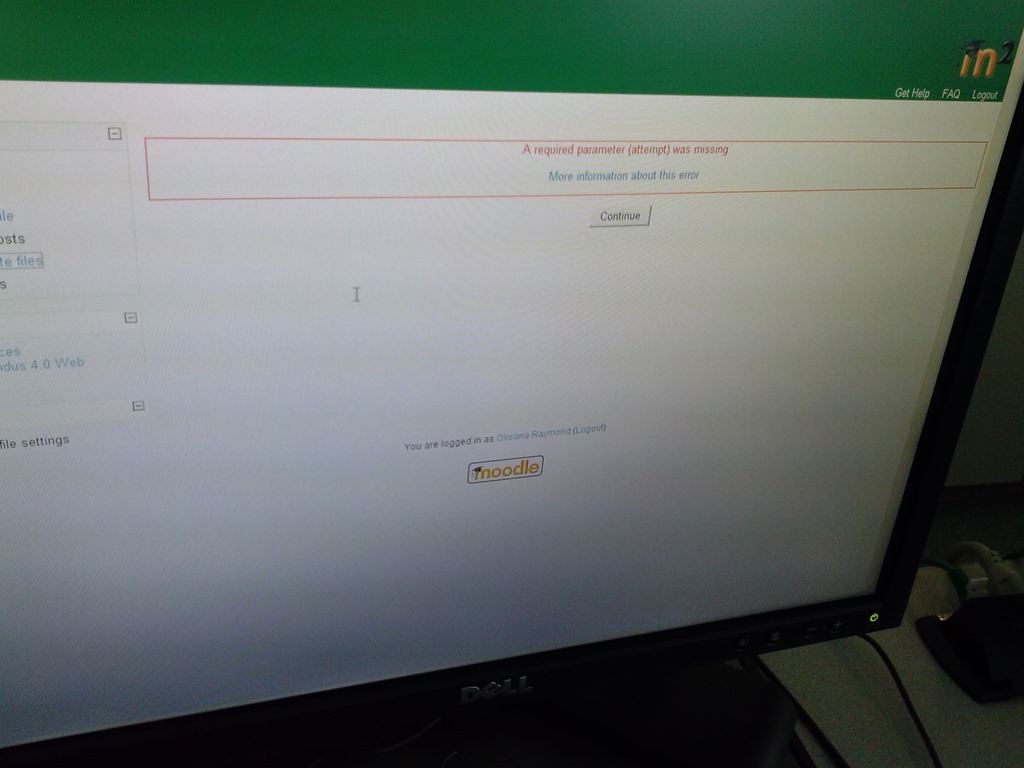
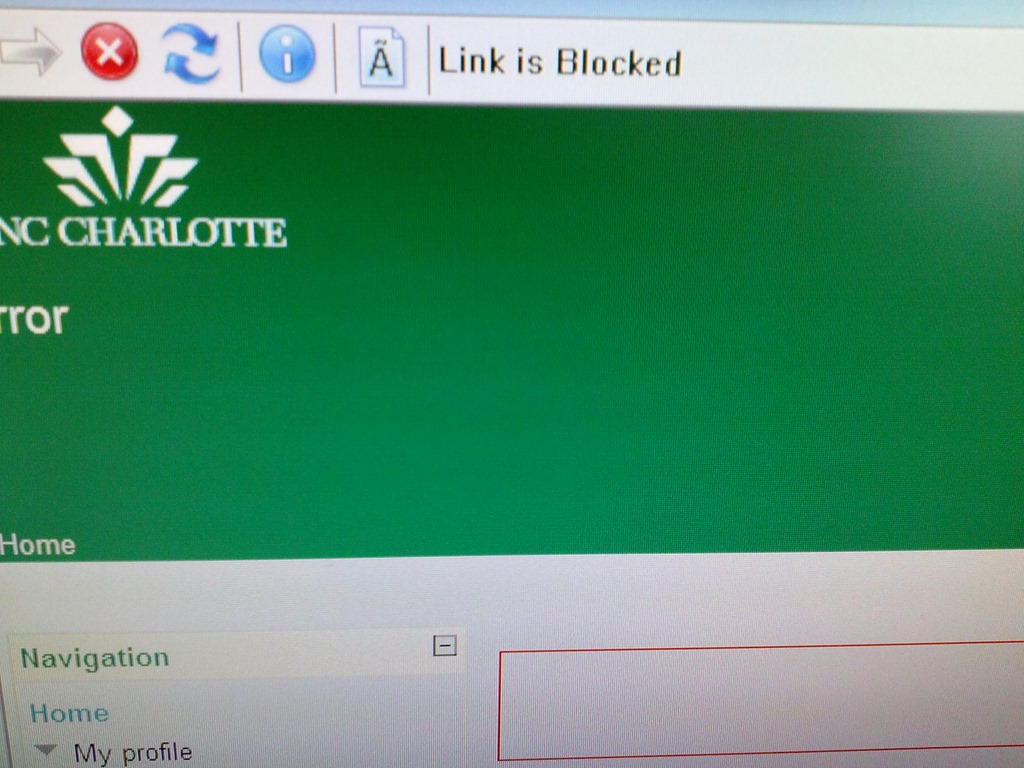
- When they are finished with the quiz, Students receive a combined “Ar required parameter is missing” (a link with “more information on this error” is offered underneath the red error message, but cannot be opened) and “Link is blocked” error

- before they reach the “SAVED” screen with the “submit all and finish”button: Meaning their attempt was not saved and since it cannot be submitted, will be lost.
- When logging in on a different computer, and starting the quiz in Lockdown browser, it tells students that the attempt is in progress,
- upon continue, they have to start afresh (nothing has been saved).
- This is on version from Dec 6 , 2012.

- Upon starting the quiz, Students are asked to select the right Moodle server (assuming Moodle2 is the right answer – how long will this step be necessary?)
- Workaround: Restarting the quiz on a different computer has been the best workaround I have seen so far.


Categories: French, Learning-logs, lms
moodle, Respondus-lockdown -browser
Check today’s date if you’re the only one in your Saba centra class
2013/09/04
Leave a comment
-
And if your neighbors do not have problems connect to Saba centra.
-
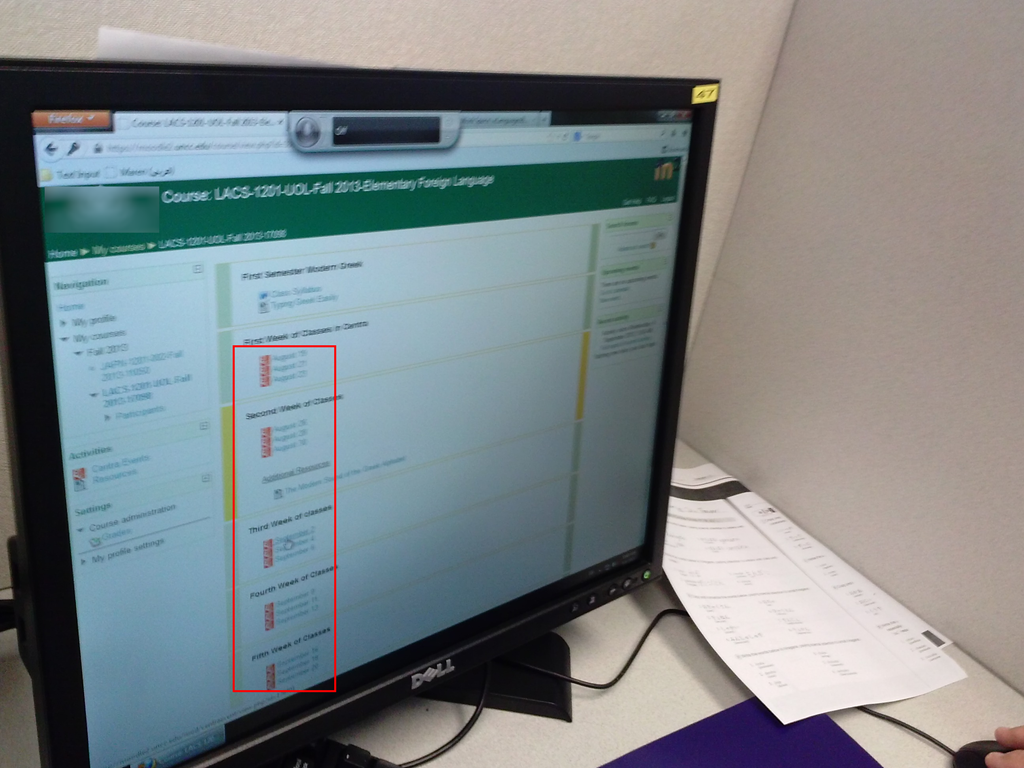
Your teacher may have put one Saba centra link for every class session, like in the list of links you can see in the center column here:

- You have to click on today’s one to participate.


Questions? Read the About. Or just ask me a quick Our Databases: Resources with calendars -- Language learning material Moodle Sites, multimedia files -- films


FAQs for LRC student staff or for students or for teachers. To search our FAQs, in the browser addressbar, add after "https://plagwitz.wordpress.com/feed/?tag=faqs+/" "+TAG1" (from tag cloud below) OR "https://plagwitz.wordpress.com/feed/tag=faqs
&category_name=" "CAT1" (from category hierarchy below). OR search both categories and tags, and multiple TAGs/CATs (connect with "," for OR-search, with "+" for AND-search), like so: https://plagwitz.wordpress.com/feed/?tag=TAG1+TAG2+...TAGn&category_name=CAT1
+CAT2+...CATn"
Other ways to find help
If you cannot find it here, look there: 5,500 Language-Learning Links and Programs for learning or teaching 150 languages
Shortcuts:Our Lists, Our Maps, LRC Staff Moodle Site,LRC Project Moodle Site, 49erexpress, UNCC Moodle, Student Recordings: s:claslcslrcsanakostudent
Learning usage samples: Sanako oral exam, Kaltura webcam presentation, Dictation with speech recognition, Sanako written exam, Chinese and Japanese interactive stroke-order practice
Test the Sanako Installer, Webbrowser Popup Konfigurator for XP, or Windows7, faster LRC TeacherPC Log-in Let MS facilitate diacritics writing by installing for you US-International keyboard layout
This is my personal blog (Google+). The views expressed on these pages are mine alone and not those of my employer. The information in this weblog is provided “AS IS” with no warranties, and confers no rights.
 Thomas' Work Space