Archive
Posts Tagged ‘moodle’
How a student can easily complete an audio recording assignment in Moodle, using the new NanoGong plugin
2013/10/17
Leave a comment
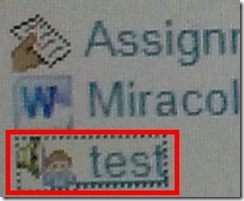
- Open your assignment (note the loudspeaker/dummy icon for NanoGong assignments/) from the Moodle landing page.
- Unfortunately, there are a considerable number JAVA warning dialogues to bypass during NanoGong activities before you can even see the recorder plugin on the page, and may be more when you try to submit.
- Once you are on the NanoGong assignment page: click red button to record,
![image_thumb[10]](https://thomasplagwitz.com/wp-content/uploads/2013/10/image_thumb10_thumb.png?w=400&h=278 "image_thumb[10]")
- Make sure the volume meter shows input when speaking (loud enough) or playing back:
![image_thumb[13]](https://thomasplagwitz.com/wp-content/uploads/2013/10/image_thumb13_thumb1.png?w=506&h=364 "image_thumb[13]")
- After recording, submit:

- After submitting,
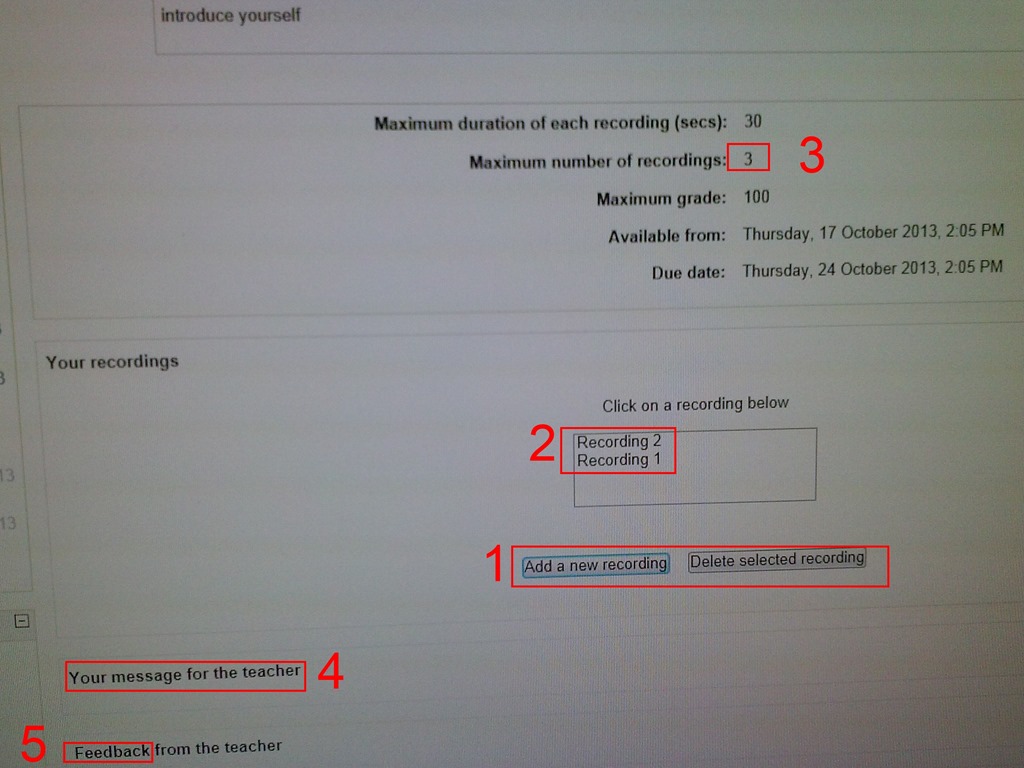
- You can still edit your submission, by
- (1) deleting your recording or
- re-adding – or (provided your teacher’s assignment allows for (3) multiple recordings) just adding – (2) your recordings
- or adding a (4) message to the teacher
- you can also revisit this page to read (5) feedback the teacher gives you about your recording:
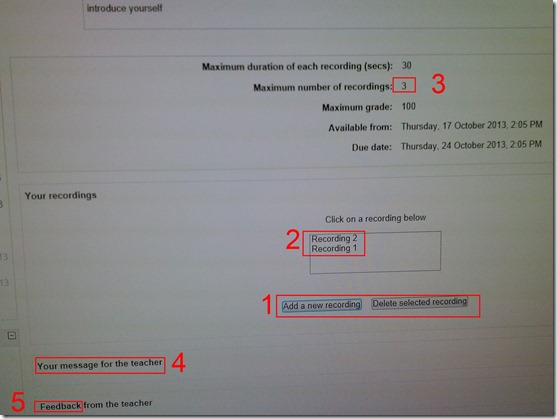
- You can still edit your submission, by
- Experiencing issues? Check troubleshooting page here.
![image_thumb[10]](https://thomasplagwitz.com/wp-content/uploads/2013/10/image_thumb101.png "image_thumb[10]")
![image_thumb[13]](https://thomasplagwitz.com/wp-content/uploads/2013/10/image_thumb132.png "image_thumb[13]")

Categories: Arabic, assignments, audience-is-students, English, Farsi, French, German, Greek (modern), Hebrew, Hindi, Italian, Japanese, Korean, lms, Mandarin, multimedia-recording, Polish, Portuguese, Russian, Spanish, Speaking, Swahili, Yoruba
moodle, nanogong
How a teacher can easily assign an audio recording in Moodle, using the new NanoGong plugin
2013/10/17
Leave a comment
- We are back in business with easy audio recording assignments in the LMS, thanks to NanoGong – the free recorder I recommended when first starting here – now being available in MOODLE (presumably with the Upgrade to Moodle 2, I almost missed that….)
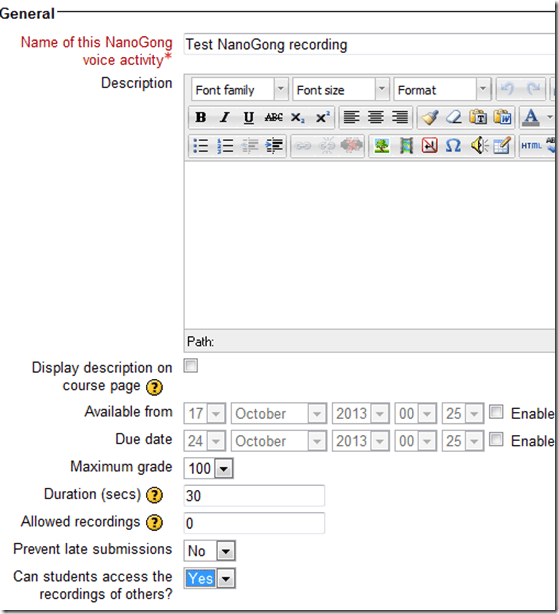
- To assign, click “turn editing on”, “Add activity or resource”, select “NanoGong voice activity”, as pictured below:

- There are a few interesting options:
- you can limit the duration
- you can limit the number of recordings (attempts?) allowed (0 is unlimited)
- You can let students listen to each other recordings. (Is there a rating feature that can be combined with this?)
- And this is what
- you will see (TBA:read on for how to listen to student submissions, give feedback and grade.)

- you will see (TBA:read on for how to listen to student submissions, give feedback and grade.)
- your students will see…


Categories: Arabic, assignments, audience-is-teachers, e-languages, English, Farsi, French, German, Greek (modern), Hebrew, Hindi, Italian, Japanese, Korean, lms, Mandarin, multimedia-recording, Polish, Portuguese, Russian, Spanish, Speaking, Swahili, Yoruba
moodle, nanogong
Use Moodle 2 Forums’ Mail Now Option to speed up communication
2013/10/04
Leave a comment
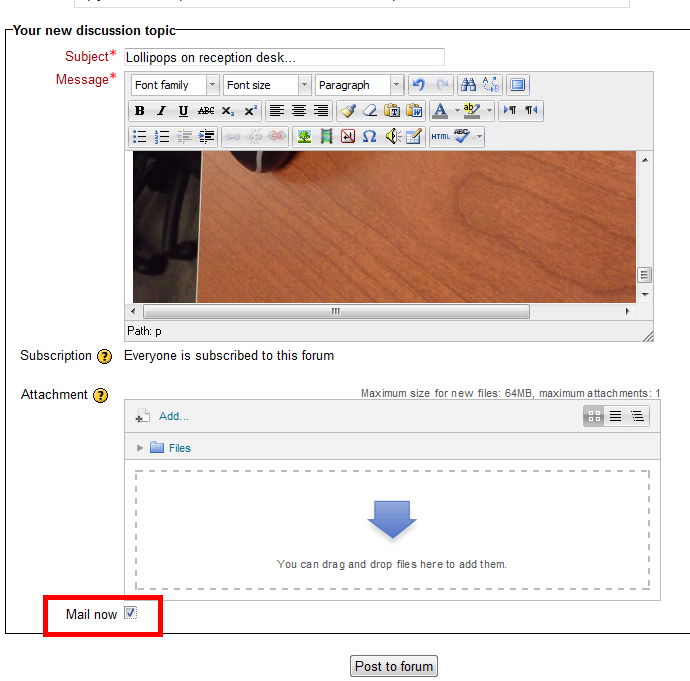
- The “Mail Now” checkbox is still there, just the location has changed, compared with Moodle 1..9.:
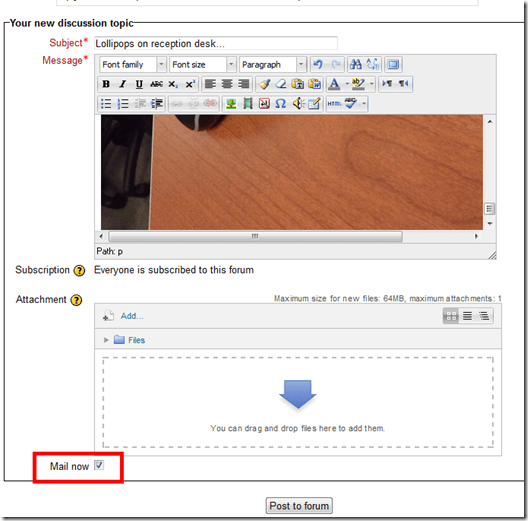
- Even without “Mail Now” checked, your post goes immediately to the forum – but on the forum, you can still edit it (if you didn’t proof read etc.).
- Email, however, you cannot recall after sending it (well, MS-Exchange email you can, but not Moodle email). That’s why “Mail Now” tries to provide a safety net for emailed forum messages.
- That Forum messages are emailed (“notifications”) is a function of the subscription of users to a forum, which is (“force subscription”) the default, but can be changed in the forum settings.
- If you try to use the Moodle forum as a mailing list and/or real-time messaging system (like we do with the LRC Moodle as groupware for LRC staff), checking “Mail now” is recommended.
If you get an error when trying to edit your Moodle settings…
2013/10/03
Leave a comment
- Like this: “Error: Database connection failed It is possible that the database is overloaded or otherwise not running properly. The site administrator should also check that the database details have been correctly specified in config.php”
- Try click on “Edit settings” again. It may well work the second time (overload?).
Categories: Glitches&Errors, lms
moodle
How to work around Saba Centra not starting by using attend in browser
2013/10/02
Leave a comment
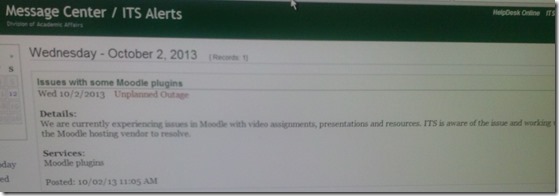
- Symptom: When you click on your Saba Centra Event in Moodle, you get only a blank frame within Moodle.
- Workaround:
- On your Moodle course page, in the "Activities" block, click the "Centra Events" link.
- Click the "Attend in Browser/Download Recordings" link on top.
- A new window, My Schedule, opens and there are 4 tab across the top: Upcoming, Ongoing, Recordings, Past.
- You will need to check the Upcoming, Ongoing and Past tabs to find your session.
- Click the "Attend in Browser" link. If it works, this is what the result looks like:

- This is per advise from ITS/CTL. They are still looking for root cause and a permanent solution for this campus-wide issue.


New issues with Respondus-lockdown-browser
2013/09/04
Leave a comment
- Problem description:
- Upon starting the quiz, Students are asked to select the right Moodle server (assuming Moodle2 is the right answer – how long will this step be necessary?)
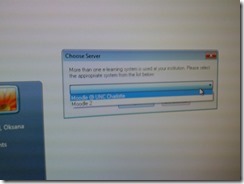
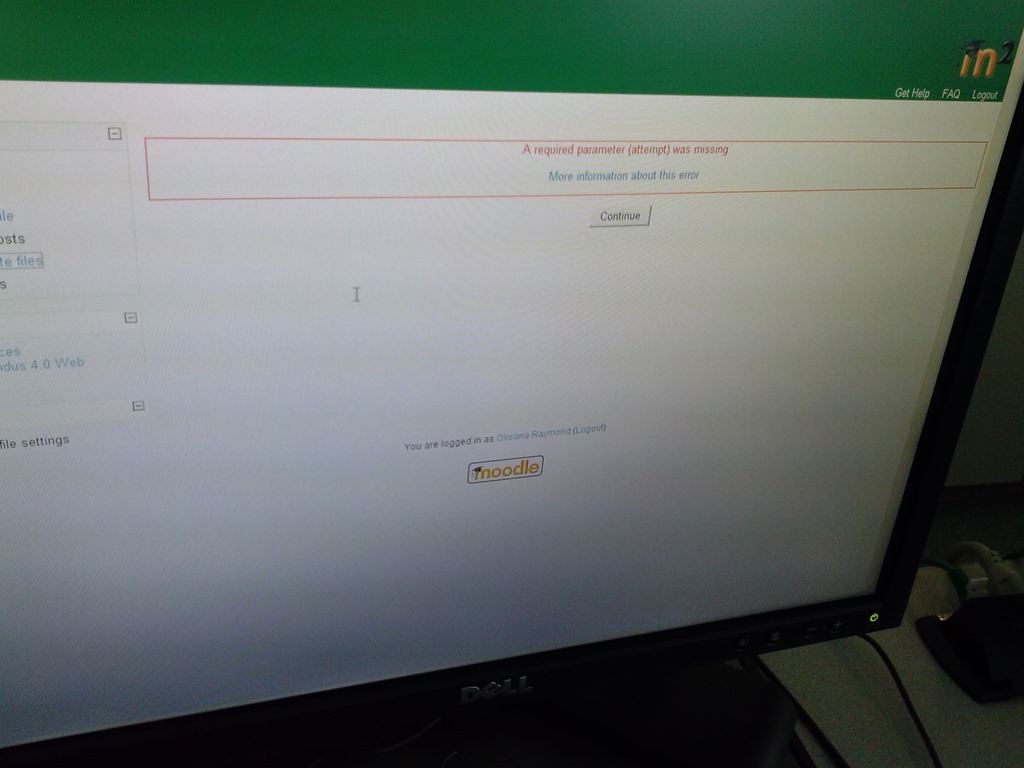
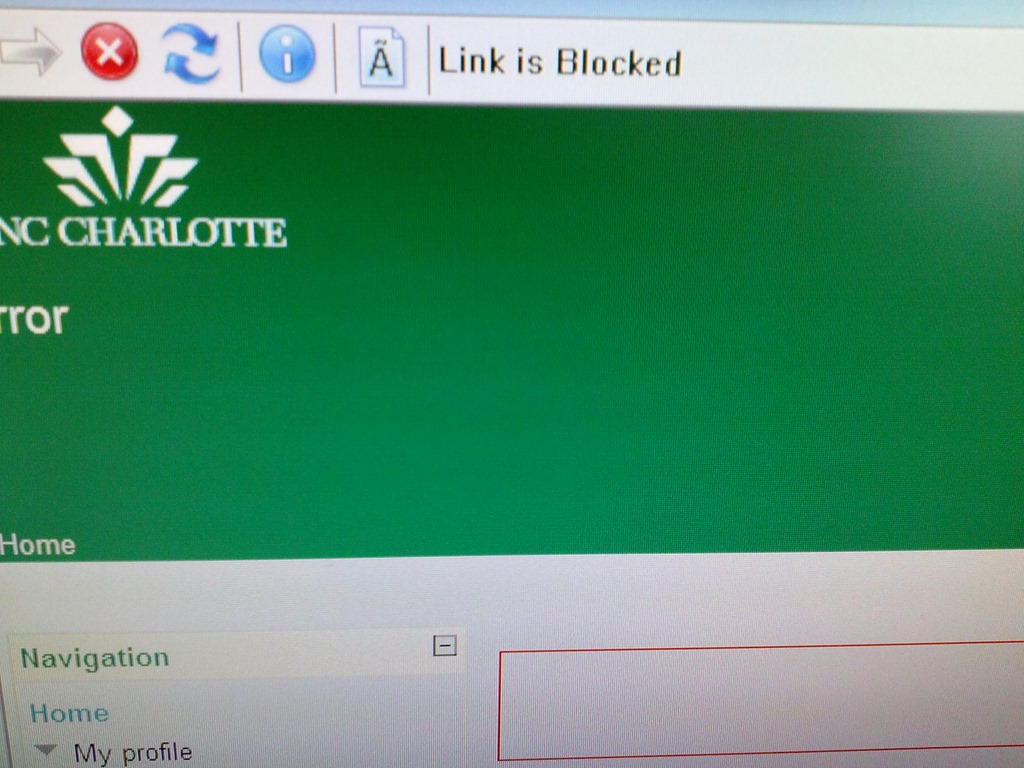
- When they are finished with the quiz, Students receive a combined “Ar required parameter is missing” (a link with “more information on this error” is offered underneath the red error message, but cannot be opened) and “Link is blocked” error

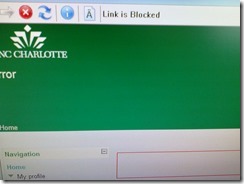
- before they reach the “SAVED” screen with the “submit all and finish”button: Meaning their attempt was not saved and since it cannot be submitted, will be lost.
- When logging in on a different computer, and starting the quiz in Lockdown browser, it tells students that the attempt is in progress,
- upon continue, they have to start afresh (nothing has been saved).
- This is on version from Dec 6 , 2012.

- Upon starting the quiz, Students are asked to select the right Moodle server (assuming Moodle2 is the right answer – how long will this step be necessary?)
- Workaround: Restarting the quiz on a different computer has been the best workaround I have seen so far.


Categories: French, Learning-logs, lms
moodle, Respondus-lockdown -browser
Check today’s date if you’re the only one in your Saba centra class
2013/09/04
Leave a comment
-
And if your neighbors do not have problems connect to Saba centra.
-
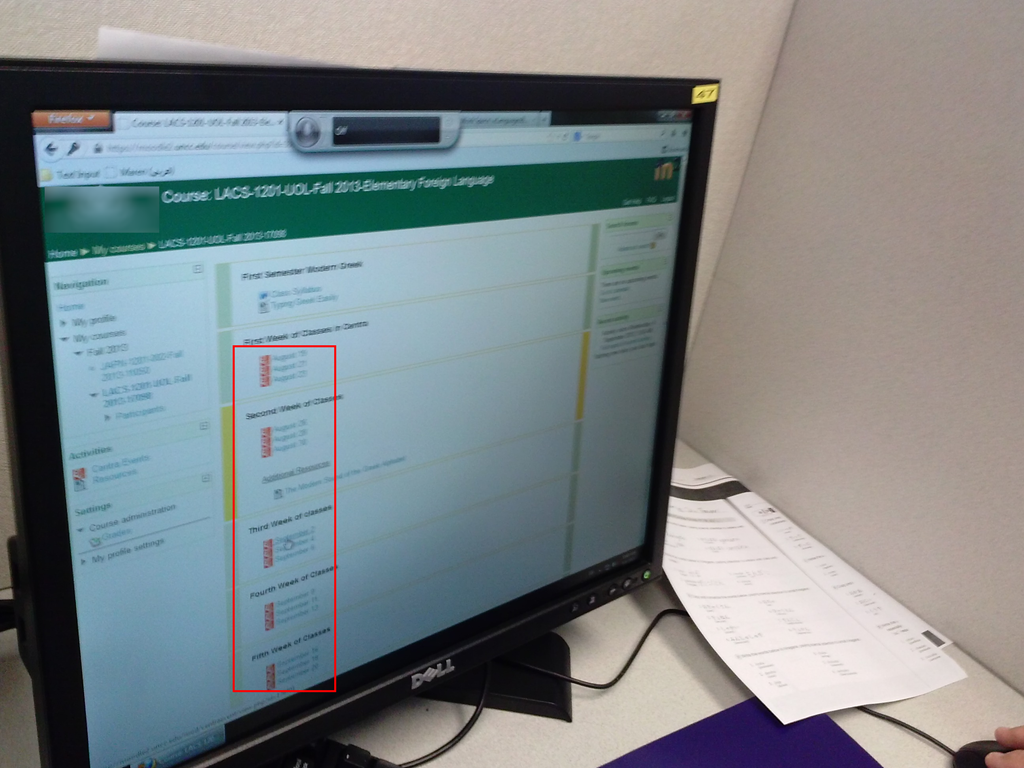
Your teacher may have put one Saba centra link for every class session, like in the list of links you can see in the center column here:

- You have to click on today’s one to participate.
How to access your Saba Centra session outside of Moodle
2013/08/19
Leave a comment
- Watch this video on how Access a session link or create a new Centra event on http://centra.uncc.edu instead of Moodle: http://screencast.com/t/4glUbhJs. This shows you how to:
- if you already create the event:
- send guest links to your already
- lead :
![clip_image002[4]](https://thomasplagwitz.com/wp-content/uploads/2013/08/clip_image0024_thumb.gif?w=600&h=314 "clip_image002[4]")
- create a Saba-Centra event
- Information is courtesy of the CTL. I am just passing this on to LRC users, although I have not heard of issues with our first Saba Centra classes this morning.
![clip_image002[4]](https://thomasplagwitz.com/wp-content/uploads/2013/08/clip_image0024.gif "clip_image002[4]")


Questions? Read the About. Or just ask me a quick Our Databases: Resources with calendars -- Language learning material Moodle Sites, multimedia files -- films


FAQs for LRC student staff or for students or for teachers. To search our FAQs, in the browser addressbar, add after "https://plagwitz.wordpress.com/feed/?tag=faqs+/" "+TAG1" (from tag cloud below) OR "https://plagwitz.wordpress.com/feed/tag=faqs
&category_name=" "CAT1" (from category hierarchy below). OR search both categories and tags, and multiple TAGs/CATs (connect with "," for OR-search, with "+" for AND-search), like so: https://plagwitz.wordpress.com/feed/?tag=TAG1+TAG2+...TAGn&category_name=CAT1
+CAT2+...CATn"
Other ways to find help
If you cannot find it here, look there: 5,500 Language-Learning Links and Programs for learning or teaching 150 languages
Shortcuts:Our Lists, Our Maps, LRC Staff Moodle Site,LRC Project Moodle Site, 49erexpress, UNCC Moodle, Student Recordings: s:claslcslrcsanakostudent
Learning usage samples: Sanako oral exam, Kaltura webcam presentation, Dictation with speech recognition, Sanako written exam, Chinese and Japanese interactive stroke-order practice
Test the Sanako Installer, Webbrowser Popup Konfigurator for XP, or Windows7, faster LRC TeacherPC Log-in Let MS facilitate diacritics writing by installing for you US-International keyboard layout
This is my personal blog (Google+). The views expressed on these pages are mine alone and not those of my employer. The information in this weblog is provided “AS IS” with no warranties, and confers no rights.
 Thomas' Work Space