Archive
How to work around Saba Centra not starting by using attend in browser
- Symptom: When you click on your Saba Centra Event in Moodle, you get only a blank frame within Moodle.
- Workaround:
- On your Moodle course page, in the "Activities" block, click the "Centra Events" link.
- Click the "Attend in Browser/Download Recordings" link on top.
- A new window, My Schedule, opens and there are 4 tab across the top: Upcoming, Ongoing, Recordings, Past.
- You will need to check the Upcoming, Ongoing and Past tabs to find your session.
- Click the "Attend in Browser" link. If it works, this is what the result looks like:

- This is per advise from ITS/CTL. They are still looking for root cause and a permanent solution for this campus-wide issue.


Our Sanako Study 1200 tutor is “not responding” or crashes
- Update: We have been advised to
- change the Windows Color Scheme to Basic (especially removing the desktop background on both client and teacher) and
- set the Tutor / Preferences / to “Slow WLAN”
- possibly update the video driver on the teacher station, using Windows Update or, preferably, the manufacturer’s version
- try to replicate the problem, but keep the Sanako logs.
- Now we are trying to replicate he issue without the teacher station frozen, so that we have access to the logs.
- change the Windows Color Scheme to Basic (especially removing the desktop background on both client and teacher) and
- 2 hard crashes during one class
- The first one
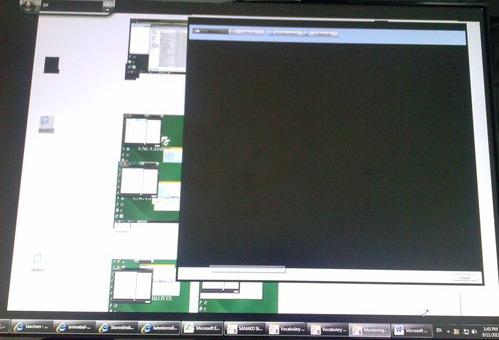
- on “Autoscanning” (cycling screensharing connections to student PC’s)
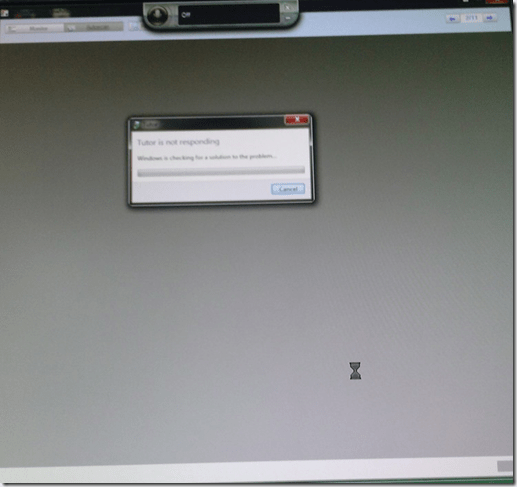
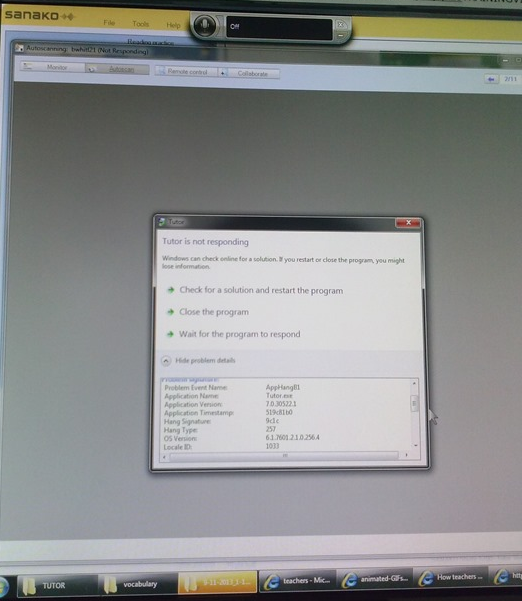
- The first one took me by surprise, the computer hung completely, I could not bring up process manager nor taskkill the tutor, had to power cycle, at considerable interruption to the the class.
- However, here I got some problem details from windows:

- The first one
- The 2nd one
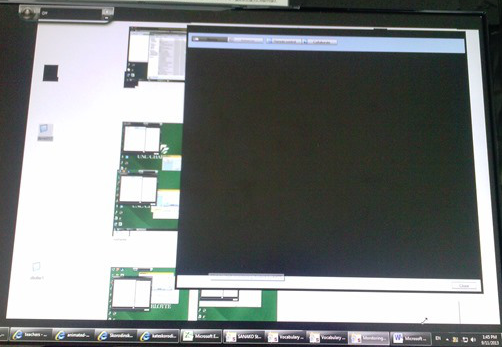
- also occurred during “Autoscanning”.
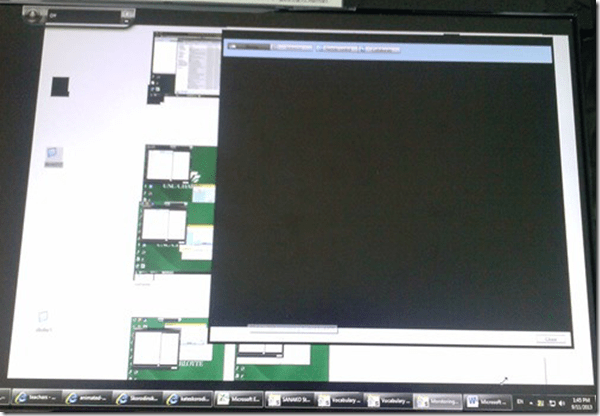
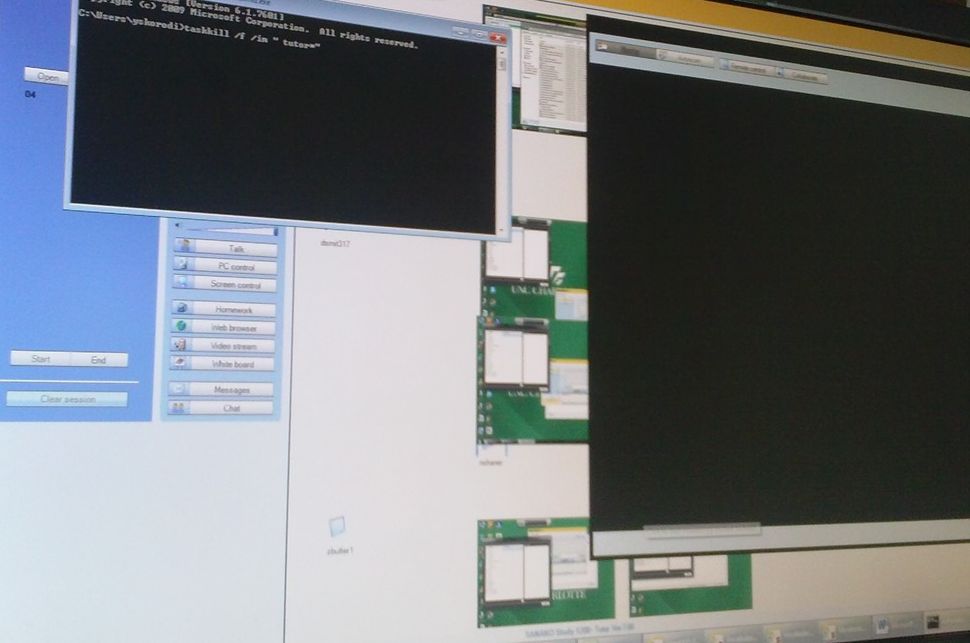
- This time, however, not the Autoscan itself brought the system down, but only when I tried to resize the autoscan window by dragging and dropping the border (video-intensive?).
- I got a performance notification from Windows (not legible here, but something to the amount of “your computer is dangerously slow”):
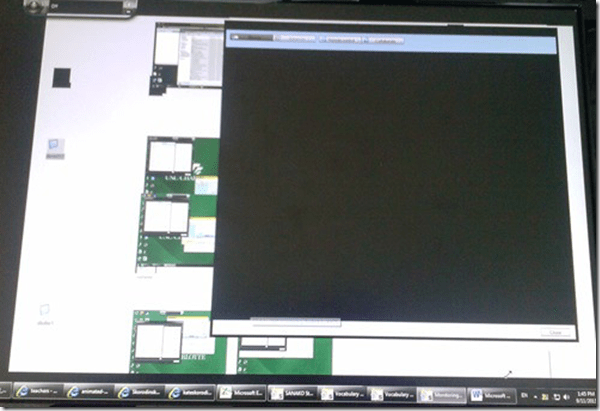
- I managed to task kill the tutor:
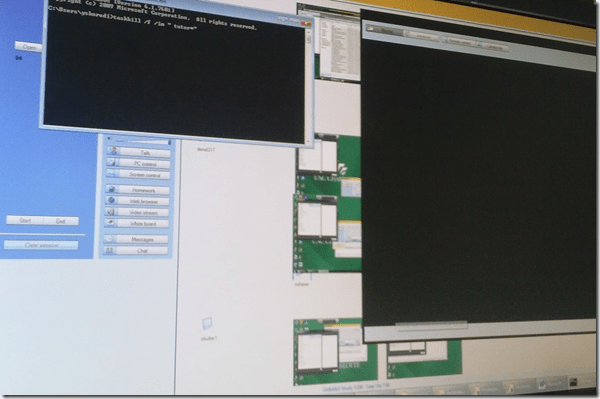
- I got some more diagnostics help from Windows which notified me that my “Windows Color scheme” had to be downgraded to “Basic”:
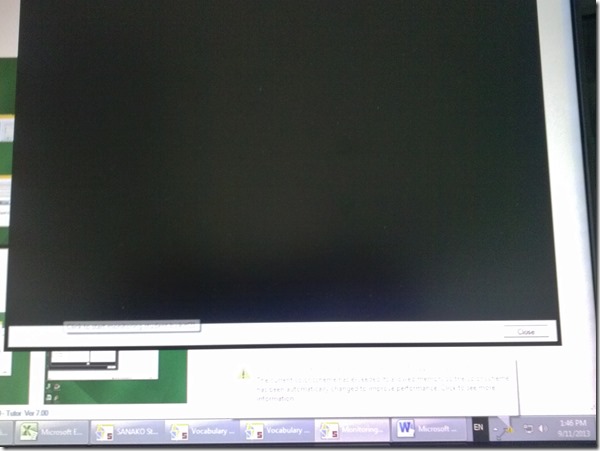
- also occurred during “Autoscanning”.
- Dell Optiplex 760 (B6CCLK1)
- 4GB,
- graphics chip: Y103D Card, Graphics, 256, Loop, OUGA6; original driver Video: AMD Radeon HD3450 256M, v.8.593 WHQL Vista, A05 with DUP (101 MB)
- dual screen (1024*768 secondary, 1920*1080 primary – I remember having hard hangs on this system when attempting to drag Autoscan Windows of Sanako Stuy 1200 Tutor ver. 5.2 across 2 dual screens of the same size on Windows XP )
- Win 7 (64bit).
- No eventvwr or Sanako log data since PC was frozen…

Our Clickers: Software and Hardware
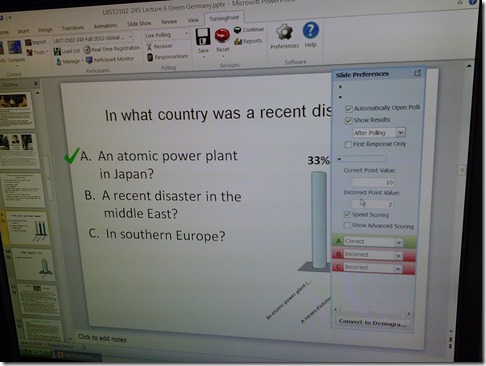
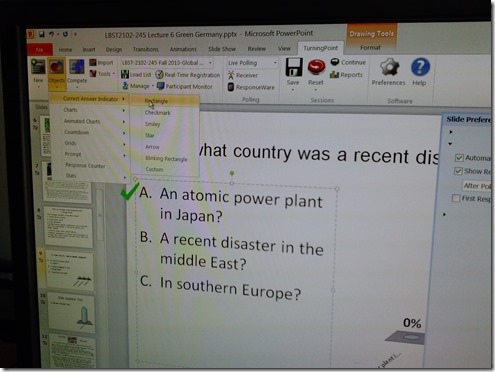
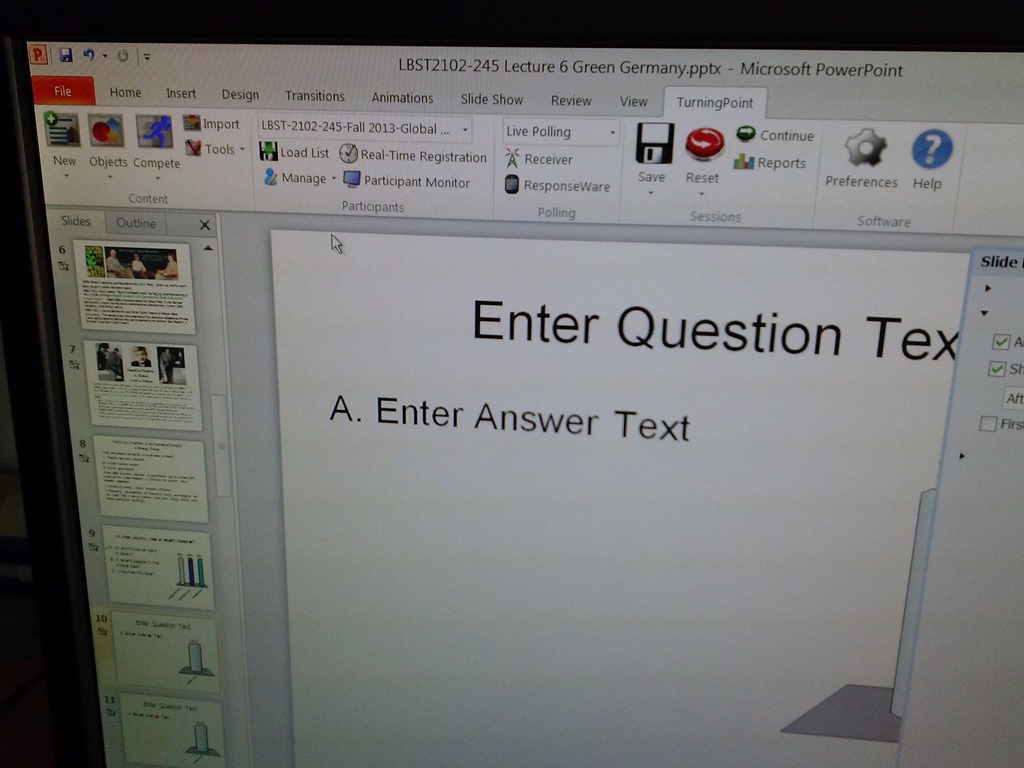
- The clickers come with software (PPT Add-In) that allows teachers to integrate simple interactivity (multiple choice questions etc.) into their slide decks.

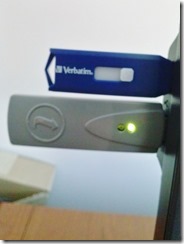
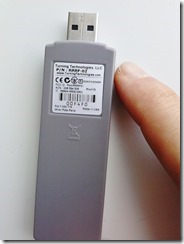
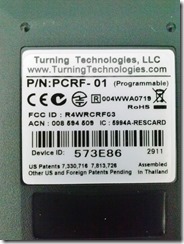
- The following teacher-hardware allows the teacher to present their interactive slide deck in the classroom and aggregate and display (for discussion and adaptive teaching) the student responses







Check today’s date if you’re the only one in your Saba centra class
-
And if your neighbors do not have problems connect to Saba centra.
-
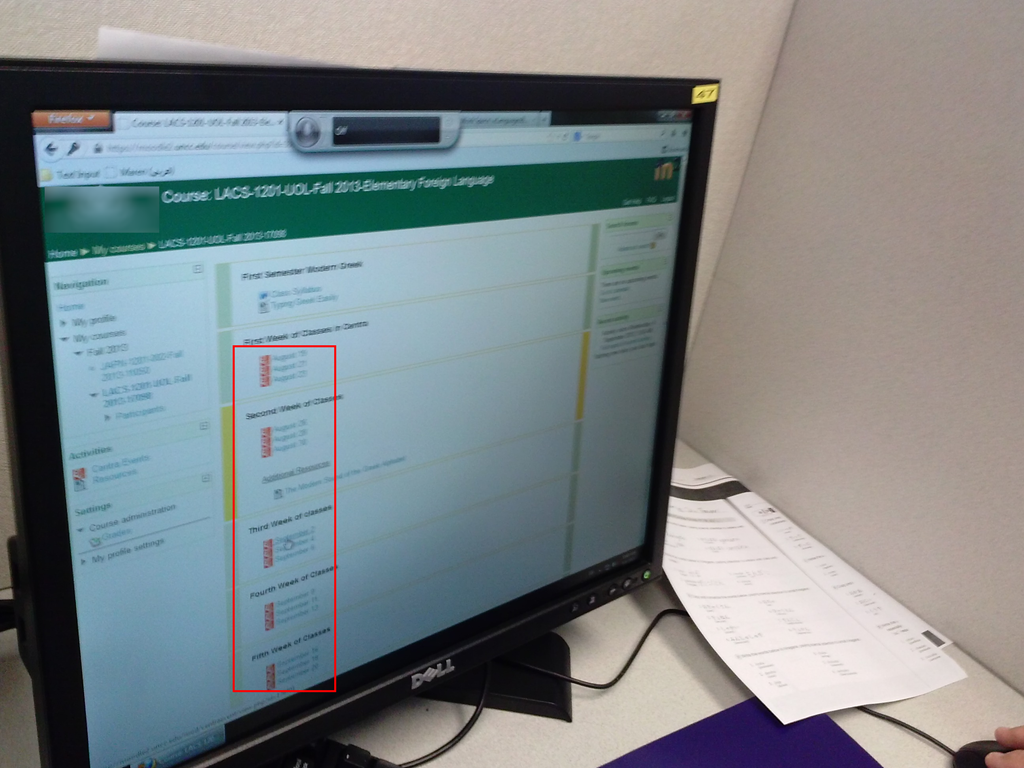
Your teacher may have put one Saba centra link for every class session, like in the list of links you can see in the center column here:

- You have to click on today’s one to participate.
How to speed up jumping around YouTube videos in class with YouTubeCenter
- Problem: When you use – that is to say: analyze – YouTube video clips in a classroom setting – whether in Film studies or second language acquisition classes –, you will find yourself jumping around a lot in these clips. This can be slow and enter a lot of undesirable little interruptions into your teaching (or learning) flow.
- Root cause: Since pedagogical use is not the primary use case for YouTube videos, their download configuration defaults to streaming, which preloads the video only a few seconds ahead of the cursor or playhead.
- Solution:
- If you want to buffer or preload the entire YouTbue video clip before examining it in your class, you can install a browser add-on called YouTubeCenter.
- Here is more on how to install YouTubeCenter.
- No configuration necessary, ”Dash Playback” which buffers videos completely locally, is the default setting.
How to access your Saba Centra session outside of Moodle
- Watch this video on how Access a session link or create a new Centra event on http://centra.uncc.edu instead of Moodle: http://screencast.com/t/4glUbhJs. This shows you how to:
- if you already create the event:
- send guest links to your already
- lead :
![clip_image002[4]](https://thomasplagwitz.com/wp-content/uploads/2013/08/clip_image0024_thumb.gif?w=600&h=314 "clip_image002[4]")
- create a Saba-Centra event
- Information is courtesy of the CTL. I am just passing this on to LRC users, although I have not heard of issues with our first Saba Centra classes this morning.
![clip_image002[4]](https://thomasplagwitz.com/wp-content/uploads/2013/08/clip_image0024.gif "clip_image002[4]")
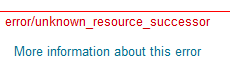
Moodle 1 into Moodle 2 course restore fails with error “unsupported subplugin” or “unknown resource successor” or “parameter (contextid) was missing
-
I could not get the course to convert, until I deleted everything but the fora , and not even my rss blocks converted with urls – if this helps somebody, I describe the steps I took here:


-
upconclicking on more info: error/moodle/unsupported subplugin From MoodleDocs
-
The cause of this is likely due to an unsupported subplugin not being available in the version of Moodle you are using. If this error appeared during the restore of a Moodle course check the plugins within the backed up course against what is available in the Moodle you are restoring the course to. The Moodle you are restoring the course to is likely to be missing a plugin that is present in the backed up course. There is a tracker for this error to be a bit more graceful during course restore for Moodle version 2.x.x http://tracker.moodle.org/browse/MDL-29288 <http://docs.moodle.org/23/en/error/moodle/unsupported_subplugin>
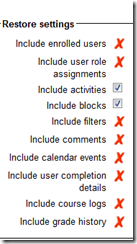
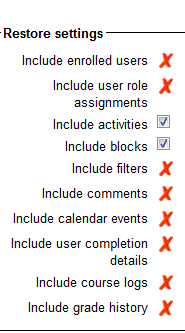
- Do not include "Video Assignments" means not only video files, but also Kaltura streamed video.
- If I remove pretty much anything which was useful and retry backup/restore with these settings

- I removed the video, however, there is a new error

error/moodle/unknown resource successor
From MoodleDocs
Jump to: navigation, search
There is currently no text in this page. You can search for this page title in other pages.
Pasted from <http://docs.moodle.org/23/en/error/moodle/unknown_resource_successor>
- There seems no way for me to deselect Centra events, soi I sem to have to delete them from the original course (whee I would still have had a use for them).
- Did I see these linked file warnings before?
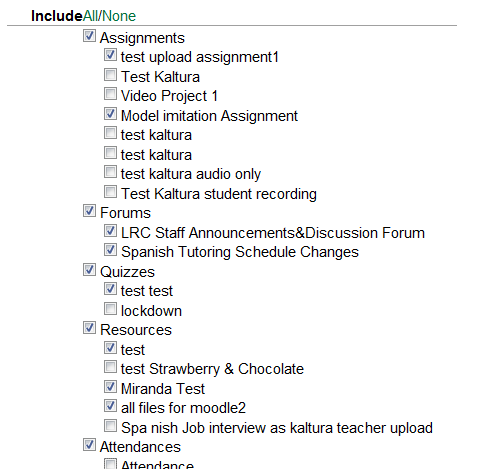
Backup Details:
Include Assignments without user data
test upload assignment1
Model imitation Assignment
Include Forums without user data
LRC Staff Announcements&Discussion Forum
Spanish Tutoring Schedule Changes
Include Quizzes without user data
The Cloze(multianswer) question "" does not contain any question
Linked file 18197_4c96c46e/books01.gif doesn’t exist
Linked file 18197_4c96c46e/partcimage2jpg.jpg doesn’t exist
Linked file 18237_4c97eaaf/key.gif doesn’t exist
Linked file 18237_4c97eaaf/testpic1.jpg doesn’t exist
Linked file Ch5picture.jpg doesn’t exist
Linked file ST_two_image_halfsize.jpg doesn’t exist
Linked file Untitled-4.jpg doesn’t exist
Linked file f0test6ph.PNG doesn’t exist
Linked file lafamilleducharme.gif doesn’t exist
Linked file map1.gif doesn’t exist
Linked file moodle-upload-zip-files-unzipped.PNG doesn’t exist
Linked file testpic2contrast.jpg doesn’t exist
Pasted from <https://moodle.uncc.edu/backup/backup.php>
Error remains:

-
Now remove really all Saba Centra and Kaltura references.
-
Error remains:

-
Now we are removing everything except fora:
-
Not much point anymore, but now we reach the next step:
-
RSSs blocks were transferred, but without feeds.
-
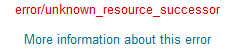
In addition, you may see this error, when you get logged out and have to log in again after uploading the backup file:




Summary of the LRC main classroom use in year 2012/3

(Tentative while experimenting with Calendaranalytics).


Questions? Read the About. Or just ask me a quick Our Databases: Resources with calendars -- Language learning material Moodle Sites, multimedia files -- films


FAQs for LRC student staff or for students or for teachers. To search our FAQs, in the browser addressbar, add after "https://plagwitz.wordpress.com/feed/?tag=faqs+/" "+TAG1" (from tag cloud below) OR "https://plagwitz.wordpress.com/feed/tag=faqs
&category_name=" "CAT1" (from category hierarchy below). OR search both categories and tags, and multiple TAGs/CATs (connect with "," for OR-search, with "+" for AND-search), like so: https://plagwitz.wordpress.com/feed/?tag=TAG1+TAG2+...TAGn&category_name=CAT1
+CAT2+...CATn"
Other ways to find help
If you cannot find it here, look there: 5,500 Language-Learning Links and Programs for learning or teaching 150 languages
Shortcuts:Our Lists, Our Maps, LRC Staff Moodle Site,LRC Project Moodle Site, 49erexpress, UNCC Moodle, Student Recordings: s:claslcslrcsanakostudent
Learning usage samples: Sanako oral exam, Kaltura webcam presentation, Dictation with speech recognition, Sanako written exam, Chinese and Japanese interactive stroke-order practice
Test the Sanako Installer, Webbrowser Popup Konfigurator for XP, or Windows7, faster LRC TeacherPC Log-in Let MS facilitate diacritics writing by installing for you US-International keyboard layout
This is my personal blog (Google+). The views expressed on these pages are mine alone and not those of my employer. The information in this weblog is provided “AS IS” with no warranties, and confers no rights.
 Thomas' Work Space