Archive
Posts Tagged ‘sanako-study-1200’
Protected: How you can automate giving your teachers access to your Sanako language lab in the offices and from home
2013/04/26
Enter your password to view comments.
Categories: service-is-programming, sourcecode
autoit, automation, ms-windows-installer, msi, sanako-study-1200
How a teacher can easily restart the Sanako Study 1200 licensing classroom server when experiencing a crash
2013/04/26
Leave a comment
- Try clicking and running this (http://goo.gl/lTVLc), if you see that:

- this is for
- if your sanako tutor hangs with status message "verifying tutor" and you are confronted with the error dialogue "Connection to the communication platform has been disconnected and the system is not able to communicate with the classroom server anymore"
- And if you run the classroom server on the same computer as the tutor (as we do)
- And if you have checked your "network connection", like gone to a website, and it is restored (e.g. If you simply had unplugged your the cable)?
- And if you do not want to "restart your system if needed" since, as in our case, that takes a big chunk time out of your class
- Hint: this can’t fix your network if that is the root cause, but may be able to work around temporary service outages.

Protected: How a teacher can give students aural feedback on oral exams using the Sanako Study 1200 Lite Recorder
2013/04/25
Enter your password to view comments.
Testing my Langlabemailer…
2013/04/11
Leave a comment
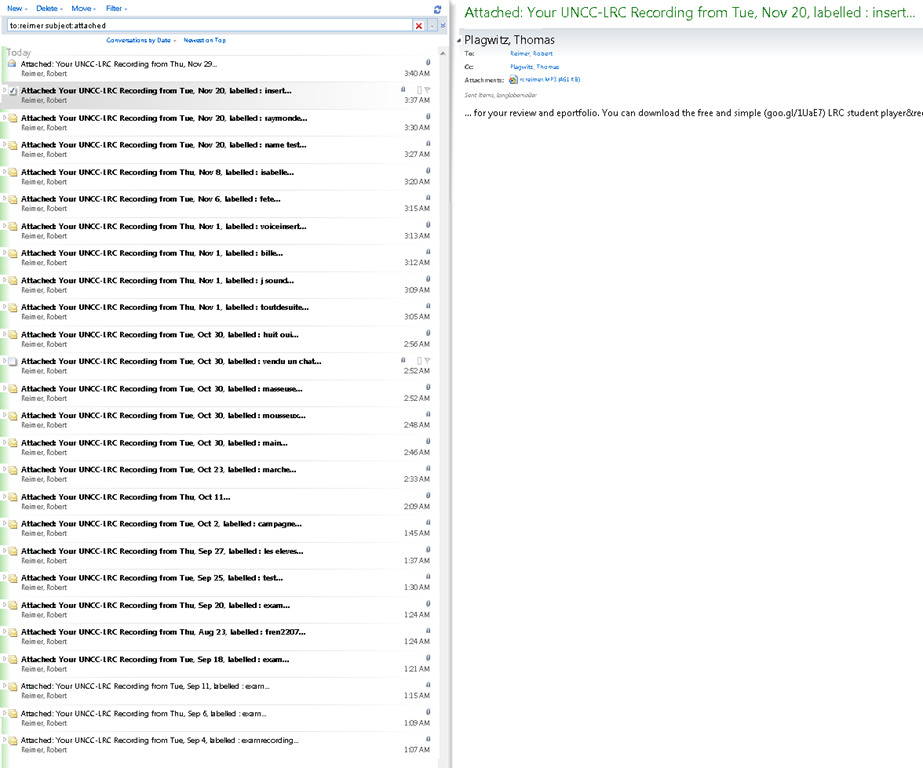
… to improve the integration of the digital audio lab into the university’s language teaching processes – 1000 emails at a time.  (Coming soon: same day delivery. More on this project will be available here: https://2013.iallt.org/session/driving-tutorial-call-face-face-classroom-and-what-it-took).
Text messaging in class using Sanako Study 1200
2013/04/04
Leave a comment
Students click:  – Tutors click:
  . Stop endless spelling out of URL’s or queuing with raised hands during class. Your students will
  .
.
How a teacher can see student computer screens in Sanako Study 1200–the ultimate training summary
2013/04/04
Leave a comment


One can connect to the SANAKO files from home via VPN…
2013/03/18
Leave a comment
- …, I found when testing (on Window 7) here, but there are some prerequisites:
- You need VPN:
- install the UNCC preconfigured Cisco VPN (once), possibly troubleshoot (supported by IT Service Desk for Faculty/Staff),
- start the client:
- log in with your UNCC account:

- Use my shortcuts: goo.gl/yqR18 to the Sanako folders.
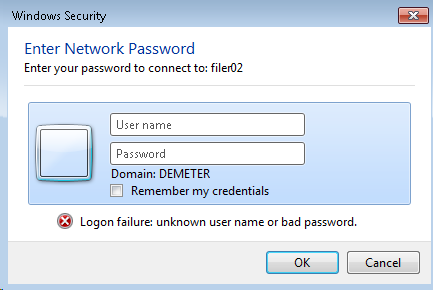
- Even after logging in, I needed to reissue my UNCC network credentials. Use this format: unccharlotte-nt\your-username-here, check “remember"):

- Then you can browse:
 and arrive :
 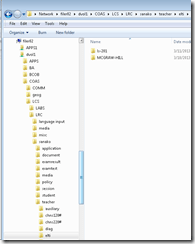 almost like in the office.
 - Make sure you stay connected:
 , not disconnected:
- Live with any (temporary) side effects and conflicts
- I seem to remember I lost my internet during VPN, this may have been fixed).
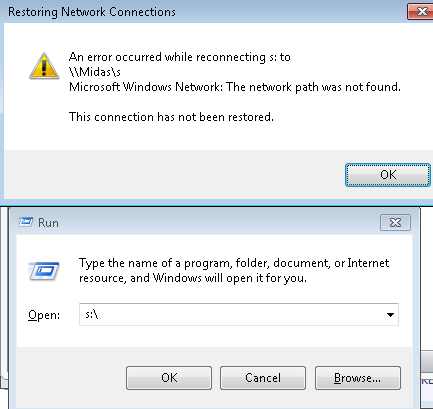
- Drive lettering: not for me
 , YMMV.
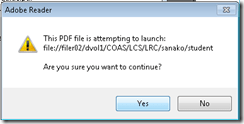
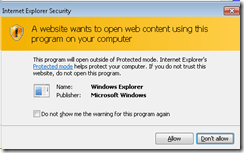
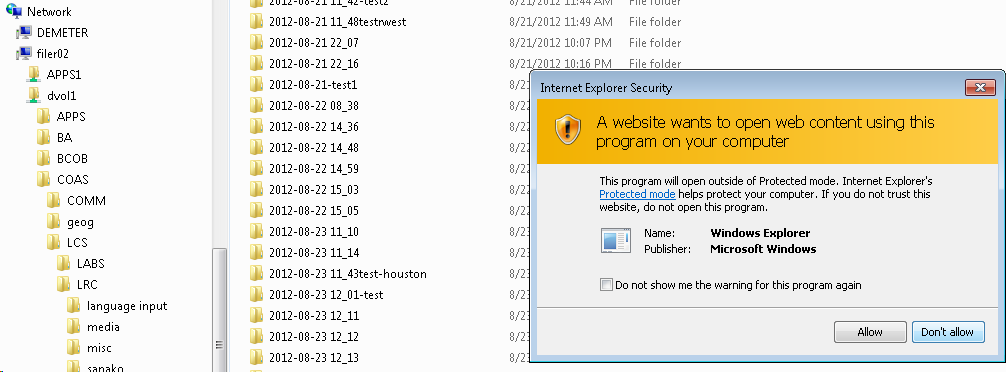
 - Even more security warnings on Adobe Acrobat:
 ,
, 
- But you can get to your files eventually:
 .
.





Protected: Sanako teacher station stuck on trying to verify the license
2013/03/18
Enter your password to view comments.
Categories: audience-is-IT-staff, Glitches&Errors
licensing-server, sanako-study-1200


Questions? Read the About. Or just ask me a quick
Your message has been sent

FAQs for LRC student staff or for students or for teachers. To search our FAQs, in the browser addressbar, add after "https://plagwitz.wordpress.com/feed/?tag=faqs+/" "+TAG1" (from tag cloud below) OR "https://plagwitz.wordpress.com/feed/tag=faqs
&category_name=" "CAT1" (from category hierarchy below). OR search both categories and tags, and multiple TAGs/CATs (connect with "," for OR-search, with "+" for AND-search), like so: https://plagwitz.wordpress.com/feed/?tag=TAG1+TAG2+...TAGn&category_name=CAT1
+CAT2+...CATn"
Other ways to find help
If you cannot find it here, look there: 5,500 Language-Learning Links and Programs for learning or teaching 150 languages
Shortcuts:Our Lists, Our Maps, LRC Staff Moodle Site,LRC Project Moodle Site, 49erexpress, UNCC Moodle, Student Recordings: s:claslcslrcsanakostudent
Learning usage samples: Sanako oral exam, Kaltura webcam presentation, Dictation with speech recognition, Sanako written exam, Chinese and Japanese interactive stroke-order practice
Test the Sanako Installer, Webbrowser Popup Konfigurator for XP, or Windows7, faster LRC TeacherPC Log-in Let MS facilitate diacritics writing by installing for you US-International keyboard layout
This is my personal blog (Google+). The views expressed on these pages are mine alone and not those of my employer. The information in this weblog is provided “AS IS” with no warranties, and confers no rights.
 Thomas' Work Space