Archive
Archive for the ‘Genre-is-any’ Category
Daily LRC walkthrough
2014/01/10
Leave a comment
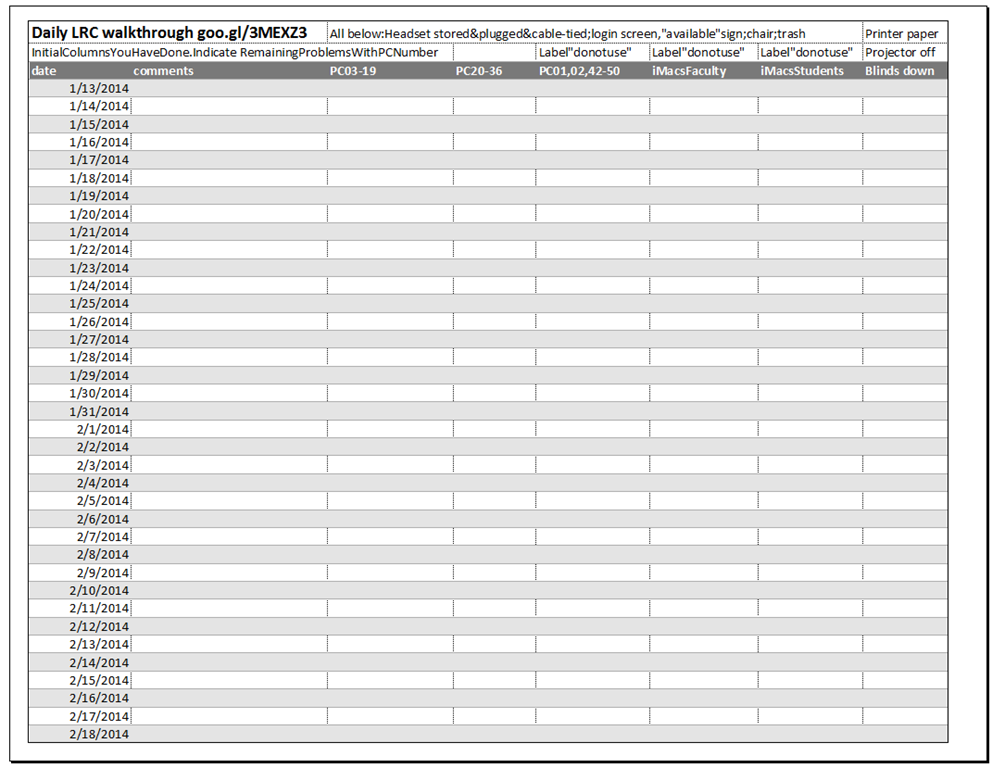
Take the clip board with this list, and, follow the instructions for the daily walkthrough, fill it out for the current row (= today’s date).
Categories: checklists, e-infrastructure, hardware, Spreadsheets
entrypoints
LRC headset tests
2014/01/10
Leave a comment
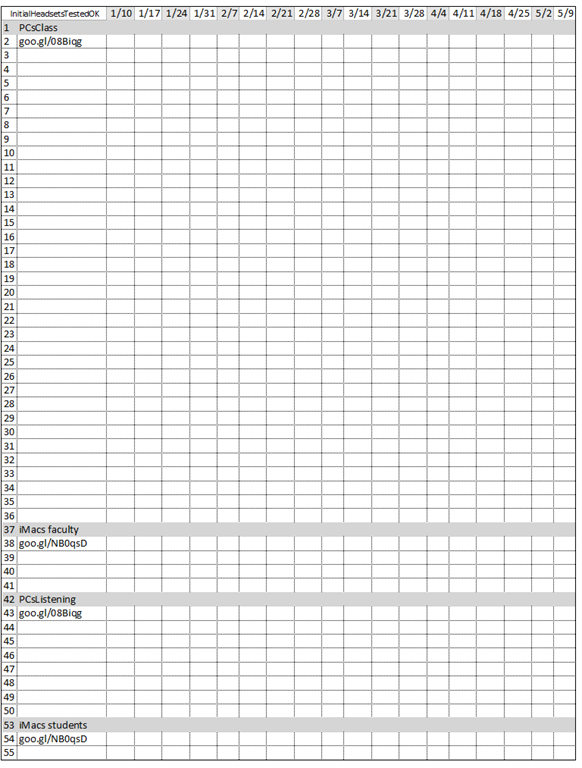
- To improve LRC readiness – given that headsets are the most prominent component of the language center, as well as a wear and tear part –,
- every Friday during the term (see column),
- a group of expert LRC assistants, armed with the above checklist on a clip board on the reception desk,
- tests each headset (see rows) in the LRC for functionality (play, record), using the procedure outlined in step-by-step instructions linked in the 2nd column from the left above
- and reports the test results on the clip board:
- upon success, puts tester’s initials,
- otherwise marks as “not ok”, e.g.
- “no plug”,
- ”no mic”, or “mic w/ static”
- “no sound”,
- etc.
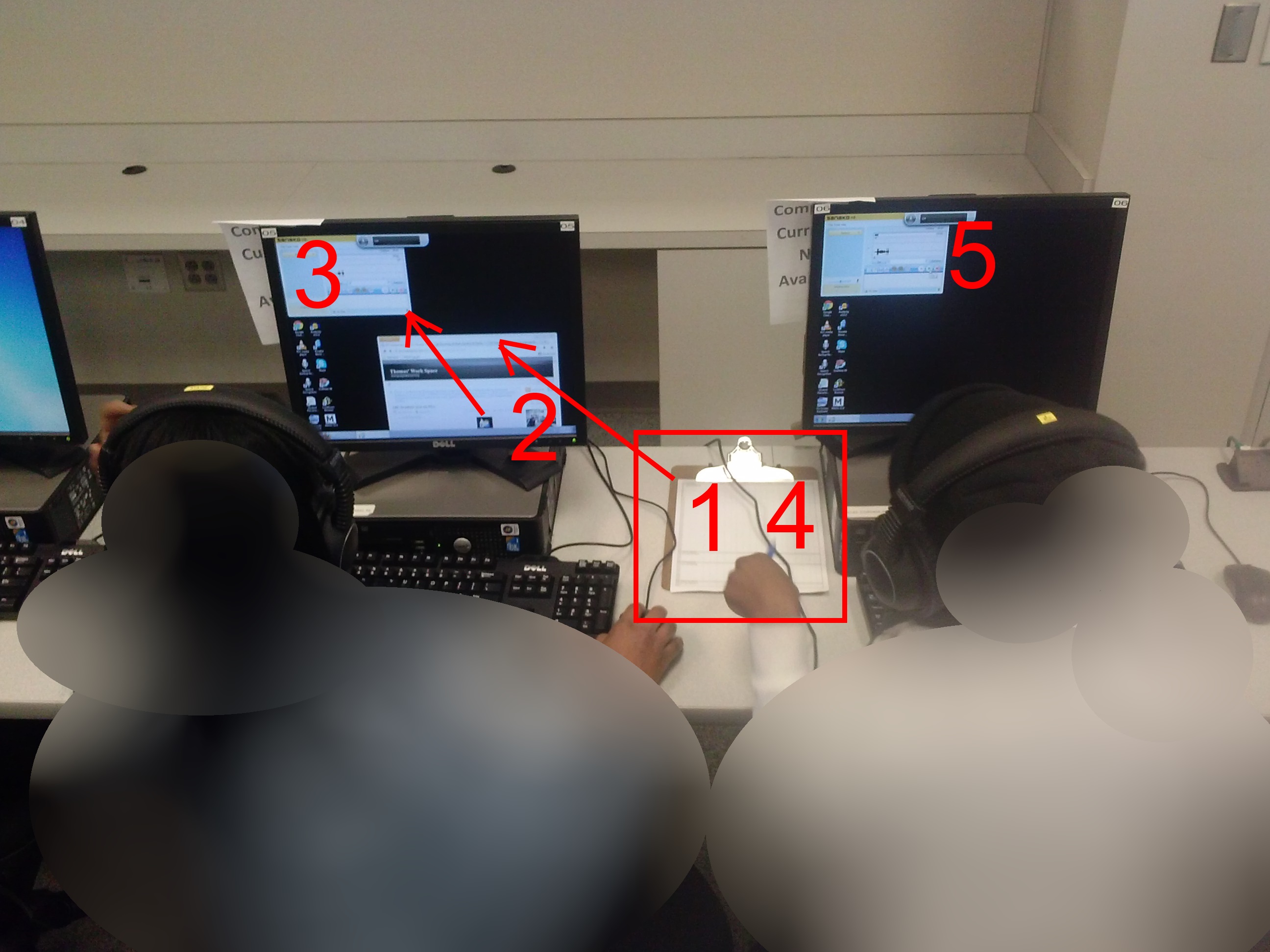
- LRC assistants should, as pictured:

- from the clipboard,
- access the instructions
- follow the instructions
- record the results
- while working side-by-side to cut the load in half.
- In addition (not pictured), they can log in on multiple computers and start working on the first pair while the last pair stills starts up.
Categories: audience-is-students, checklists, e-infrastructure, hardware, headphones, Spreadsheets
asset-management
Spring 2014 LRC report
2014/01/08
Leave a comment
- Old issues (continued from the Fall 2013 report ):
- The LRC software image:
- UPDATE: Recent Java updates are issues with textbook publisher pages.
- We are still trying to get some of the Sanako digital audio lab functionality from last year back.
- To help with this, we are upgrading the Sanako software once again, to a maintenance release (v 7.1.) which we have also been given for free – it is not clear whether the fall Sanako version was unstable or whether the LRC computers are overtaxed with the upgrade to Windows 7.
- We also still have configuration issues with the new imaging process which we try to get resolved.
- Please do not hesitate to use the Sanako: talk to me in advance what you are trying to do, and I will test for you and, if necessary, try find workarounds or provide additional training.
- The Moodle audio recorder: The Center for Teaching and Learning, after pulling the Nanogong recorder which was released by mistake, on the basis of the survey you responded to, have kindly installed a test (not public yet) version of PoodLL. We will be testing with a teacher this term.
- The LRC software image:
- New issues: We have had repeated issues with LRC hardware and equipment readiness which tended to crop up in the middle of attempted usage. To increase LRC readiness for use by you and your students, this term:
- We schedule LRC assistants to do regular walkthroughs, checks and inventories :
- of headphones, computers, film and faculty equipment functionality and
- also of the teaching and learning environment: maintain status of projector, teacher computer, furniture, blind and cleanliness…
- We will have the most experienced LRC assistant function as a supervisor at the reception desk: Unless there is a pile-up of clients, this supervising assistant has been instructed not to interact directly with clients, but monitor and – as required – correct and re-train the less experienced LRC assistants.
- Please support LRC assistants in their tasks, and let us know of any problems, service breakdowns etc.
- We schedule LRC assistants to do regular walkthroughs, checks and inventories :
Sanako recorder still requiring configuration from student on every log in?
2014/01/08
Leave a comment

Personalization error when logging in?
2014/01/07
Leave a comment
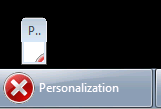
This dialogue – an error message apparently, but not expandable to a size where it is legible – seems to hang around.
LRC daily walkthrough for all computers
2014/01/02
Leave a comment
- Push chairs under desk
-
Remove any trash from computers desk.
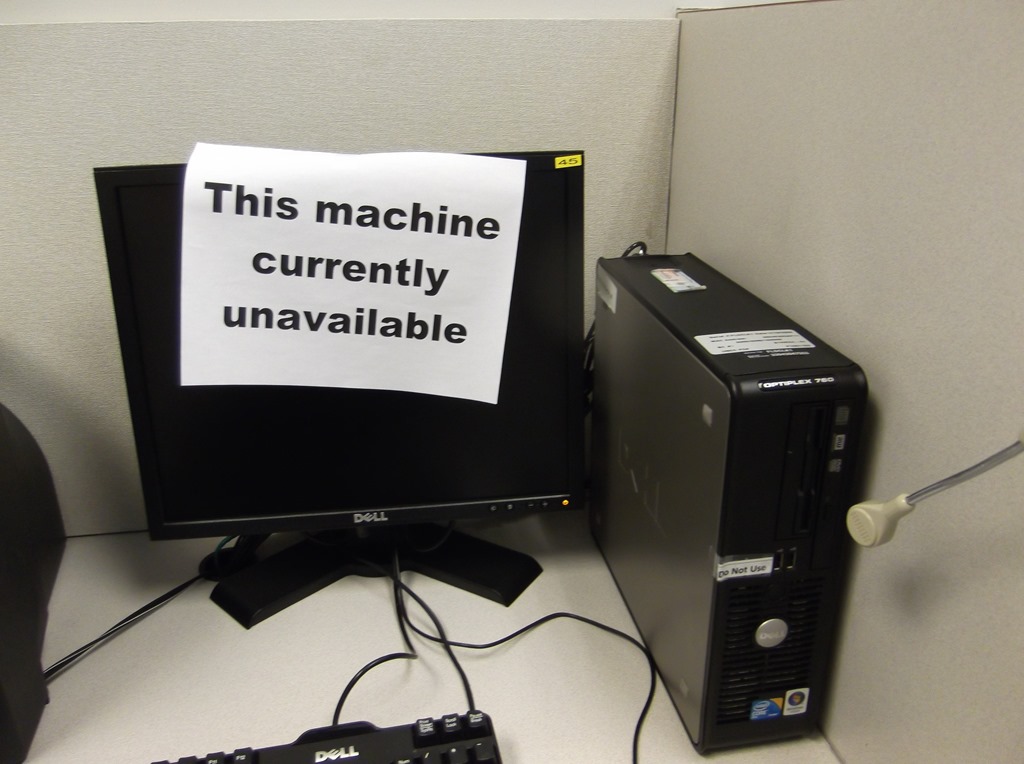
- "Machine unavailable" signs
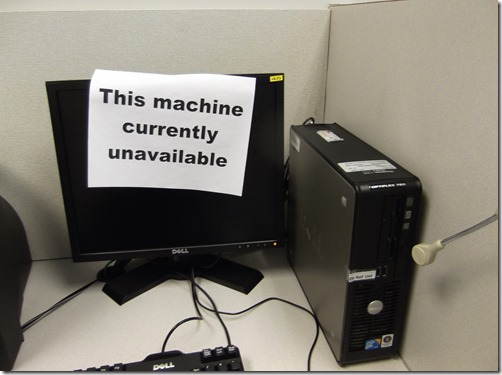
- Make sure each computer has one attached to it (or apply spares from box on reception desk).
- Put the "unavailable"sign down, where needed: Requires that you first look up which computers currently unavailable in here: http://goo.gl/RqSLme, in sheet"computers+monitors",column:"unavailable (= is the sign down), they are marked as "1" (sort the column to see).
- Make sure computers that are available are turned on and ready for students to log in.

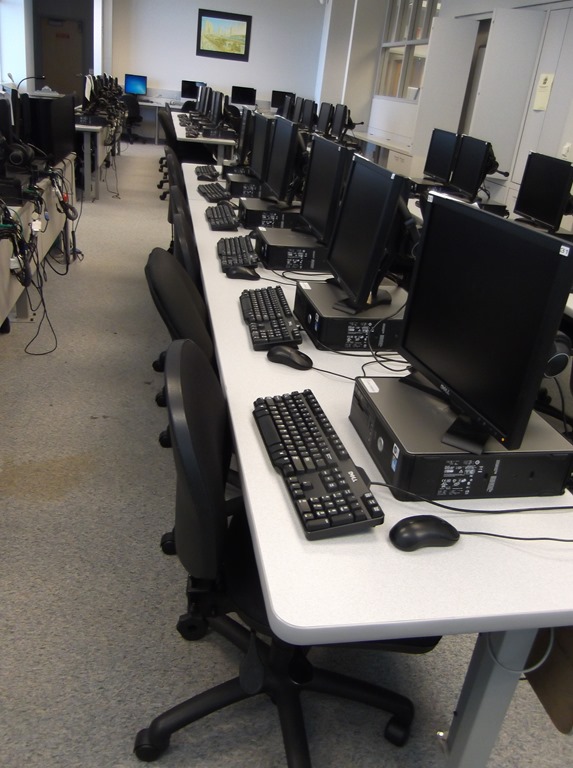

LRC daily walkthrough for classroom PCs
2014/01/02
Leave a comment
- Find a time when the classroom is not busy on the LRC calendar – if necessary, do it earlier rather than later.
- If somebody else than coordinator or director is logged onto the teacher computer, tell the LRC coordinator.
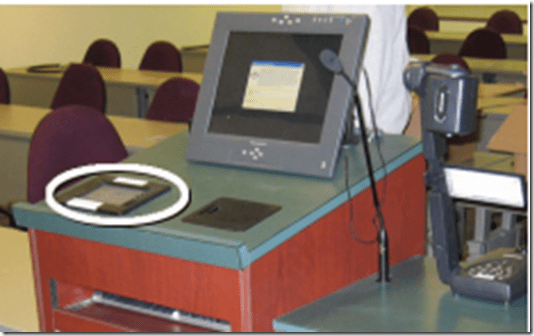
- Check the projector? Turned off , screen up


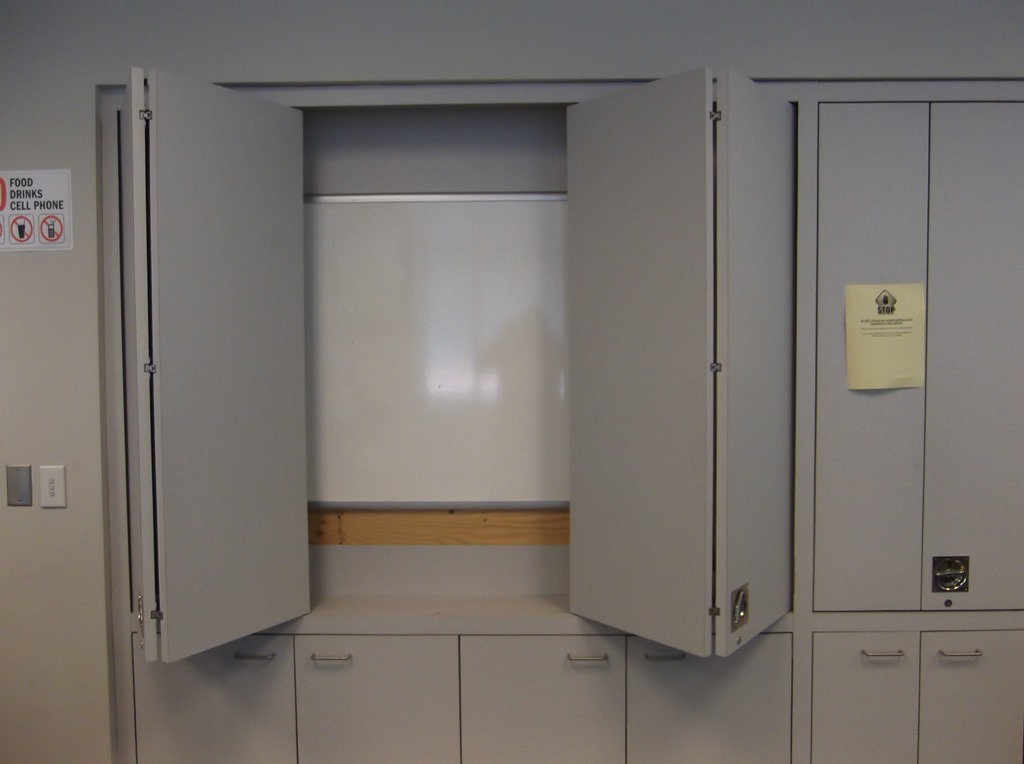
- Make sure classroom blinds are closed

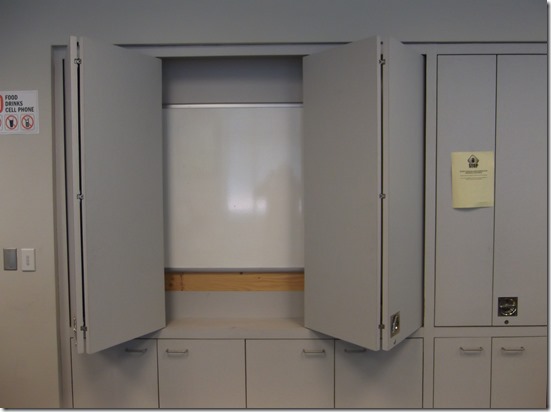
- Make sure the classroom whiteboard is clean
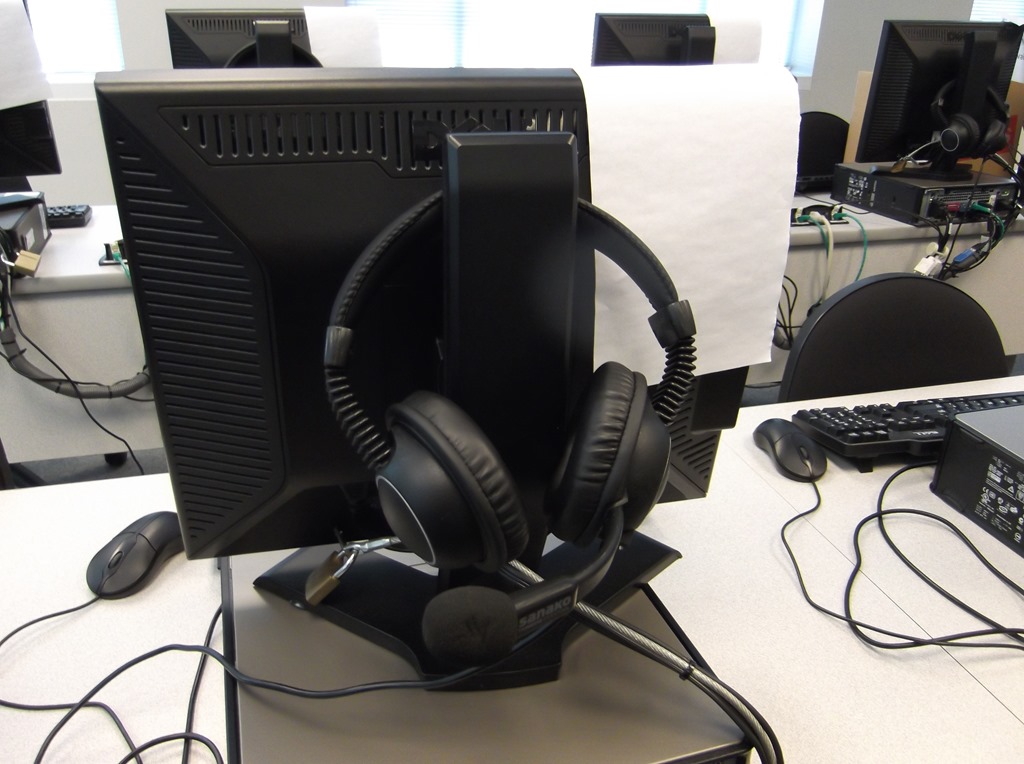
- Make sure headsets are
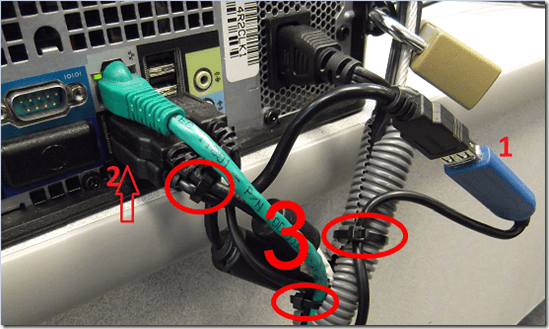
- hanging on the back of the monitor in the classroom (each headset on the computer it is connected to, and not a neighboring computer).

- and are
- firmly plugged in
- plugged in firmly AND and in the correct (= bottom left) USB port
- cable-tied ((spares in coed436 box “office supplies”).


LRC daily walkthrough for iMacs and printer
2014/01/02
Leave a comment
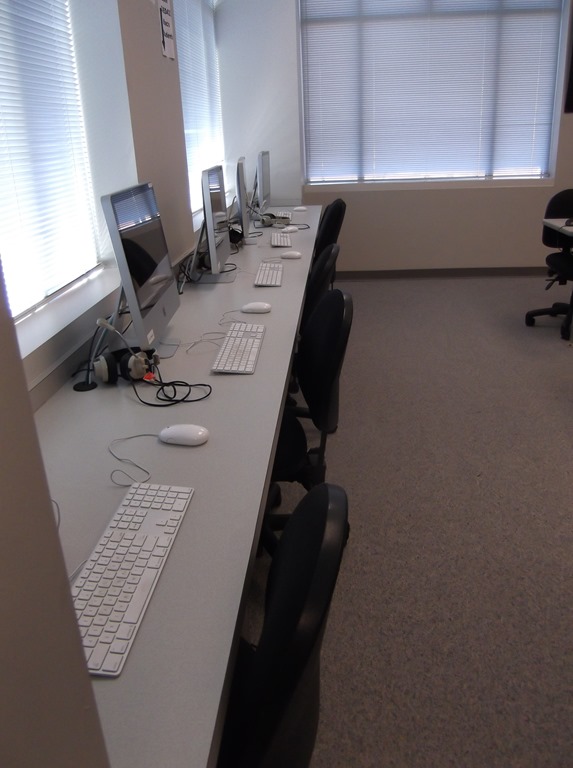
- For the iMacs,

- make sure headset is plugged into the USB adapter as pictured,
- make sure the 2 “Do not use” labels on the adapter and over the inputs on the rear of the screen are in place and intact (or apply spares from box on reception desk).
- Check that the printer has papers (or replenish paper from the reserves shelves in coed436).




Questions? Read the About. Or just ask me a quick Our Databases: Resources with calendars -- Language learning material Moodle Sites, multimedia files -- films


FAQs for LRC student staff or for students or for teachers. To search our FAQs, in the browser addressbar, add after "https://plagwitz.wordpress.com/feed/?tag=faqs+/" "+TAG1" (from tag cloud below) OR "https://plagwitz.wordpress.com/feed/tag=faqs
&category_name=" "CAT1" (from category hierarchy below). OR search both categories and tags, and multiple TAGs/CATs (connect with "," for OR-search, with "+" for AND-search), like so: https://plagwitz.wordpress.com/feed/?tag=TAG1+TAG2+...TAGn&category_name=CAT1
+CAT2+...CATn"
Other ways to find help
If you cannot find it here, look there: 5,500 Language-Learning Links and Programs for learning or teaching 150 languages
Shortcuts:Our Lists, Our Maps, LRC Staff Moodle Site,LRC Project Moodle Site, 49erexpress, UNCC Moodle, Student Recordings: s:claslcslrcsanakostudent
Learning usage samples: Sanako oral exam, Kaltura webcam presentation, Dictation with speech recognition, Sanako written exam, Chinese and Japanese interactive stroke-order practice
Test the Sanako Installer, Webbrowser Popup Konfigurator for XP, or Windows7, faster LRC TeacherPC Log-in Let MS facilitate diacritics writing by installing for you US-International keyboard layout
This is my personal blog (Google+). The views expressed on these pages are mine alone and not those of my employer. The information in this weblog is provided “AS IS” with no warranties, and confers no rights.
 Thomas' Work Space