Archive
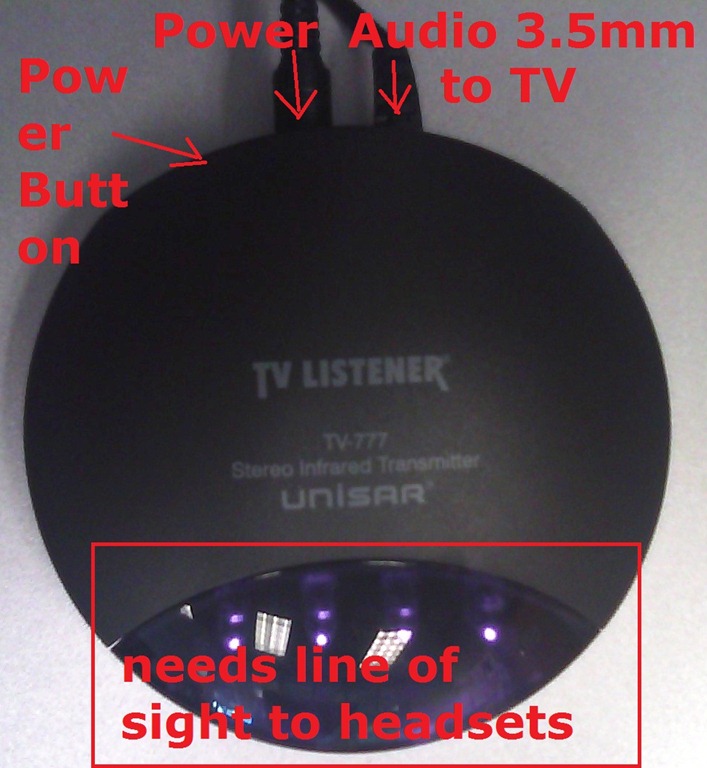
Troubleshooting the wireless headsets in the TV viewing area
- For lack of small group work areas, the 3 headsets help sharing the LRCROOMCOED433. They amplify the sound for the TV viewing audience, allowing to turn the TV volume down so as not to disturb other users in the shared area.
- No sound?
- headsets turned on?
- headset volume turned up?
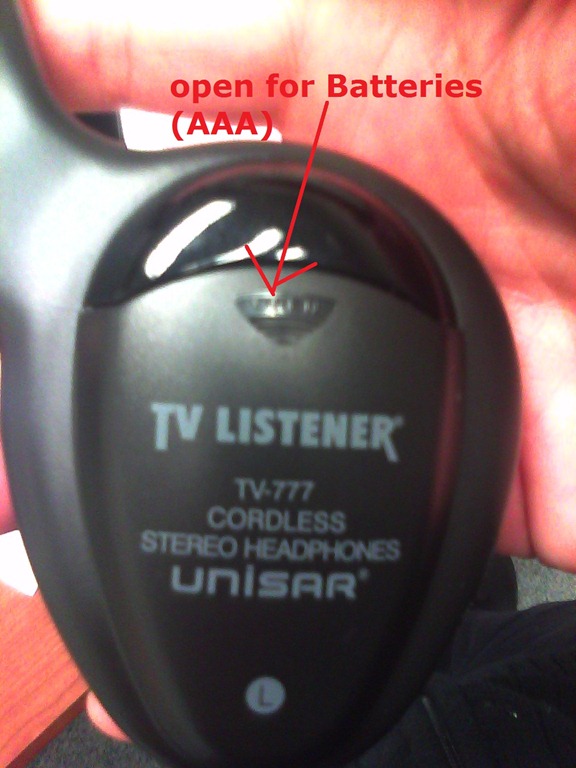
- headsets batteries dead?
- transmitter turned on?
- Static noise on headsets?
- headsets batteries weak?
- no line of sight to transmitter?
- Other things you can try:
- a different headset. We have 3.
- a different transmitter. We have 2.
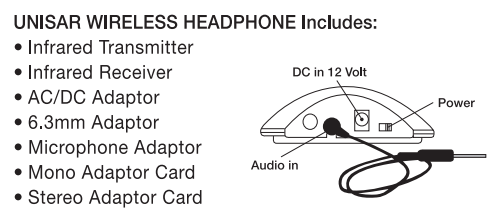
- An image says more than 1000 words:
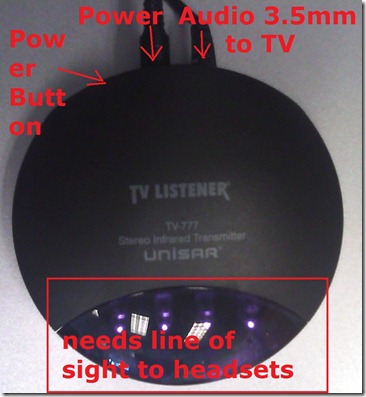
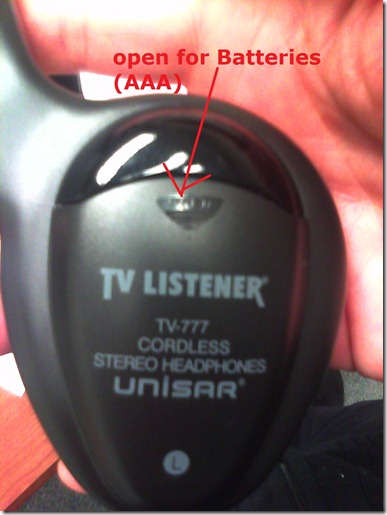
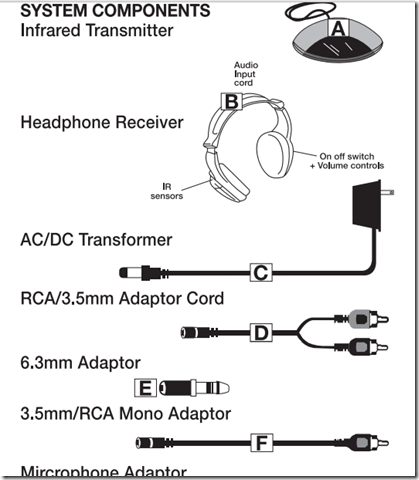
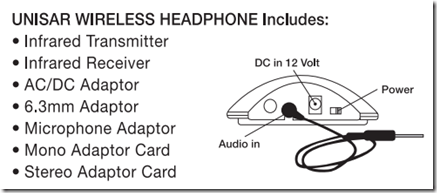





How LRC assistants can print LRC jobs from the reception desk
- If you have (ONLY! printing is tracked) work-related jobs to print from the reception desk, please use this method:
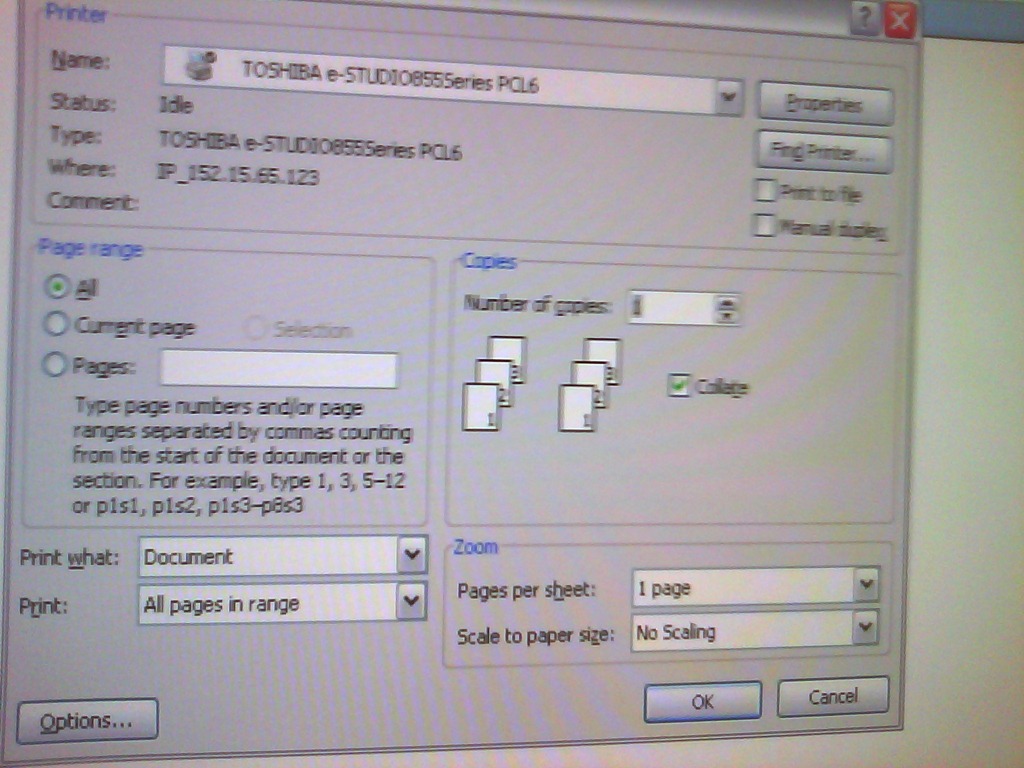
- Choose “print” as normal and then this Toshiba printer driver ONCE I HAVE IT INSTALLED:

- the printer driver will ask you for a code; the code in the LRC Moodle announcement board sticky post, above the threads:
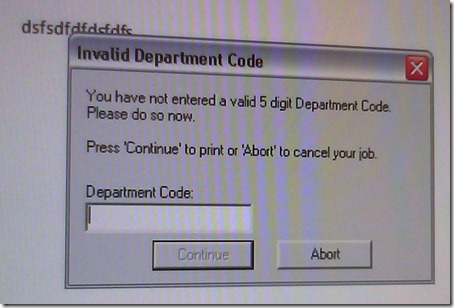
- You can pick up the print outs in the mailroom behind the LCS department’s main office.

Solved: NetOp School NLSP.dll prevents streaming of Real Media via RTSP on student computers
- On a NetOp School system, Realplayer 14, when trying to load e.g. rtsp://dlib4.uncc.edu:554/e_reserves/CD4French1-7.rm (from Firefox, or disk, authenticated), crashes nlsp.dll (version 6, part of of NetOp School from Danware). This is the NetOp Browser Policy IP Filter.
- The MS-windows appcompat contains this:
-
NAME
RealPlay.exe
nlsp.dll
kernel32.dll
FILTER
GRABMI_FILTER_PRIVACY
GRABMI_FILTER_THISFILEONLY
GRABMI_FILTER_THISFILEONLY
NAME2
cddbcontrol.dll
nlsp.dll
kernel32.dll
SIZE
2041072
243728
989696
CHECKSUM
0x902F78A2
0xB9006E28
0x2D998938
BIN_FILE_VERSION
2.6.206.205
6.20.2010.349
5.1.2600.5781
BIN_PRODUCT_VERSION
2.6.206.205
6.20.2010.349
5.1.2600.5781
PRODUCT_VERSION
2, 6, 206, 205
6.20 (2010349)
5.1.2600.5781
FILE_DESCRIPTION
CDDBControl Core Module
NetOp Browser Policy IP Filter
Windows NT BASE API Client DLL
COMPANY_NAME
Gracenote, Inc.
Netop Business Solutions A/S
Microsoft Corporation
PRODUCT_NAME
CDDBControl Core Module
Netop School
Microsoft® Windows® Operating System
FILE_VERSION
2, 6, 206, 205
6.20 (2010349)
5.1.2600.5781 (xpsp_sp3_gdr.090321-1317)
ORIGINAL_FILENAME
CDDBControl.DLL
NLSP.DLL
kernel32
`
INTERNAL_NAME
CDDBControl
NLSP
kernel32
LEGAL_COPYRIGHT
Copyright 1999 – 2009
Copyright © 1981-2010 Netop Business Solutions A/S. All Rights Reserved. Portions used under license from third parties.
© Microsoft Corporation. All rights reserved.
VERFILEDATEHI
0x0
0x0
0x0
VERFILEDATELO
0x0
0x0
0x0
VERFILEOS
0x4
0x4
0x40004
VERFILETYPE
0x2
0x2
0x2
MODULE_TYPE
WIN32
WIN32
WIN32
PE_CHECKSUM
0x1F6508
0x4526B
0xFE572
LINKER_VERSION
0x0
0x0
0x50001
UPTO_BIN_FILE_VERSION
2.6.206.205
6.20.2010.349
5.1.2600.5781
UPTO_BIN_PRODUCT_VERSION
2.6.206.205
6.20.2010.349
5.1.2600.5781
LINK_DATE
04/13/2010 19:48:37
12/15/2010 19:38:53
03/21/2009 14:06:58
UPTO_LINK_DATE
04/13/2010 19:48:37
12/15/2010 19:38:53
03/21/2009 14:06:58
VER_LANGUAGE
English (United States) [0x409]
Language Neutral [0x0]
English (United States) [0x409]
- NetOp support advises to try, among other things, resetting the Winsock catalog via "netsh winsock reset", which seems to work on a testmachine.
How LRC assistants get paid: web time sheet entry
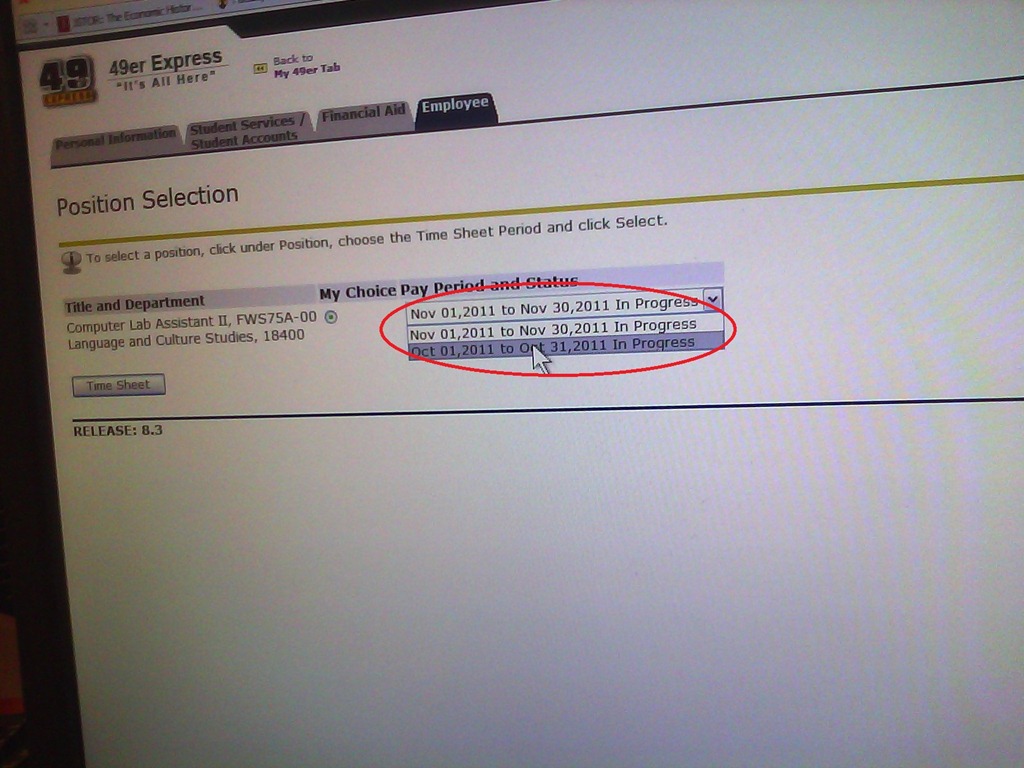
- log into your 49er express, click on “Banner Self Service”:
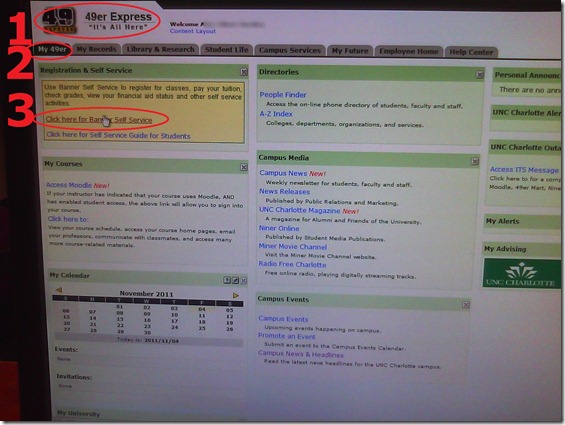
- click 1: tab employee, 2: click timesheet .

- select the pay period

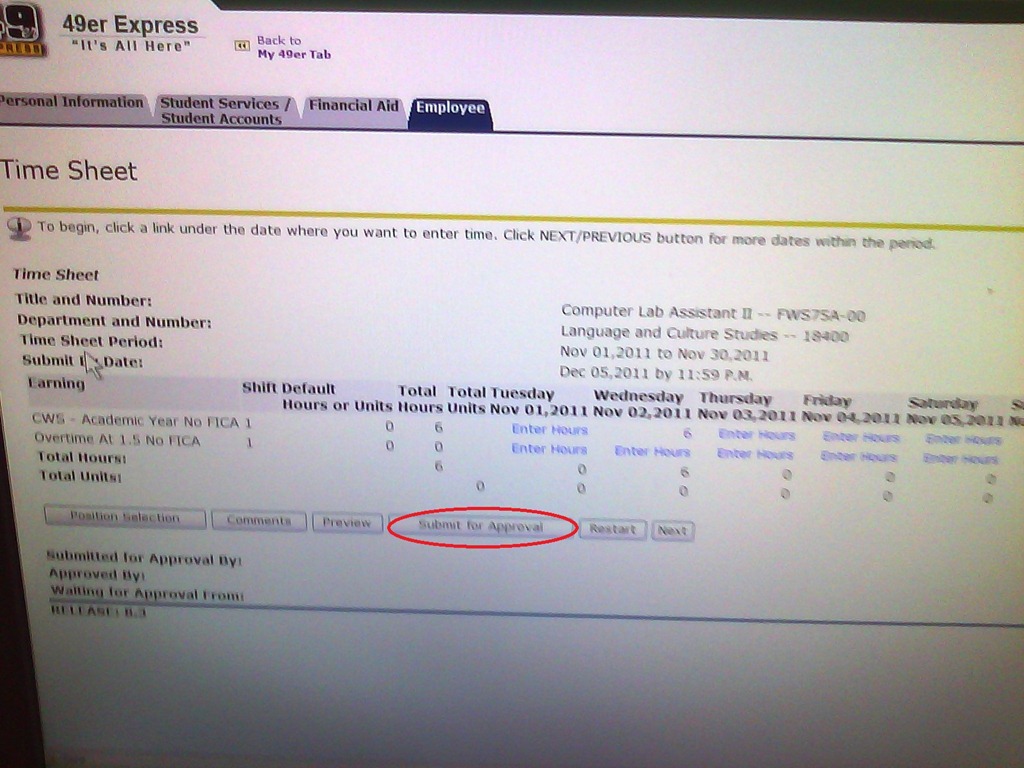
- fill in your times…
- do not forget to click button “submit for approval”
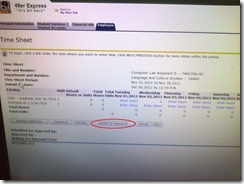
- if you don’t, you will remain “in limbo”: I cannot approve your times.
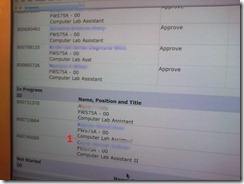
- if you do, you get moved up in line:




Location of the Language Resource Center (LRC) on the UNCC Campus Map

We are across from Student Union, in the COED building with Languages and Culture Studies (LCS), top floor – look for the banners on the wall.
How to access your HTML code in Joomla
- Could have an easier icon in the WYSIWYG editor:


New Teacher MAC Computer in Coed037 with Final Cut Pro 3
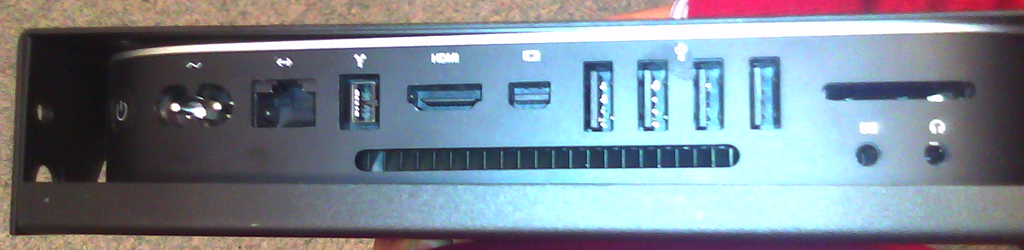
- A new Mac Mini on the teacher podium was installed today in Coed037.
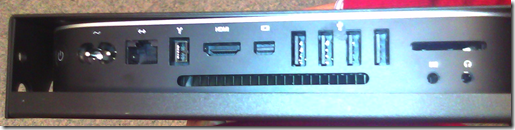
- Because of case size difference, the new Mac Mini had to be installed on the right side wall of the podium, unlike the old one which was smaller and fit on the keyboard tray.
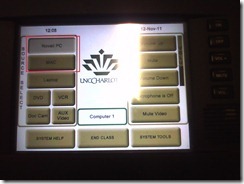
- It is still switched through the podium as before:
- For logging in, use the generic, not your personal account.
- Standard current ITS MAC image.
- Final Cut Pro 3
- was installed into the image, and run.
- Media components (Audio content, Motion content) allegedly have also been included in this install.
- We also added MPEG Streamclip 1.9.2. Note, however, that the non-beta version does not have the YouTube.com download capability mentioned here earlier (you will get this error more focused):
- Because of podium monitor incompatibility, we could not increase the screen resolution to the minimum 1280*800 required Final Cut Studio 3.
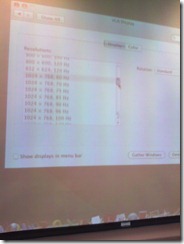 We nevertheless were able to start Final Cut pro. You can permanently bypass this warning dialog if you see it, and report problems.
- Because of podium monitor incompatibility, we could not increase the screen resolution to the minimum 1280*800 required Final Cut Studio 3.
- We also permanently bypassed this firewire error:

- And here is the result:



How to link screencasts from MS-SkyDrive
- I am trying to replace – in the routine cases that do not need post-editing, but where speed is of the essence – my practice to post-process my screencasts in MS-Expression Encoder (installed on one machine only) and upload the result with a page to load a Silverlight Control – all hosted on my MS-Windows Azure portfolio.
- Much easier and quicker would it be to store screencasts in MS-SkyDrive (mapping to drives in MS-Windows enables a more robust drag and drop than the still browser-specific web version on live.com), and top take advantage the embed links provided.
- Unfortunately, WordPress.com, my blogging platform, does not support iframes with videos from MS-SkyDrive.
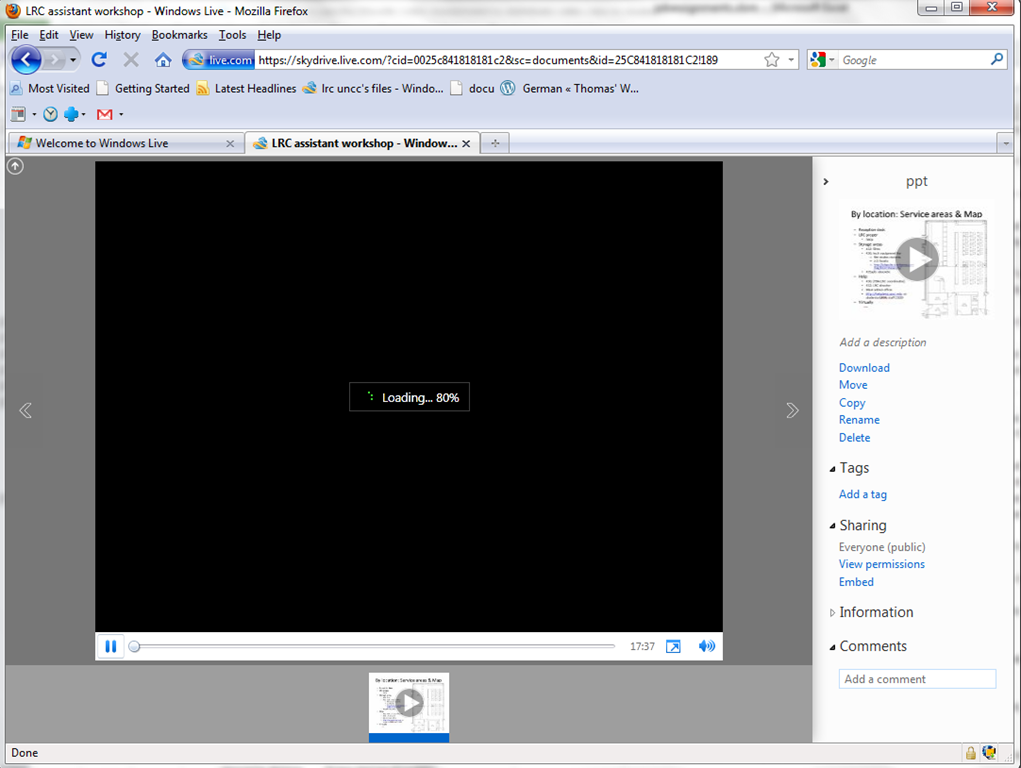
- However, by linking to the URL in the embed code, to open in a new window (with the inelegant instruction to “click on the thumbnail that opens”; if it loads slow, the thumbnail ALT displays essentially the same),:
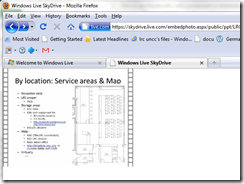
- I can get the user to an MS- Silverlight control which loads:
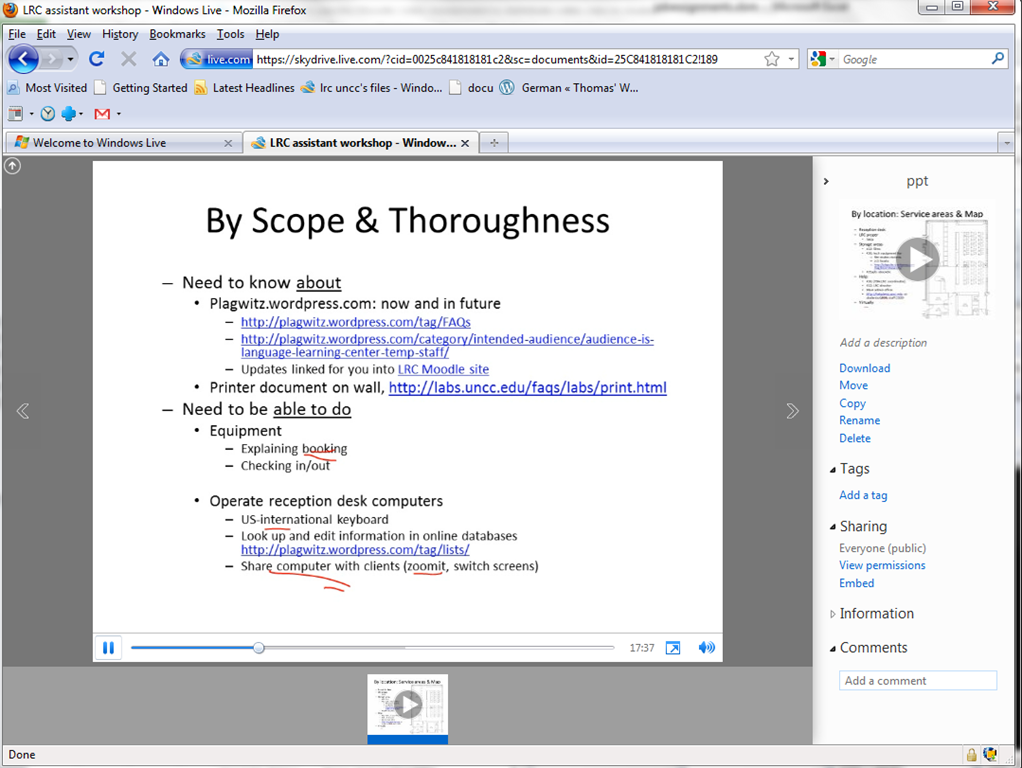
- and plays the video:

- more user-friendly and robustly (This has been tested to work on MS-Windows 7 with IE9 and Firefox 3.6) than distributing the bare WMVs of my screencasts directly.



Questions? Read the About. Or just ask me a quick Our Databases: Resources with calendars -- Language learning material Moodle Sites, multimedia files -- films


FAQs for LRC student staff or for students or for teachers. To search our FAQs, in the browser addressbar, add after "https://plagwitz.wordpress.com/feed/?tag=faqs+/" "+TAG1" (from tag cloud below) OR "https://plagwitz.wordpress.com/feed/tag=faqs
&category_name=" "CAT1" (from category hierarchy below). OR search both categories and tags, and multiple TAGs/CATs (connect with "," for OR-search, with "+" for AND-search), like so: https://plagwitz.wordpress.com/feed/?tag=TAG1+TAG2+...TAGn&category_name=CAT1
+CAT2+...CATn"
Other ways to find help
If you cannot find it here, look there: 5,500 Language-Learning Links and Programs for learning or teaching 150 languages
Shortcuts:Our Lists, Our Maps, LRC Staff Moodle Site,LRC Project Moodle Site, 49erexpress, UNCC Moodle, Student Recordings: s:claslcslrcsanakostudent
Learning usage samples: Sanako oral exam, Kaltura webcam presentation, Dictation with speech recognition, Sanako written exam, Chinese and Japanese interactive stroke-order practice
Test the Sanako Installer, Webbrowser Popup Konfigurator for XP, or Windows7, faster LRC TeacherPC Log-in Let MS facilitate diacritics writing by installing for you US-International keyboard layout
This is my personal blog (Google+). The views expressed on these pages are mine alone and not those of my employer. The information in this weblog is provided “AS IS” with no warranties, and confers no rights.
 Thomas' Work Space