Archive
How LRC assistants now help maintain LRC functionality with routine checks
Oral assessments have begun this week in the LRC. Please note that when using the LRC you may see LRC assistants going through the rooms doing a variety of chores (if need be, we can remind them that they must not disturb classes and other user activities).
We have written a large number of procedural guides, check lists with spreadsheets and illustrated parts lists (linked below) to train 7 groups of experts (varying in size between 2-6) in how to regularly inventory, test and maintain functionality of LRC equipment and services:
1. Daily LRC walkthrough check
2. Weekly headset test
3. Weekly film equipment check
4. Weekly staff and equipment calendar check
5. Biweekly faculty equipment check
6. Film collection maintenance (work in progress)
7. Help desk supervising

Samples of issues that we hope to address this way:
a. You check out a headset for recording learning materials over the last weekend before classes start and do not want to find it broken.
b. Your students come to the LRC for a quiz assignment/distance education and in the middle of it find the headset does not play audio while the timer/class is running.
c. You hold a recording class in the LRC and do not want to spend the first several more minutes – after the computers logged in – troubleshooting individual headsets that do not play or record.
d. Your students, when setting up film equipment for a film project (with location, actors/interviewees scheduled) have to find that the lights cannot stand essential since screws are missing.
e. Films cannot be located.
f. Etc.
I hope you will find experiencing fewer such issues a simplification in your interactions with the LRC .
How LRC assistants help maintain the film collection
Tuesday, January 21, 2014, 10:14:54 PM | plagwitz
Protected: How LRC assistants help with LRC room and resource mailboxes
Tuesday, January 21, 2014, 11:17:00 PM | plagwitz
New supervisor role for senior LRC Assistants
Monday, January 13, 2014, 7:09:36 PM | plagwitz
Friday, January 10, 2014, 10:45:32 PM | plagwitz
Friday, January 10, 2014, 8:52:51 PM | plagwitz
Thursday, January 02, 2014, 9:34:08 PM | plagwitz
Thursday, January 02, 2014, 9:00:44 PM | plagwitz
LRC daily walkthrough for all computers
Thursday, January 02, 2014, 9:38:44 PM | plagwitz
LRC daily walkthrough for classroom PCs
Thursday, January 02, 2014, 9:34:03 PM | plagwitz
LRC daily walkthrough for iMacs and printer
Thursday, January 02, 2014, 9:31:03 PM | plagwitz
LRC daily walkthrough for listening and group room stations
Thursday, January 02, 2014, 9:30:24 PM | plagwitz
Protected: A checklist for our regular equipment inventories
Monday, December 23, 2013, 11:43:29 PM | plagwitz
Checklist for the LRC Camera16
Monday, December 23, 2013, 11:32:25 PM | plagwitz
Monday, December 23, 2013, 11:19:13 PM | plagwitz
Monday, December 23, 2013, 11:15:42 PM | plagwitz
Monday, December 23, 2013, 11:14:29 PM | plagwitz
Checklist transcription foot pedal
Monday, December 23, 2013, 10:58:52 PM | plagwitz
Checklist for Voice recorder 03
Monday, December 23, 2013, 10:54:45 PM | plagwitz
Checklist for Voice recorder 01-02
Monday, December 23, 2013, 10:43:35 PM | plagwitz
Checklist for light kit (08-11)
Monday, December 23, 2013, 10:15:00 PM | plagwitz
Functionality tests for LRC microphones
Monday, December 23, 2013, 7:05:13 PM | plagwitz
Checklist for Vixia cameras (11-14)
Monday, December 23, 2013, 6:59:00 PM | plagwitz
LRC Wireless microphone basics
Monday, December 23, 2013, 5:59:04 PM | plagwitz
Monday, December 23, 2013, 5:25:24 PM | plagwitz
Checklist for light tripod (05-12)
Monday, December 23, 2013, 4:27:07 PM | plagwitz
Checklist for lavaliere microphones (01-03)
Monday, December 23, 2013, 3:29:47 PM | plagwitz
Checklist for heavy tripods (01-04)
Monday, December 23, 2013, 3:26:20 PM | plagwitz
Monday, December 23, 2013, 2:24:28 PM | plagwitz
Checklist for Rebel cameras (17/18/19/20)
Monday, December 23, 2013, 12:46:44 PM | plagwitz
Checklist for microphone booms
Monday, December 23, 2013, 12:34:00 PM | plagwitz
Wednesday, December 11, 2013, 3:02:51 PM | plagwitz
Run mmsys.cpl if you get no audible output in a Blackboard IM call on your PC
- Problem: Blackboard IM (4.5.3), in its call window , gives you audio output volume meters
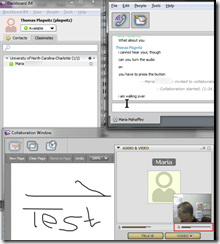 , but no actual audio output.
 - Reason: Blackboard IM seems to have its on in-built idea which device to output audio to, even if you have no actual speakers plugged in to hear, and it is rather difficult to dissuade.
- Solution:
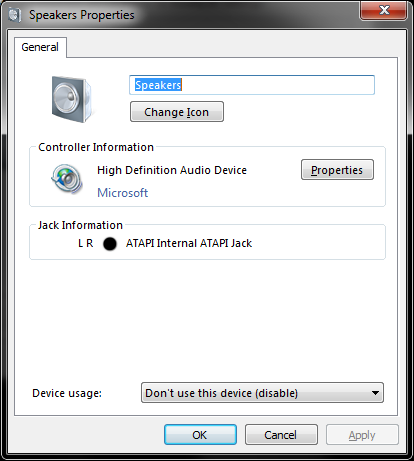
- Start / Run /”mmsys.cpl”, “OK”: Do the volume meters in there indicate that Blackboard IM outputs to another but your expected speaker (even if the other device is not the default)?


- Right-click on the other speaker device and Disable it.
- Also make sure to restart Blackboard IM. The built-in startup / dial tones will tell you immediately whether audio output works now

Internet Explorer add-ons to disable
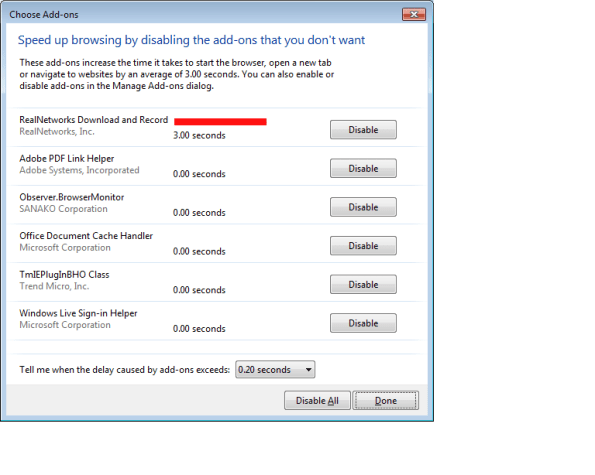
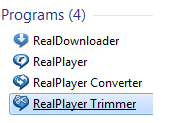
- Problem: we need Realplayer for some legacy media, but Realdownloader is an unwanted feature.
- “download this video” tooltip distracts
- slows down internet explorer startup
- Workaround
- Sprocket/Manage Add-ons / Disable for Realnetworks looks like a good idea – may have to be done for all browser
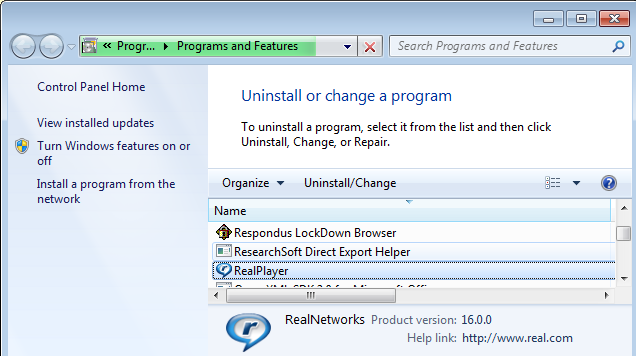
- appwiz.cpl indicates a separate uninstall does not seem possible

- it may be possible to configure realdownloader separately (possibly using msconfig or registry)
 ):
):


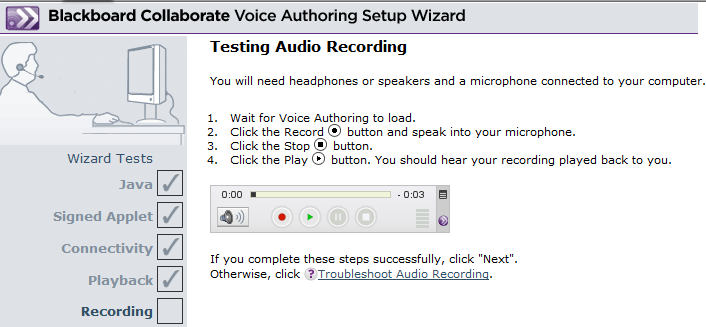
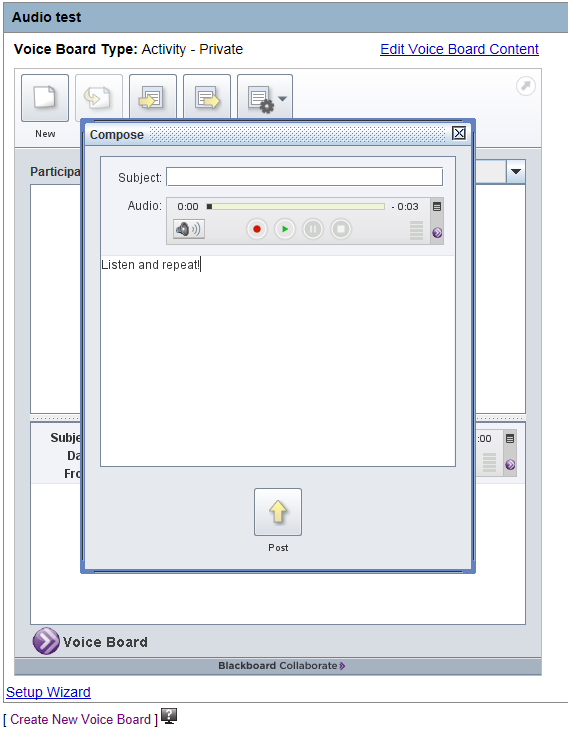
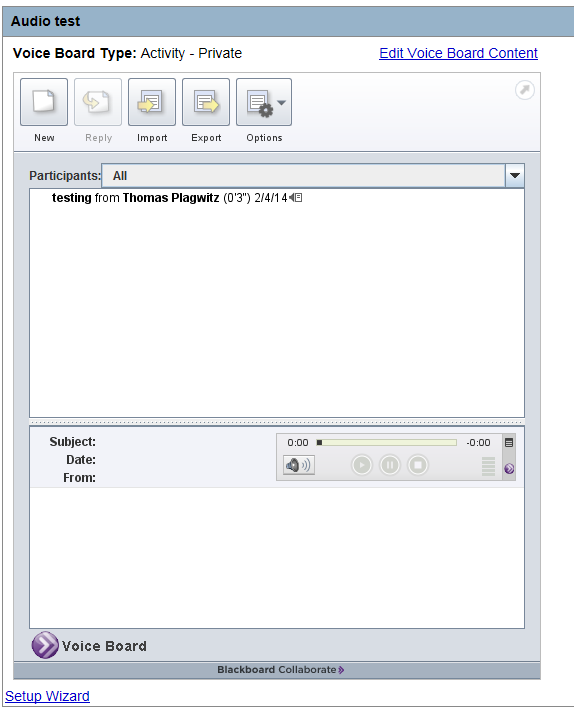
How to test Voice boards (Blackboard Collaborate, formerly Wimba voice) for Vista Higher Learning (Supersite3) Textbooks
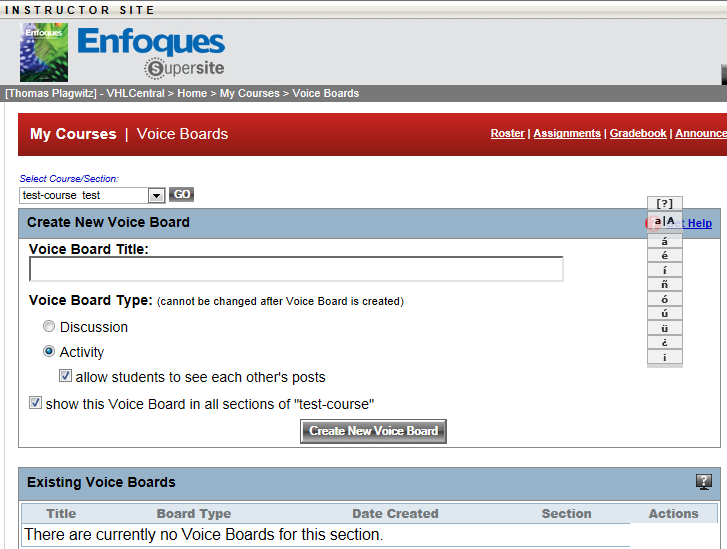
- First I create a voice board,
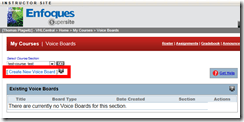

- and add an audio contribution so that students can respond:
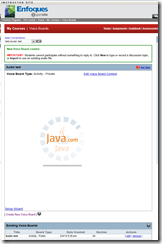
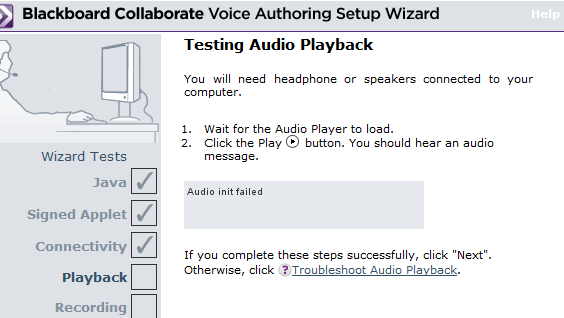
- Fail:
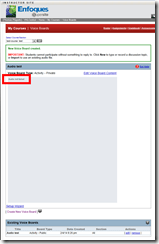


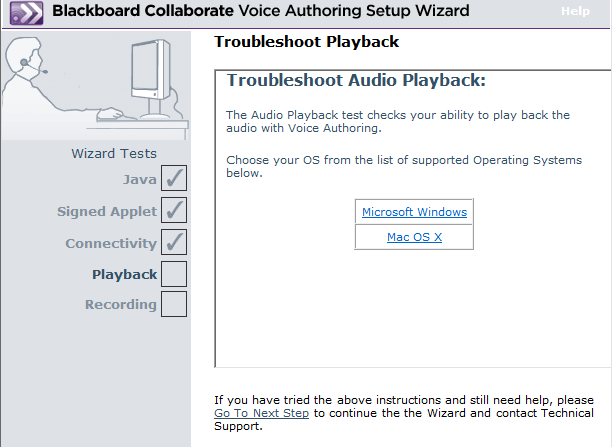
- More fail


- The help offered is of no use: “If the Applet displayed the message “Audio Unavailable”, click here. “ This is neither the error message, nor does the help address Java (but rather audio hardware config) issues
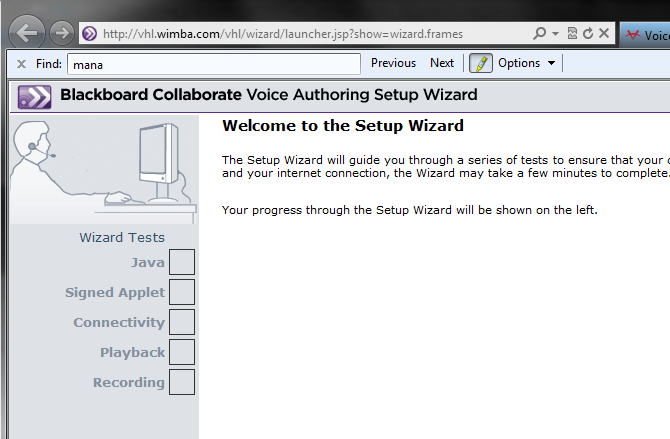
- But if you refresh (F5 suffices) the window with the Setup Wizard, it starts working?

- Even the audio recorder:

- And the voice board (after F5):
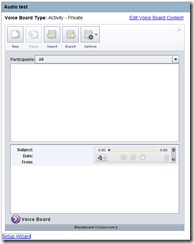
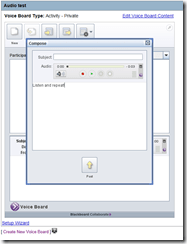

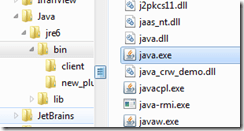
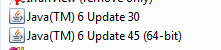
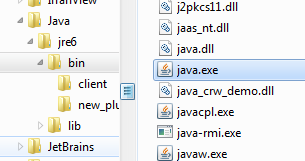
- What Java version is this under ?
 really? have I restarted after uninstall of 7.54?
- The running process here is now Java 6.
- Still need to test on Java 7.45.
- Now a user needs to test from the student view







How to test Blackboard IM (formerly Wimba Pronto) for Vista Higher Learning Textbooks
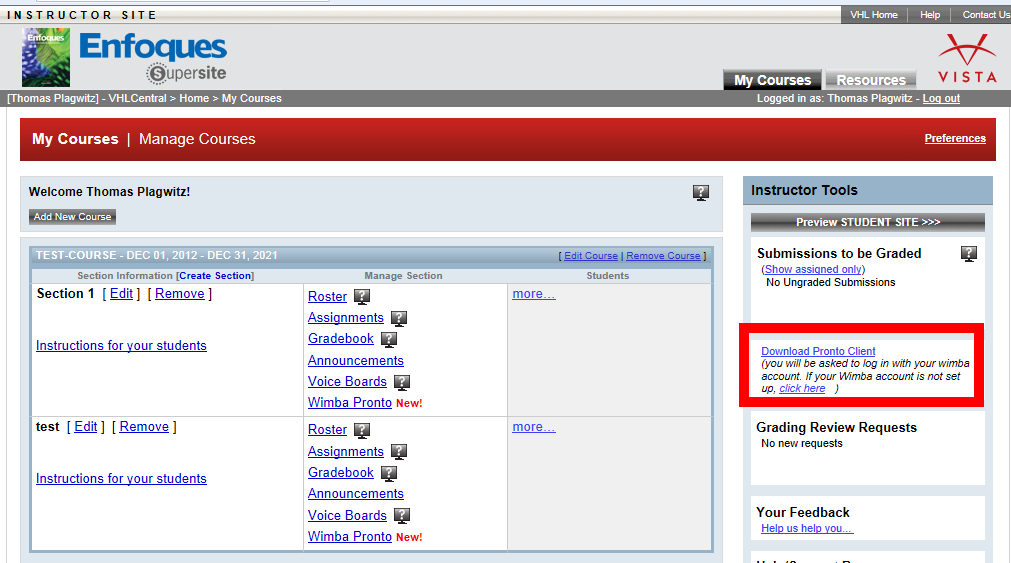
- After logging in on vhlcentral.com,
- the Software is linked on your “My courses” page:
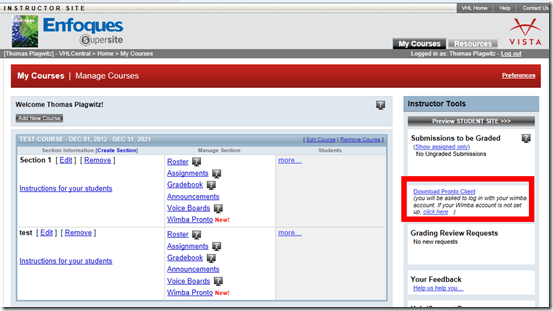
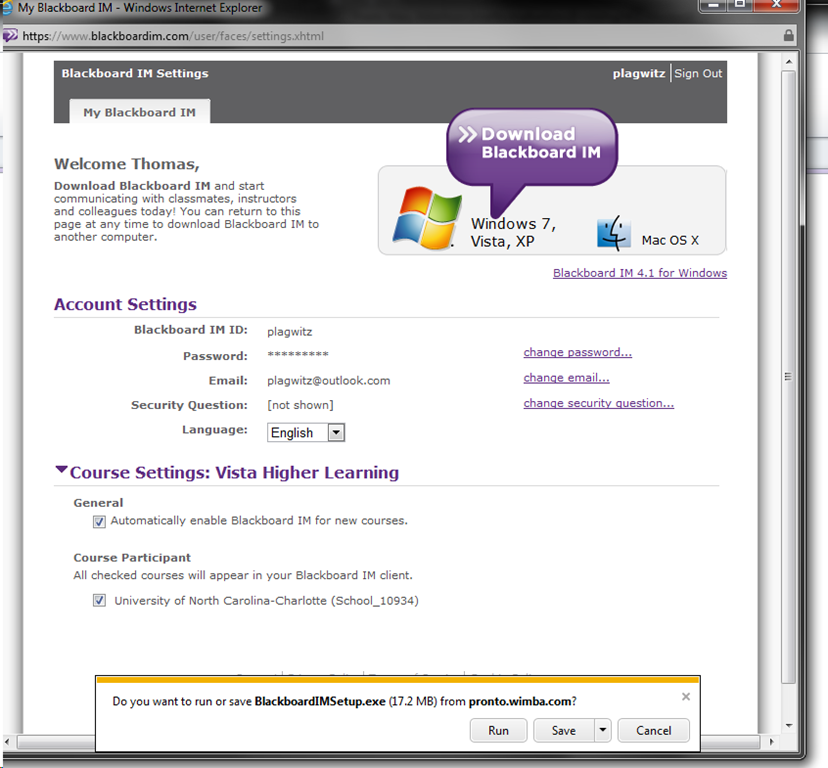
- Download and install:

- After install:
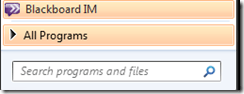
- Mine was already enabled, but the help says:
 Log in (Note: my account info was different form my vhlcentral.com)
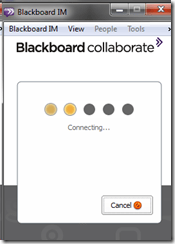

- Check out the Tools menu
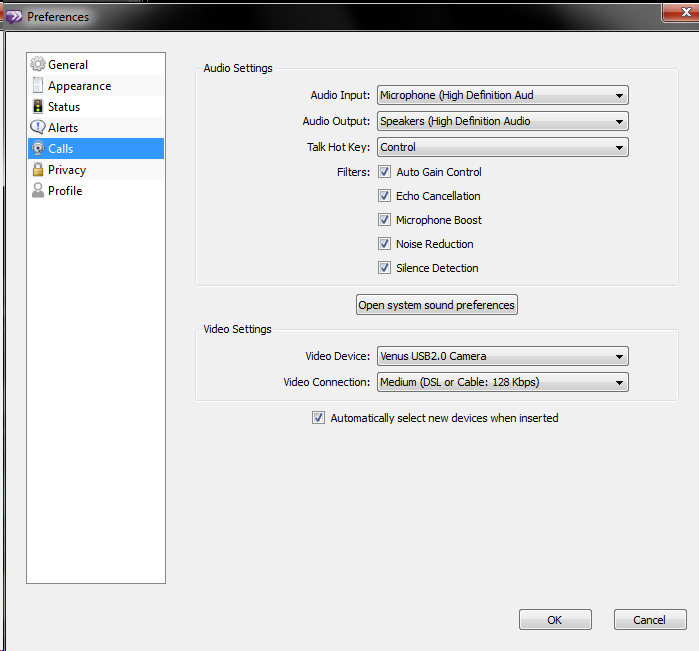
- Audio settings should be especially interesting, but there ix no built-on test:

- Need a partner for testing ..


Protected: Are oral exams failing since language students have not been given write access to the Sanako share?
Experiencing frequent crashes of Sanako student light recorder
- The new weekly headset check by LRC assistants brought to light that the Sanako student recorder (updated to 7.1, but I did not observe this during a very brief test at start of term):
- Students provide us with large sets of photos like this:
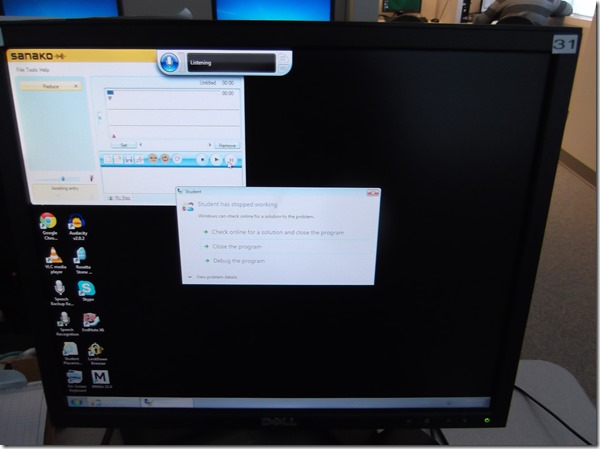
- Need to investigate:
- what is the detail ?
- only on startup? what happens when the sanako is closed and restarted?
- collect the sanako log files before the (frozen) computer gets restarted



Questions? Read the About. Or just ask me a quick Our Databases: Resources with calendars -- Language learning material Moodle Sites, multimedia files -- films


FAQs for LRC student staff or for students or for teachers. To search our FAQs, in the browser addressbar, add after "https://plagwitz.wordpress.com/feed/?tag=faqs+/" "+TAG1" (from tag cloud below) OR "https://plagwitz.wordpress.com/feed/tag=faqs
&category_name=" "CAT1" (from category hierarchy below). OR search both categories and tags, and multiple TAGs/CATs (connect with "," for OR-search, with "+" for AND-search), like so: https://plagwitz.wordpress.com/feed/?tag=TAG1+TAG2+...TAGn&category_name=CAT1
+CAT2+...CATn"
Other ways to find help
If you cannot find it here, look there: 5,500 Language-Learning Links and Programs for learning or teaching 150 languages
Shortcuts:Our Lists, Our Maps, LRC Staff Moodle Site,LRC Project Moodle Site, 49erexpress, UNCC Moodle, Student Recordings: s:claslcslrcsanakostudent
Learning usage samples: Sanako oral exam, Kaltura webcam presentation, Dictation with speech recognition, Sanako written exam, Chinese and Japanese interactive stroke-order practice
Test the Sanako Installer, Webbrowser Popup Konfigurator for XP, or Windows7, faster LRC TeacherPC Log-in Let MS facilitate diacritics writing by installing for you US-International keyboard layout
This is my personal blog (Google+). The views expressed on these pages are mine alone and not those of my employer. The information in this weblog is provided “AS IS” with no warranties, and confers no rights.
 Thomas' Work Space
