Archive
Posts Tagged ‘MS-OneDrive’
MS-SkyDrive-related blog posts
2013/01/08
Leave a comment
Categories: e-infrastructure
MS-Excel, MS-OneDrive, ms-powerpoint, web-apps
SkyDrive Embedding
2012/12/18
Leave a comment
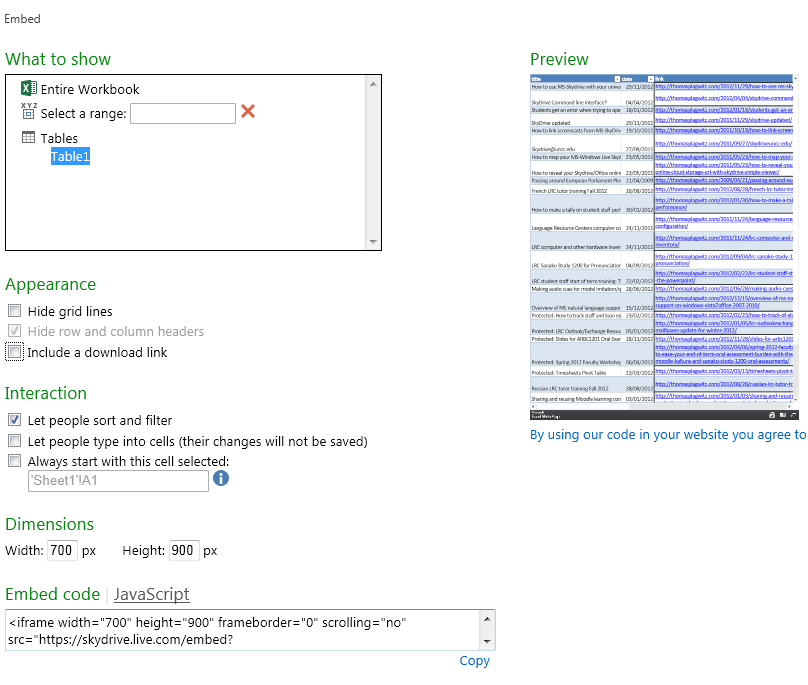
Excel: tab:File/ 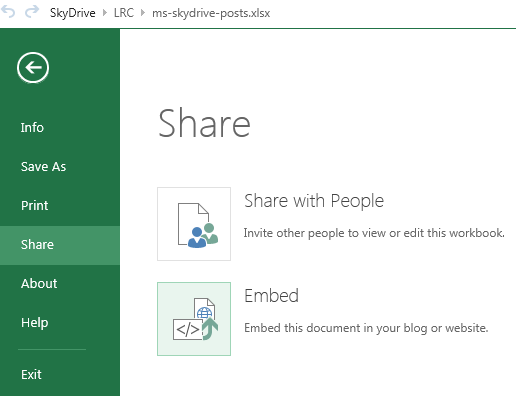
Categories: e-infrastructure
MS-OneDrive, wordpress
How to use MS-Skydrive with your university account here
2012/11/29
Leave a comment
- One of the benefits of live@edu is institutional access to file storage space in the cloud. You need not set anything up for that. Just go to http://skydrive.com and log in with (1) your university account, here is what you get:
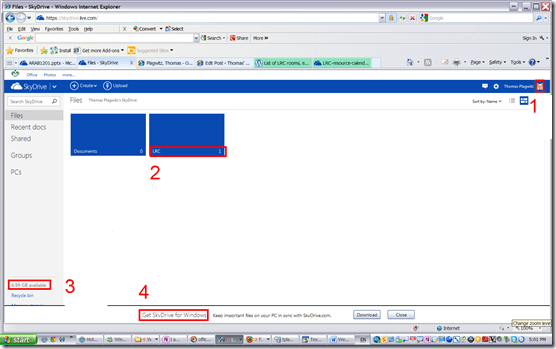
- You can create (or upload) folders and files (this one is from a long time ago, since I briefly could log in when live@edu was first introduced. Students always could log in).
- 7 GB of free space in the cloud should be plenty, including
- for teachers looking for a convenient way to bring files to the classroom beyond the limitations of the H: –drive “ My documents”
- for film students misplacing they backup hardware. No more hogging of checked out cameras just since you did not bring your portable hard drive. Just upload your clips to skydrive.com, access them from home.
- If you install the optional free Skydrive app (available ofr Windows Vista and up and MacOS X.7)
- the file size limit is expanded from 100MB to 2GB.
- files can be automatically synchronized between your classroom and home computer.
- To access files on classroom computers without the skydrive app, just use skydrive.com

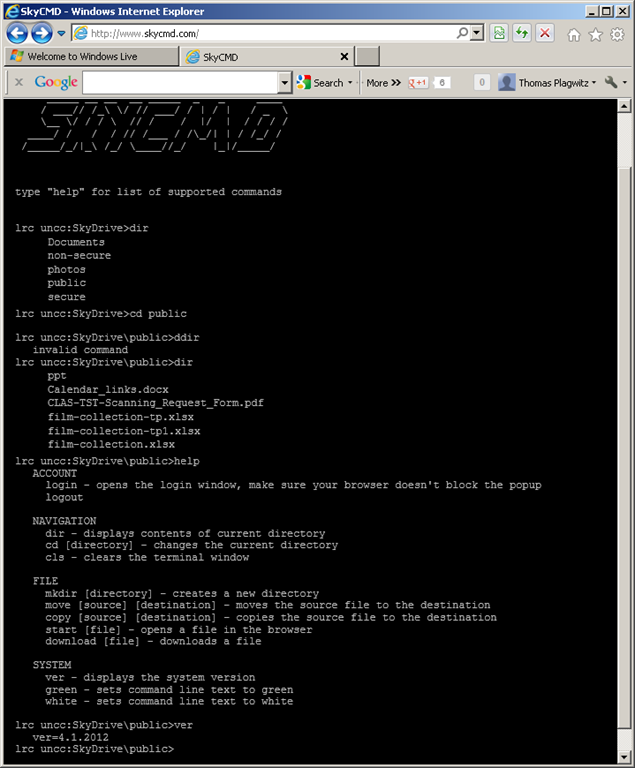
SkyDrive Command line interface?
2012/04/04
Leave a comment
Update: SkyDrive batching very near now…
Good one, but I am not getting the joke: We do need batching…?  Here’s hoping for Windows 8 SkyDrive integration.
Categories: Personal
MS-OneDrive
Students get an error when trying to open links from MS-Word file
2012/01/18
Leave a comment
- Error reads: “”this operation has been cancelled due to restrictions in effect on this computer”.
- Immediate workaround:
- right-click on the link, choose copy, open a web browser window
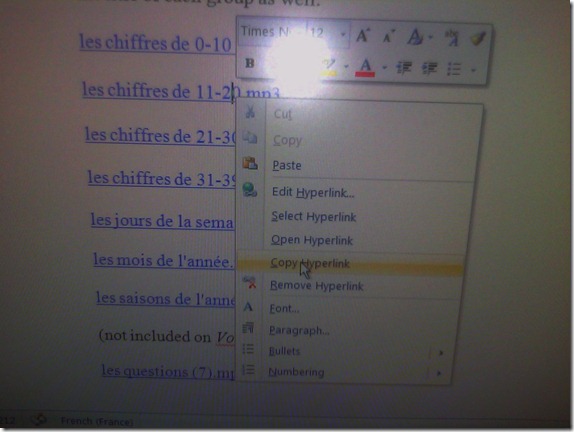 and paste the link into the address bar, browse to it from there.
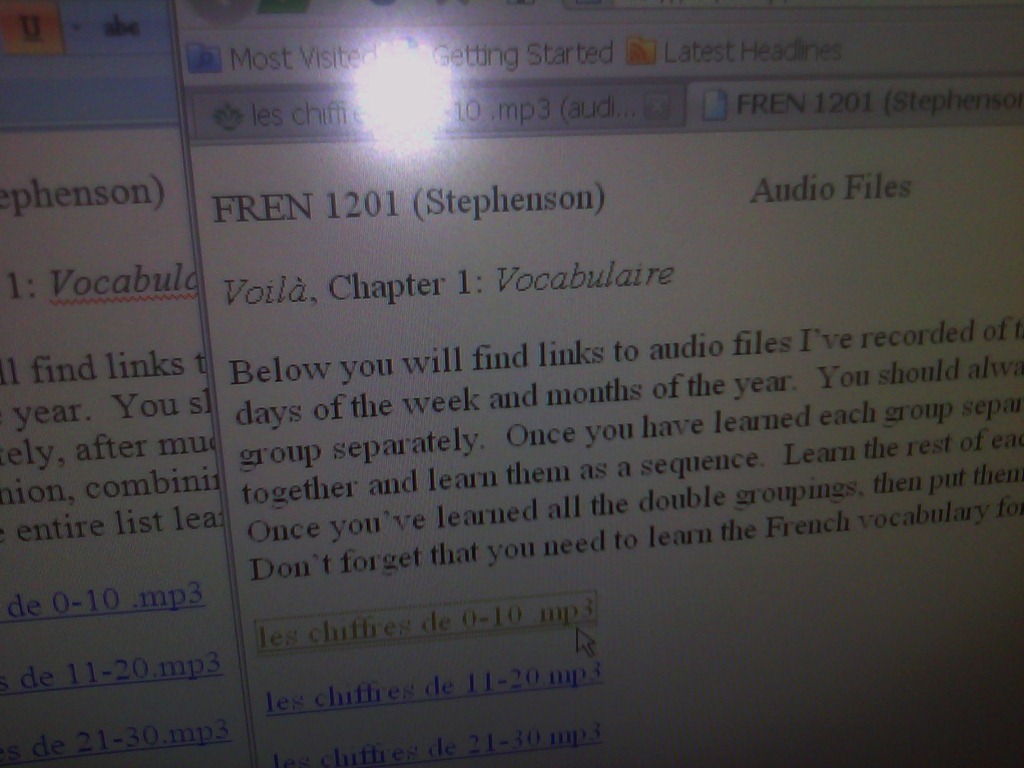
 - File / Save as / Web page. From where you saved the web page, double click to open it in the your web browser, click the links form within there.

- Have you tried saving your MS-Word files to the new SkyDrive.live.com (login with your NINERNET password) yet? Students can choose to open MS-Word documents in either MS-Word or their web browser which should also bypass the problem.
- right-click on the link, choose copy, open a web browser window
- Solution: Investigating. Seems related to no “default browser set” in XP Control Panel / Internet options. If you cannot live with the workaround, do ask your System Administrator. Or stay tuned

SkyDrive updated
2011/11/29
Leave a comment
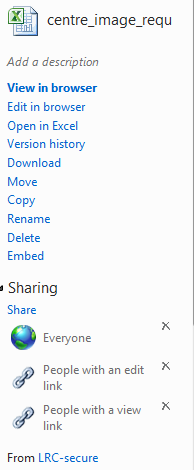
- A timely upgrade for use of Office online in a mixed business environment:


- Results in:

- Better sharing is just one of the improvements: Read more here. A bit more “more” what the different options entail is available here.


Categories: e-infrastructure
MS-OneDrive
How to link screencasts from MS-SkyDrive
2011/10/19
Leave a comment
- I am trying to replace – in the routine cases that do not need post-editing, but where speed is of the essence – my practice to post-process my screencasts in MS-Expression Encoder (installed on one machine only) and upload the result with a page to load a Silverlight Control – all hosted on my MS-Windows Azure portfolio.
- Much easier and quicker would it be to store screencasts in MS-SkyDrive (mapping to drives in MS-Windows enables a more robust drag and drop than the still browser-specific web version on live.com), and top take advantage the embed links provided.
- Unfortunately, WordPress.com, my blogging platform, does not support iframes with videos from MS-SkyDrive.
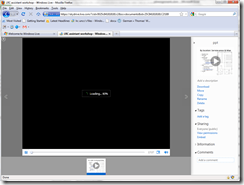
- However, by linking to the URL in the embed code, to open in a new window (with the inelegant instruction to “click on the thumbnail that opens”; if it loads slow, the thumbnail ALT displays essentially the same),:
- I can get the user to an MS- Silverlight control which loads:
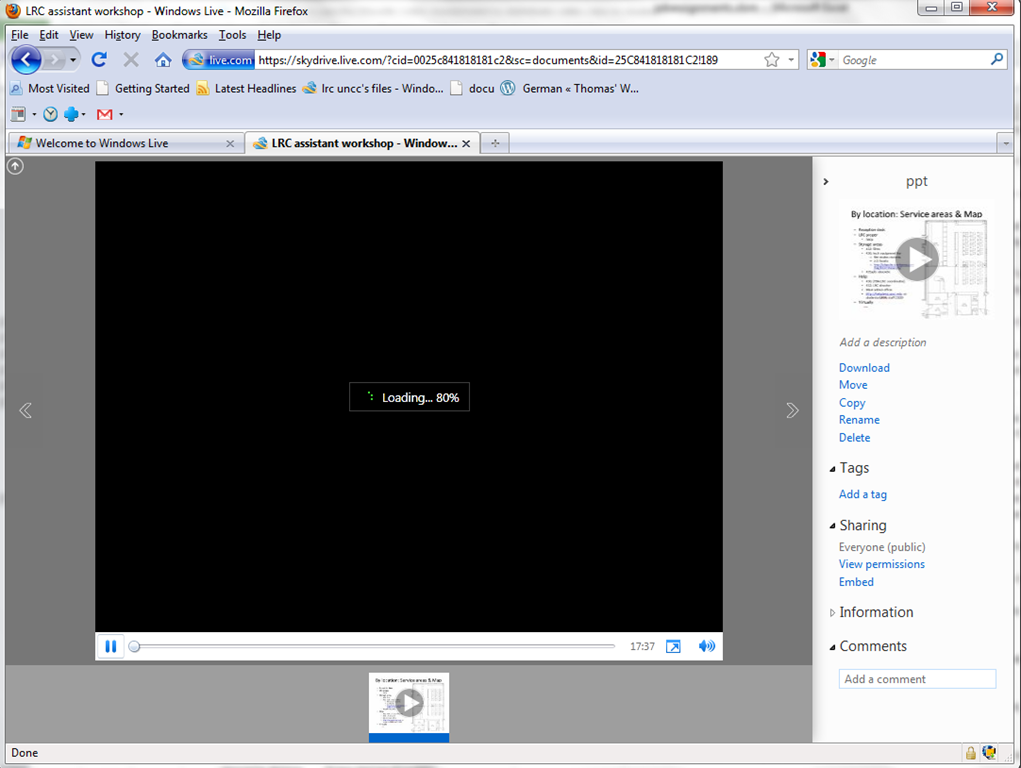
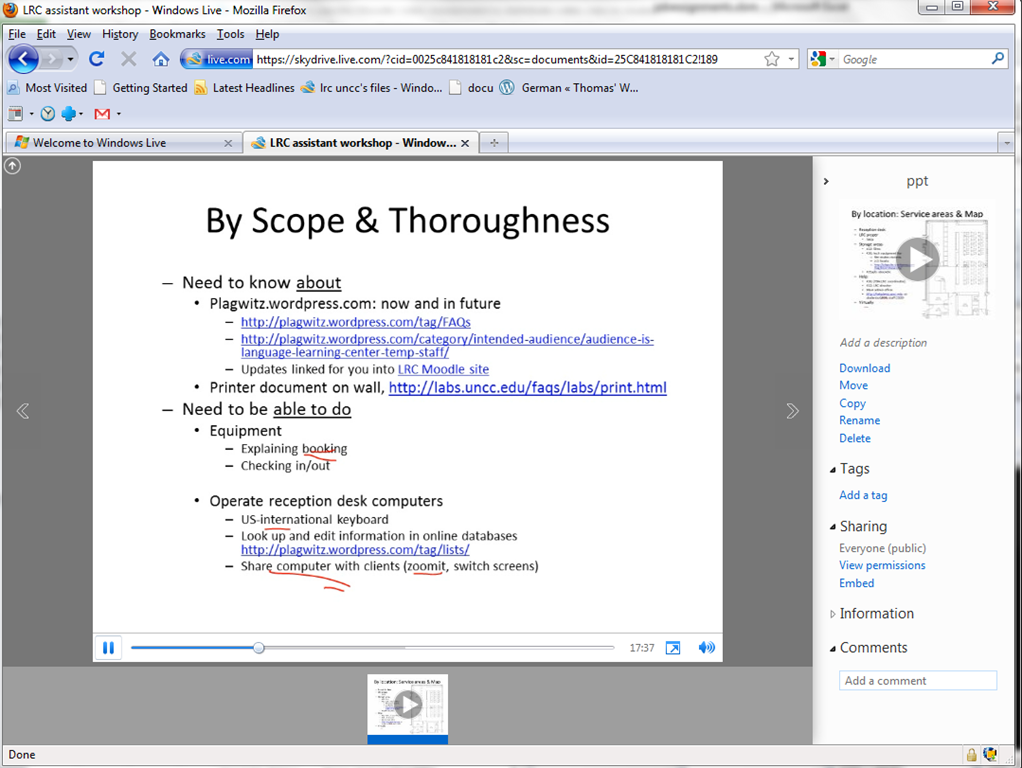
- and plays the video:

- more user-friendly and robustly (This has been tested to work on MS-Windows 7 with IE9 and Firefox 3.6) than distributing the bare WMVs of my screencasts directly.

Skydrive@uncc.edu
2011/09/27
Leave a comment
- Ninermail’s live@edu implementation includes SkyDrive, Microsoft’s cloud document sharing and collaboration solution,
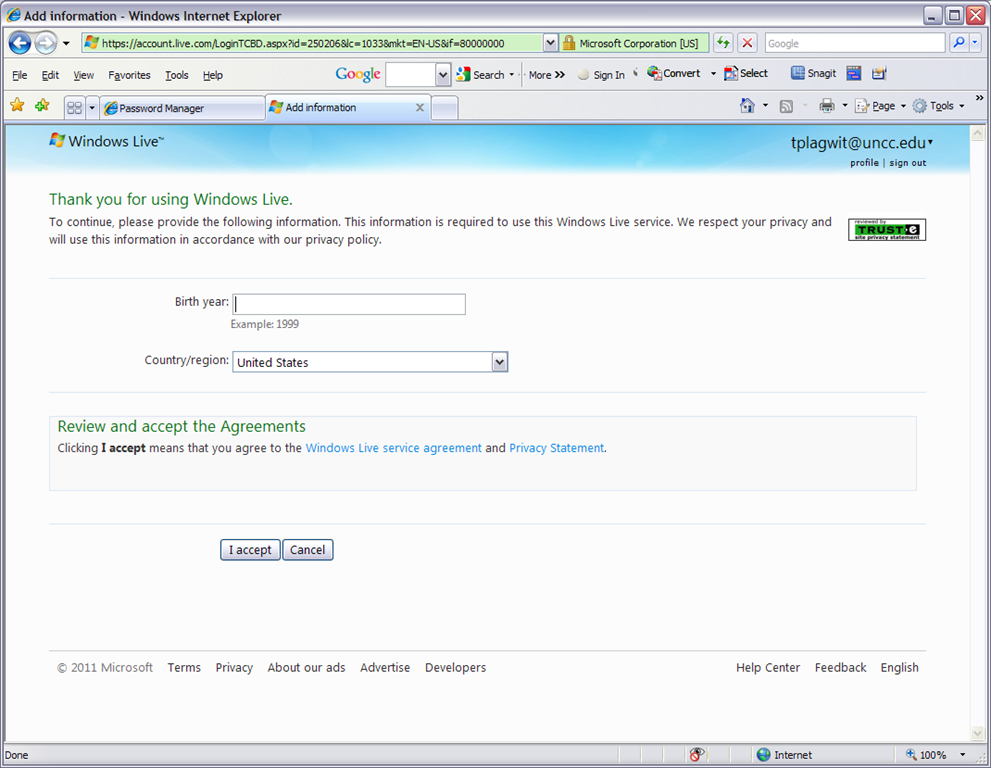
- Log in with your UNCC credentials at http://skydrive.live.com:

- OK, you may have to reset your password, then log in:


Categories: e-infrastructure, Glitches&Errors
live@edu, MS-OneDrive


Questions? Read the About. Or just ask me a quick Our Databases: Resources with calendars -- Language learning material Moodle Sites, multimedia files -- films


FAQs for LRC student staff or for students or for teachers. To search our FAQs, in the browser addressbar, add after "https://plagwitz.wordpress.com/feed/?tag=faqs+/" "+TAG1" (from tag cloud below) OR "https://plagwitz.wordpress.com/feed/tag=faqs
&category_name=" "CAT1" (from category hierarchy below). OR search both categories and tags, and multiple TAGs/CATs (connect with "," for OR-search, with "+" for AND-search), like so: https://plagwitz.wordpress.com/feed/?tag=TAG1+TAG2+...TAGn&category_name=CAT1
+CAT2+...CATn"
Other ways to find help
If you cannot find it here, look there: 5,500 Language-Learning Links and Programs for learning or teaching 150 languages
Shortcuts:Our Lists, Our Maps, LRC Staff Moodle Site,LRC Project Moodle Site, 49erexpress, UNCC Moodle, Student Recordings: s:claslcslrcsanakostudent
Learning usage samples: Sanako oral exam, Kaltura webcam presentation, Dictation with speech recognition, Sanako written exam, Chinese and Japanese interactive stroke-order practice
Test the Sanako Installer, Webbrowser Popup Konfigurator for XP, or Windows7, faster LRC TeacherPC Log-in Let MS facilitate diacritics writing by installing for you US-International keyboard layout
This is my personal blog (Google+). The views expressed on these pages are mine alone and not those of my employer. The information in this weblog is provided “AS IS” with no warranties, and confers no rights.
 Thomas' Work Space