Protected: Computer games for language learning @ IALLT 2013
2013/09/11
Enter your password to view comments.
Categories: software-old
gamification
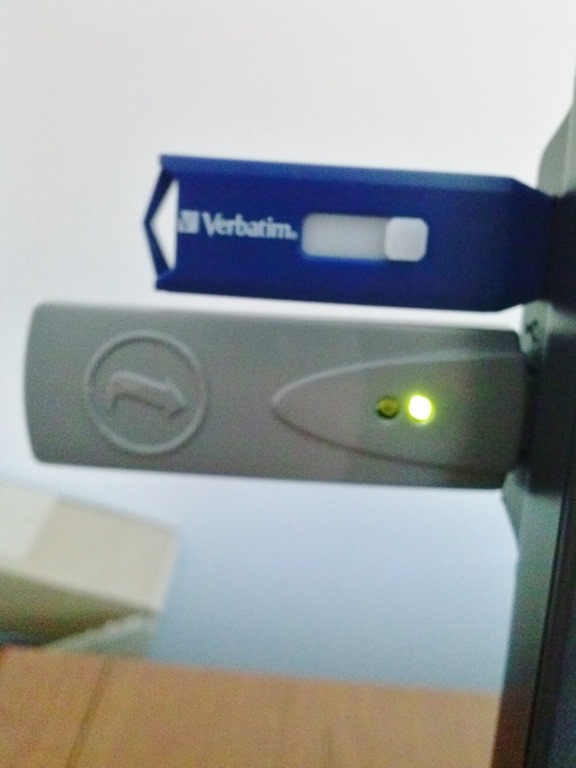
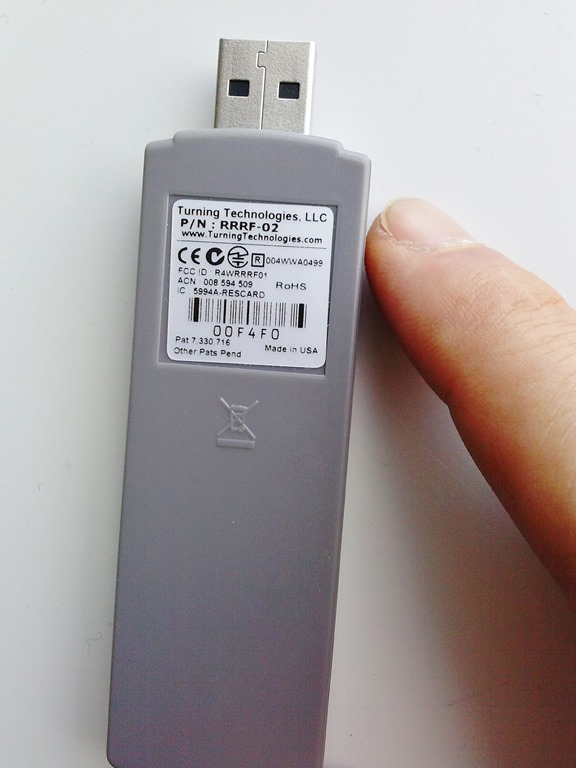
Our Clickers: Software and Hardware
2013/09/10
Leave a comment
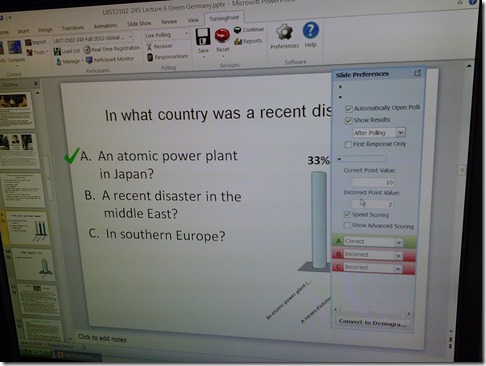
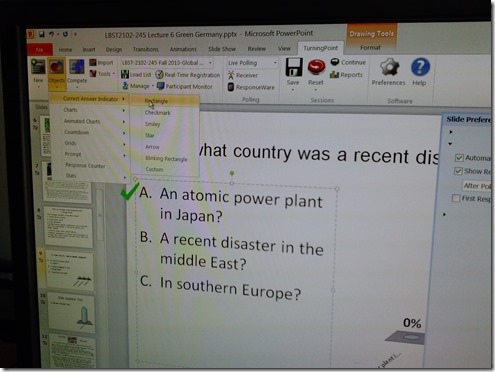
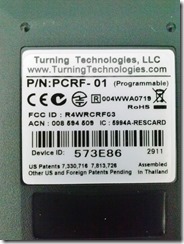
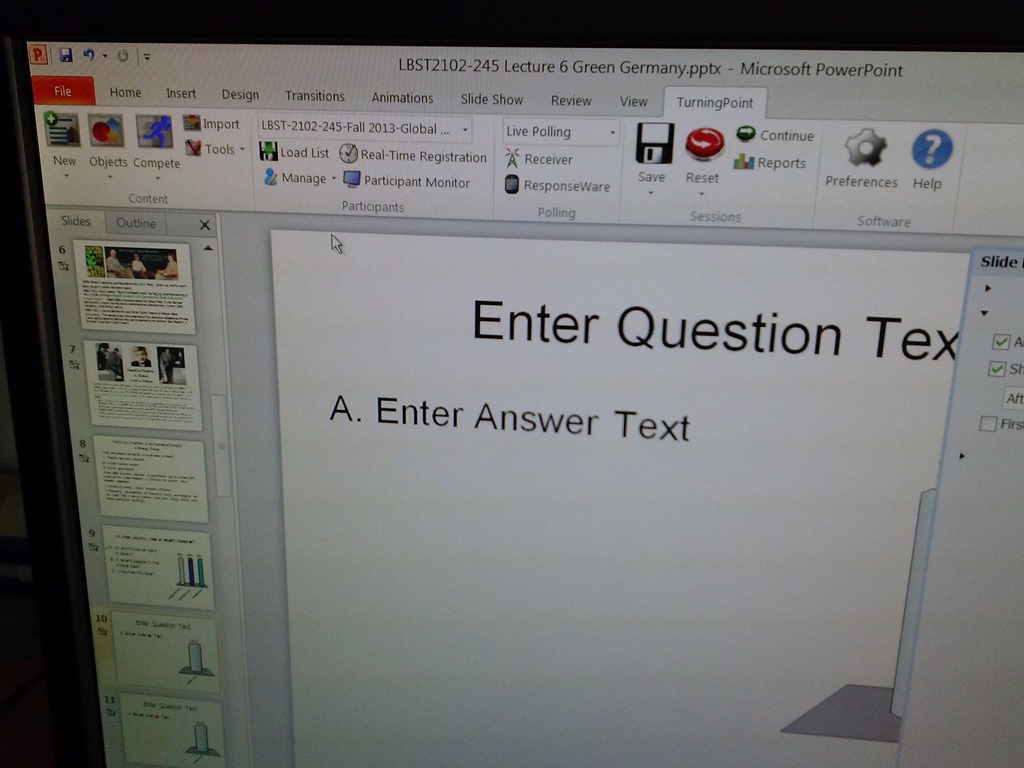
- The clickers come with software (PPT Add-In) that allows teachers to integrate simple interactivity (multiple choice questions etc.) into their slide decks.

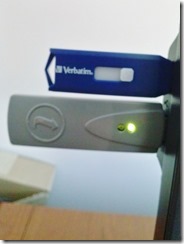
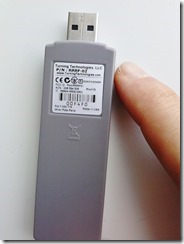
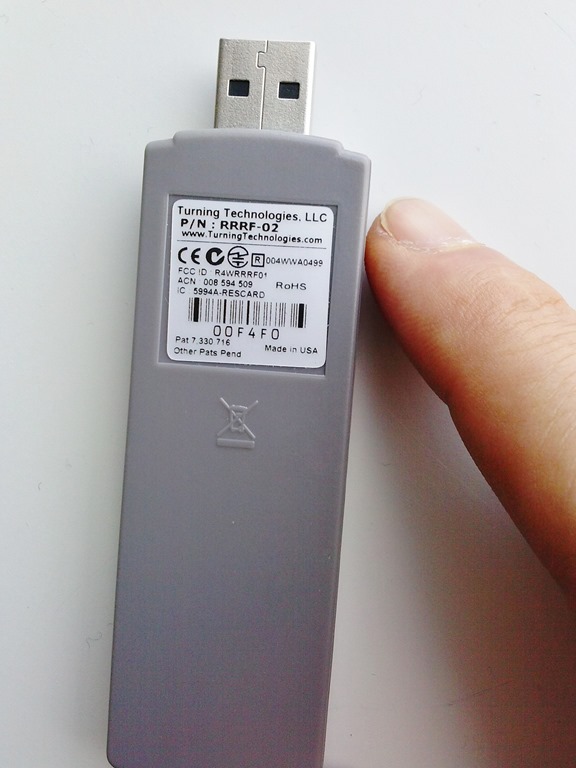
- The following teacher-hardware allows the teacher to present their interactive slide deck in the classroom and aggregate and display (for discussion and adaptive teaching) the student responses






How to easily avoid “Death by PowerPoint” and focus audience attention by showing paragraphs 1-by-1
2013/09/10
Leave a comment
- Open the Slide Master (“menu:View”/ “Slide Master”), then make these changes:
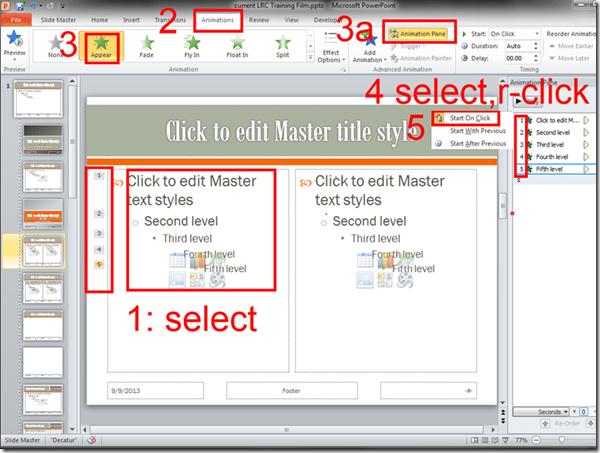
- Close the Slide Master, for the change to affect all your slides from now on (without you having to add animations for each paragraph individually).
- We only did the master for the main layout. I f you want to have the effect on all slide layouts, keep adding animations like shown above.
- If you want to remove this effect, you can go into the master slide as shown and delete the animations in the animation pane.

Categories: audience-is-teachers, office-software
ms-powerpoint
The Scheduling Assistant is simply multiple calendars displayed as parallel timelines for easier comparison
2013/09/09
Leave a comment
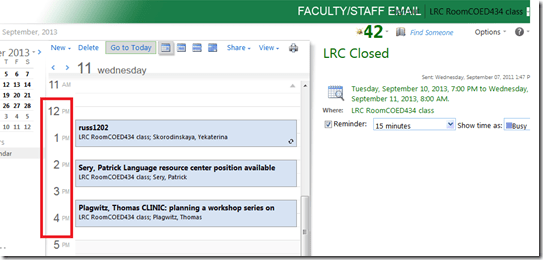
- We are all conversant in reading a daily – like here for the classroom-, weekly or monthly calendar sheet:
- If you send a Meeting request to the classroom to book it, the Scheduling Assistant displays exactly the same free/busy information for the classroom.
- Same pattern of events as above:
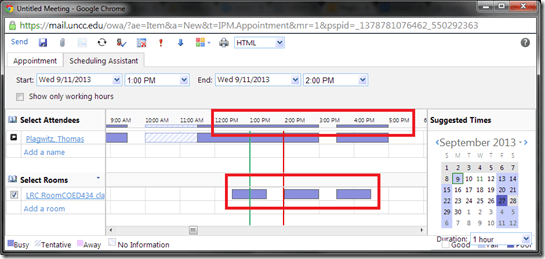
- Except that it is folded from a calendar into a timeline format (and in OWA does not display text explanatory beyond with what/whom the room is busy).
- This timeline format may be less familiar, but is much more practical to compare the availability for the multiple participants of a meeting.
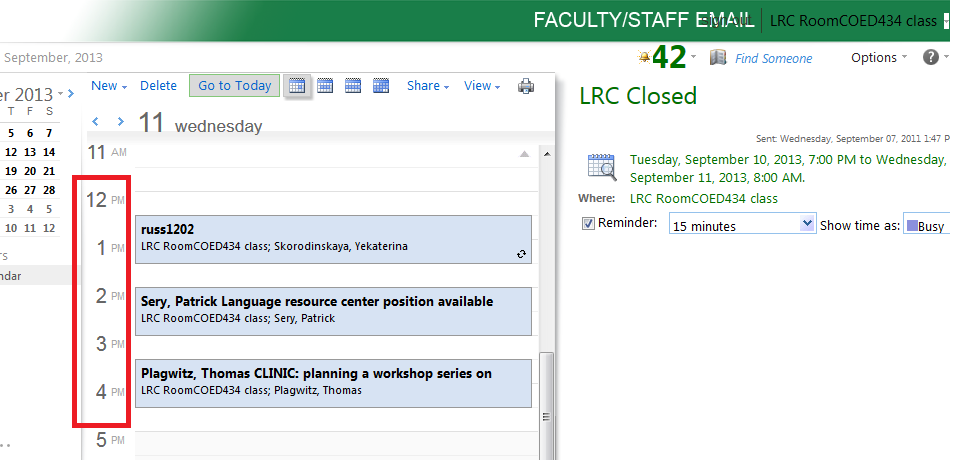
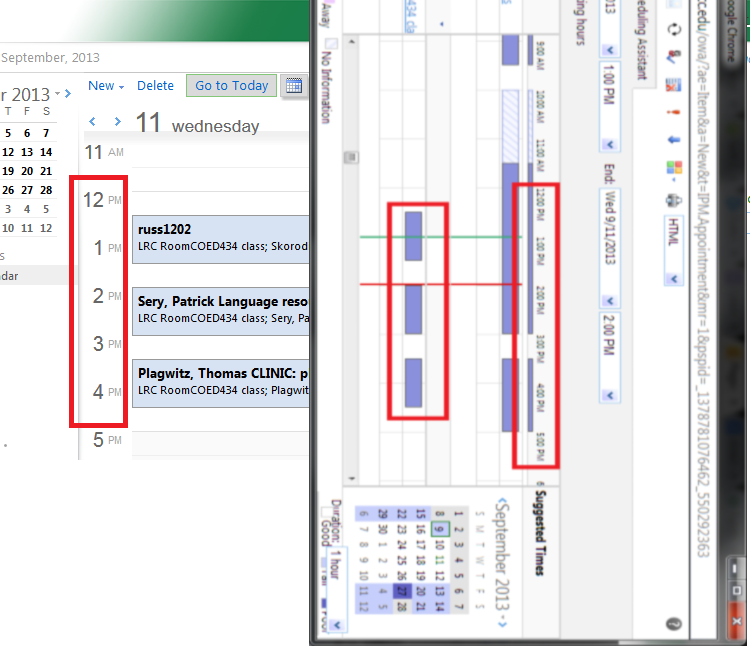
- Same pattern of events as above:
- Compare here: Same pattern for the room booking on both views.



Clinic on PowerPoint for teaching presentations
2013/09/09
Leave a comment
Categories: audience-is-teachers, workshops
ms-powerpoint
How to work around a possible bug of Sanako Study 1200 collecting student files opening multiple explorer windows?
2013/09/09
Leave a comment
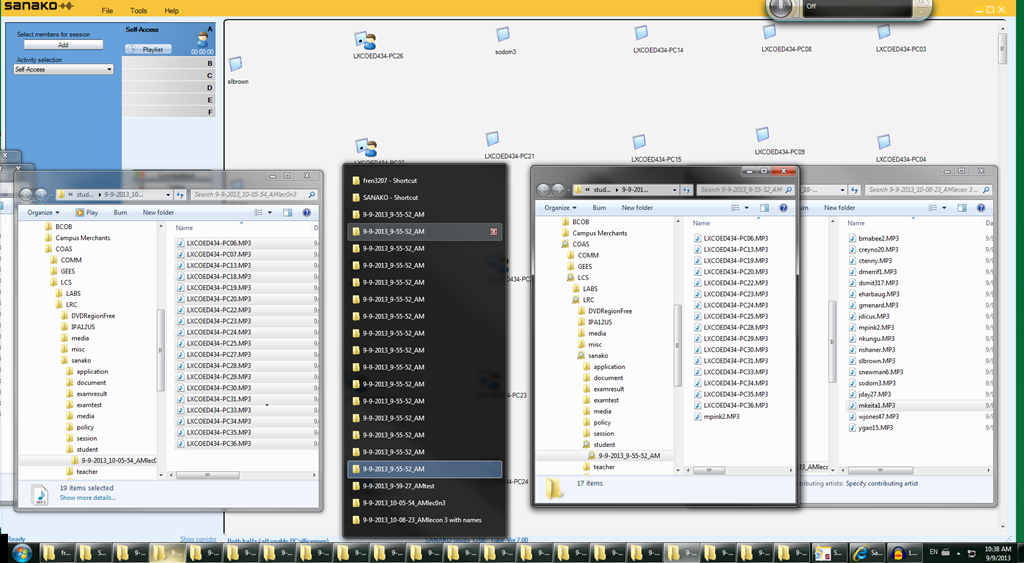
- Problem: To great confusion of my teachers, Sanako version 7 often seems to open multiple collection windows (1 per student recorded?) when collecting files, like so:
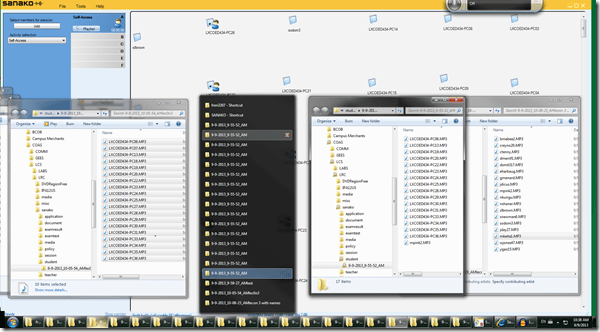
- Possible Cause: From the screenshot above,
- where only 1 collection event out of 3 shows this undesirable behavior,
- and the 2 that did not, collected all file either under student computer name or all under student login name:
- is it possible that Sanako has a bug which causes it to open one Windows explorer window per student file collected, if
- some students are displayed under their computer name,
- while other are displayed under their login name?
- This is aggravated by another limitation (or bug): Students that come online after I chose show student computer names, are not affected by this setting, but display with their login name (the default).
- Possible Workaround:
- Make sure all students display under the same naming scheme.
- This is best achieved by waiting until every student icon shows up in the classroom map before changing the classroom map student display option.
Categories: digital-audio-lab, e-languages, Glitches&Errors
naming, sanako-study-1200
How to set up your computer to access ASCM URLS with Adobe Digital Edition for DRM-protected eBooks
2013/09/09
Leave a comment
-
I downloaded the Adobe digital Edition from here: http://www.adobe.com/products/digital-editions/download.html
-
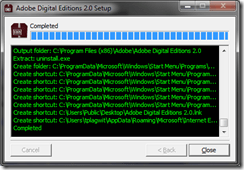
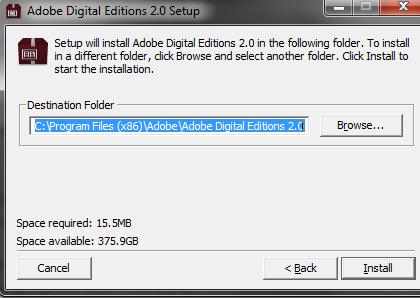
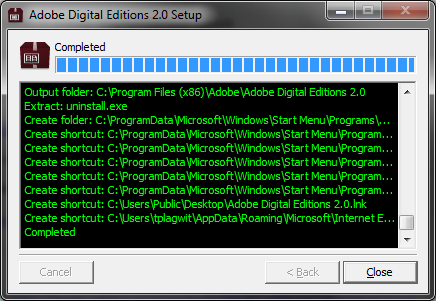
I installed the downloaded Adobe Digital edition like so:
-

-

-
-
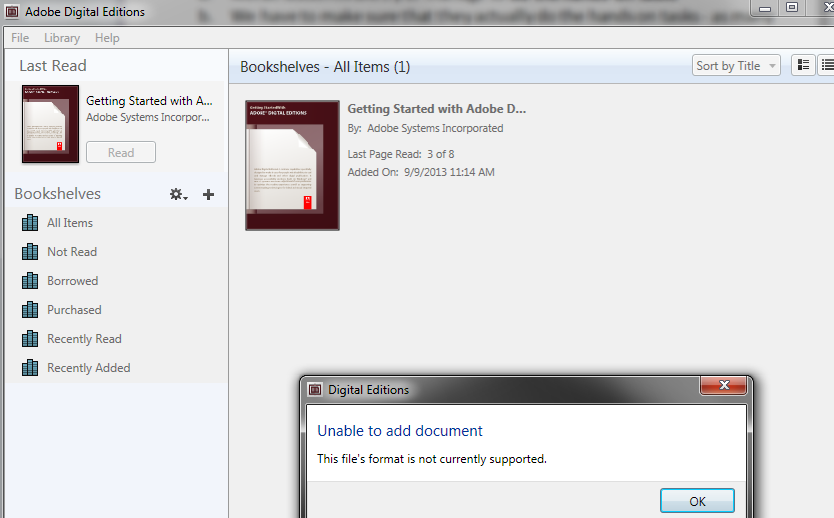
I can now run the Adobe Digital Edition program:
-
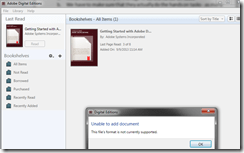
However, File / open / paste url won’t work.
-
-
Also, if I download the ASCM file, Windows still does not know which application to open ASCM file with
-

-
I CAN HOWEVER DOWNLOAD AN ASCM FILE AND DRAG drop this into an open digital edition window, to get this at least
-

-
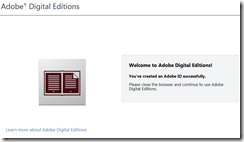
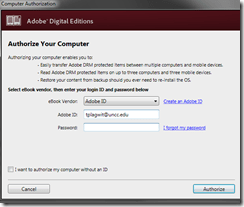
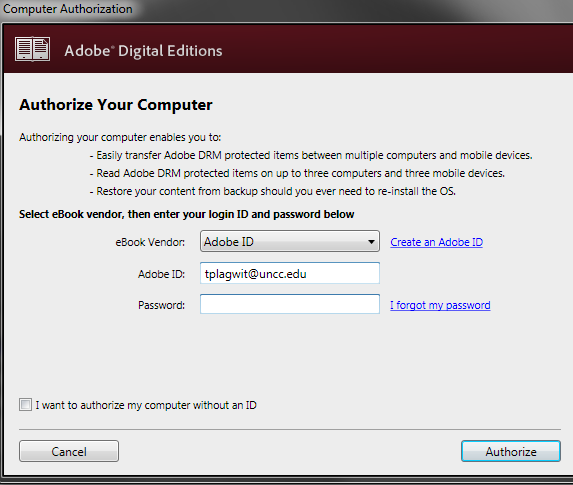
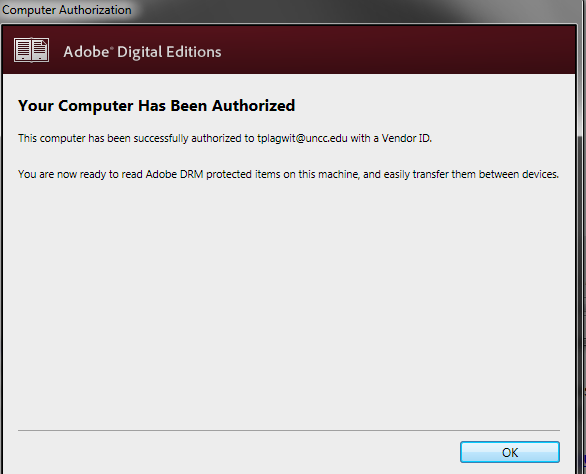
I went down the "authorize your computer" route:
-

-
-
-
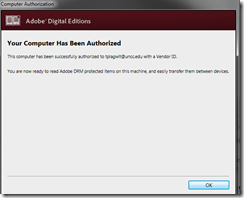
-
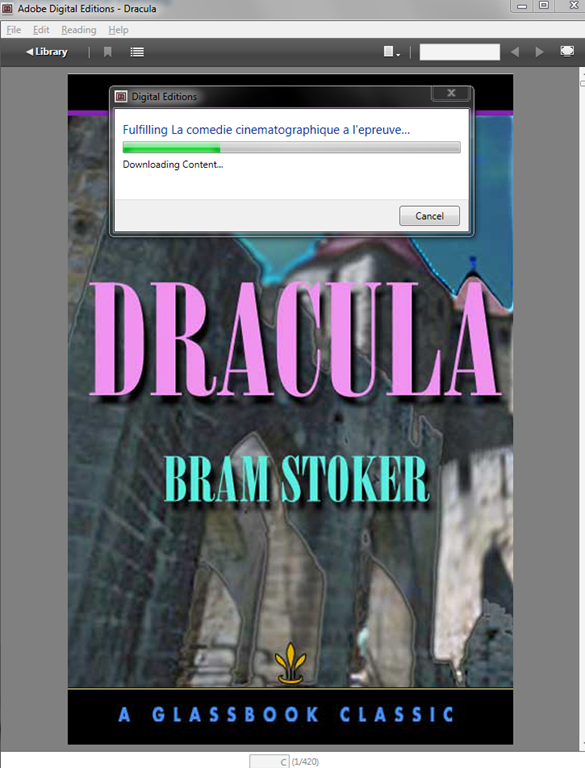
Here is my first example (from the Adobe samples website):
-
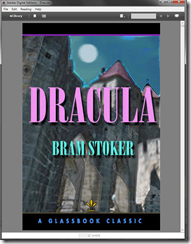
-
From now on, I can simply click on adobe digital edition links with ASCM files.
-
When getting the download dialogue, I can skip saving and click "open":
-

-
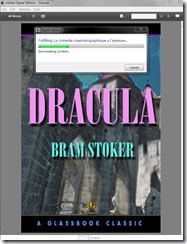
-
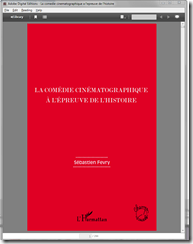
-
Note: you are consuming a license if you open te ebook with your account.








Questions? Read the About. Or just ask me a quick Our Databases: Resources with calendars -- Language learning material Moodle Sites, multimedia files -- films


FAQs for LRC student staff or for students or for teachers. To search our FAQs, in the browser addressbar, add after "https://plagwitz.wordpress.com/feed/?tag=faqs+/" "+TAG1" (from tag cloud below) OR "https://plagwitz.wordpress.com/feed/tag=faqs
&category_name=" "CAT1" (from category hierarchy below). OR search both categories and tags, and multiple TAGs/CATs (connect with "," for OR-search, with "+" for AND-search), like so: https://plagwitz.wordpress.com/feed/?tag=TAG1+TAG2+...TAGn&category_name=CAT1
+CAT2+...CATn"
Other ways to find help
If you cannot find it here, look there: 5,500 Language-Learning Links and Programs for learning or teaching 150 languages
Shortcuts:Our Lists, Our Maps, LRC Staff Moodle Site,LRC Project Moodle Site, 49erexpress, UNCC Moodle, Student Recordings: s:claslcslrcsanakostudent
Learning usage samples: Sanako oral exam, Kaltura webcam presentation, Dictation with speech recognition, Sanako written exam, Chinese and Japanese interactive stroke-order practice
Test the Sanako Installer, Webbrowser Popup Konfigurator for XP, or Windows7, faster LRC TeacherPC Log-in Let MS facilitate diacritics writing by installing for you US-International keyboard layout
This is my personal blog (Google+). The views expressed on these pages are mine alone and not those of my employer. The information in this weblog is provided “AS IS” with no warranties, and confers no rights.
 Thomas' Work Space