LRC Faculty Showcase: Enhancing reading fluency in Spanish through Online Courses
2014/01/24
Leave a comment
- The videos of the presentation by Maria Mahaffey, Emily Kristoff and Shaun Stone on SPAN2200, using Hot Potatoes exercises in Moodle, and the ensuing discussion, are available on the intranet:
- PowerPoint screencast with audio: “S:\CLAS\LCS\MYDEPT\mahaffey\span2200\showcase\SLP_2014_PowerPoint.wmv” (size: 130MB).
- Video with presenter and PowerPoint on projector: “S:\CLAS\LCS\MYDEPT\mahaffey\span2200\showcase\showcase-SLP-2014.mp4” (size:410MB).
Why does MS-Exchange calendar publishing with Limited details show the name of the organizer in the subject?
2014/01/22
Leave a comment
- Partial answer: Because the organizer name gets already put into the booking itself, before publishing (I first thought it was put in by a bug the publishing settings, where there is supposed to be an option to enable/disable showing the organizer name ). UPDATE: Another part of the answer: AddOrganizerToSubject is set to true on the mailbox (Doh! Hm, but why did this not seem to cause a problem before)?
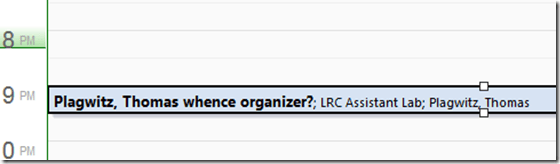
- Booking:

- Result (I saw the correct “whence”part of the subject briefly flickering up, but then the organizer name appeared in front of it):
- Publishing Setting:

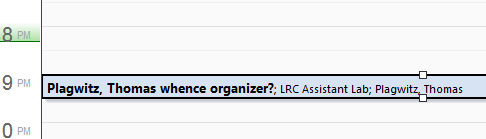
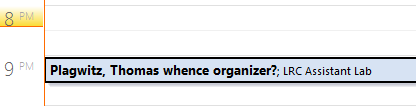
- Published View (which is where we do not want the organizer to show):

 2010 SP?.



Categories: e-infrastructure, Glitches&Errors
calendaring, ms-exchange, outlook, outlook-live, publishing, resources
Layout of the Language Resource Center (LRC)
2014/01/22
3 comments
The numbers in the layout correspond to the numbers we posted (to facilitate teacher and student orientation and to aid in LRC temp staff troubleshooting) on the computer monitors and also (for IT staff) to the number part of the underlying computer names which can also be displayed in the classroom management systems NetOP School and Sanako Study 1200 on the teacher computer (32).

LRC website migration from WordPress to Drupal
2014/01/22
Leave a comment
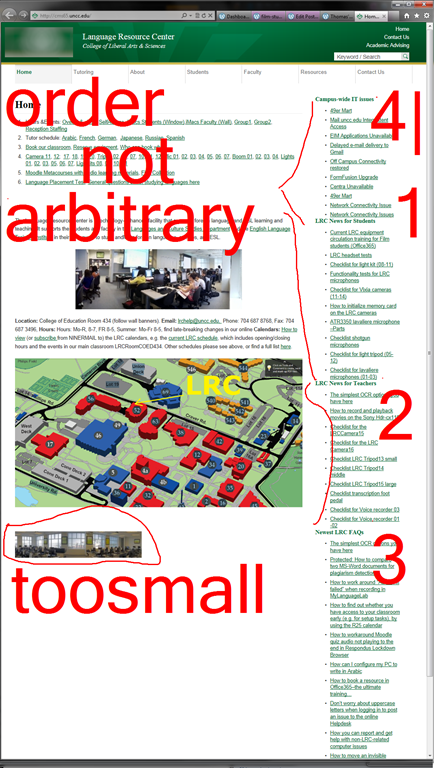
Original: 
Categories: audience-is-IT-staff, e-infrastructure, websites
drupal, wordpress
Protected: How LRC assistants help with LRC room and resource mailboxes
2014/01/21
Enter your password to view comments.
How LRC assistants help maintain the film collection
2014/01/21
Leave a comment
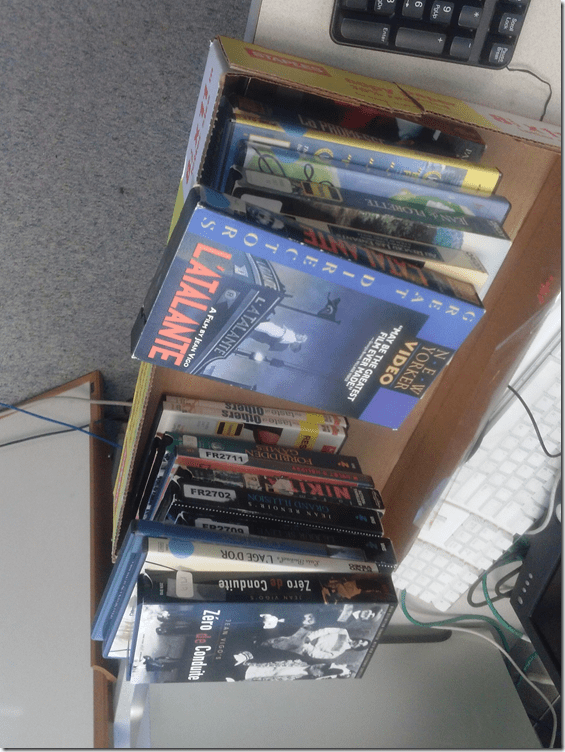
- You may find your self confronted with a box like this (at any given time):
- Has the movie already received one of our 4-digit labels?
- yes
- check it into the LRC Film collection spreadsheet
- no = Cataloguing new movies
- can you find the title of the movie in the LRC Film collection spreadsheet,
- yes: then find the label this movie has to be assigned
- no: take whatever label you need from the pre-printed sheets (coed436) and attach it to the new unlabeled movie box
- can you find the title of the movie in the LRC Film collection spreadsheet,
- yes
- put the movie, now labeled, on the stacks in proper sort order
- movie reserve shelf: consolidate it with the film collection (weekly)
- movie stacks: consolidate it with the film collection (monthly)
Overview over speech recognition assignment possibilities in the LRC–from beginning to end
2014/01/21
1 comment
- UPDATE: now with more videos to watch.
- First switch languages, once you are in the right language:
- The speech recognition loads at startup with this window:

- or can be started from the desktop shortcut:

- To activate = make it start/stop listening, click on the microphone

- create and save individualized voice training data (only the first time you use speech recognition in the LRC),
- Watch how to train (for English, short 5 minutes);
- Watch how to back up/restore;
- beginner voice training example (long, before/after effect in speech recognition),
- homework assignment exercise design,
- Watch how (for English, with correction in MS-Word)
- dictation example.



Categories: assignments, e-languages, English, French, German, Japanese, Mandarin, os, Spanish, Speaking
7, ms-windows, speech-recognition
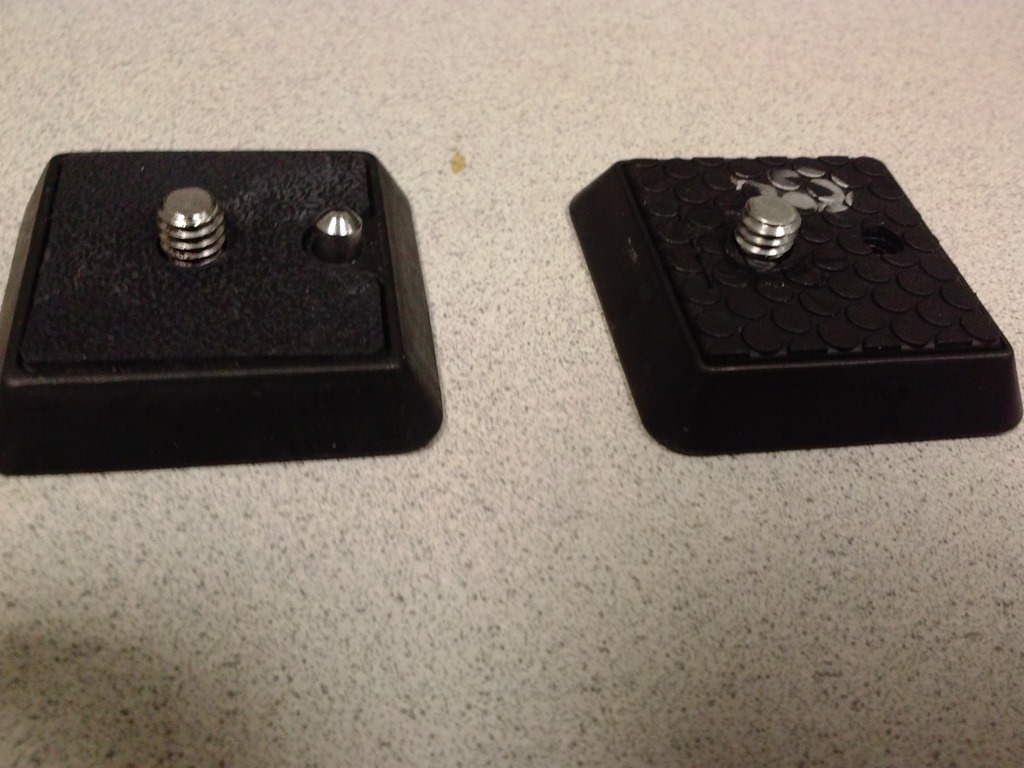
Putting 2 Manfroto and Cullman camera tripods and 2 Smith-Victor Lights back into circulation with repair parts from eBay and HomeDepot
2014/01/19
Leave a comment
- The Library handed us back circulation of equipment that supports production classes in film studies since they could not maintain the equipment in good state of repair. We are having a hard time to do that, too,
- and regularly seem to lose – since we have no library, but only student staff, likely even more – vital parts (despite plenty of training and (feed:)checklists)
- which we cannot get replaced through approved university procurement channels.
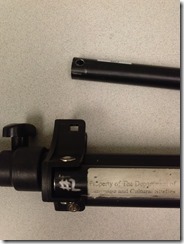
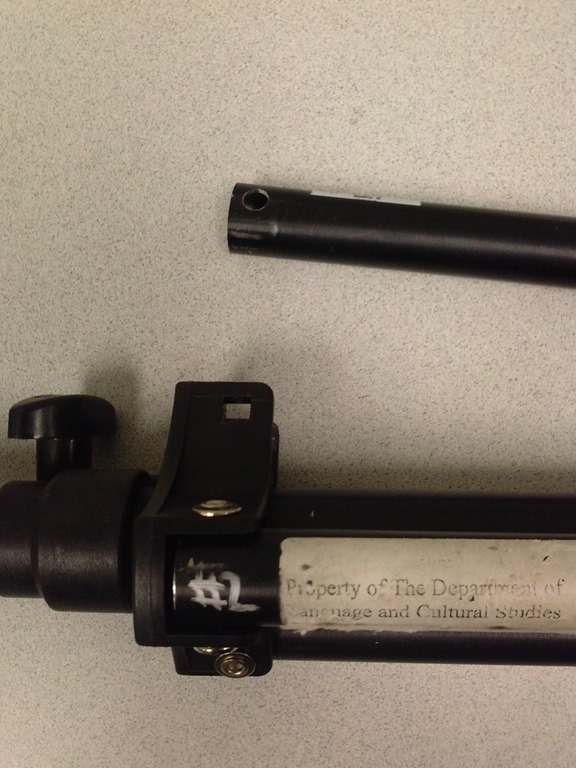
- Enter the local HomeDepot, which has an entire aisle dedicated to screws, bolts, nuts and wing nuts, and eBay, which provides reasonable search features if you specify your parts well. While we do not have part numbers, the first order attempt was delivered in short time and proved successful: Here are the broken lights (screws wing nuts has been replaced in the meantime):
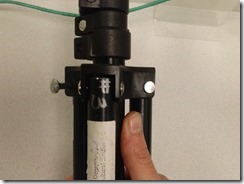
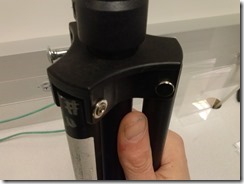
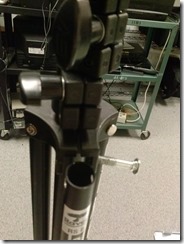
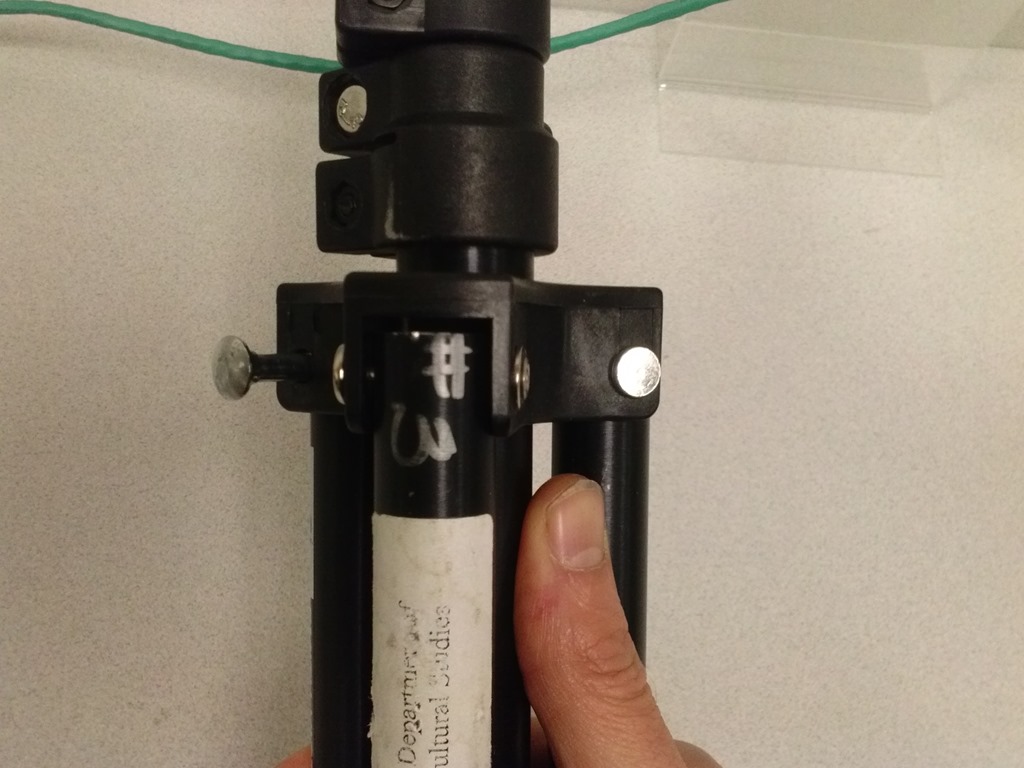
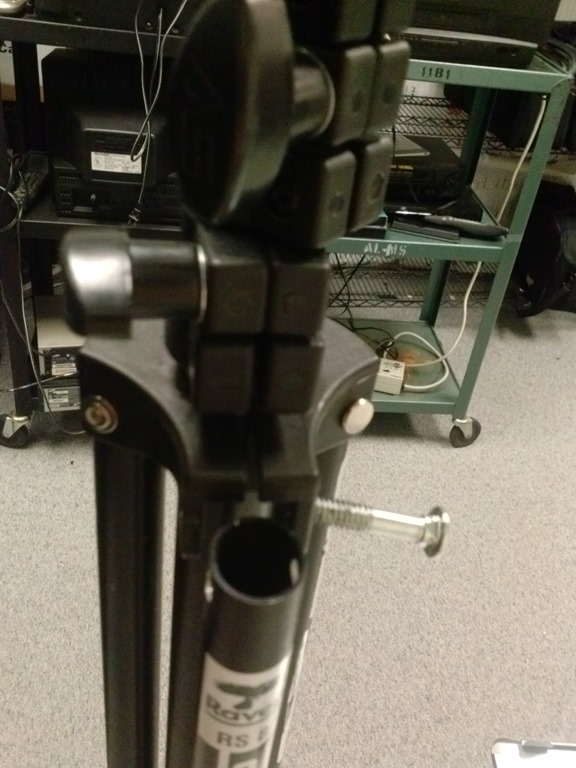
- Here are the the fixed tripods
- (still in the surplus bin, but no need: back into circulation):

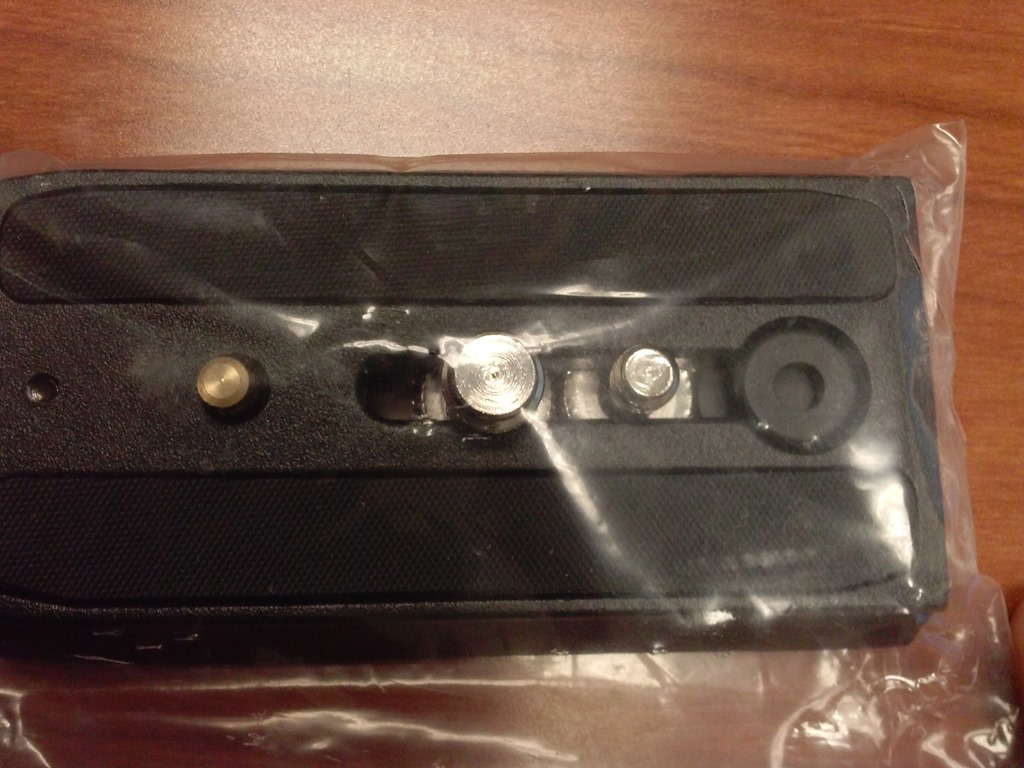
- and their original parts, and replacement parts from eBay:


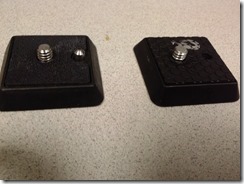







Questions? Read the About. Or just ask me a quick Our Databases: Resources with calendars -- Language learning material Moodle Sites, multimedia files -- films


FAQs for LRC student staff or for students or for teachers. To search our FAQs, in the browser addressbar, add after "https://plagwitz.wordpress.com/feed/?tag=faqs+/" "+TAG1" (from tag cloud below) OR "https://plagwitz.wordpress.com/feed/tag=faqs
&category_name=" "CAT1" (from category hierarchy below). OR search both categories and tags, and multiple TAGs/CATs (connect with "," for OR-search, with "+" for AND-search), like so: https://plagwitz.wordpress.com/feed/?tag=TAG1+TAG2+...TAGn&category_name=CAT1
+CAT2+...CATn"
Other ways to find help
If you cannot find it here, look there: 5,500 Language-Learning Links and Programs for learning or teaching 150 languages
Shortcuts:Our Lists, Our Maps, LRC Staff Moodle Site,LRC Project Moodle Site, 49erexpress, UNCC Moodle, Student Recordings: s:claslcslrcsanakostudent
Learning usage samples: Sanako oral exam, Kaltura webcam presentation, Dictation with speech recognition, Sanako written exam, Chinese and Japanese interactive stroke-order practice
Test the Sanako Installer, Webbrowser Popup Konfigurator for XP, or Windows7, faster LRC TeacherPC Log-in Let MS facilitate diacritics writing by installing for you US-International keyboard layout
This is my personal blog (Google+). The views expressed on these pages are mine alone and not those of my employer. The information in this weblog is provided “AS IS” with no warranties, and confers no rights.
 Thomas' Work Space