Archive
How to make screencasts in animated GIFs for free
If you want a persuasive web (blog) documentation solution for the most casual, time-pressed users and which is supported on the widest possible range of platforms;
and if you are lucky enough to work in environments where it is not the base infrastructure that forms the bottleneck (as this solution is not bandwidth optimized):
then even in the day of Flash 10, Silverlight 4 and HTML5, you might give some consideration the age-old animated GIF.
What you can visualize with animated GIFS will remain basic. But if the basics are what needs fixing, this approach can have remarkable benefits (think low-end, high-gain of the graph for “law of diminishing returns”).
I have been looking for a while for a “soup to nuts” write-up how to do this easily and for free, and experienced am unusually high noise to signal ratio. This is why I want to point to the following article that seems to fit the bill nicely:
http://omaralzabir.com/how-to-make-screencasts-in-optimized-animated-gif-for-free/
The author persuasively combines CamSoft, ImageMagick and the Microsoft GIF Animator.
An example to follow here.
My little Ode to Excel
Since about 2003, I have spent a good portion of my days analyzing data in Excel, and I enjoy it.
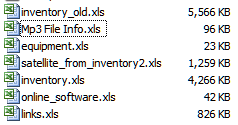
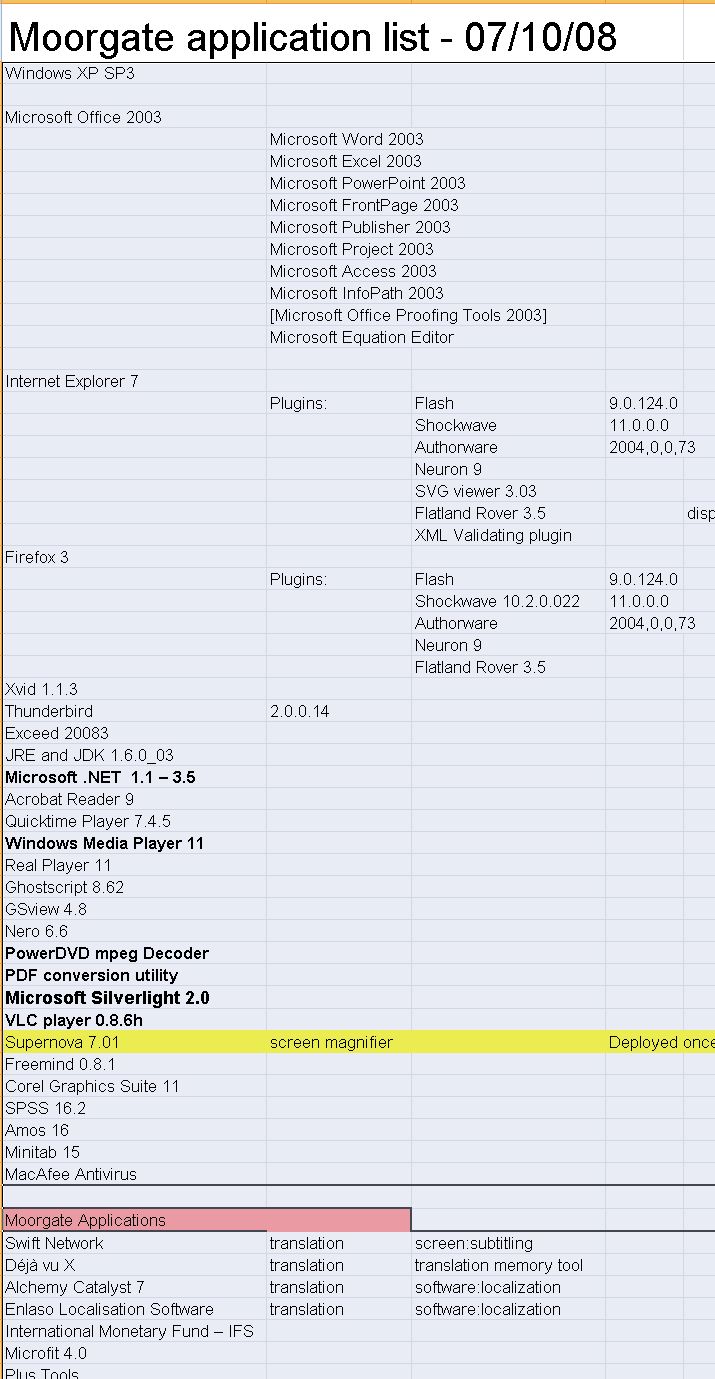
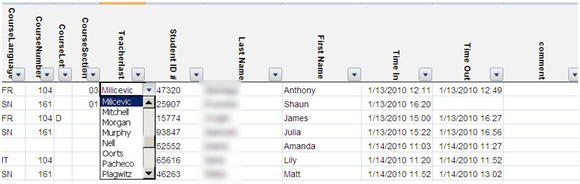
Specifically, I have written and administered many inventory databases: for software, various learning materials, media products, content feeds, departmental equipment, work tickets, for user timesheets and user accounts and other user management tasks. I have of course also maintained budgets and various schedules applications in MS-Excel and technology projects.
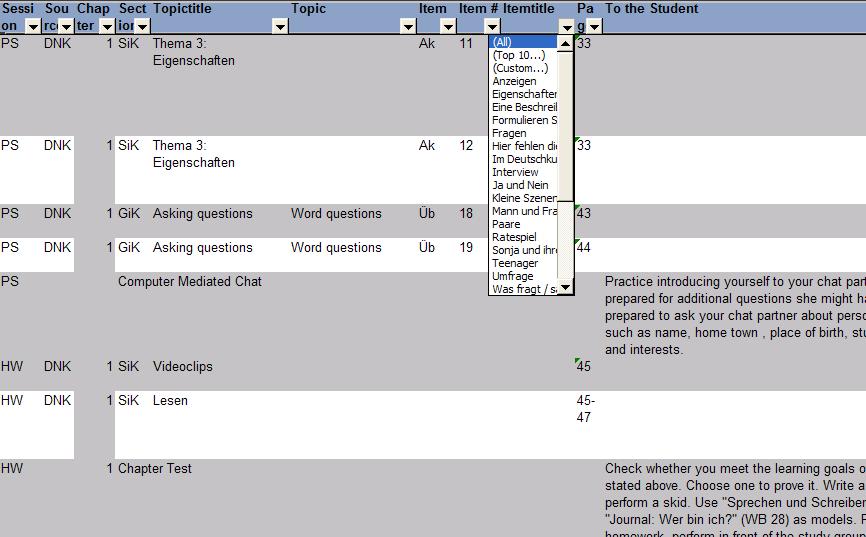
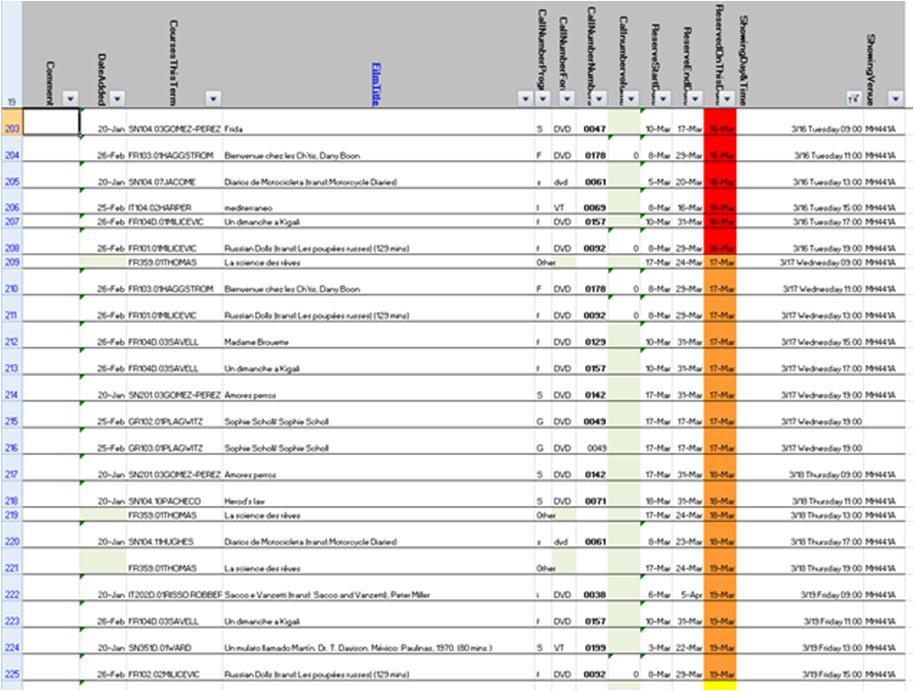
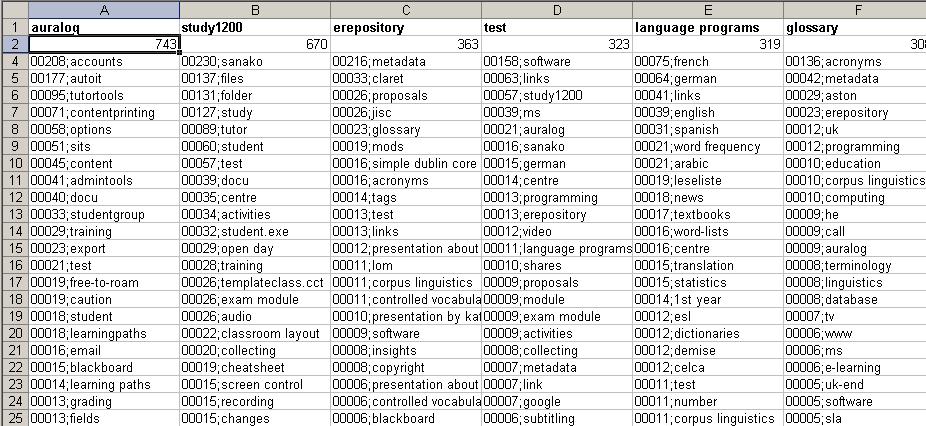
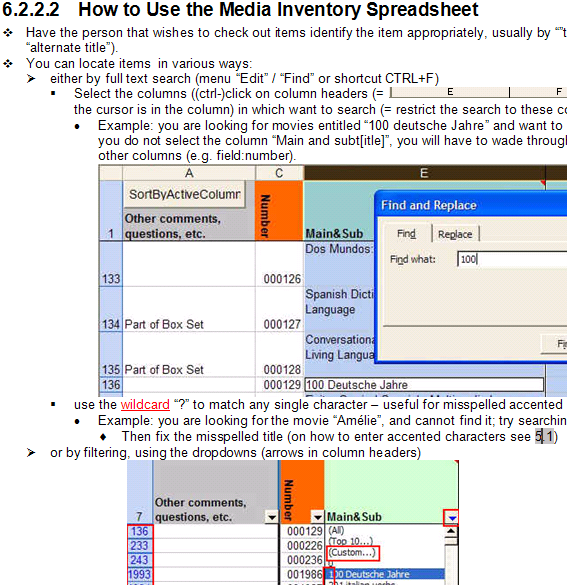
I have also programmed learning and other LOB applications in MS-Excel: automated account creation from the university student database, subtitle exercise creation, vocabulary learning based on word frequency, collaborative learning material repository catalogue, automated video metadata reading and import or automated multimedia learning material cataloguing system in MS-Excel.
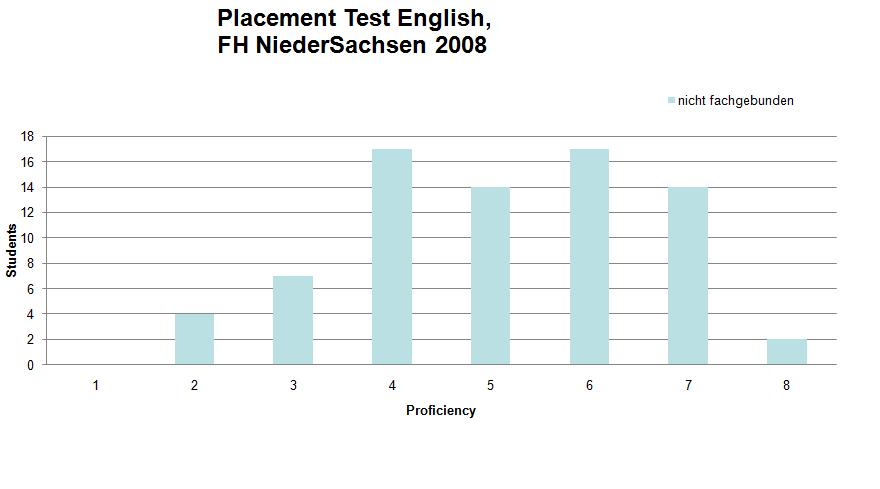
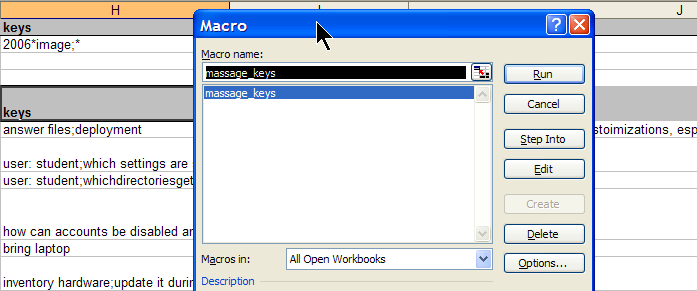
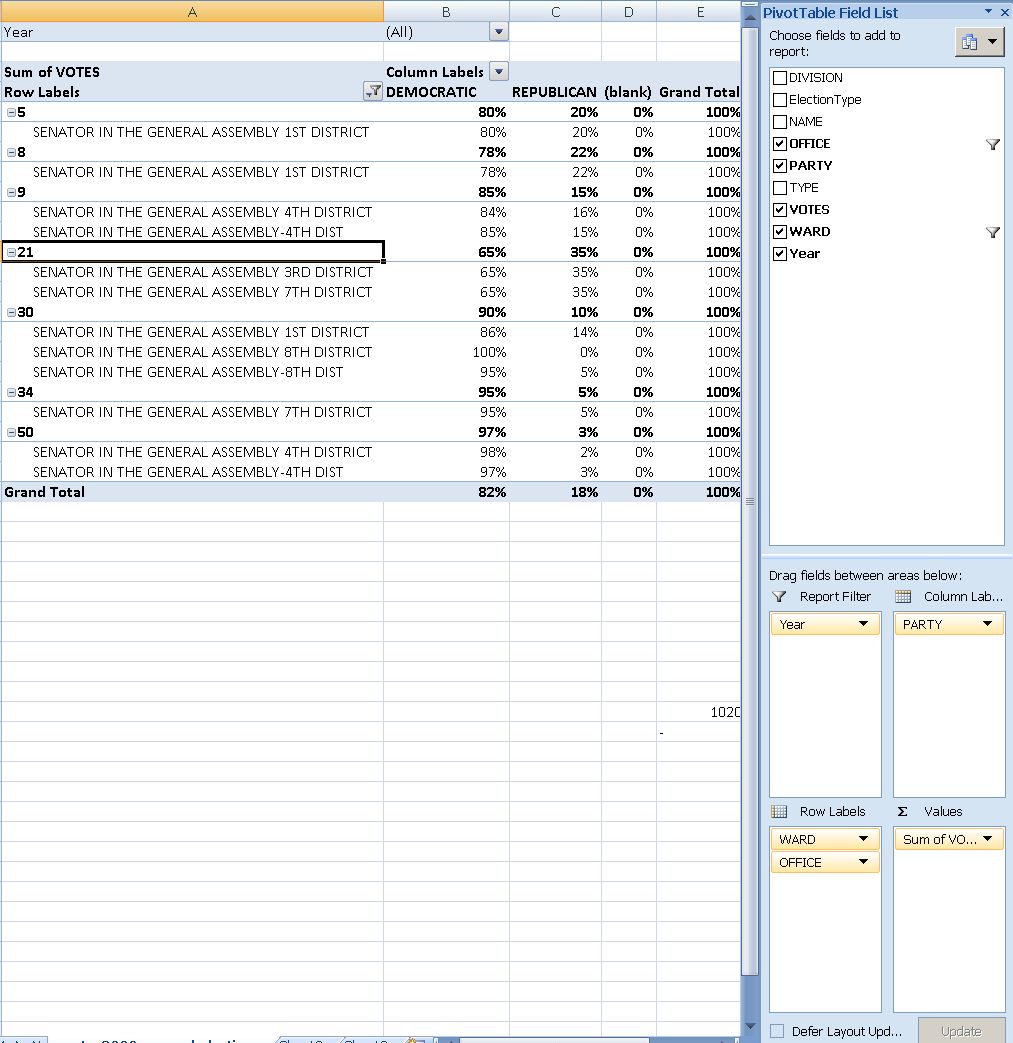
From work, I am proficient in using MS-Excel features array formulas for aggregating/summarizing numerical data, v-lookups, data visualization and chart plotting. I routinely write VBA macros, including my own worksheet formulas/functions to enforce complex data integrity requirements (ISBN13), created a VBA-driven automated backup solution for shared workbooks, and data-mine complex dependencies, including network graphs. Most recently, I have set up pivot tables against multi-million record election database for a large political organization in Philadelphia.
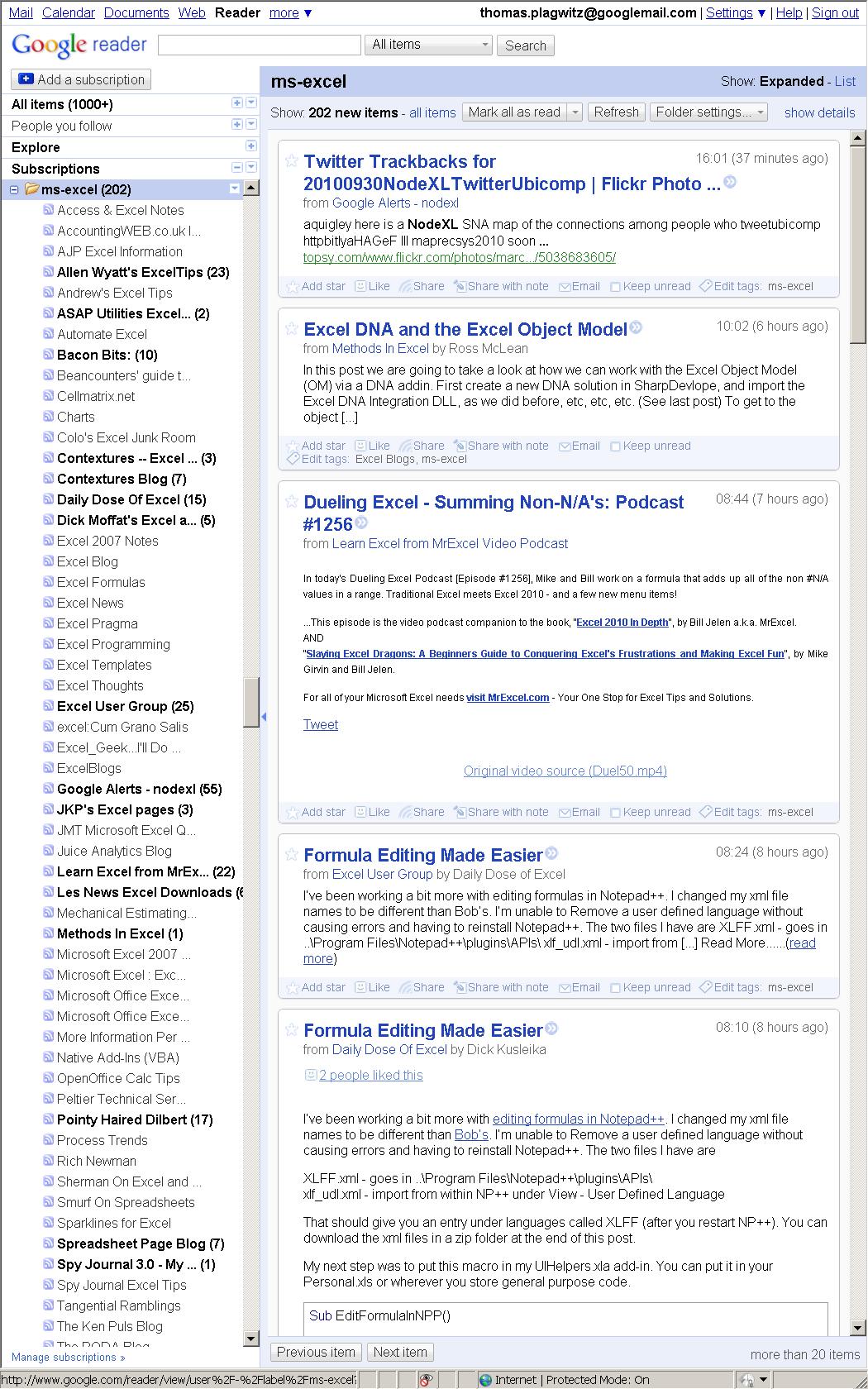
For many years, I have been subscribed to the lists and blogs that are most popular in the MS-Excel user community. Finally, I also have experience in documenting of and training staff in MS-Excel, e.g. on sharing workbooks, and I blog MS-Excel how-to’s, e.g. on pivot-tables or scheduling.
Please also have a look at my Excel portfolio.
Plagwitz – eLearning Papers presented
Plagwitz eLearning Trainings taken
Plagwitz – Courses taught
Language-Learning-Audio-Stretcher
Time-stretched (-expanded or -slowed, versus, after “negative stretching”, sped-up or “compressed”) audio is of obvious benefit to language learners during listen comprehension skill training exercises, as well as other audio-lingual activities (commonly associated with non- or virtual (online) “language labs”) and an affordance of digital audio media.
As well as compressed audio, especially for repetitive audio-lingual exercises, beyond the obvious possibility of fitting more content into the same time frame since “listeners can process at a much higher rate than normal conversational speech, with some loss of comprehension” (see Roby (1996), Auditory Presentations and Language Laboratories. Handbook of Research on Educational Communications and Technology, 821-850).
Roby, W.B. (2004). Technology in the service of foreign language teaching: The case of the language laboratory. In D. Jonassen (ed.), Handbook of Research on Educational Communications and Technology, 523-541, 2nd ed., 526f. summarizes language learning applications of the “technical advance [of the] speech compressor–expander. This device allowed a recording to be sped up(com-pressed) or slowed down (expanded). Articles on this technology were numerous in the general educational literature from the start of the decade. Sanford Couch (1973),a professor of Russian, advocated its use. Paradoxically, it was not until 1978 that anything on speech compression appeared in the NALLD Journal (Harvey, 978). One would have expected a greater enthusiasm for this feature among language laboratory professionals. The ability to slow down a tape would seem to be a boon to students struggling with a difficult passage. Moreover, variable speed technology was not unknown in foreign-language / teaching, for Hirsch 1954) had commended the use of the soundstretcher (p.22) in the early 1950s. “

The application pictured above simplifies common audio-material producing tasks involving slowing or speeding up (or both) digital audio, with a twist: It allows for pauses being stretched more than non-pauses, thus remediating the common disadvantage of common time stretching applications that – even though pitch is now routinely maintained when altering the speed of digital audio – the result can remind one of drunk speak.
I hope this will help you use more of the many authentic foreign language audio materials available free on the internet.
What we mean by AI
Digital Domain: Computers at Home: Educational Hope vs. Teenage Reality uses recent educational field study data to draw disparaging conclusions about the utility of computers in learning (some positive conclusions seem to be right in the data also, not only depending how one values “hacking” skills). While another article in the same publication a little earlier praised the computer game as a new form of narration. Both of which reminded me of the 18th century discussion about negative effects of the novel on youth education that did not stop the printing presses (not until something better replaced them).
Learning Technologies change daily – see the recent acquisition of Wimba and Elluminate by Blackboard, see Plagwitz_CV_2010.pdf for a perspective going back a few years –; learning principles remain – from our origin as a horde of tool-carrying pack hunters that try to perfect what all “intelligent life” is based on: feedback mechanisms. In this development, we have now reached the equivalent of what was the mechanization of physical labor in the 19th century. While “artificial intelligence”, a much derided term, may still be in its infancy, it is already able to provide an efficiency advantage that foreign language learning in this country cannot do without.
Its applications range from immediately obvious forms like Natural Language Processing (I have been using Regular Expressions for automated exercise generation for many years), Speech recognition (I have applied this when administering an Auralog Tell Me more server) and Text to speech (I have implemented learning material templates in language labs that enabled students to easily lookup pronunciation of foreign language on their computers), to the most basic services the potential of which to see needs a wider vision…
Basic services (but way too time-consuming for humans to perform cost-efficiently) like search, sort, filter, track that can be used to built up an intelligent fabric that supports and makes more efficient daily language learning workflows like checking homework, keeping track of class assignments, problem students or team members (I have recommended Blackboard to University of Michigan-Dearborn in early 2001 as a platform that promises to answer these daily needs) and providing personalized services to students with differing capabilities (I have used Sanako language labs and classroom management systems, extended through my own exercise templates, to sort classes on the fly into differing subgroups and provide each with personalized instruction). 
An even more subtle implementation is the capability of “artificial intelligence”– be it as “simple” as network addressing, the term intelligence seems no less applicable than when primordial life forms first “learned” that they either vanish or starve if they come too close/stray too far from a Black Smoker; or be it as arcane as the “secret sauce” of service providers like Google or Facebook: The pervasiveness of Google news landing page or the activity stream of Facebook and other social services may make evident to all how basic, abstract building blocks consisting, of tracking, searching and sorting, can be built up to “magic”, of a service that one could have only dreamt of receiving from an office assistant.
MS-Office Communicator: Tips for using: Screen-Sharing
Here is a successful real-world example of a screen-sharing session on getting shared calendars set up using MS-Exchange and/or MS-SharePoint.
Think of screen-sharing session as an online or virtual meeting which, while less time-consuming than a real meeting, aids in communicating, maybe even more so than the former, since the topics themselves are online/”virtual”. If you provide computer support to family members in different parts of the world, you may be familiar with “Remote Assistance” form MS-Windows XP. I have always regretted that such technology is not used more for the support needs in HE environments, since I first used it at Lycos-Bertelsmann in March 2000.
It demos how MS-Communicator allows you to start a text-messaging session, based on presence in your contacts list, and then, if need be, can easily ‘”escalate” to sharing your screen. Not quite as easy as handing papers around in a “real” meeting, but much more useful
communicator-email-contact-drag.wmv (TBA: find start and escalation – left as an exercise to the reader)


Questions? Read the About. Or just ask me a quick Our Databases: Resources with calendars -- Language learning material Moodle Sites, multimedia files -- films


FAQs for LRC student staff or for students or for teachers. To search our FAQs, in the browser addressbar, add after "https://plagwitz.wordpress.com/feed/?tag=faqs+/" "+TAG1" (from tag cloud below) OR "https://plagwitz.wordpress.com/feed/tag=faqs
&category_name=" "CAT1" (from category hierarchy below). OR search both categories and tags, and multiple TAGs/CATs (connect with "," for OR-search, with "+" for AND-search), like so: https://plagwitz.wordpress.com/feed/?tag=TAG1+TAG2+...TAGn&category_name=CAT1
+CAT2+...CATn"
Other ways to find help
If you cannot find it here, look there: 5,500 Language-Learning Links and Programs for learning or teaching 150 languages
Shortcuts:Our Lists, Our Maps, LRC Staff Moodle Site,LRC Project Moodle Site, 49erexpress, UNCC Moodle, Student Recordings: s:claslcslrcsanakostudent
Learning usage samples: Sanako oral exam, Kaltura webcam presentation, Dictation with speech recognition, Sanako written exam, Chinese and Japanese interactive stroke-order practice
Test the Sanako Installer, Webbrowser Popup Konfigurator for XP, or Windows7, faster LRC TeacherPC Log-in Let MS facilitate diacritics writing by installing for you US-International keyboard layout
This is my personal blog (Google+). The views expressed on these pages are mine alone and not those of my employer. The information in this weblog is provided “AS IS” with no warranties, and confers no rights.
 Thomas' Work Space