Archive
“To rely on raw MT output is almost as bad an idea as getting a full-body tattoo in a language you don’t speak.”
“Hanzi Smatter, a blog, received a picture of a biker who got a computer-translated “Ride Hard Die Free” tattooed in huge Chinese characters down his torso. The only problem was that he got “die” in the sense of a “tool used for stamping or shaping metal” permanently inked on his body, probably because nothing like “die free” was in the translator’s training texts. (It also translated “free” as “free of charge”.)” (from: Johnson: Rise of the machine translators, Economist Jun 4th 2014). However, “using MT, plus post-editing, has cut translation time by 40% for” DELL. Good use of Machine Translation seems all about “blending” resources intelligently, while managing expectations – like eLearning. Like most things in life  .
.
Installing dkPro in 2014…
- … proved easier than 2012 (thanks, Richard
 ), but still not for the faint of heart…
 - I got it to work
 , despite an update release of ver 1.6 – once again like in 2012 – in the middle of my installation travails.
 - Read all about those in here.

How to install and use a free dictionary/encyclopedia app in MS-Word 2013
Installing is easy (our example is Wikipedia): Right-click a word, pick “define” from the context menu, the click download in the side pane for the app you choose.

Usage is also easy: To look up phrases, select, right-click and choose define: 
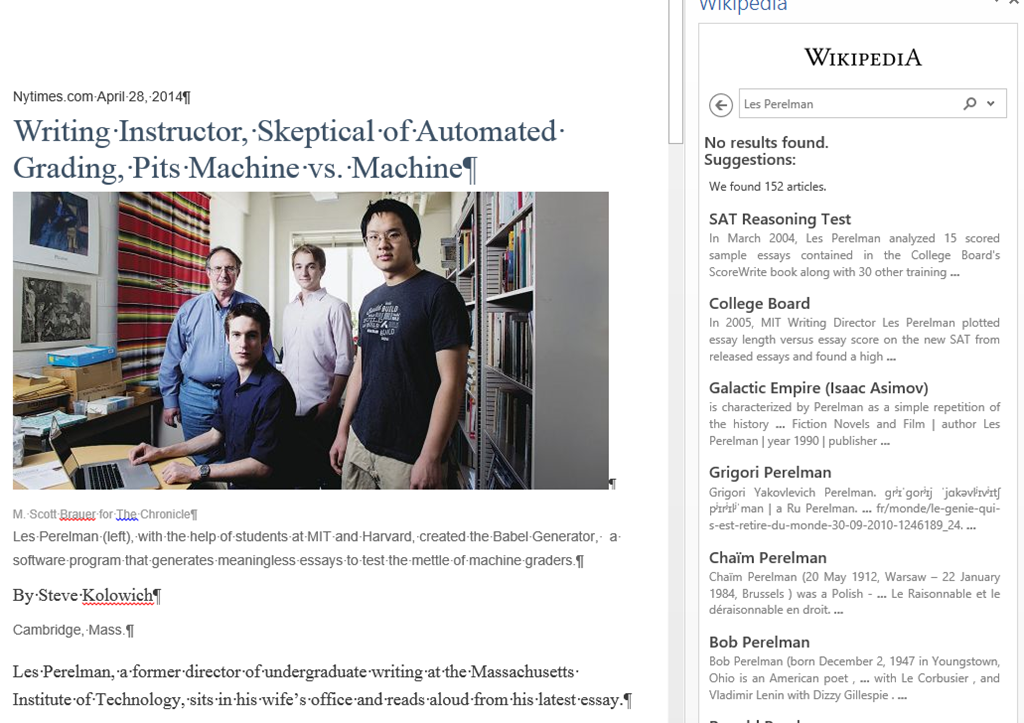
To look up individual words, you can also just double-click the word: 
You can also click “Expand”: 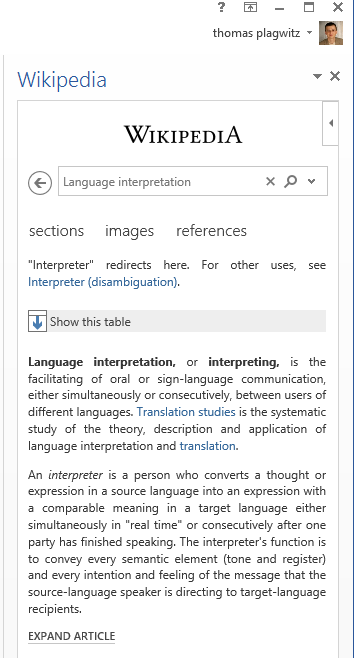
To install more dictionaries after the first one, click Insert / Apps for Office. 

You can search for your L2 (too many to list): 
It works for base forms: 
But I cannot lemmatize (ouch): 
I found out that when I go to Insert/ My Apps/ See all :  , I can show more than one app in the side pane.
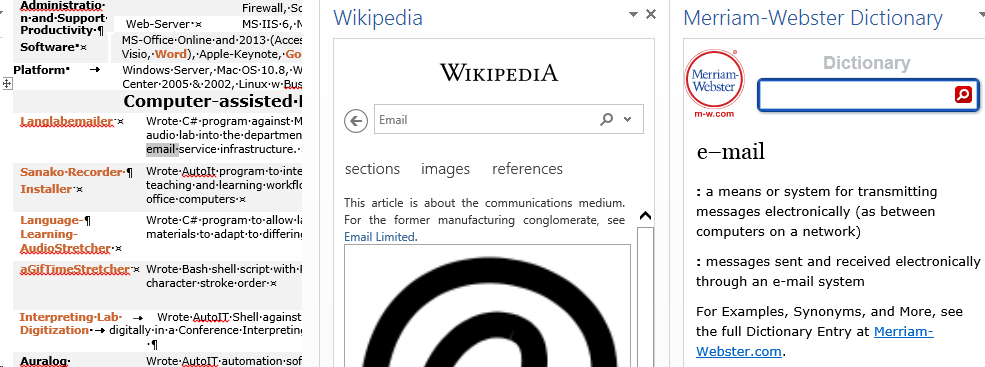
However,how o I change the default lookup that happens on double click on a word?
Web browser popup blocker exceptions need configuring

- Which computers
- This I found on the Reception desk
- but isn’t that then also wrong on all student pcs which have the same base image?
- Which exceptions missing: I noticed immediately:
- outlook.com
- www.uncc.edu should read uncc.edu
- Which browsers
- Example is IE9,
- But are others different?
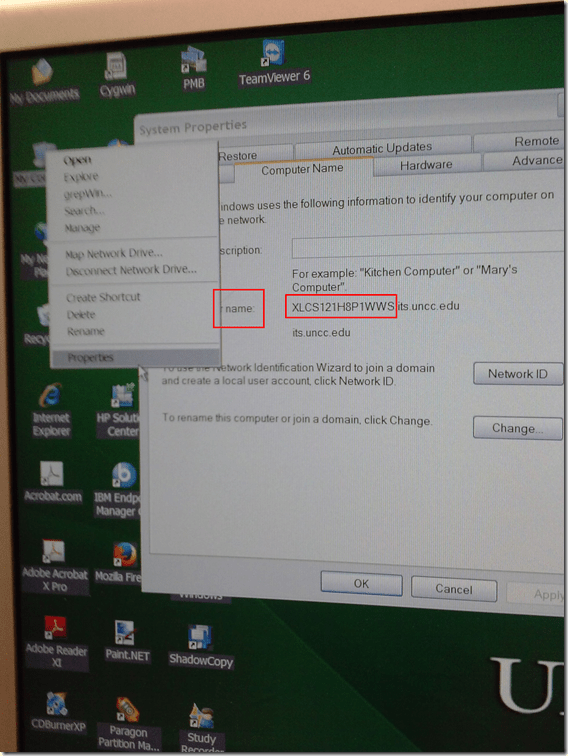
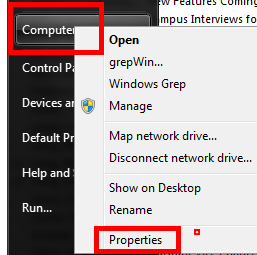
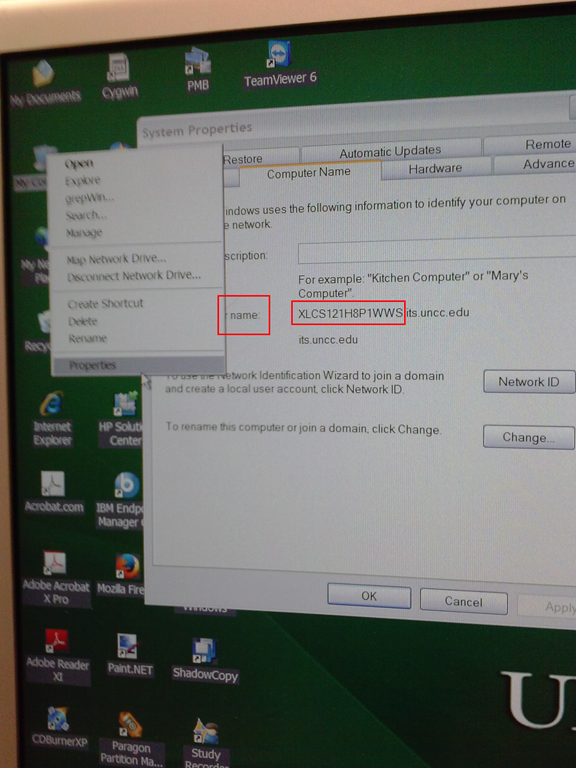
How to find your computer’s name
- Right click on “my computer” on desktop,
- or on “[My] computer” on start menu,
- and clicik “Properties”
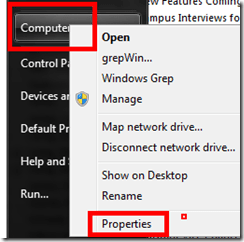
- or hold the windows key and press “pause /break” on upper right,
- in the window that comes up (tab computer name on XP), you can see the name:
Use parentheses to search in MS-OneNote for a string that includes punctuation
The default is OR search around punctuation characters. Before parenthesis:

After:

Pretty obvious, but took me a while to figure out…
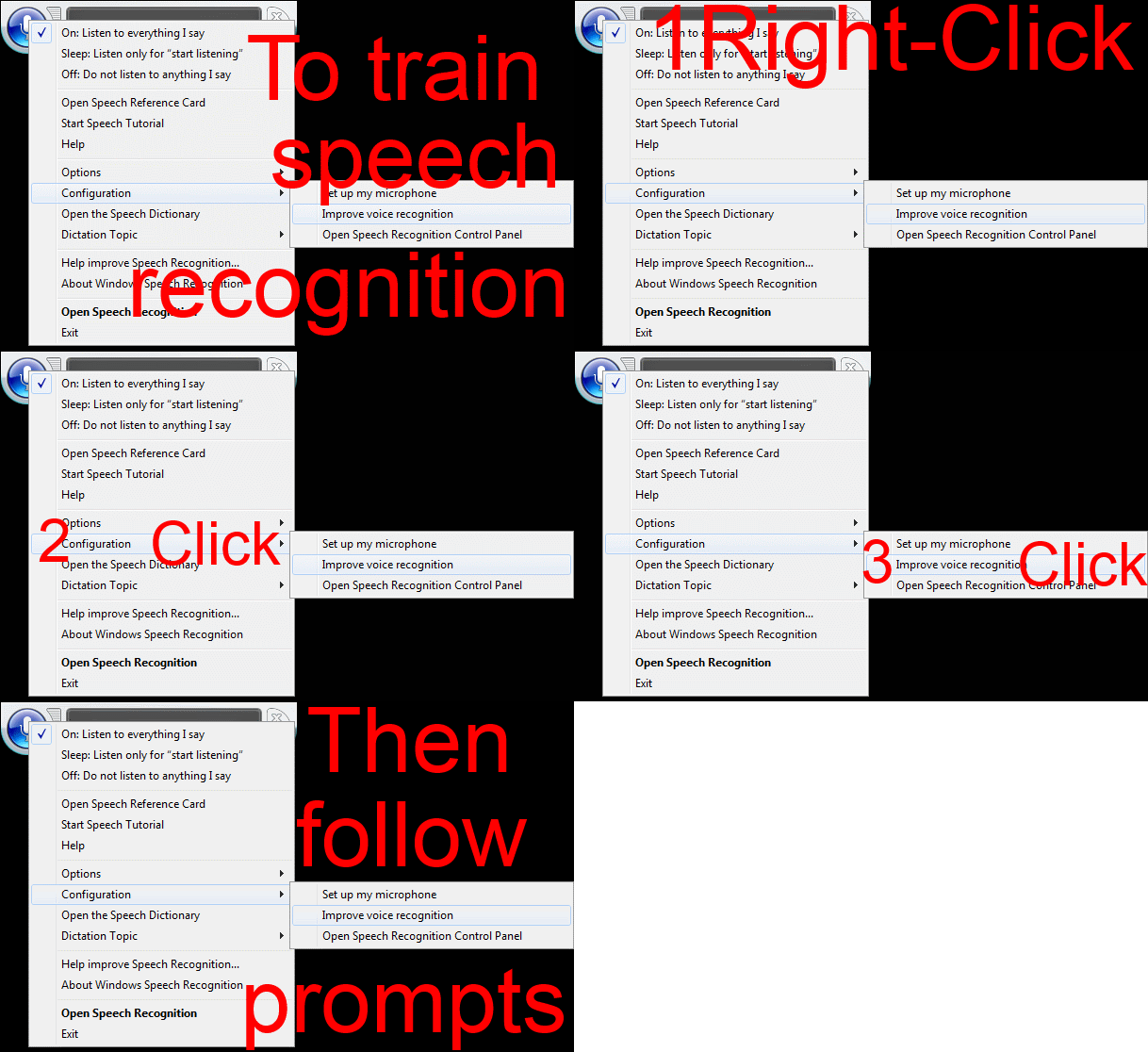
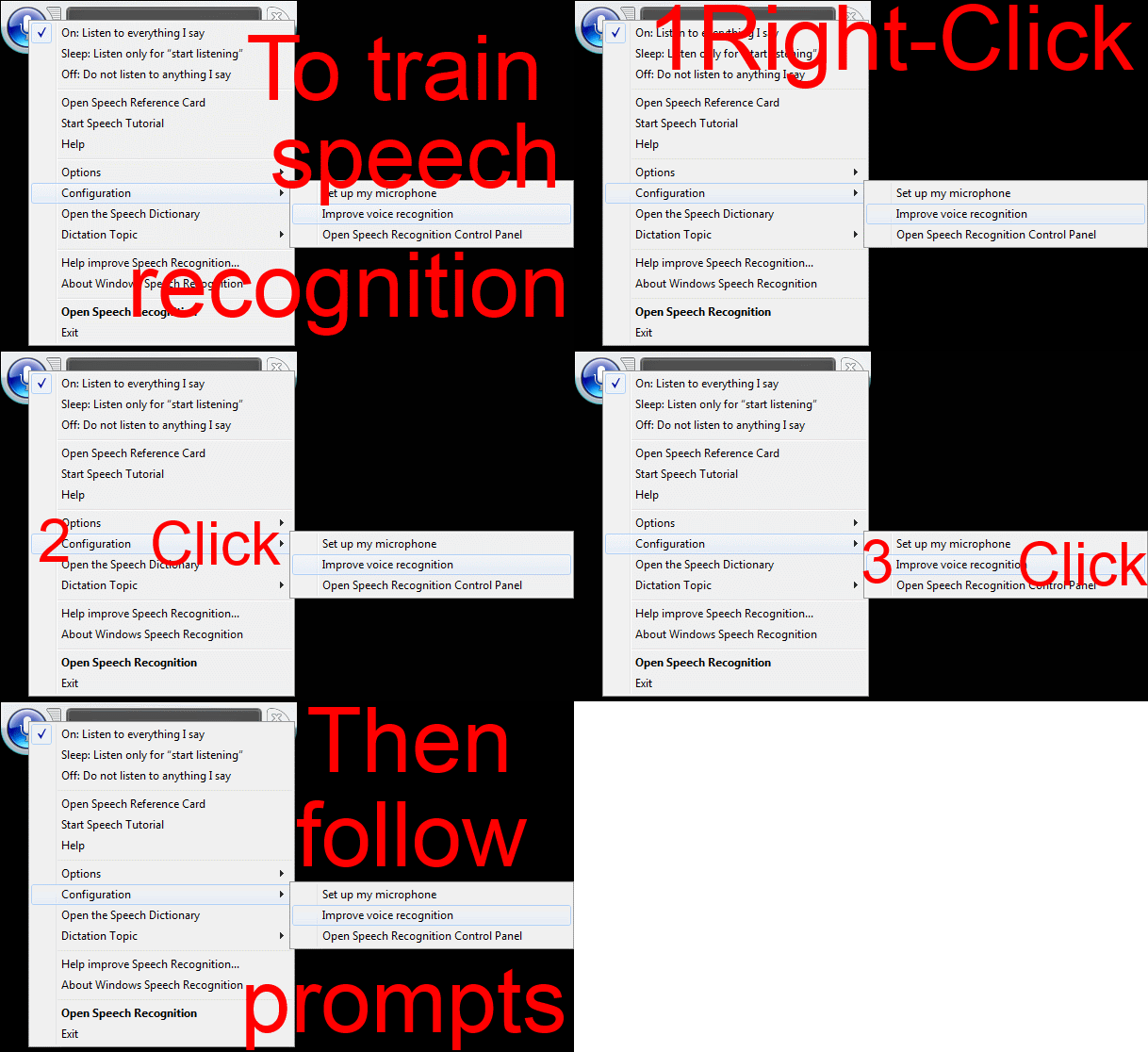
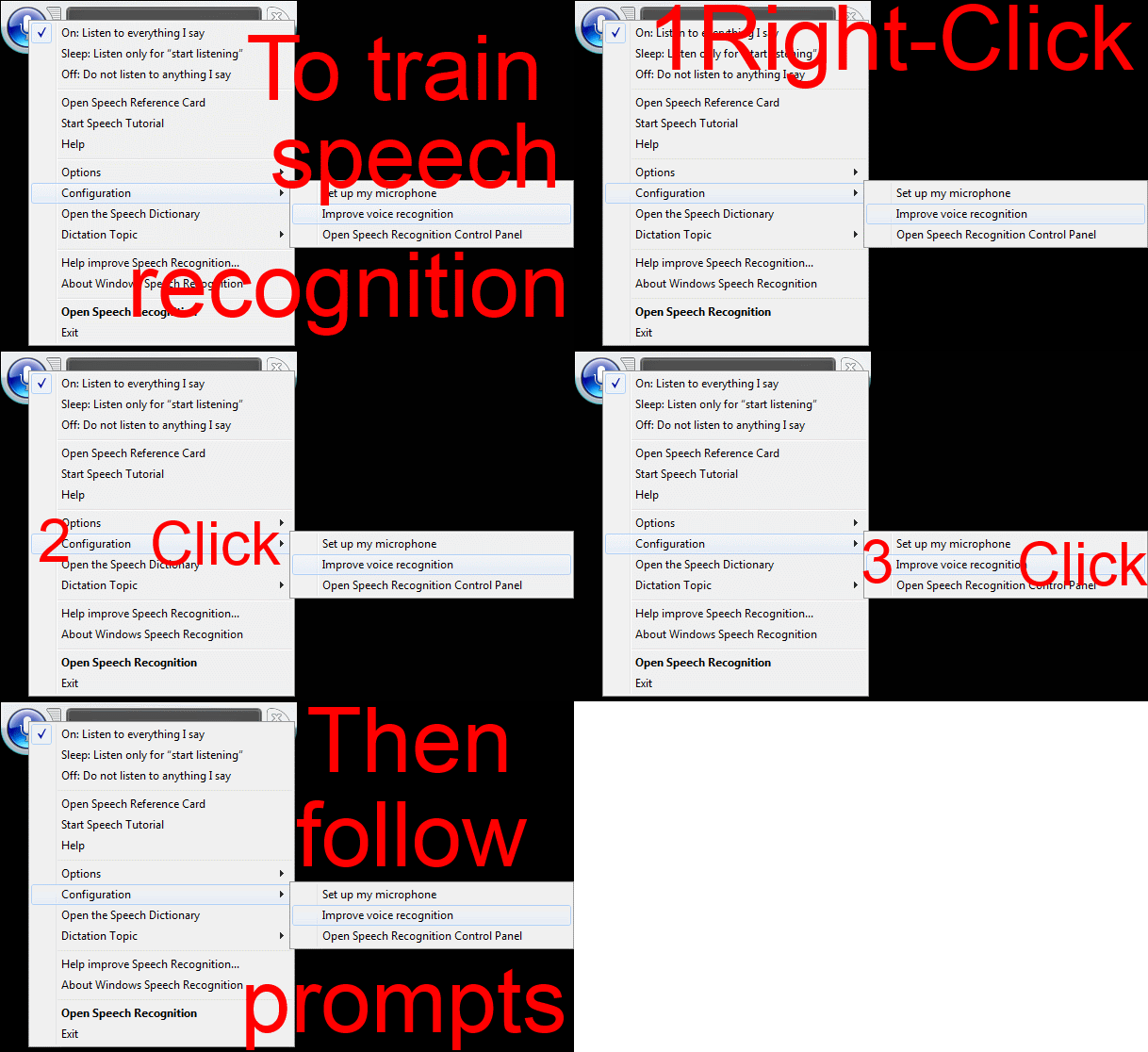
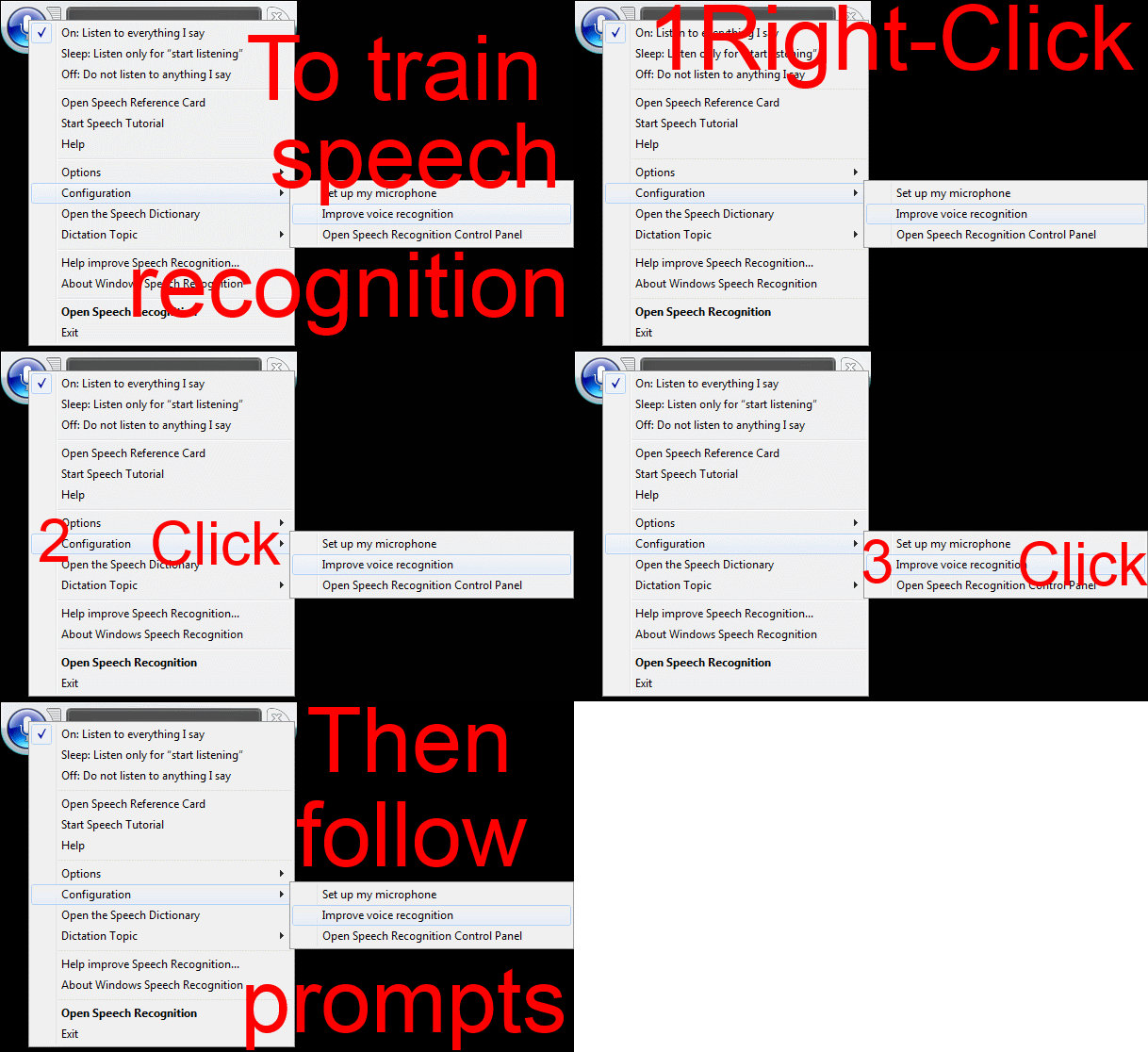
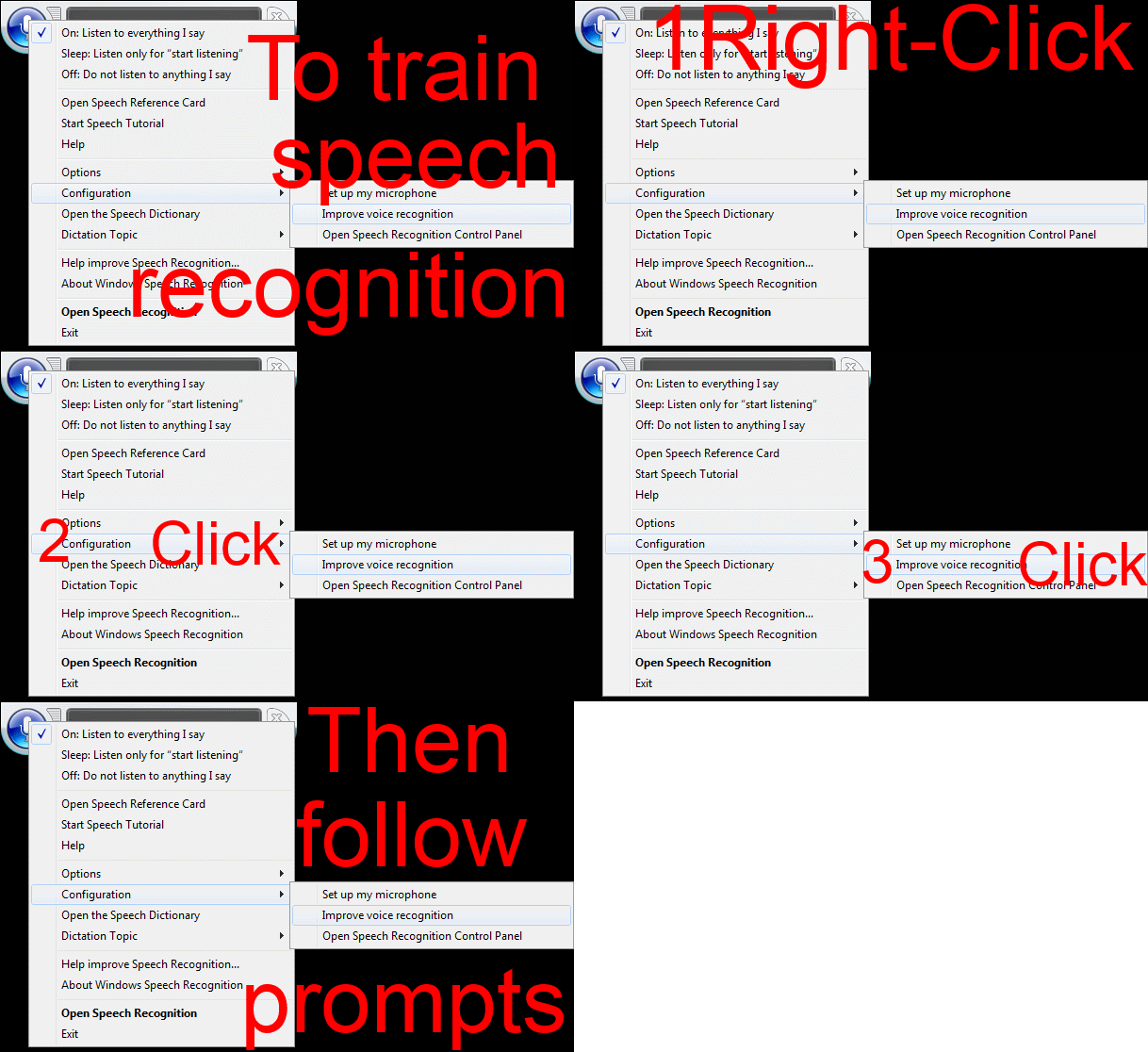
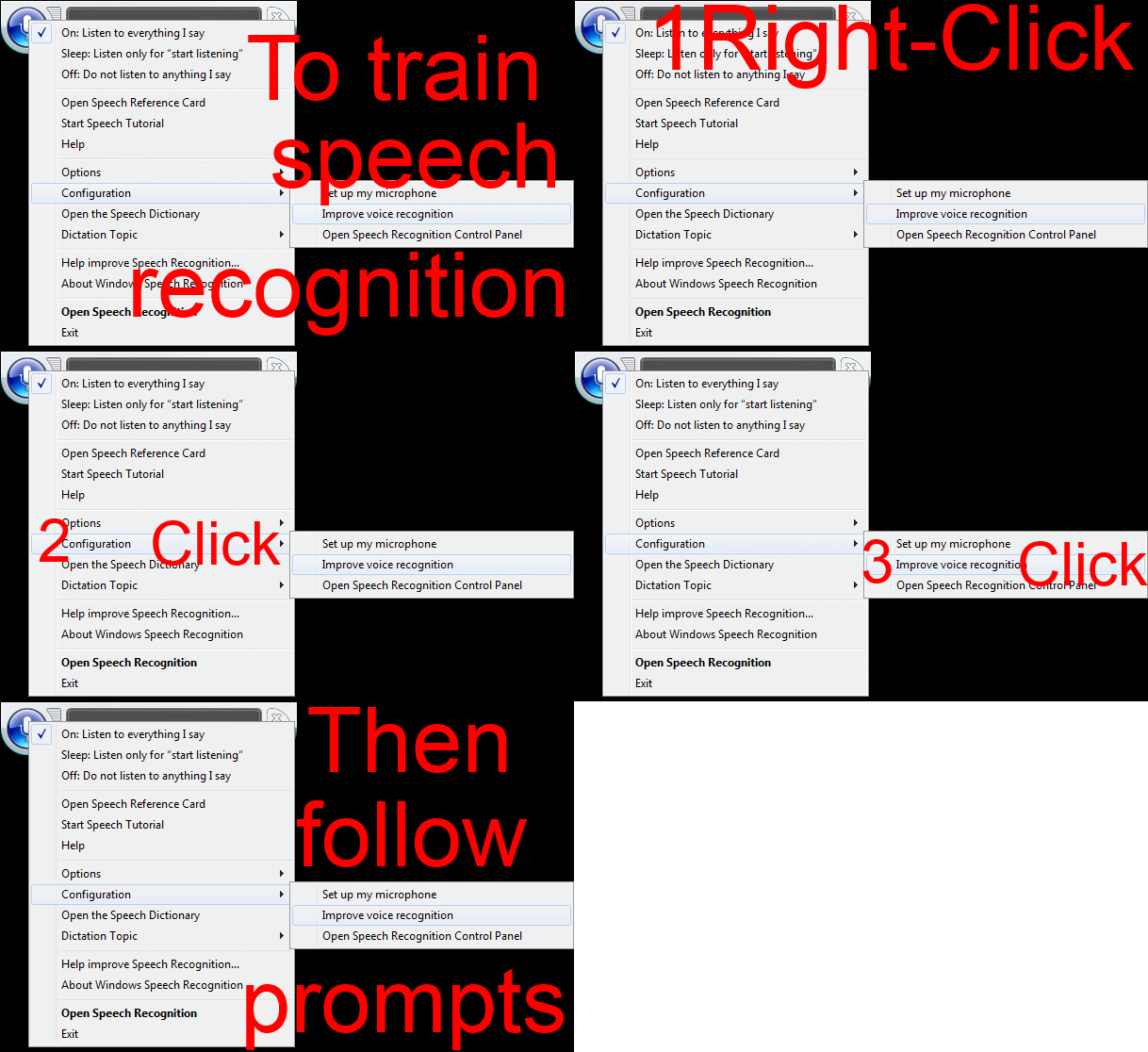
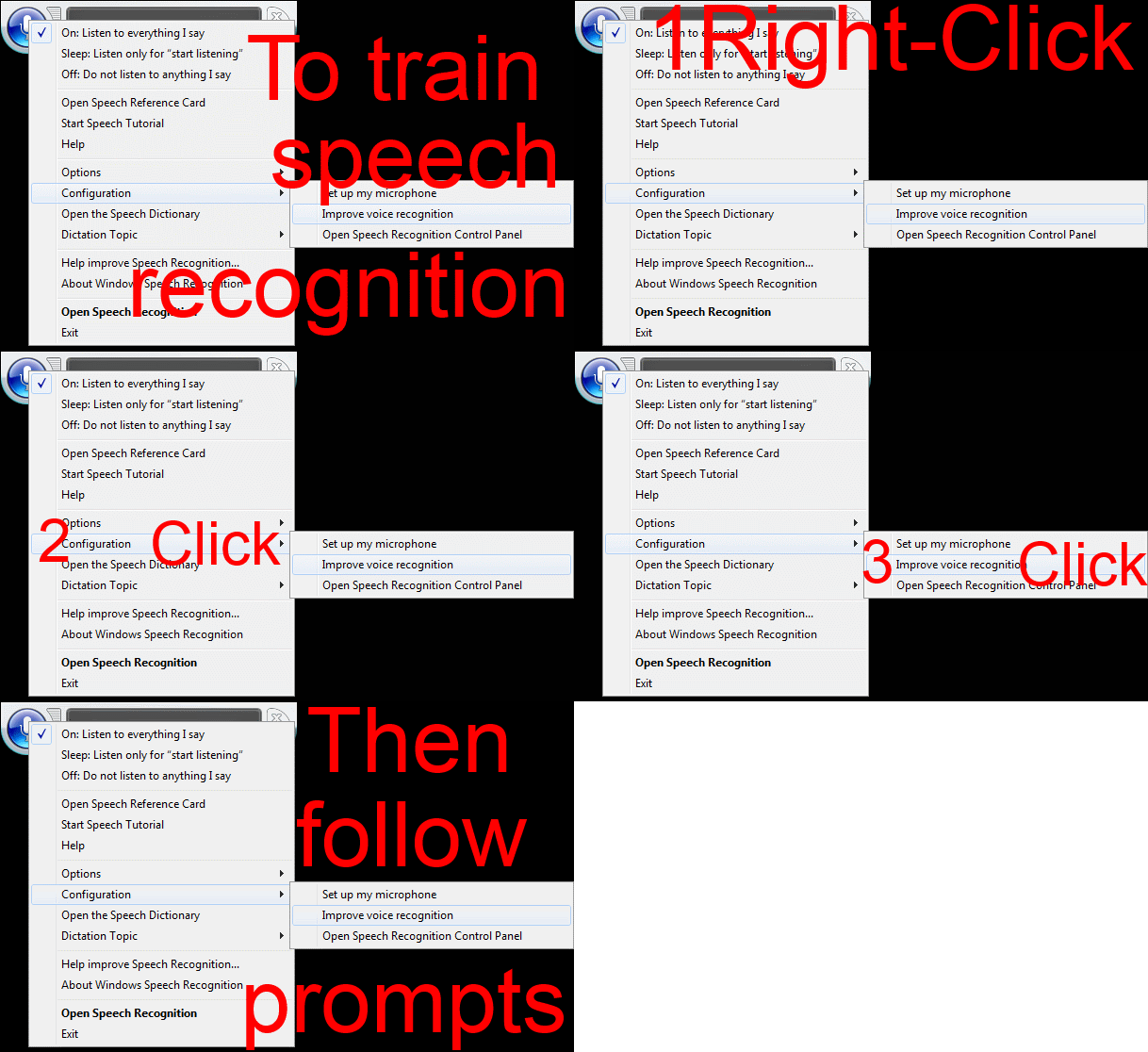
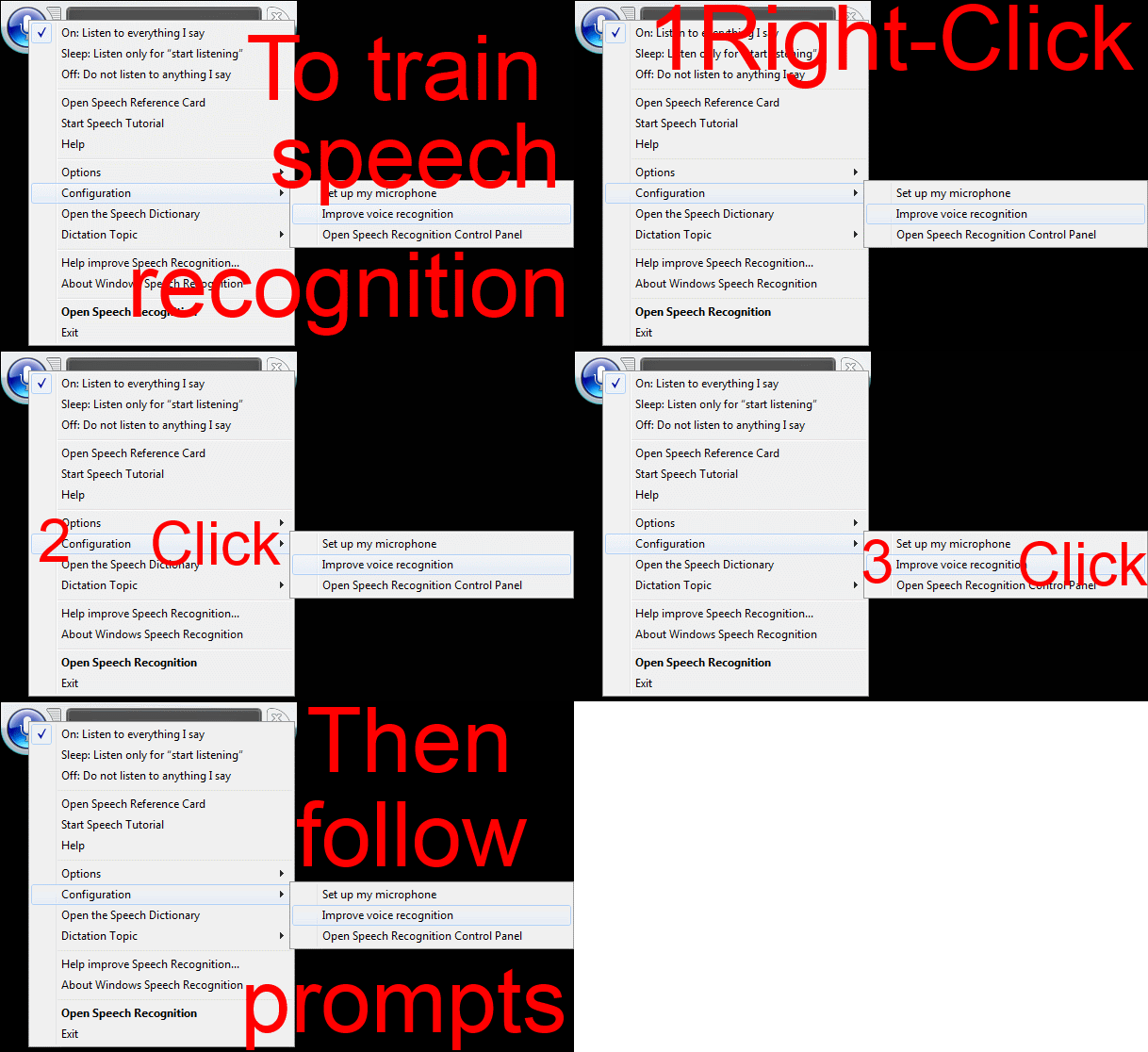
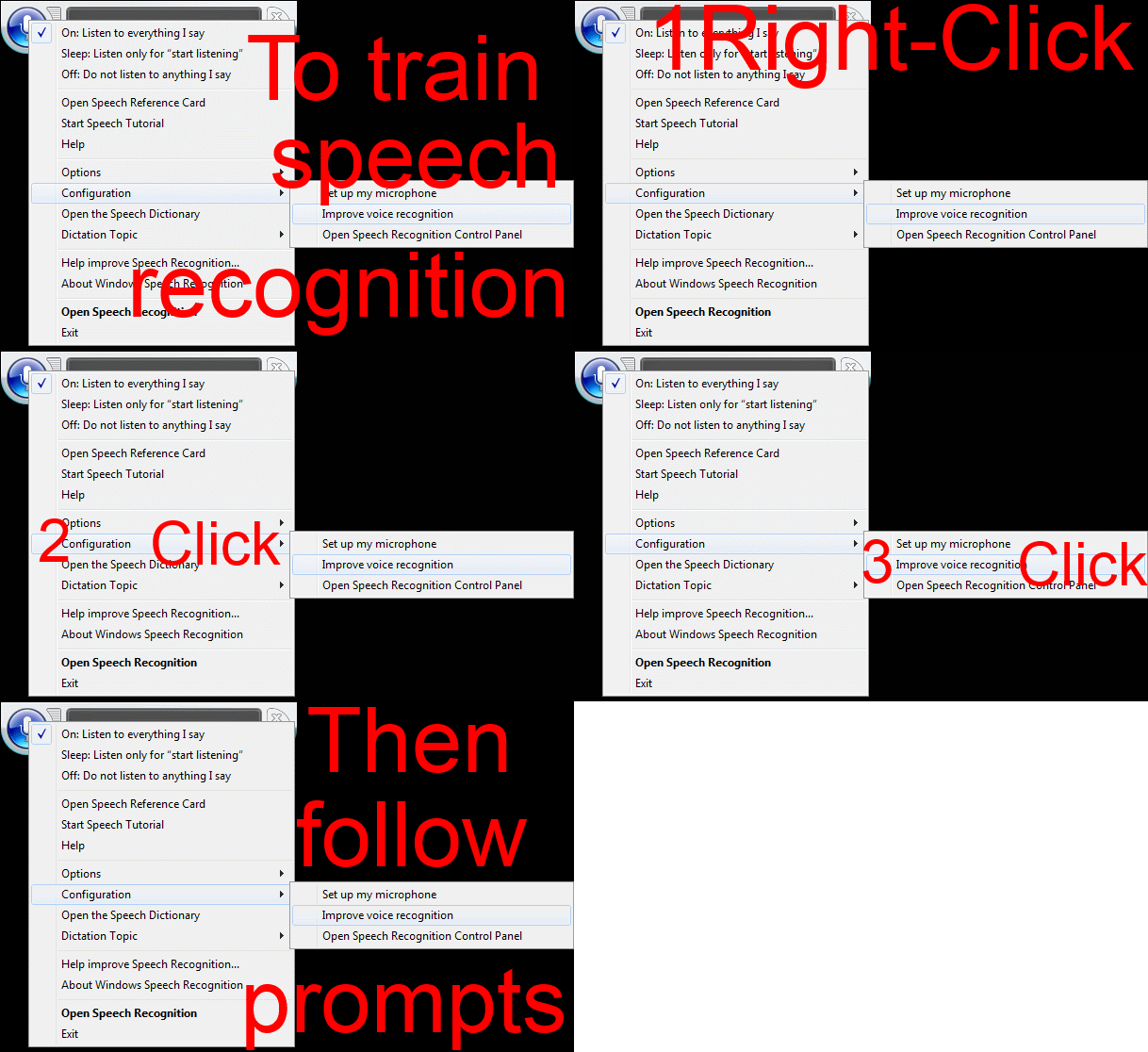
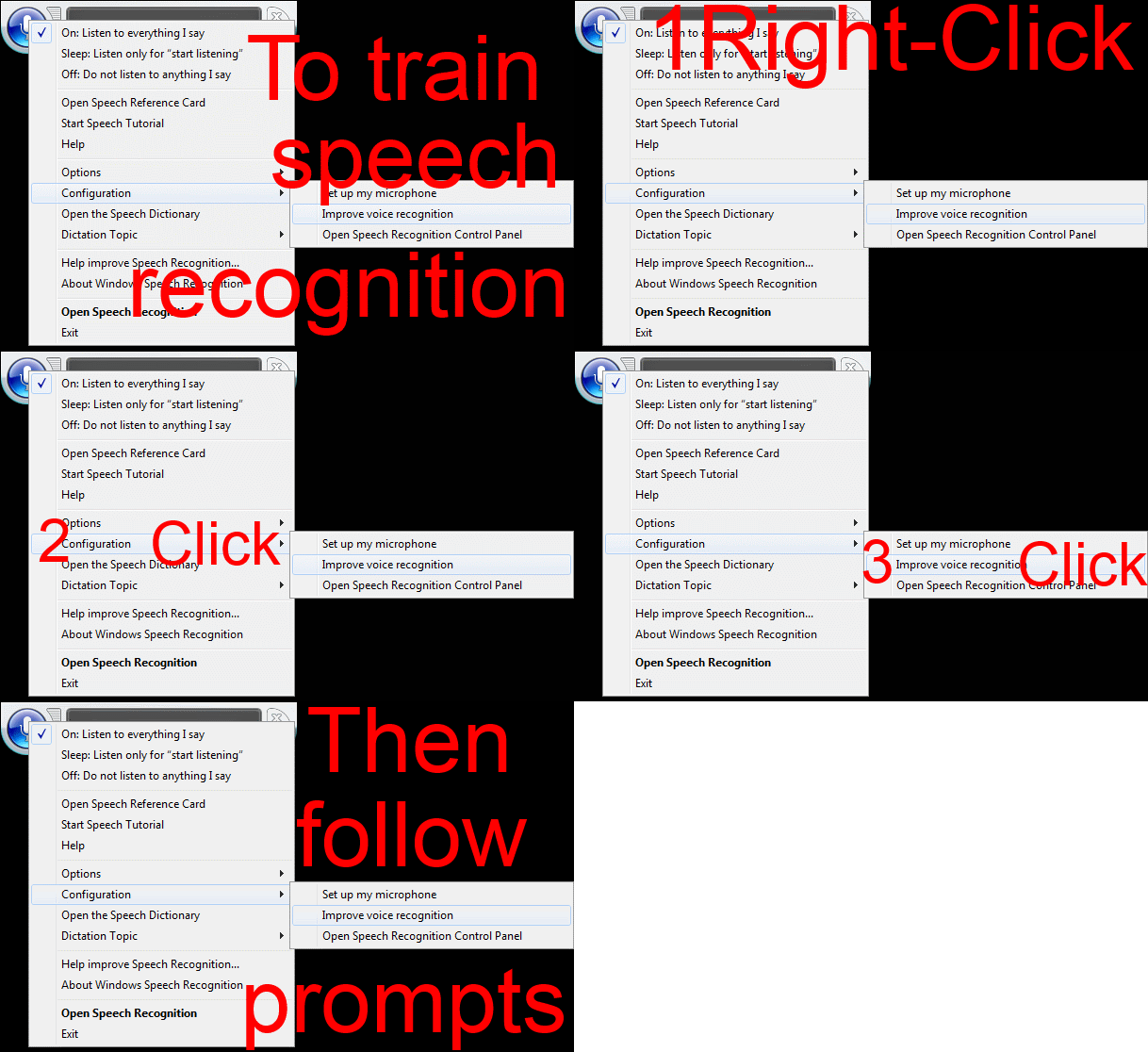
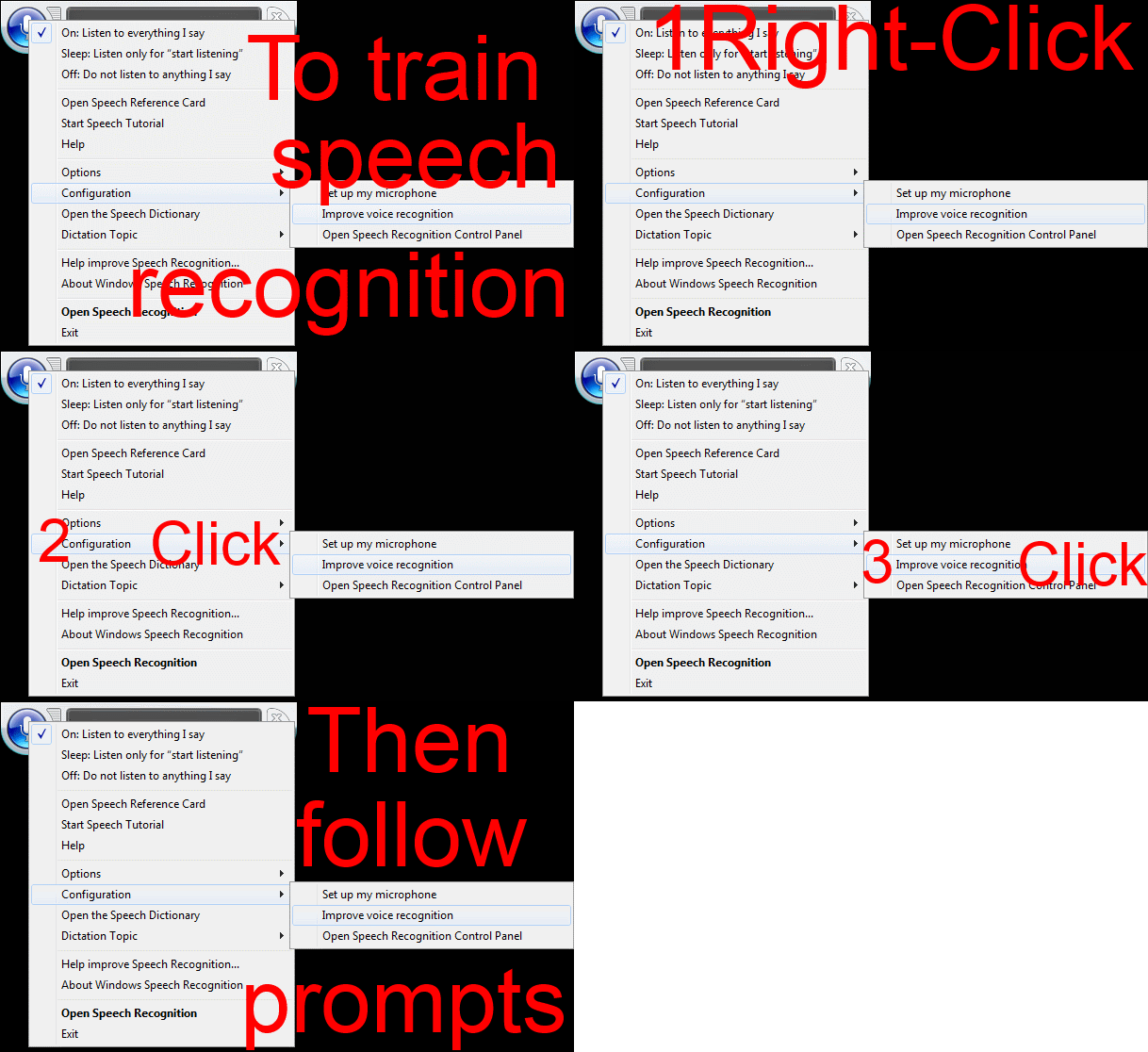
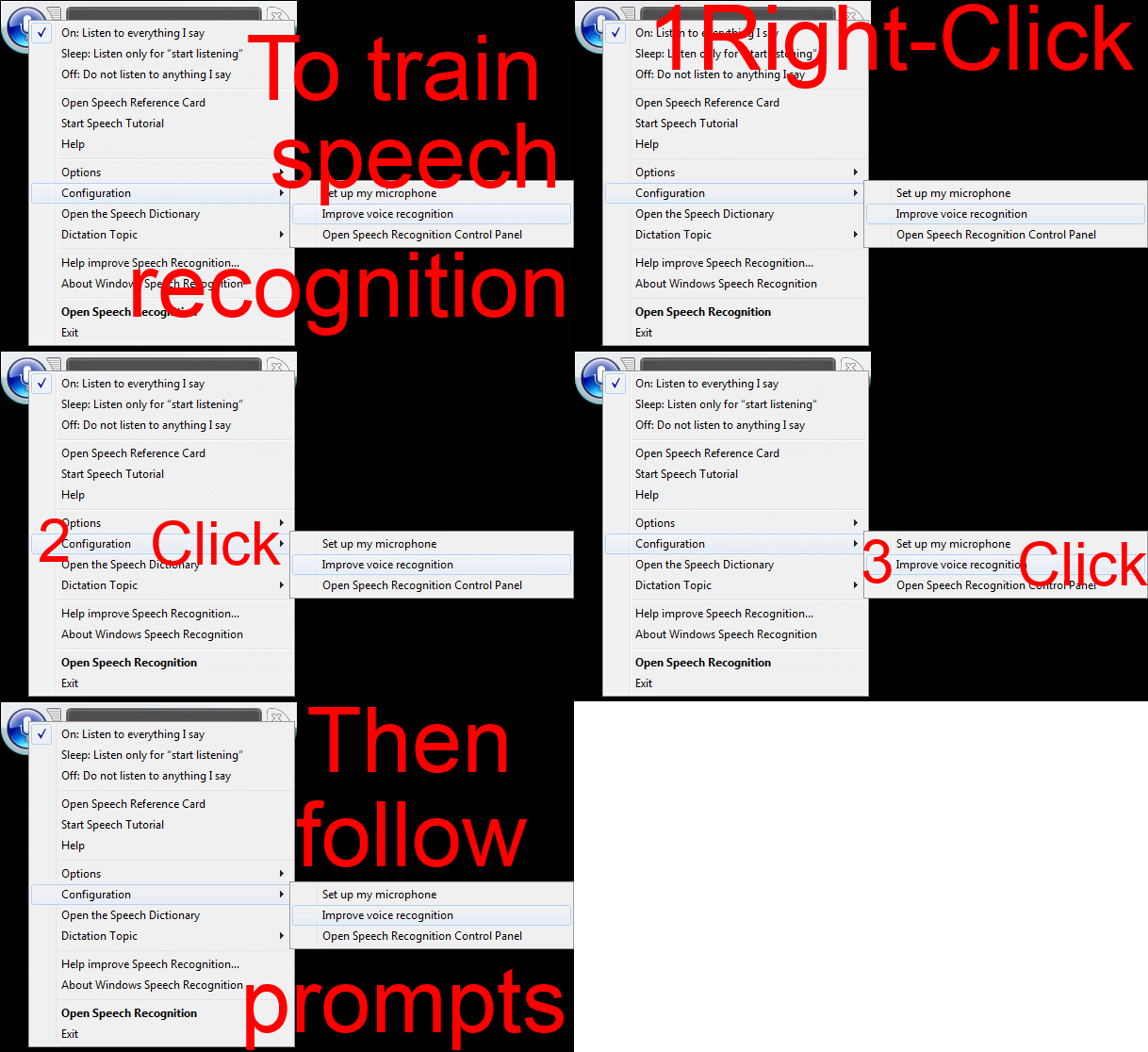
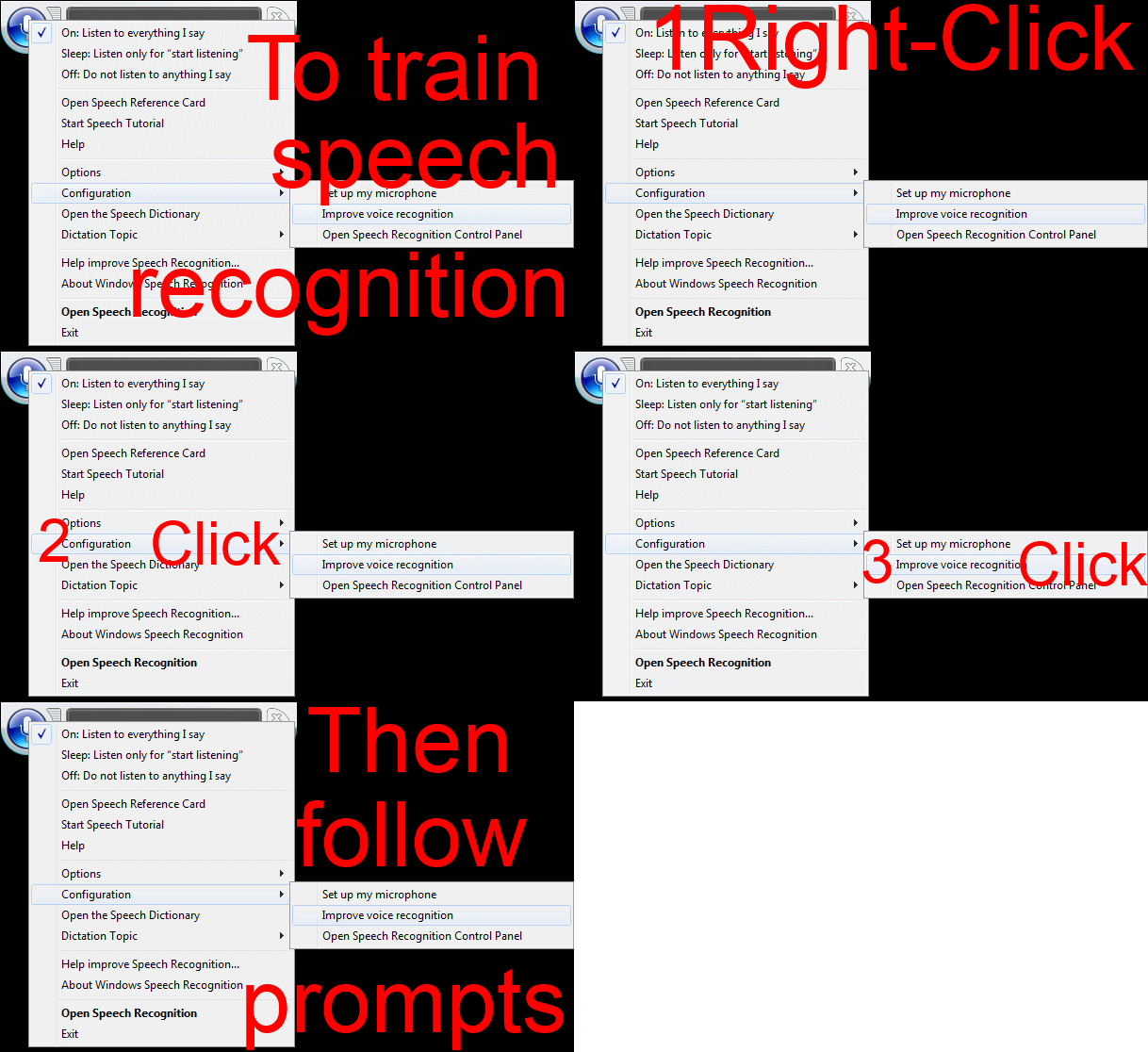
Watch how to start voice training of Windows speech recognition–the ultimate training…
…using animated GIFs. Slower? Click 0.50sec, 0.50sec, 0.75sec, 1sec, 2sec, 3sec, 4sec, 5sec, 6sec, 7sec, 8sec, 9sec, 10sec.
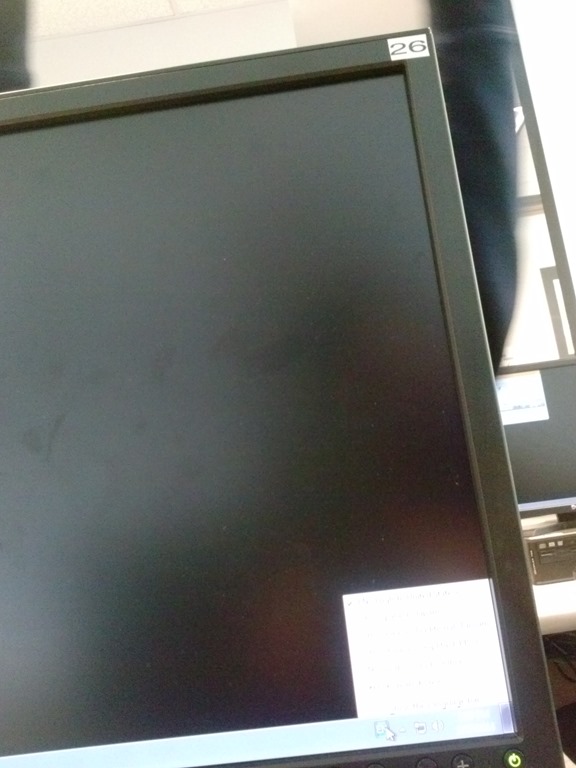
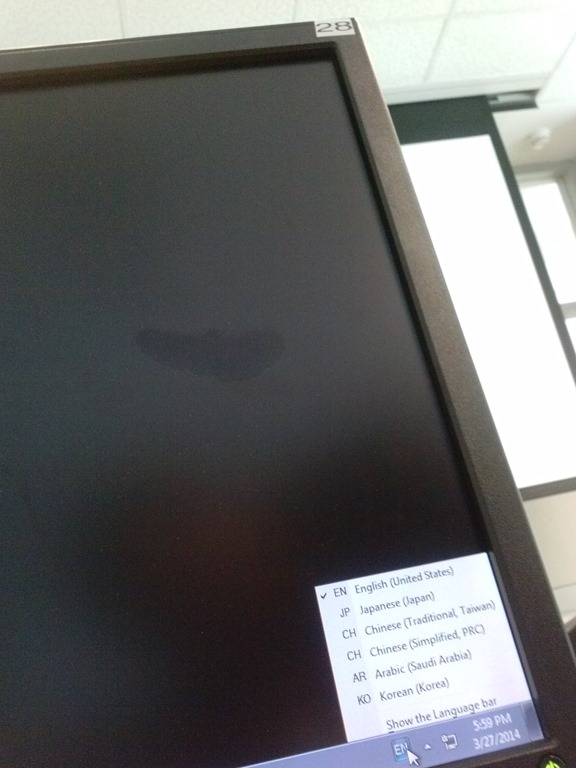
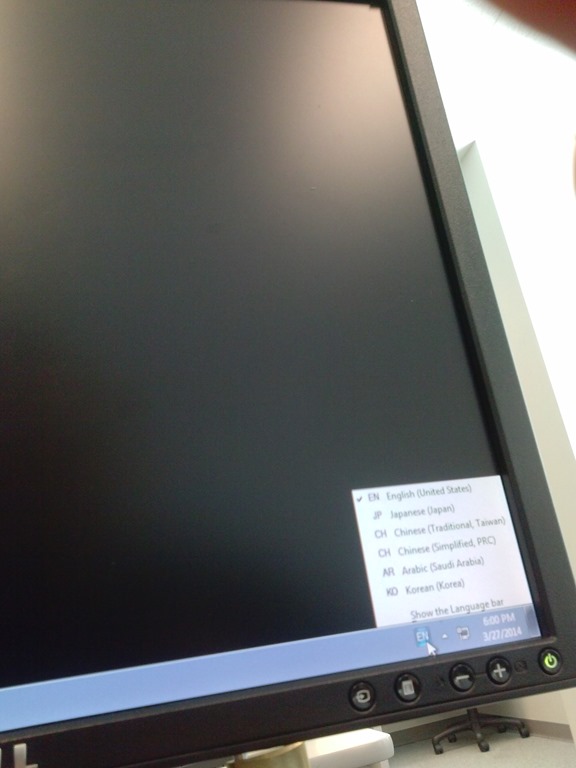
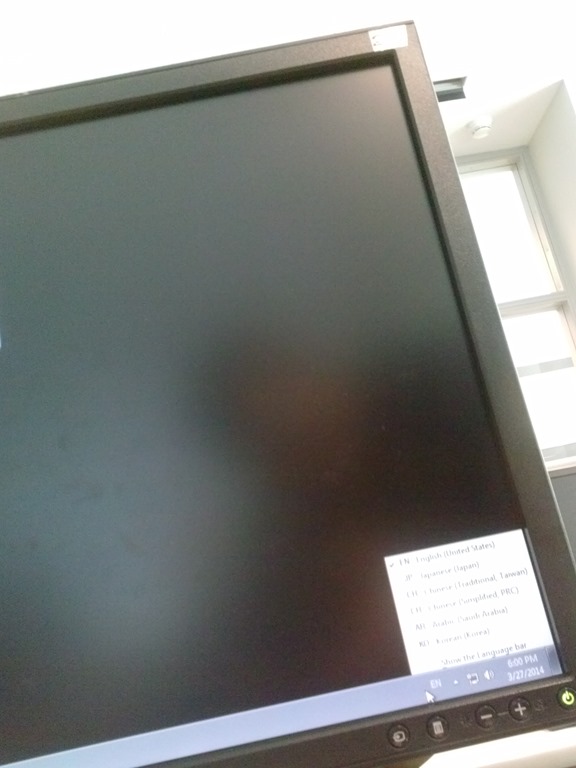
Input languages missing on PC21 to PC31
- I only had a chance to check the PC’s in the title.
- This is the size of a good language bar:

- These PCs are missing input languages when I am logged in:
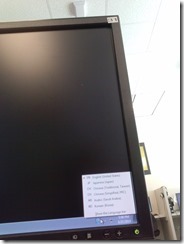
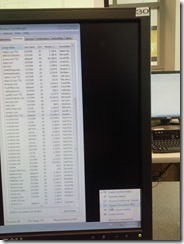

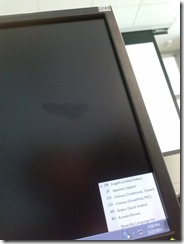

- my phone has a poor camera, so this needs double checking:
- looks like pc29:
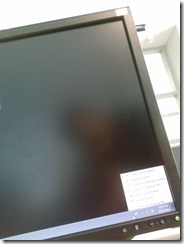
- unclear which, but appears to be in 2nd row:

- looks like pc29:




Questions? Read the About. Or just ask me a quick Our Databases: Resources with calendars -- Language learning material Moodle Sites, multimedia files -- films


FAQs for LRC student staff or for students or for teachers. To search our FAQs, in the browser addressbar, add after "https://plagwitz.wordpress.com/feed/?tag=faqs+/" "+TAG1" (from tag cloud below) OR "https://plagwitz.wordpress.com/feed/tag=faqs
&category_name=" "CAT1" (from category hierarchy below). OR search both categories and tags, and multiple TAGs/CATs (connect with "," for OR-search, with "+" for AND-search), like so: https://plagwitz.wordpress.com/feed/?tag=TAG1+TAG2+...TAGn&category_name=CAT1
+CAT2+...CATn"
Other ways to find help
If you cannot find it here, look there: 5,500 Language-Learning Links and Programs for learning or teaching 150 languages
Shortcuts:Our Lists, Our Maps, LRC Staff Moodle Site,LRC Project Moodle Site, 49erexpress, UNCC Moodle, Student Recordings: s:claslcslrcsanakostudent
Learning usage samples: Sanako oral exam, Kaltura webcam presentation, Dictation with speech recognition, Sanako written exam, Chinese and Japanese interactive stroke-order practice
Test the Sanako Installer, Webbrowser Popup Konfigurator for XP, or Windows7, faster LRC TeacherPC Log-in Let MS facilitate diacritics writing by installing for you US-International keyboard layout
This is my personal blog (Google+). The views expressed on these pages are mine alone and not those of my employer. The information in this weblog is provided “AS IS” with no warranties, and confers no rights.
 Thomas' Work Space