Archive
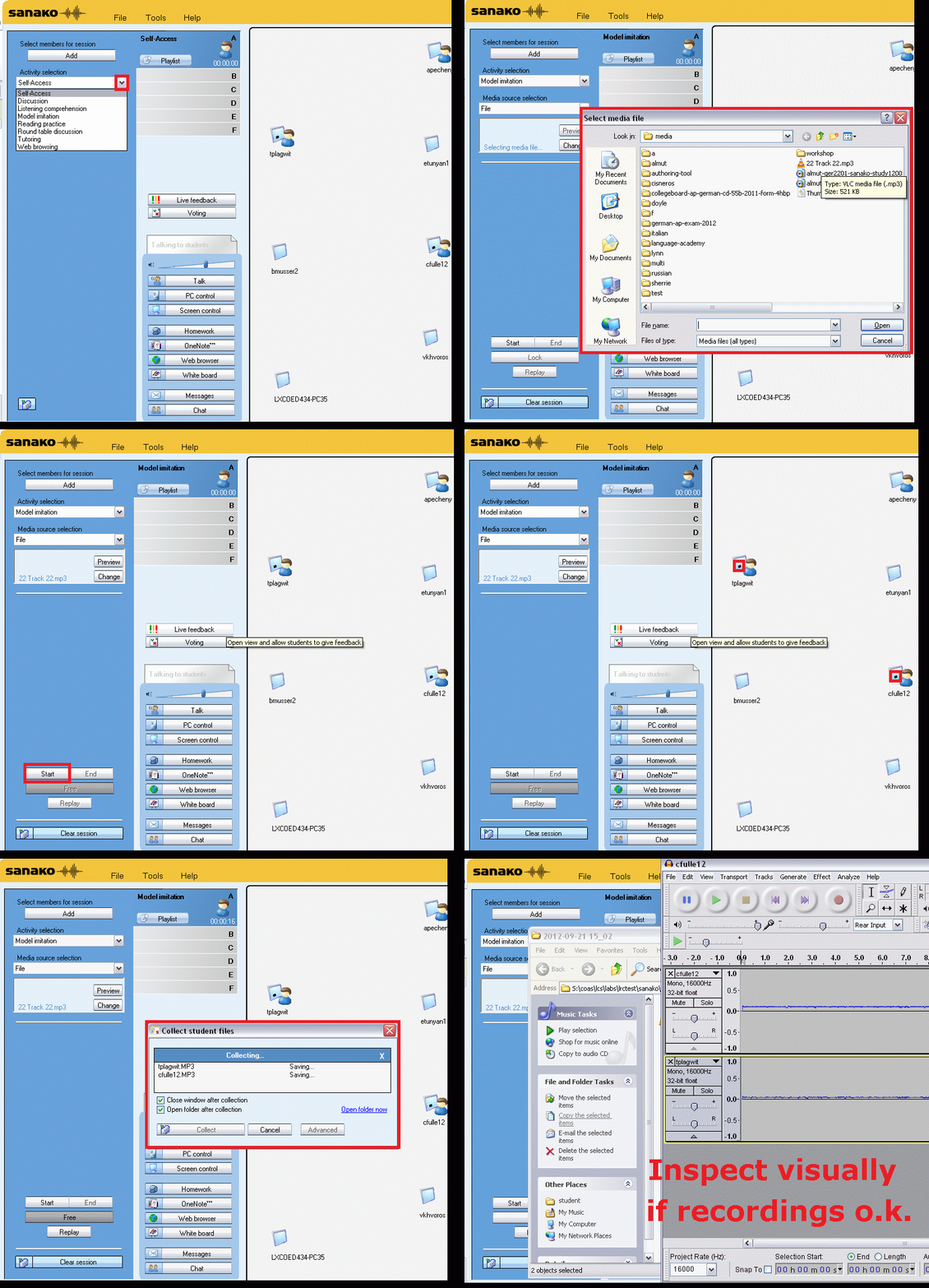
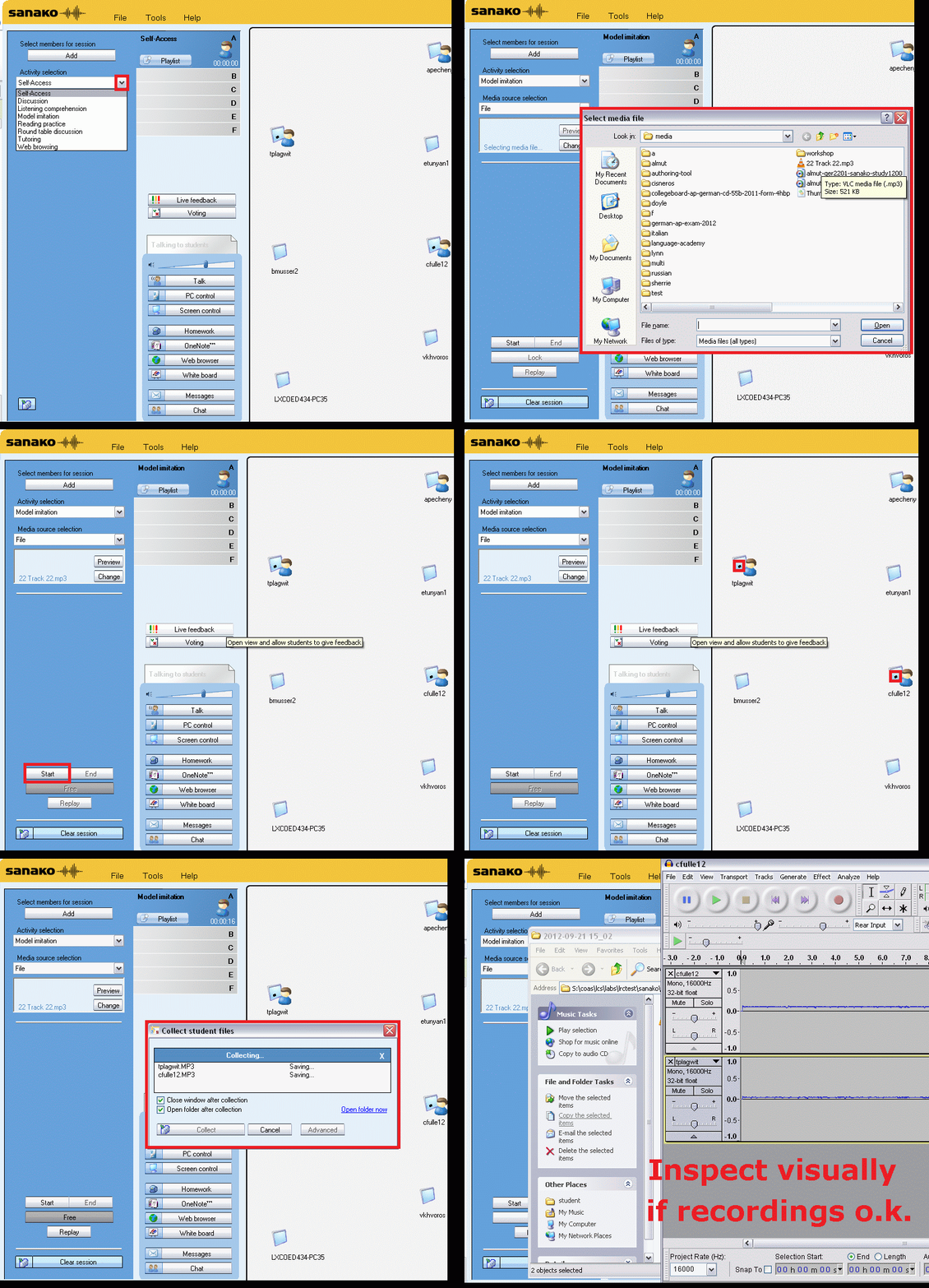
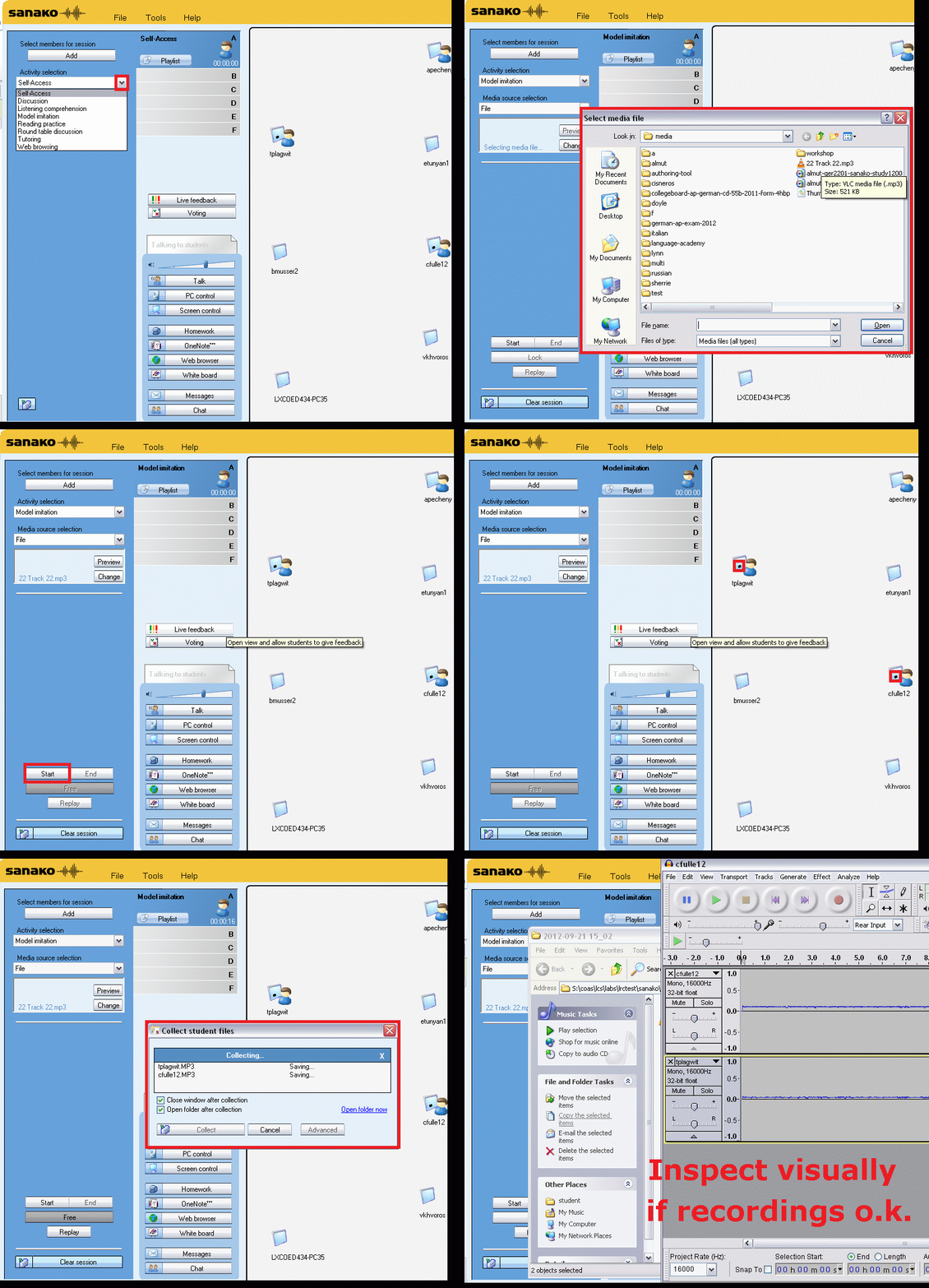
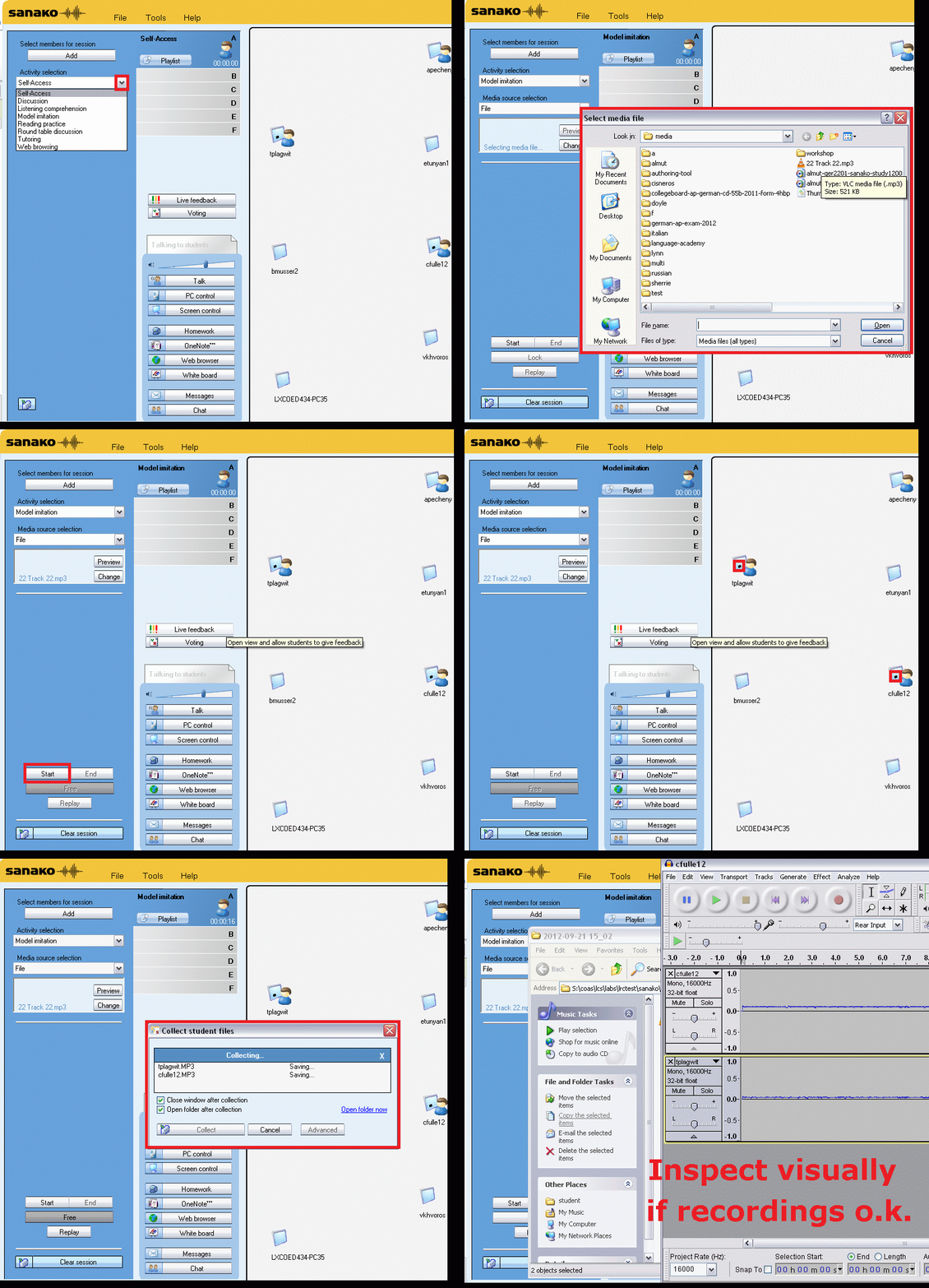
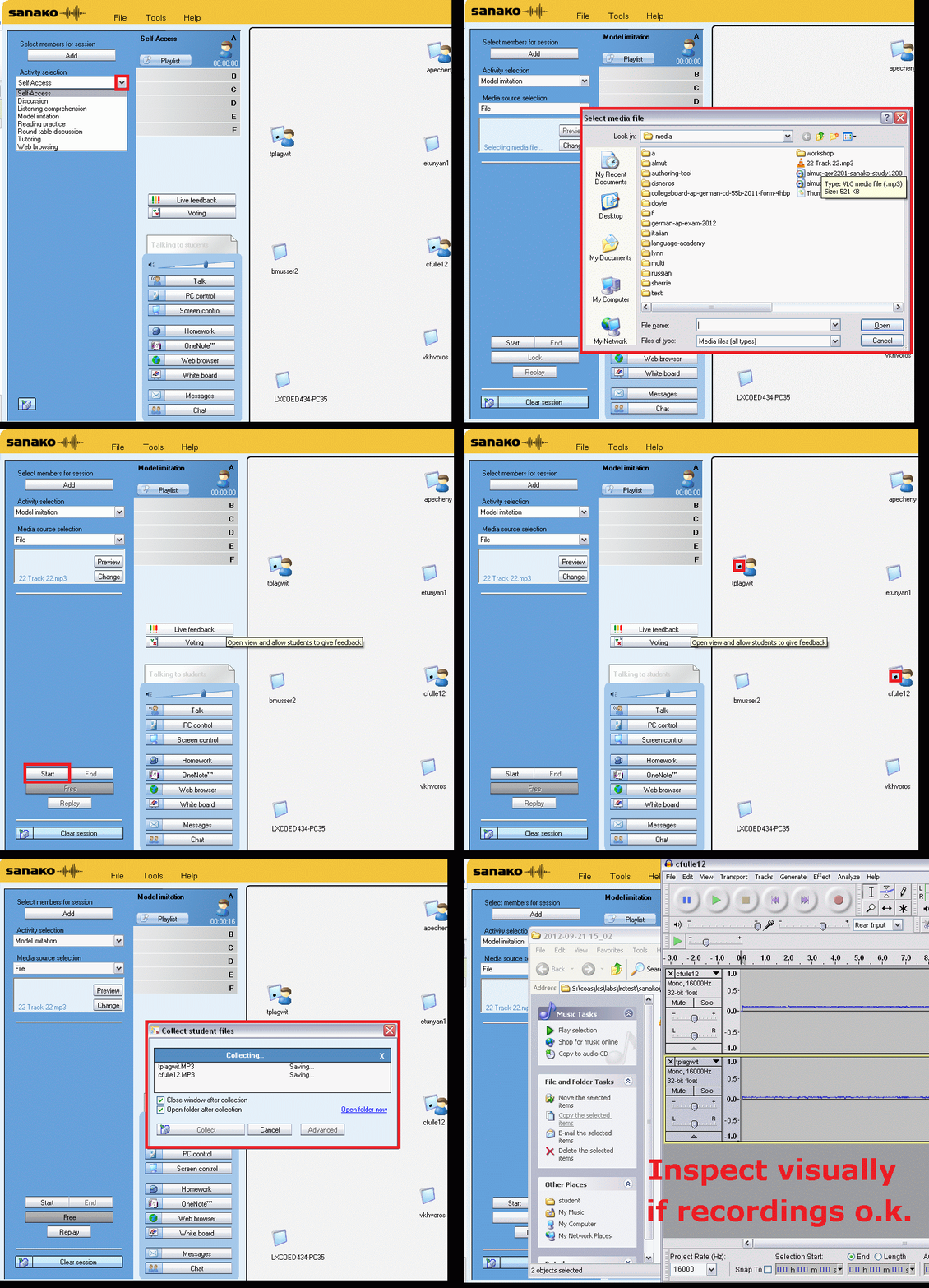
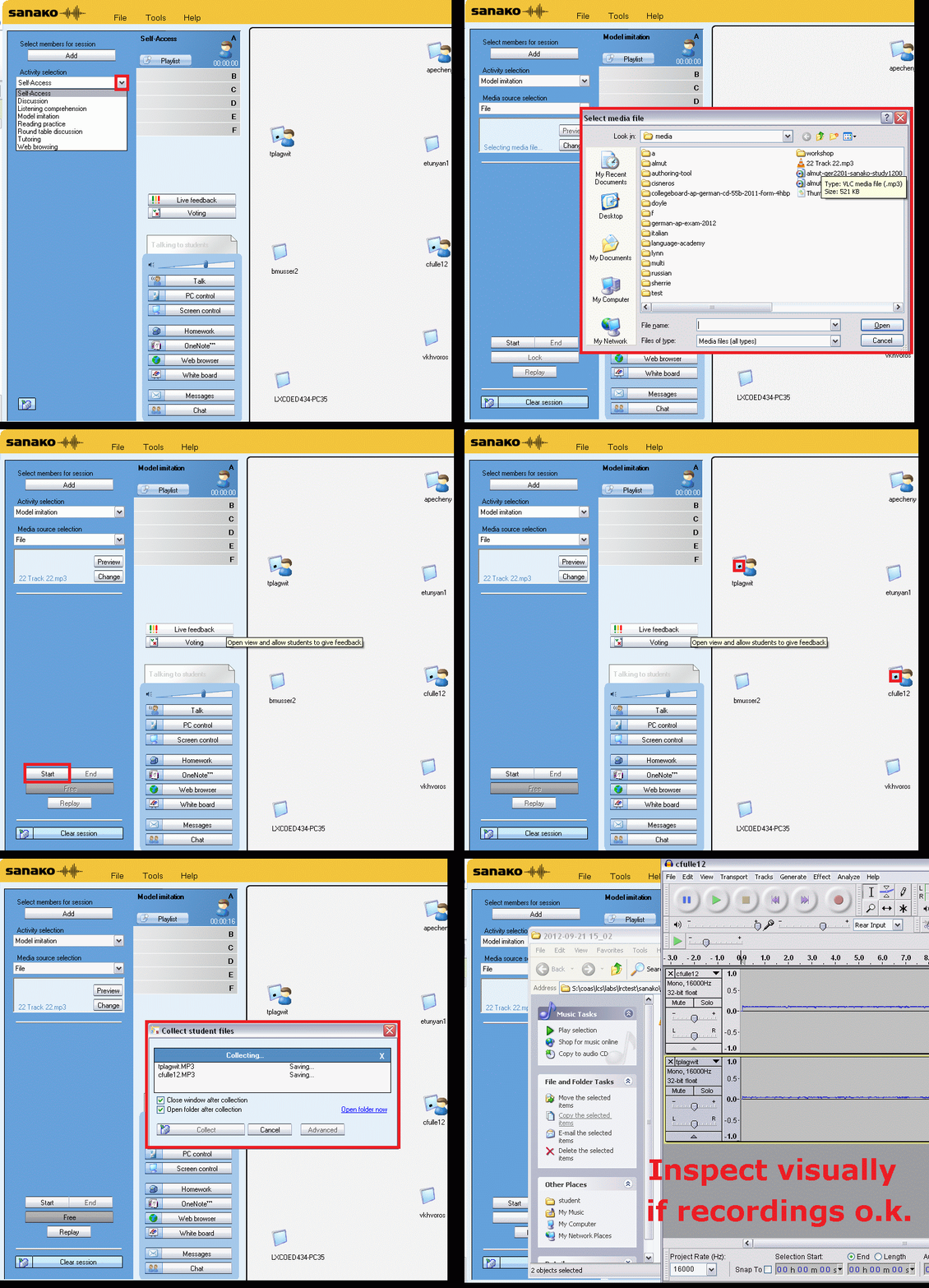
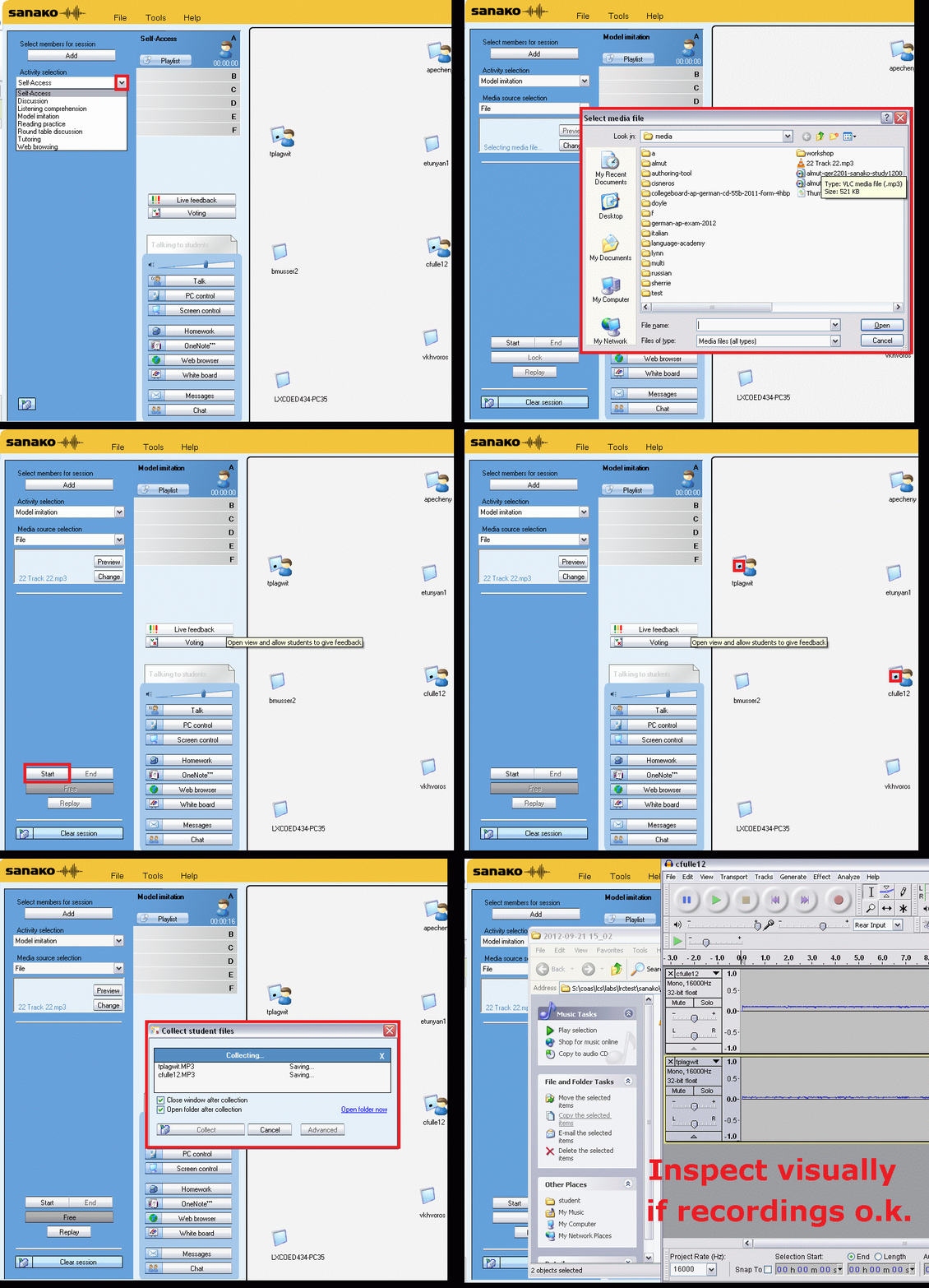
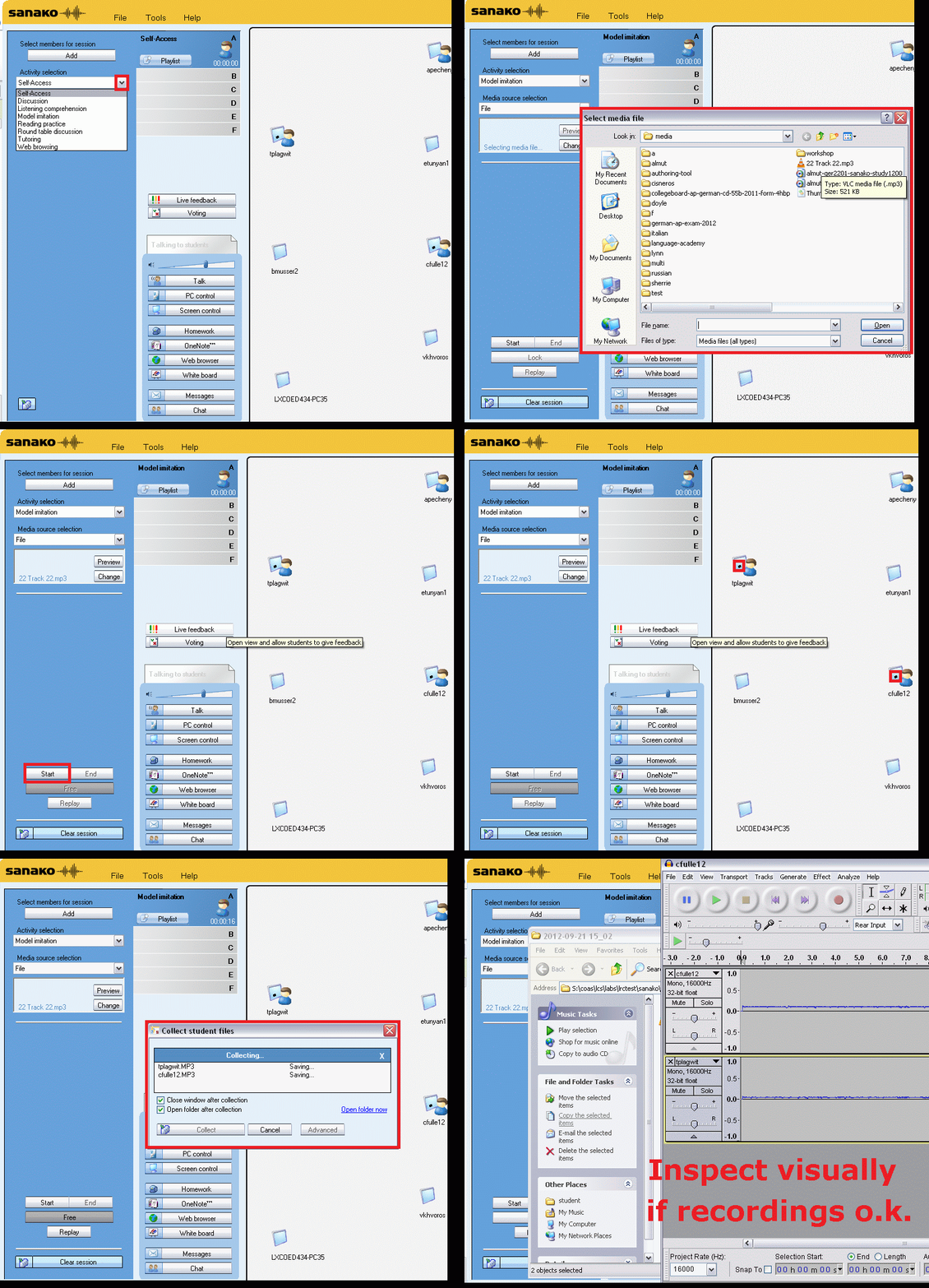
Group conference with all students and the teacher using Sanako Study 1200
- To set up the maybe most common language classroom activity – everybody listening or talking to everbody else (whether student or teacher) –
-
try this with the Sanako Study 1200 – plus have no student fade off because of “incomprehensible input” caused by bad classroom acoustics and self-conscious learners mumbling –:
-
-
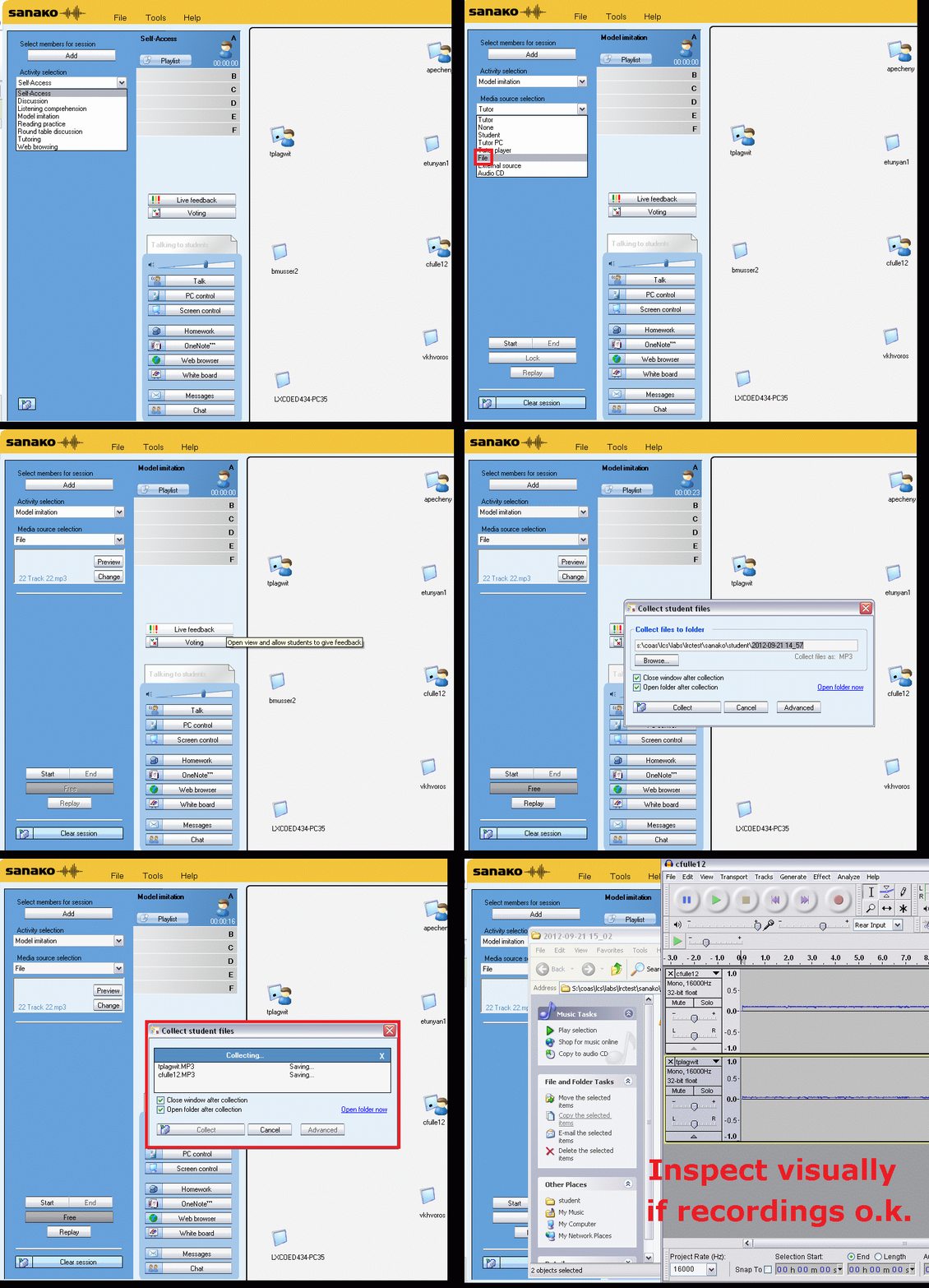
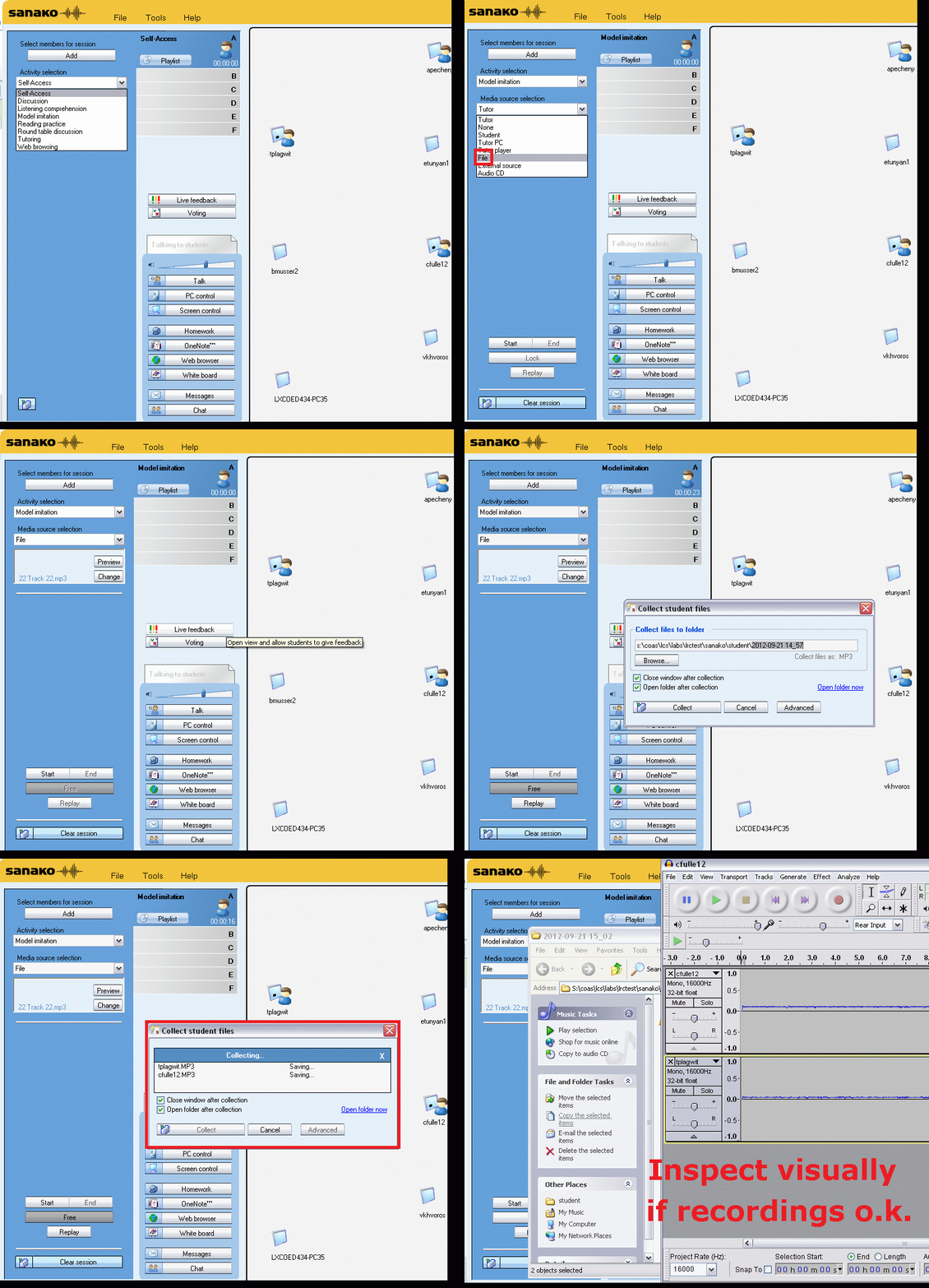
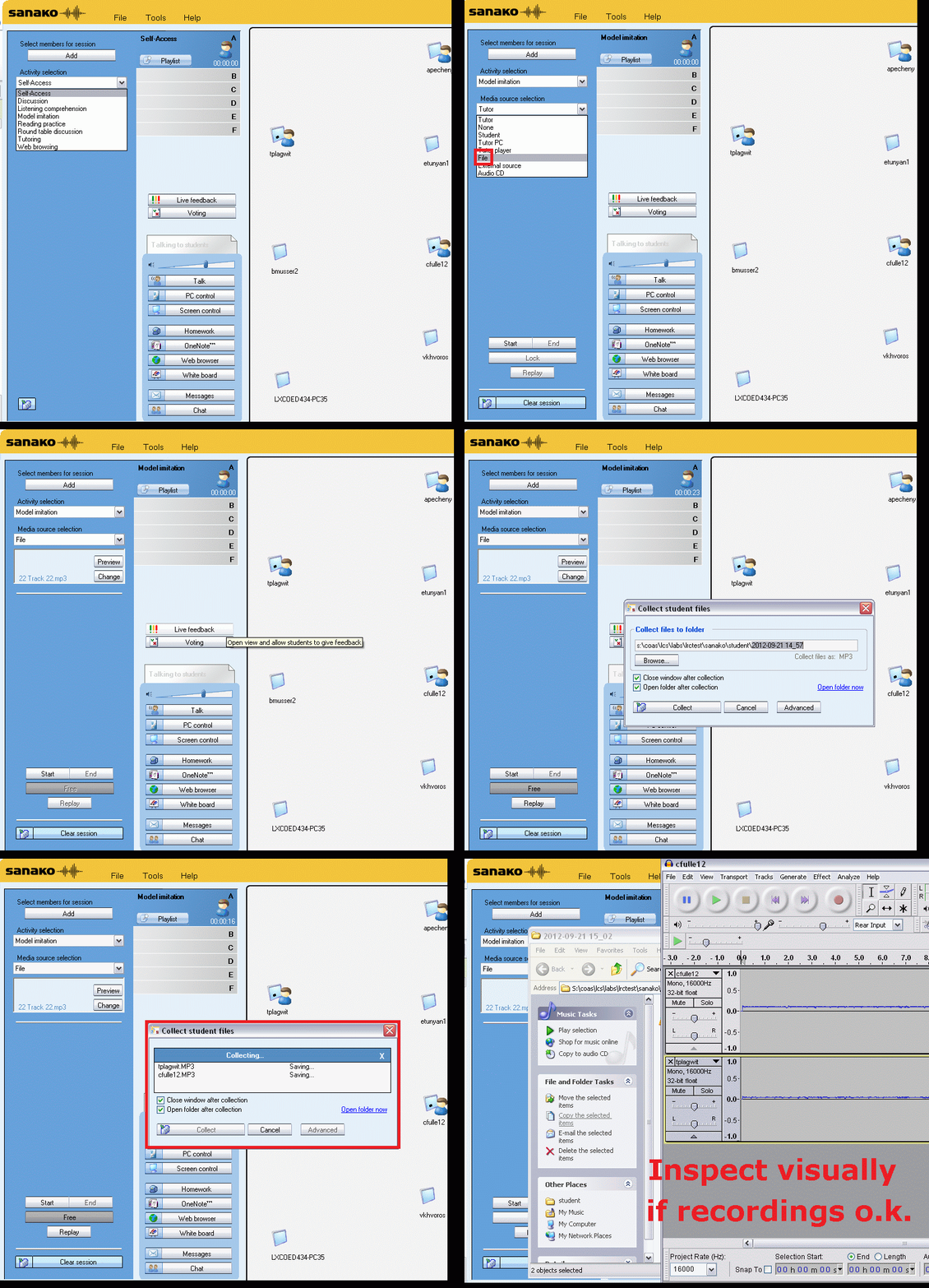
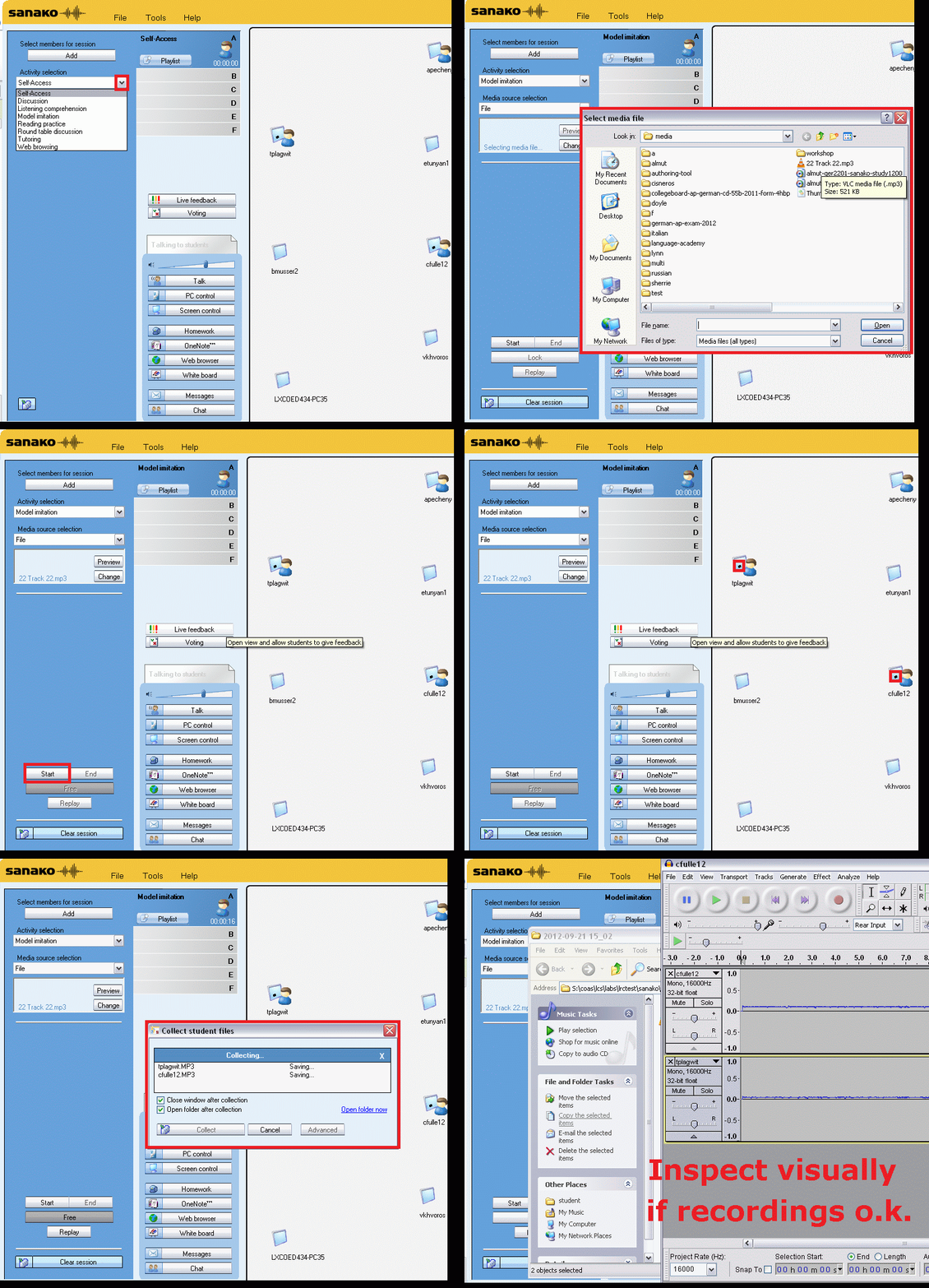
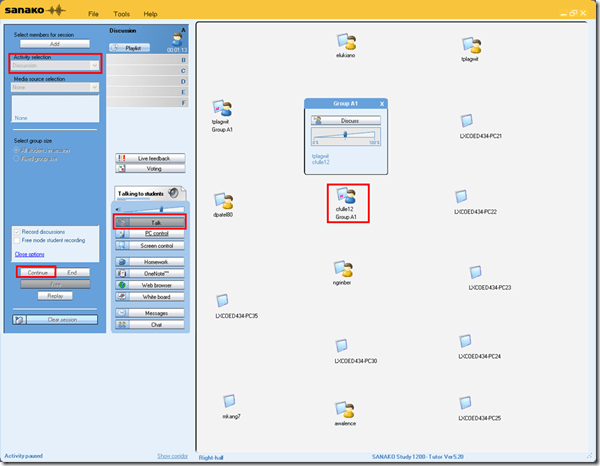
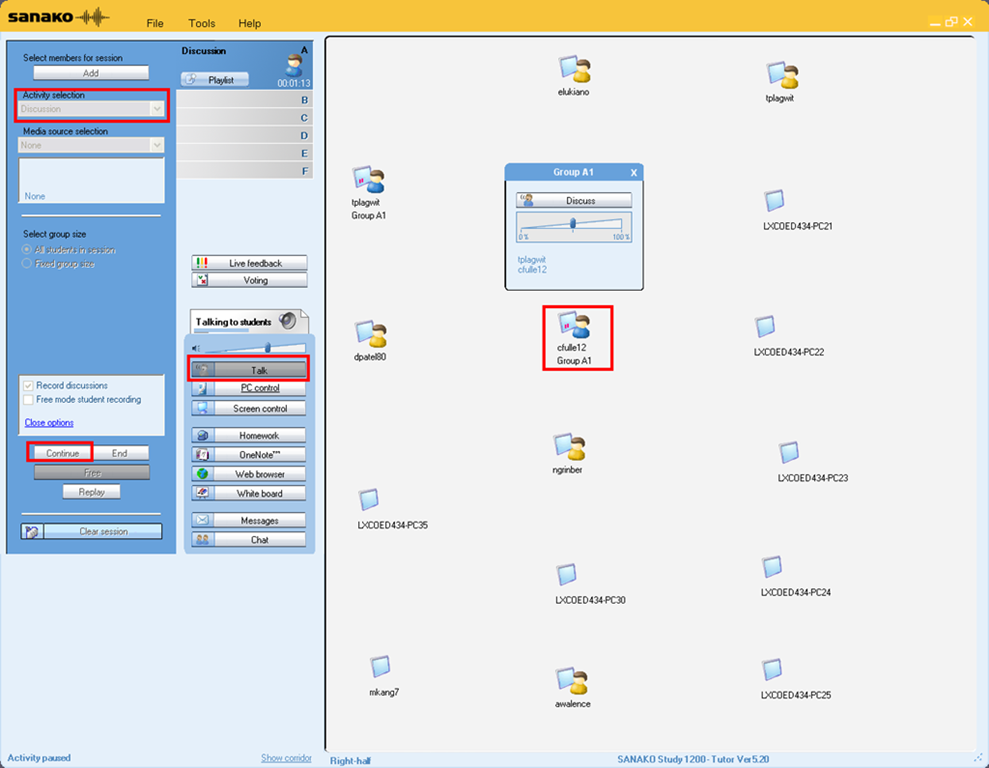
Activity pane: discussion, start –> students can talk with each other
-
Button:talk –> teacher can talk to students
-
Student icon / popup-menu: teacher can hear students – not only the one from the student icon, but anybody in discussion.
How to link your LRC tutor calendar and Moodle metacourse from your Moodle course

Oral assessments with Sanako model imitation – The ultimate training summary…
…using animated GIFs. Load the speed of your choosing (or several, use CTRL-Click to open links in a new tab) into the left screen of the teacher station before administering an oral exam, with the window active, press F5 in your web browser to restart the animation from the beginning. Slower? Expanded:050cs, 075cs, 100cs, 150cs, 200cs, 300cs, 400cs, 500cs, 1000cs.Or compact for recapitulation: 025cs, 050cs, 075cs, 100cs, 150cs, 200cs, 300cs, 400cs, 500cs, 600cs, 700cs, 800cs, 900cs, 1000cs. 
How to use archive.org’s US-English news collection as a language learning corpus with QUIK-like speaking samples
- Much of TV news nowadays seems to amount to not much more than a constant stream of sound bites – however, exactly this brevity,
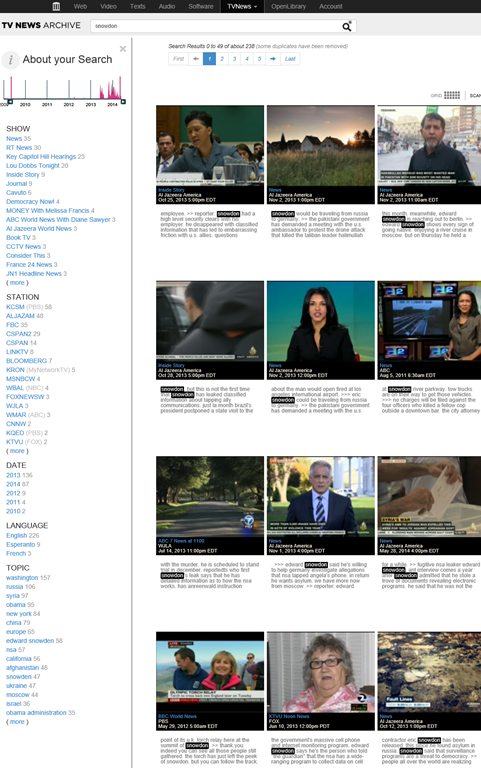
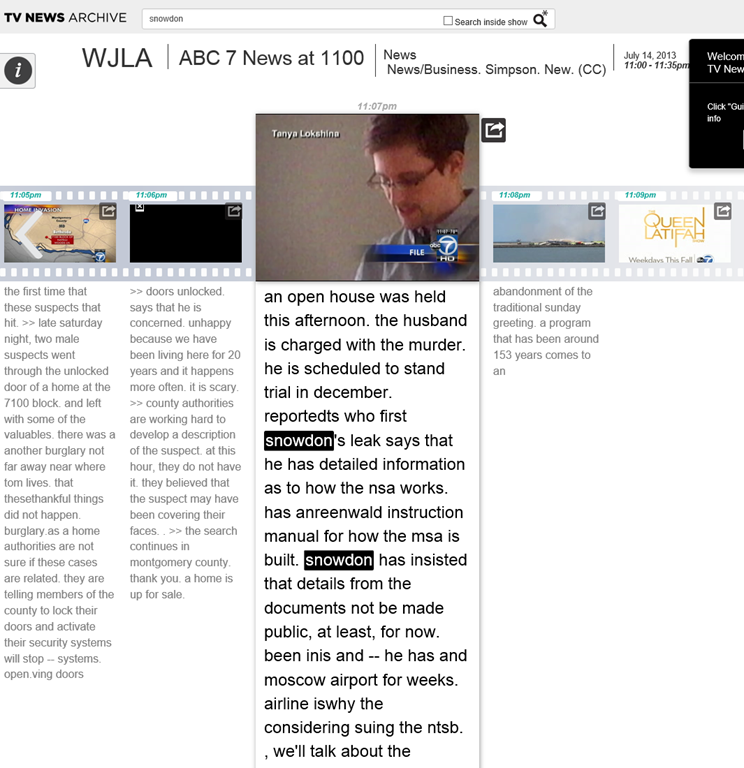
- the large archive and simple search interface:

- the research/browsing capabilities visible on the left here, including the varied sources – of which Arabic and French and other European TV likely provide a somewhat different perspectives on Edward Snowden –
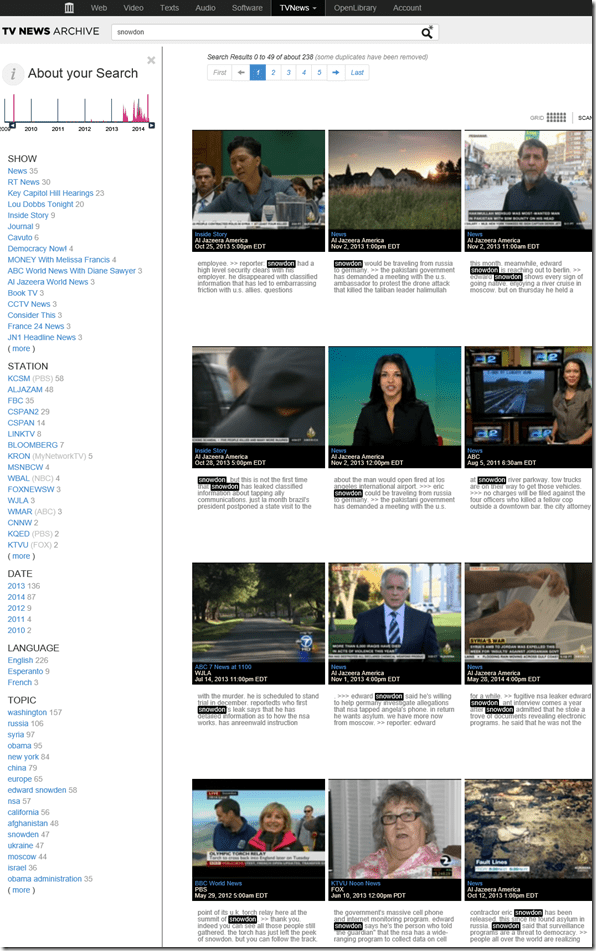
- and the caption-like transcription, make it all the more accessible for intermediate learners of English.

- video clips of only 30 seconds length is hardly enough for instruction, however, you can have students work with corpus-QUIK-like spoken samples, and have them string a news history together if you design webquest-like research assignments – with the major added benefits, that this corpus is spoken and trains listening.
- For more background info on archive.org’s transcribed TV news, consult this NYTimes article.

Video quizzes on Youtube.com in Beta
Video Questions Editor lets channel owners display multiple-choice questions on top of their videos as they play (I see only a “start” in the timeline), offer hints, get results on your feedback page.
But if it supports only summaries, not usernames, it is more a poll than a quiz, which limits it usefulness in foreign language classes as much as that you apparently are limited to your own uploads, and cannot link your questions to the wealth of foreign language video uploaded by others…
Why to save Audacity projects locally …
… with enough file space to avoid unspecific problems, including later parts of your recording becoming inaudible.
This problem was caused by attempting to save an Audacity project to a network share over a slow network and with limited storage space.
This Audacity project (.aup extension, with subfolders) had a size of a 200MB – the exported .mp3 likely less than 1% off that.
So always save Audacity projects you are working on on local hard drive or USB thumb drive.
Protected: How to convert Friendly Russian web pages for better use with the Sanako Study 1200
Problems with accented characters in Respondus Lockdown Browser
Update: Just click on the menu item “ A” under Respondus titlebar window to bring the floating accents window back.  Problem is only: this menu disappears now also. Anyhow: using below keyboard shortcuts is faster, and MS FixIT can now enable it for you on your home or office PC also.
Respondus Lockdown browser limits the use of modifier keys (e.g. on Windows CTRL, ALT). This prevents the use of certain traditional keyboard shortcuts for entering foreign language accented characters – including the method from times yore: ALT+number code.
Respondus Lockdown browser can work with a floating toolbar for accented characters. Unfortunately, reports are in that the floating toolbar disappears (may be related to a recent Respondus upgrade?).
Fortunately, Windows US-international keyboard – the default in the LRC – is not as much hampered by Respondus – except in t he few cases where US-international keyboard also relies on ALT- and CTRL-modifier: consult this table.
|
Press (, then release) |
then press |
Example Result |
|
` (accent grave) |
any letter that can have this accent, e.g. “a”, also cedilla ç |
à |
|
‘ (apostrophe) |
á |
|
|
^ (caret)- |
â |


Questions? Read the About. Or just ask me a quick Our Databases: Resources with calendars -- Language learning material Moodle Sites, multimedia files -- films


FAQs for LRC student staff or for students or for teachers. To search our FAQs, in the browser addressbar, add after "https://plagwitz.wordpress.com/feed/?tag=faqs+/" "+TAG1" (from tag cloud below) OR "https://plagwitz.wordpress.com/feed/tag=faqs
&category_name=" "CAT1" (from category hierarchy below). OR search both categories and tags, and multiple TAGs/CATs (connect with "," for OR-search, with "+" for AND-search), like so: https://plagwitz.wordpress.com/feed/?tag=TAG1+TAG2+...TAGn&category_name=CAT1
+CAT2+...CATn"
Other ways to find help
If you cannot find it here, look there: 5,500 Language-Learning Links and Programs for learning or teaching 150 languages
Shortcuts:Our Lists, Our Maps, LRC Staff Moodle Site,LRC Project Moodle Site, 49erexpress, UNCC Moodle, Student Recordings: s:claslcslrcsanakostudent
Learning usage samples: Sanako oral exam, Kaltura webcam presentation, Dictation with speech recognition, Sanako written exam, Chinese and Japanese interactive stroke-order practice
Test the Sanako Installer, Webbrowser Popup Konfigurator for XP, or Windows7, faster LRC TeacherPC Log-in Let MS facilitate diacritics writing by installing for you US-International keyboard layout
This is my personal blog (Google+). The views expressed on these pages are mine alone and not those of my employer. The information in this weblog is provided “AS IS” with no warranties, and confers no rights.