Archive
Bootsect (the command formerly known as fixmbr), may enable your Windows 7 installation to start up from a CorruptVolume
- I am trying to back up my system partition to external media. The 3rd party utility I boot into refuses to get to work since it sees inconsistencies on the partition.
- I schedule a chkdsk /f /r from Windows 7 which on restart runs without errors.
- Upon completion, however, Windows 7 fails to boot.
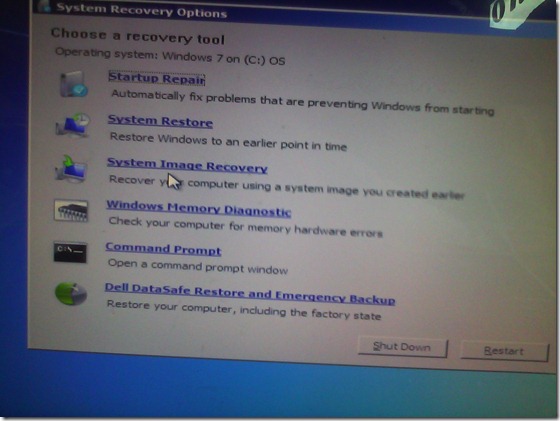 I go in the Startup Repair, but System Repair tells me it cannot fix my problem, but offers System Restore, which I try twice, to no avail.
 Cryptic Error IDs 21200664, googling of which leads to nothing but MS System Engineers advising reimaging the system partition to the factory copy which would lose my 16 months worth of system customizations.
- I feel I have other things to do to research the innards of Windows 7. Faintly I remember that fixmbr used to get me out of fixes with non-starting XP installations. It has been replaced by bootsect /nt60 <driveletter>, and on top of that, it responds with an apparent failure “since the volume could not be locked during the update” (actually deemed likely harmless, or use /force).
- Windows 7 starts up. (WTH?! Check disk versus the master boot record?!)
- Now, am I supposed to use a 3rd party or a Microsoft tool for my system partition backup?


Error code 14001 when installing Audacity
- Symptom: Audacity installation seems to complete without error, but attempting to start Audacity at the end of the installation process results in an error about bad environment with the above error code.
- For your reference: It is has been the missing Visual C++ redistributable installation here in the past on staff computers.
- Solution: Download and install the redistributable, then try restarting Audacity: It should start now.
Calendar ICS corruption
- The (Drupal-based?) ICS linked for the ACADEMIC calendar does not display properly in MS-Outlook and other ICS-compatible calendar readers (all events form the Academic calendar seem to get display at the current date and time when this screenshot was taken. The ICS portion for the Administrative calendar does not seem to have the same problem).

- Both do seem to display on the Provost webpage:

- The same holds true for the underlying registrar calendar ICS that is aggregated by the provost’s page.
- Some debugging information when loading http://provost.uncc.edu/calendar/ical : “You have subscribed to “p.”. 19 out of 169 events were successfully added to your calendar. There seemed to be some problems with the other events in the file you were importing.”


How do we connect to a Pearson MyLanguageLab webcast via Cisco WebEx?
- TURNS OUT THIS was not a technical issue – we will try and reconnect.
- our setup:

- our instructions

- misc: Do we have to use the phone for audio? We have computer audio

- misc:

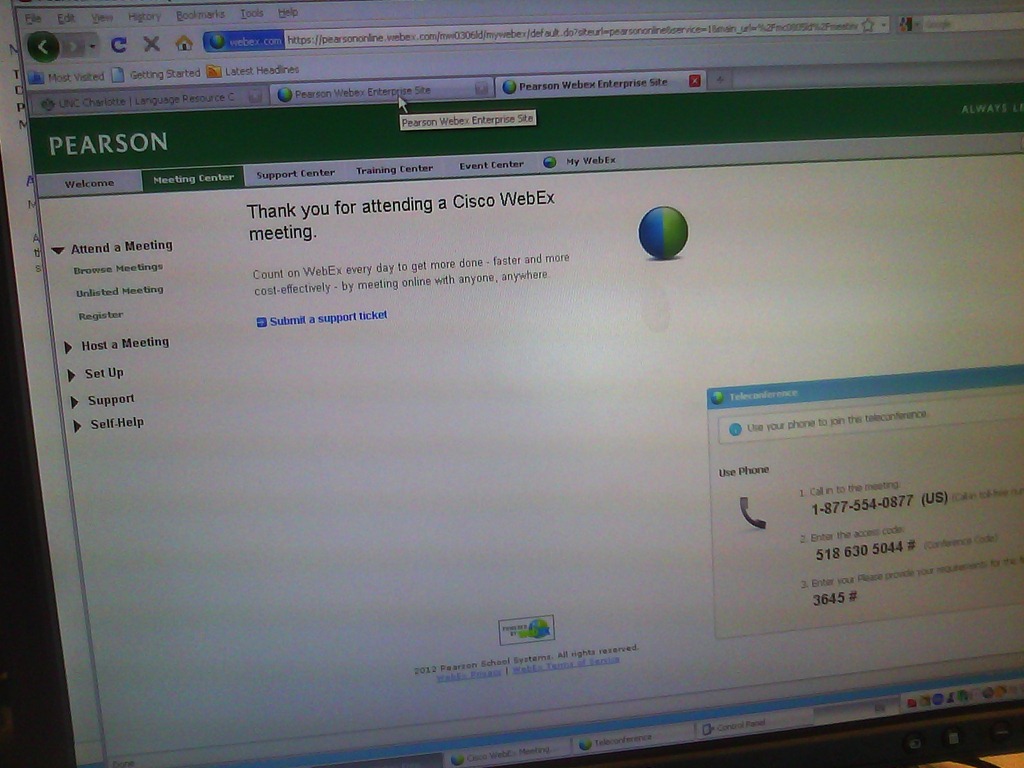
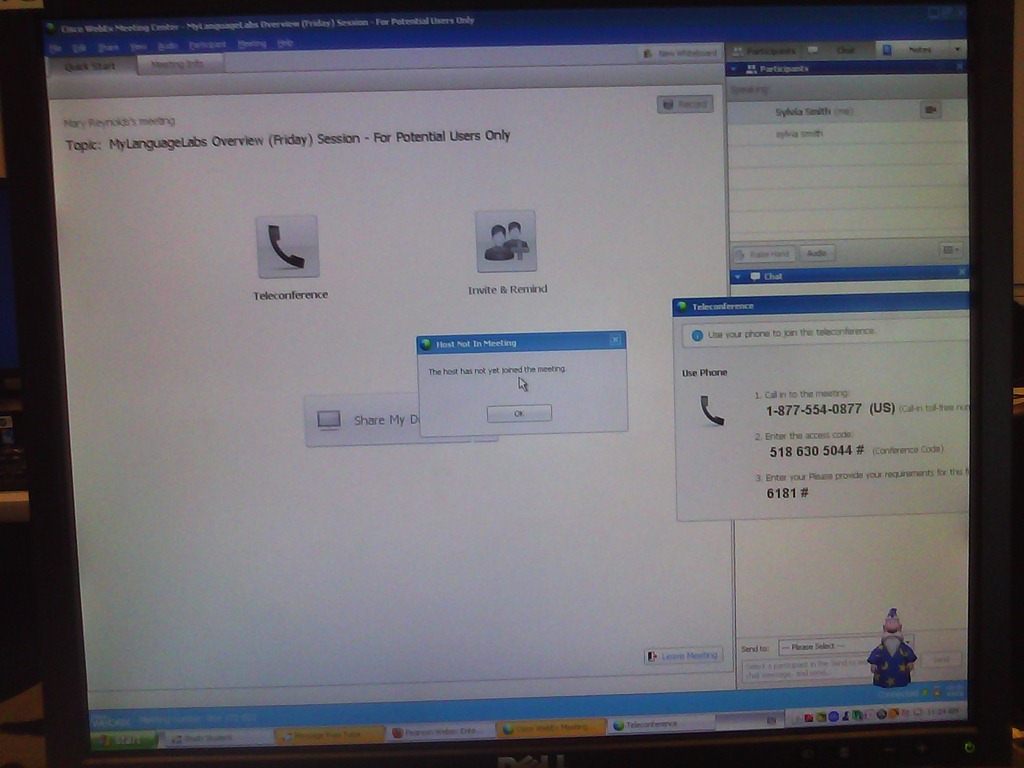
- our error: “the host has not yet joined the meeting”

- Submitting support ticket that references this blog post

- At some point, we get booted to next week’s meeting (no surprise then that the host has not joined the meeting).



How to use Sony PMB software and a Rosewill memory card reader to read your Sony MS-PRO (and bring Windows-XP to its knees)
- The Rosewill rcr-ic001 card reader seems temperamental – you need to try several times to insert the card for the reader light to reliably flash.
- It seems you need the Sony-provided software installed to have Windows recognize the drive:
 .
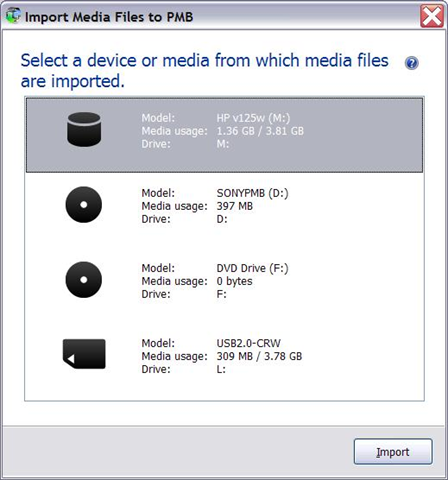
. - And offer an import:

- However, the import of videos fails for me (only images get imported)
 .
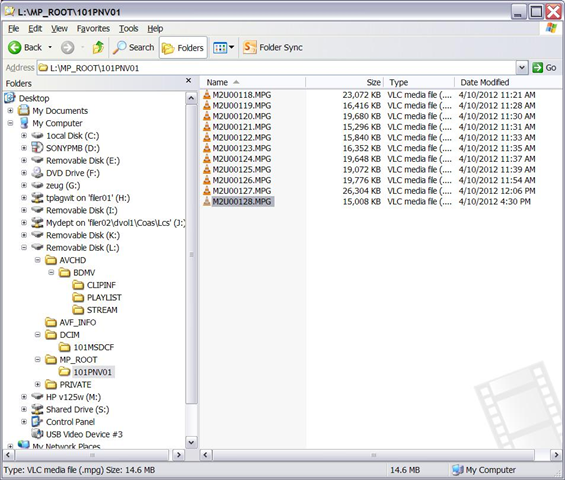
. - But at least I can access the videos through Windows, from here (for non-HD):
-
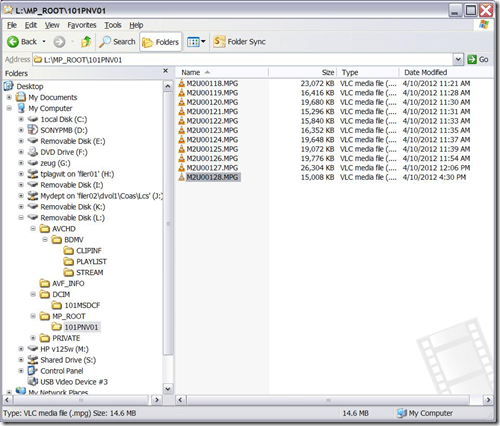
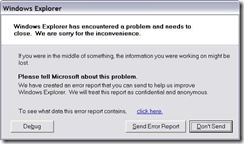
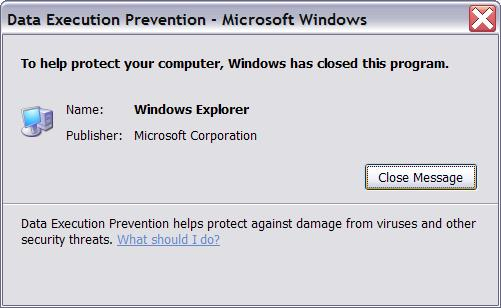
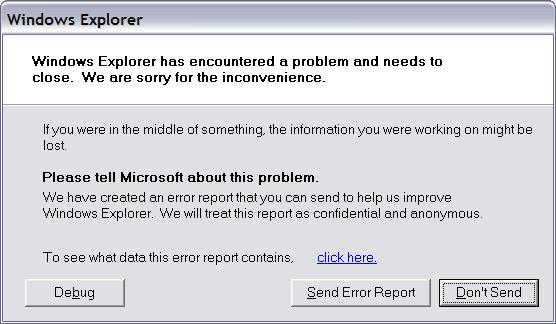
- Until things go bad (computer slows to a crawl, then explorer crashes):



Labstats Error
- Computer fails to shut down, with this error:
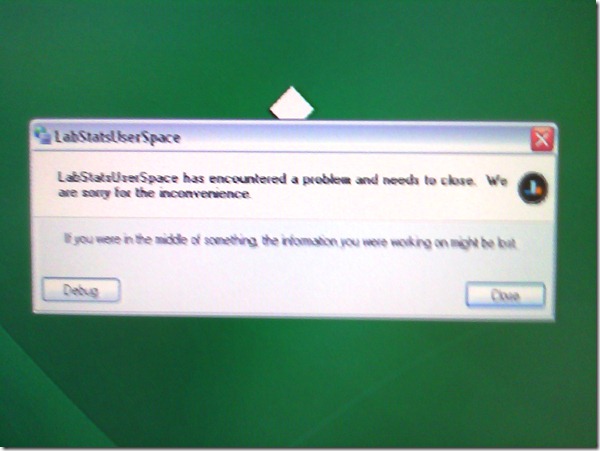
- Pressing “Debug” does not do anything.
If students have no mp3 audio on LRCRoomCoed433a Listening Stations
Problem: A Student that took the French Respondus Lockdown browser on PC 43, when playing to listening comprehension files, had no audio on her headset (except for her microphone input was played back for her. The test is single attempt only, and lockdown browser prevents us from troubleshooting.
Cause: Master volume for Wave and SW Synth on lrcroomcoed433b back to 0, like so:

Workaround: plug in one of the black headsets (USB) temporarily (plugging in another brown headset did not resolve the issue).
Solution: None currently: even when the Respondus lockdown browser is not running, Deepfreeze will not allow making changes, and changes in the current user profile will not affect users whose profiels gets created upon login (which is all student users). Longterm: Don’t try to run identical software images on different hardware configurations. Not as longterm: Autoit FTW?
Moodle streaming video recording assignment glitch 9
- Are all things Moodle Kaltura on Windows better than on iMacs?
- I don’t think so (Windows 7, IE9): Webcamera cannot be activated, hourglass. Looks like the Flash security dialogue does not make it into the foreground.




Questions? Read the About. Or just ask me a quick Our Databases: Resources with calendars -- Language learning material Moodle Sites, multimedia files -- films


FAQs for LRC student staff or for students or for teachers. To search our FAQs, in the browser addressbar, add after "https://plagwitz.wordpress.com/feed/?tag=faqs+/" "+TAG1" (from tag cloud below) OR "https://plagwitz.wordpress.com/feed/tag=faqs
&category_name=" "CAT1" (from category hierarchy below). OR search both categories and tags, and multiple TAGs/CATs (connect with "," for OR-search, with "+" for AND-search), like so: https://plagwitz.wordpress.com/feed/?tag=TAG1+TAG2+...TAGn&category_name=CAT1
+CAT2+...CATn"
Other ways to find help
If you cannot find it here, look there: 5,500 Language-Learning Links and Programs for learning or teaching 150 languages
Shortcuts:Our Lists, Our Maps, LRC Staff Moodle Site,LRC Project Moodle Site, 49erexpress, UNCC Moodle, Student Recordings: s:claslcslrcsanakostudent
Learning usage samples: Sanako oral exam, Kaltura webcam presentation, Dictation with speech recognition, Sanako written exam, Chinese and Japanese interactive stroke-order practice
Test the Sanako Installer, Webbrowser Popup Konfigurator for XP, or Windows7, faster LRC TeacherPC Log-in Let MS facilitate diacritics writing by installing for you US-International keyboard layout
This is my personal blog (Google+). The views expressed on these pages are mine alone and not those of my employer. The information in this weblog is provided “AS IS” with no warranties, and confers no rights.
 Thomas' Work Space