Archive
Windows Live Writer can once again load more than 500 WordPress posts without “Invalid Server Response”
Evidence:

Version (recently updated – thank you! This bug bugged me a lot, I am chatty):Version 2012 (Build 16.4.3522.110). Not sure it is not server-related, but consider upgrading on download.live.com if you still see this error on the metaWeblog.getRecentPosts from XmlRpc server: 
How to resolve error “Speech Recognition could not start because the language configuration is not supported”
- Problem: I have seen this error
 ,
, - Root cause: when the display language and speech language do not match (the latter is set to default to the former in the LRC, but it seems they can get out of sync), as you can witness here (English display does not match Chinese speech recognition):

- Solution: Follow the instructions in the error message, i.e.
- Access the Speech recognition control panel here:
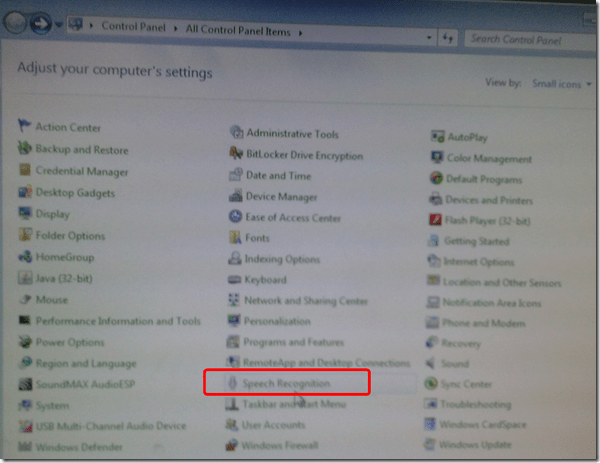
- Then change the speech recognition language to match the display language, like I am doing here:

- Quick workaround: Not sure about how quick, but in the LRC, you can also just try and restart the computers, they are “frozen” to a default configuration in display and speech recognition language (English/English – matches).


Have patience if you see “No free/busy information could be retrieved” on Room mailbox
When trying to schedule a room, I am now seeing this: 
When ctrl-right clicking: 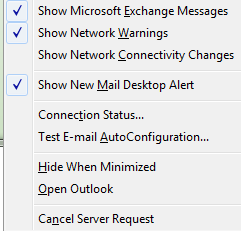 , I get this as my connection status:
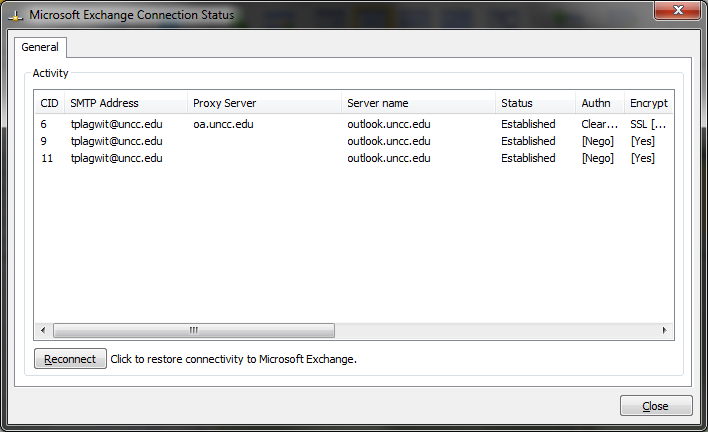
Becomes available after a long while:

What can I tell my users how long is the wait currently usually is?
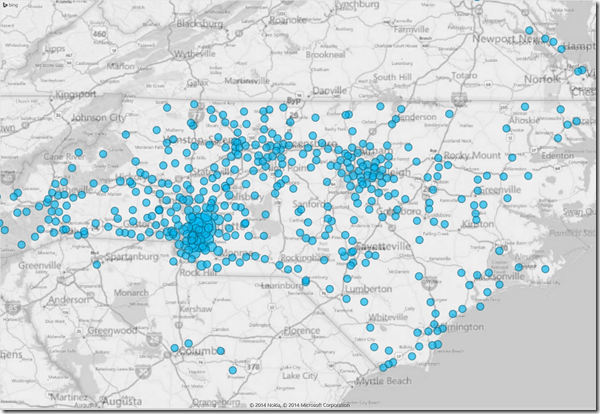
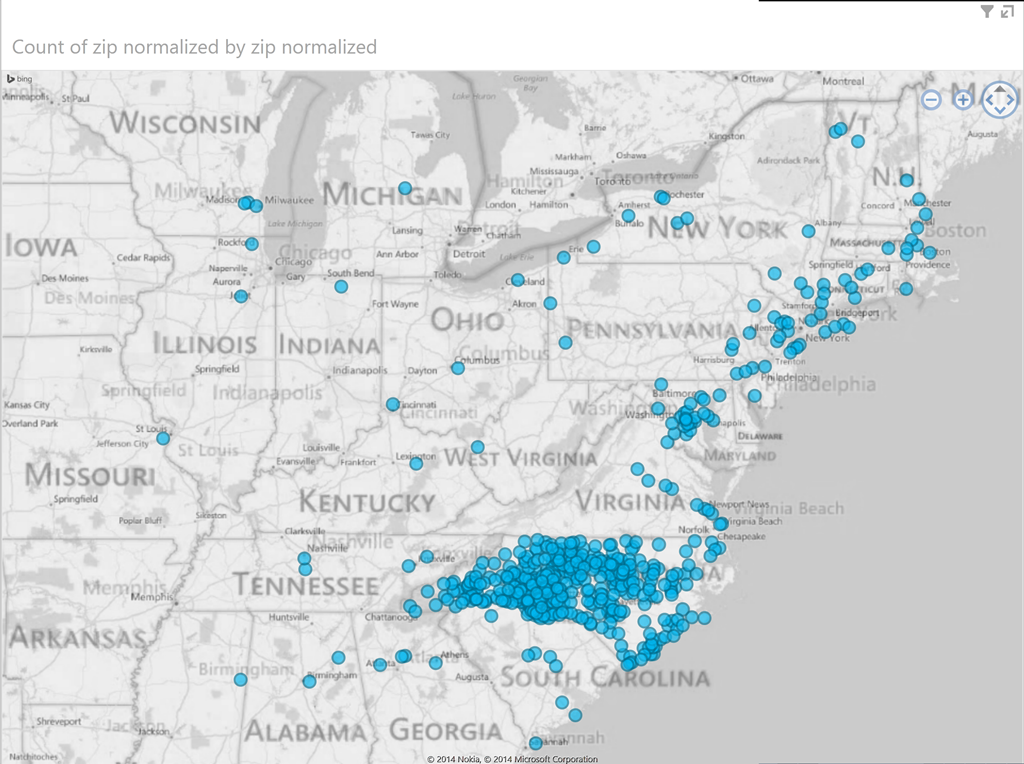
Mapping of Language Student Locations using PowerView
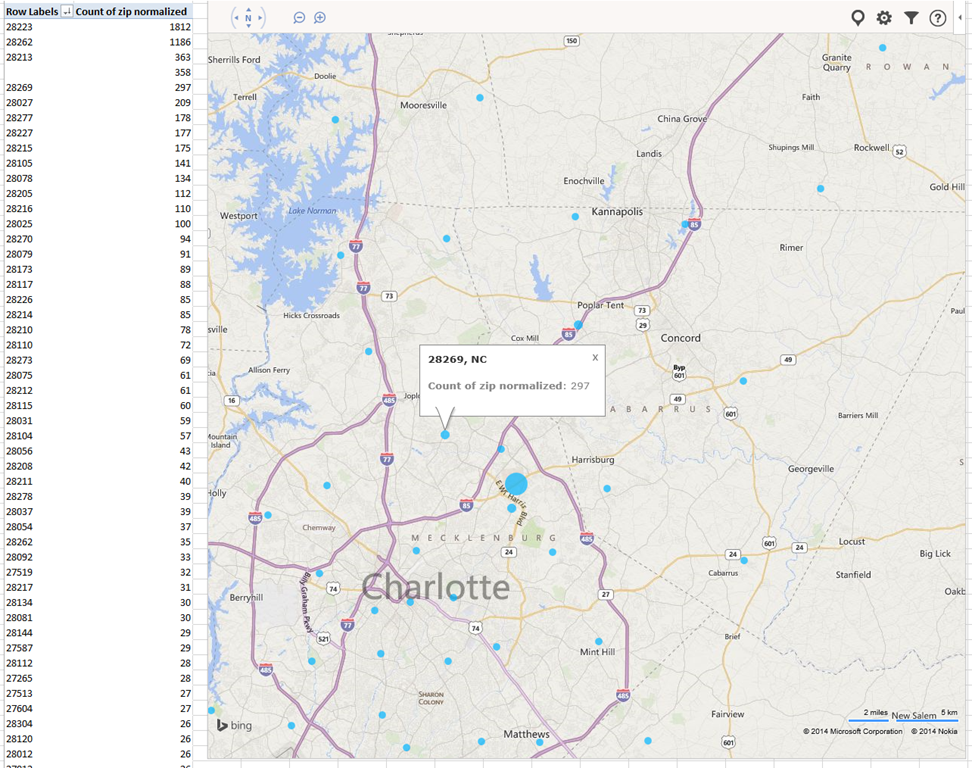
- What do our language students call home? Based on a pivot-table that counts zip codes, let PowerView tell you, which is can now distributed as a free add-in for Excel 2013 Prof, but you need to enable it (under File / Options / Add-Ins).

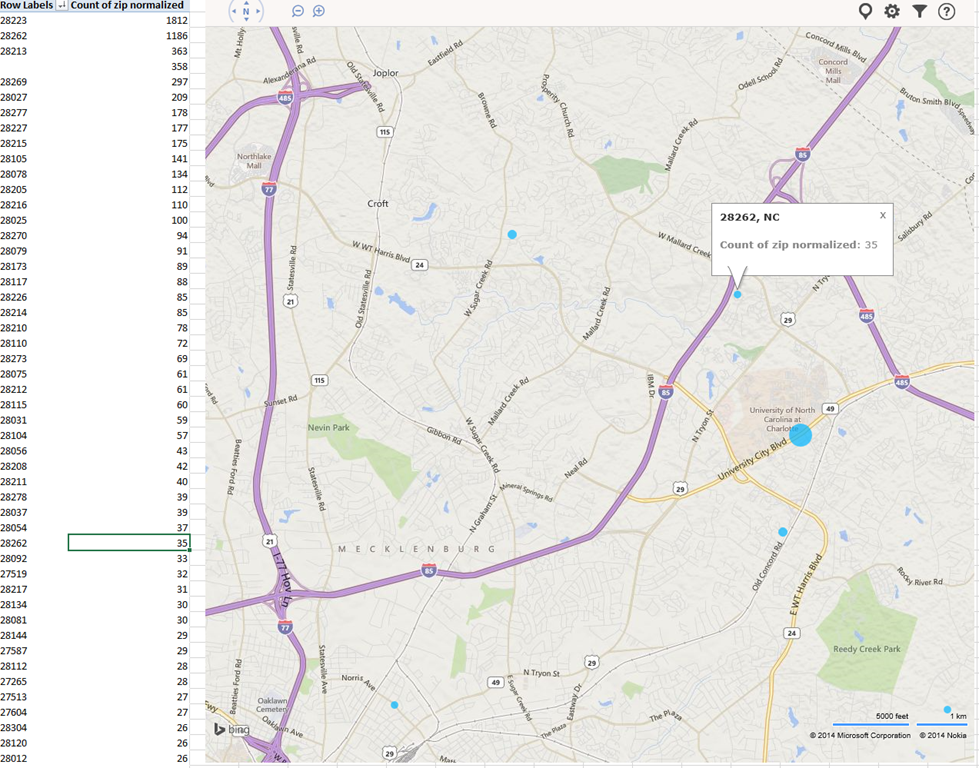
- Comes with a nifty zoom:
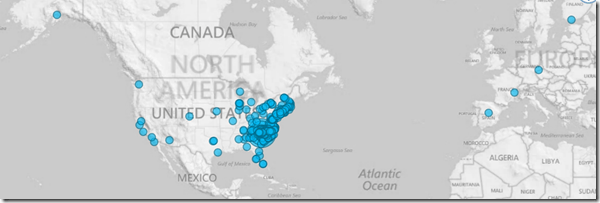
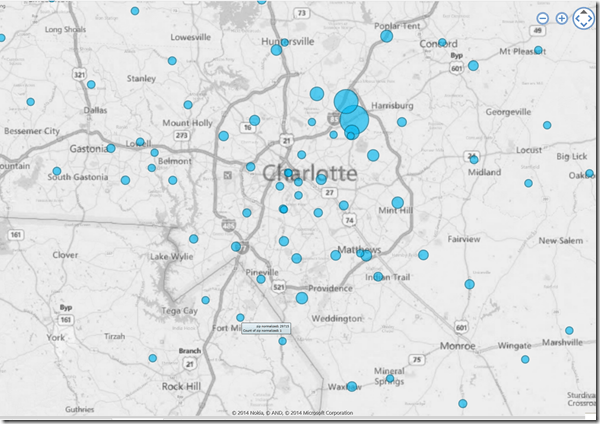
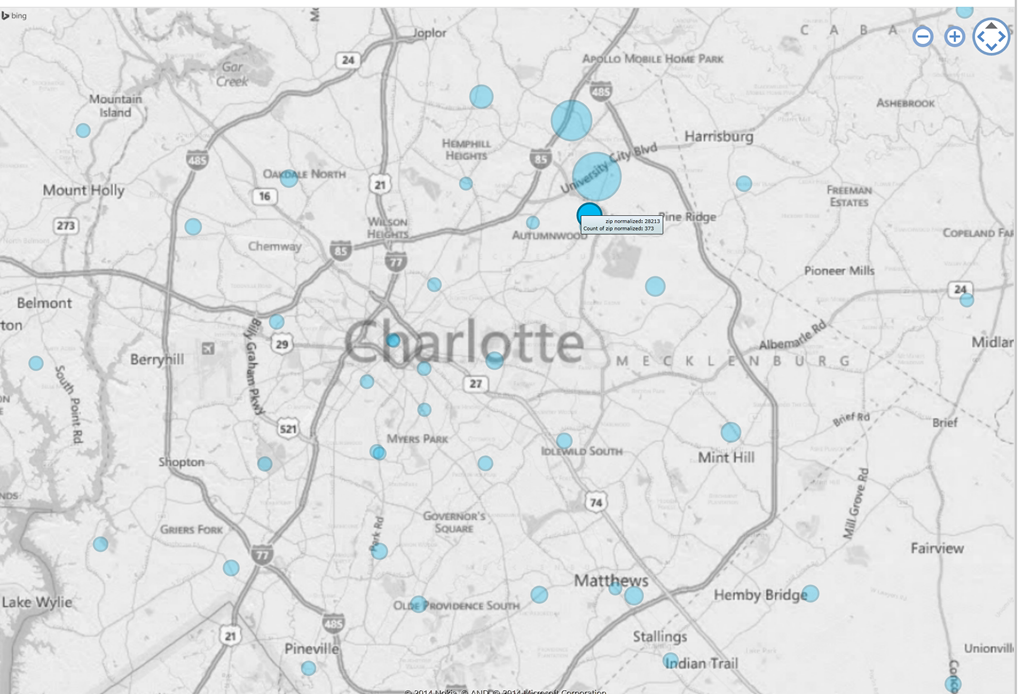
- Click, then Hover a data bubble for more info;

- Like with Bing Maps Visualization, the weighting is surprising:



Mapping of Language Student Locations using Bing Maps
- What do our language students call home? Based on a pivot-table that counts zip codes, let Bing Maps tell you, a default add-in easily accessible in the insert section of the ribbon:
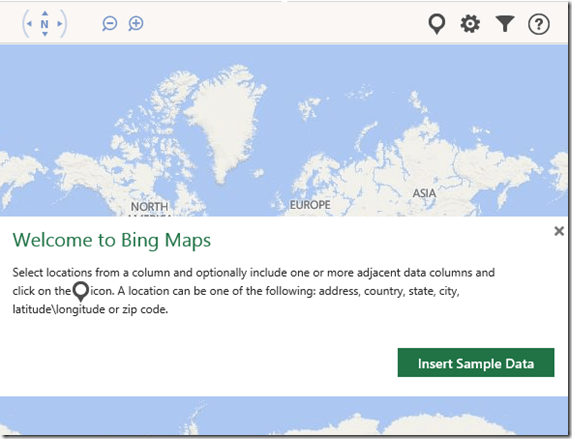
- Note a Limitation: Bing Maps max 100 data points.

- So we limited to zip codes with at least 15 students (which returns just below 100 zip codes).
- Also note, the Bing maps app cannot be increased beyond a certain size (below is the maximum).

- Finally, note that the visualization does have a weight indicator, but it seems imperfect:
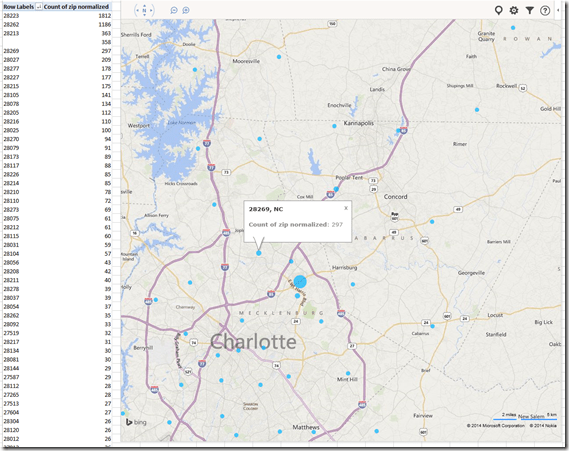

- Here is how data (type) input errors get handled (duplicates override the original):
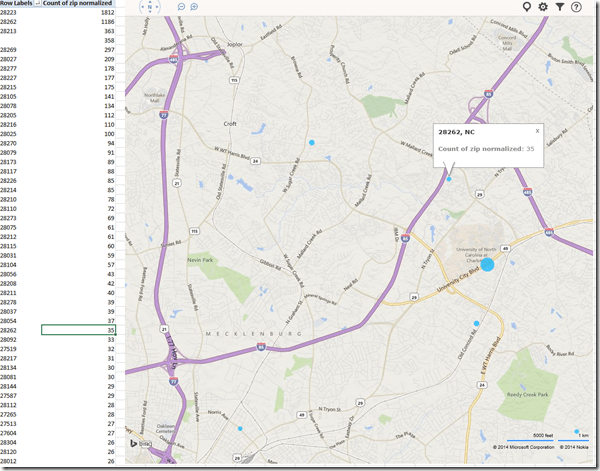
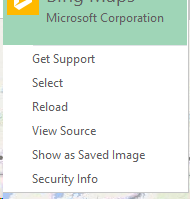
- Fix your data, the reload from the upper right unfoldable menu:

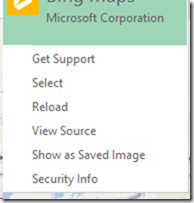
- Voilà:





How students can manage sidetone manually
Sidetone echoes your voice from the microphone back into your headphone speakers. It makes wearing the headphones feel more natural, and lets you evaluate your pronunication better.
Until it is configured properly out of the box, to enable it, you have to:
Open sound settings: 
Check and Increase the sidetone volume until you can hear yourself talking well: 



Questions? Read the About. Or just ask me a quick Our Databases: Resources with calendars -- Language learning material Moodle Sites, multimedia files -- films


FAQs for LRC student staff or for students or for teachers. To search our FAQs, in the browser addressbar, add after "https://plagwitz.wordpress.com/feed/?tag=faqs+/" "+TAG1" (from tag cloud below) OR "https://plagwitz.wordpress.com/feed/tag=faqs
&category_name=" "CAT1" (from category hierarchy below). OR search both categories and tags, and multiple TAGs/CATs (connect with "," for OR-search, with "+" for AND-search), like so: https://plagwitz.wordpress.com/feed/?tag=TAG1+TAG2+...TAGn&category_name=CAT1
+CAT2+...CATn"
Other ways to find help
If you cannot find it here, look there: 5,500 Language-Learning Links and Programs for learning or teaching 150 languages
Shortcuts:Our Lists, Our Maps, LRC Staff Moodle Site,LRC Project Moodle Site, 49erexpress, UNCC Moodle, Student Recordings: s:claslcslrcsanakostudent
Learning usage samples: Sanako oral exam, Kaltura webcam presentation, Dictation with speech recognition, Sanako written exam, Chinese and Japanese interactive stroke-order practice
Test the Sanako Installer, Webbrowser Popup Konfigurator for XP, or Windows7, faster LRC TeacherPC Log-in Let MS facilitate diacritics writing by installing for you US-International keyboard layout
This is my personal blog (Google+). The views expressed on these pages are mine alone and not those of my employer. The information in this weblog is provided “AS IS” with no warranties, and confers no rights.
 Thomas' Work Space
