Archive
Archive for the ‘Glitches&Errors’ Category
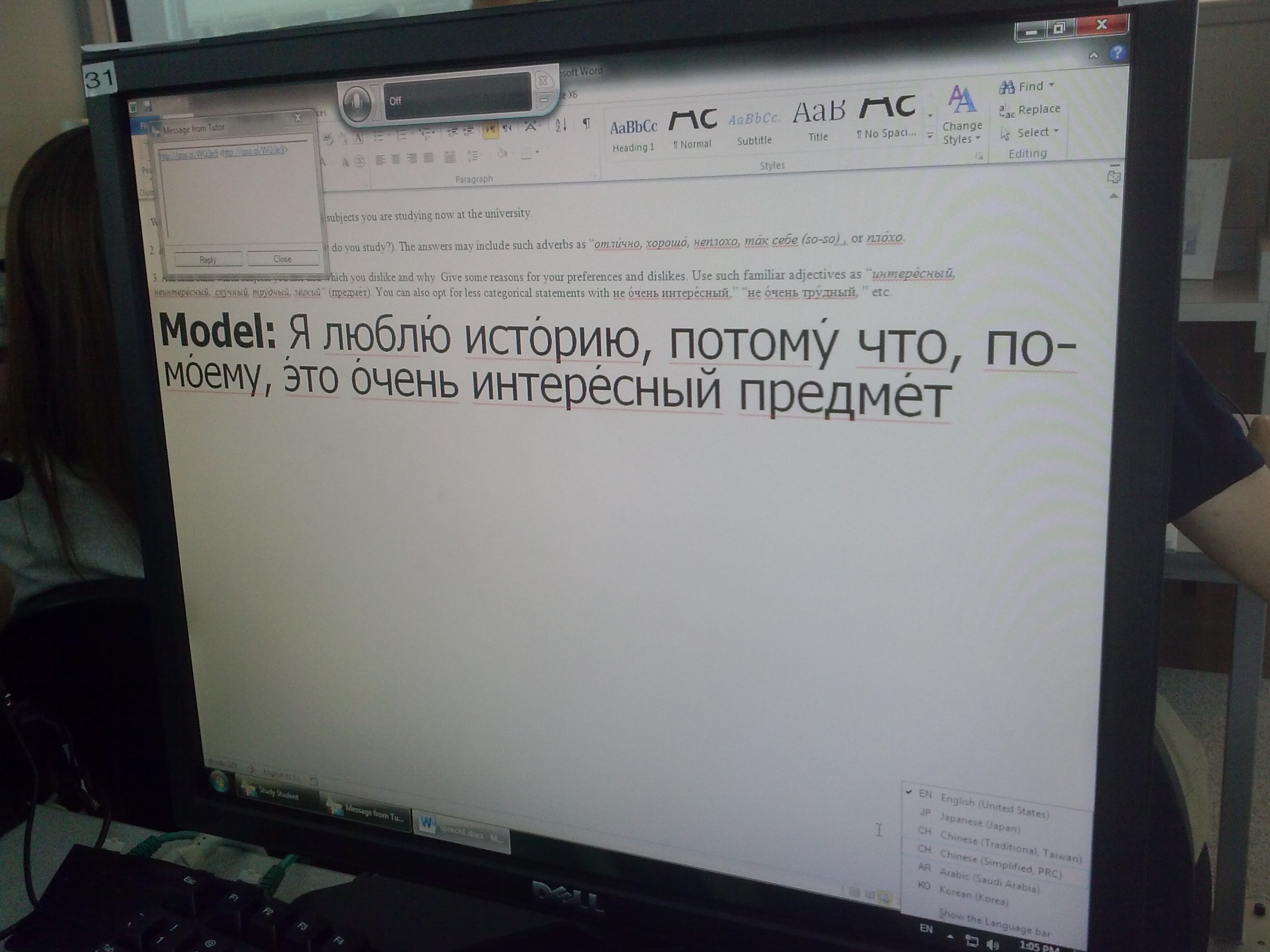
PC31 still has only limited foreign languages writing support
2013/09/25
Leave a comment
Has the intl. Cpl , tab:administration workaround not been applied
Categories: Glitches&Errors, Writing
Protected: Security alert about revocation information on LRC machines
2013/09/16
Enter your password to view comments.
LRC web browser popup blockers are currently misconfigured
2013/09/14
Leave a comment
- Problem: I noticed that mail.uncc.edu is not configured correctly, when our hands-on exercises during out training of film students and lrc assistants failed, but I did not have the time to take photos of which browser was involved.
- Workarounds:
- You can always (hold the key:) CTRL-click on the link where your web browsing fails.
- I have a temp solution for the lab, but why not configure these few sites, if you get fed that your users need it.
- Solution: We already asked for these sites be allowed through popup blockers of web browsers in use (chrome, firefox, internet explorer 8):
- *.uncc.edu
- *.mt202sabameeting.com
- *.Mygermanlabs.com
- *.pearsoned.com
- *.pearsoncmg.com
- *.mylanguagelabs.com
- *.mylabs.px.pearsoned.com
- *.pearsonvt.wimba.com
- *.outlook.com
- newly added: *.connect.mcgraw-hill.com.
What to do if university websites seem to be not working, nothing happens when you click?
2013/09/14
Leave a comment
- Try and get the popup blocker on your office or lab PC fixed here (if you are on Windows 7 here, you need to use the 64-bit version): choose "Run" – preferable to “Download” and "Open".
- Then use Internet Explorer to try again what you were trying to do on one of our websites.
- Background:
- My users have been reporting for a while problems getting simple things done on campus websites. Last week I observed a few in their office and in the LRC being stalled by mis- or non-configured popup blocker, and not noticing the cause, being flummoxed.
- The above little program configures the built-in internet explorer popup blocker to allow popups from websites that are part of our infrastructure.
- It does not attempt to configure other popup blockers, whether inside or outside of this web browser.
- The end user could also try
- (holding the key:) CTRL-click on the link where your web browsing fails.
- Or configure the popup blocker manually.
- However, it would likely be best if this were done via GPO…
Our Sanako Study 1200 tutor is “not responding” or crashes
2013/09/11
Leave a comment
- Update: We have been advised to
- change the Windows Color Scheme to Basic (especially removing the desktop background on both client and teacher) and
- set the Tutor / Preferences / to “Slow WLAN”
- possibly update the video driver on the teacher station, using Windows Update or, preferably, the manufacturer’s version
- try to replicate the problem, but keep the Sanako logs.
- Now we are trying to replicate he issue without the teacher station frozen, so that we have access to the logs.
- change the Windows Color Scheme to Basic (especially removing the desktop background on both client and teacher) and
- 2 hard crashes during one class
- The first one
- on “Autoscanning” (cycling screensharing connections to student PC’s)
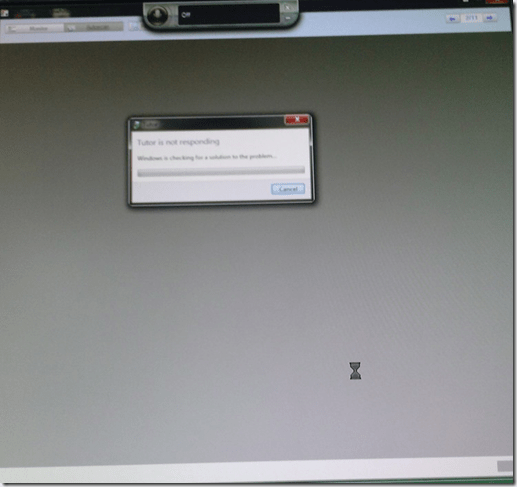
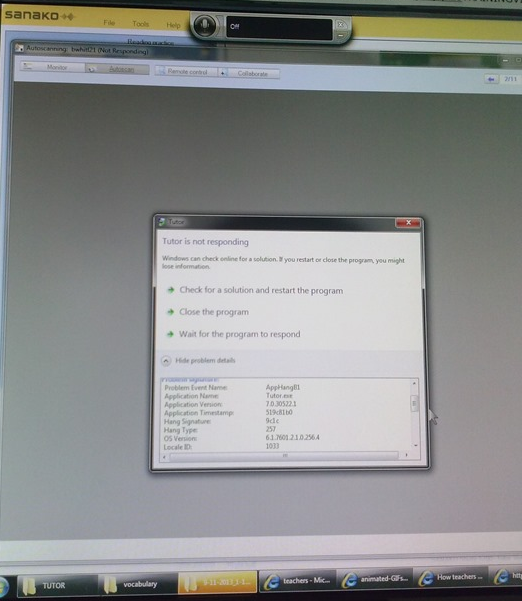
- The first one took me by surprise, the computer hung completely, I could not bring up process manager nor taskkill the tutor, had to power cycle, at considerable interruption to the the class.
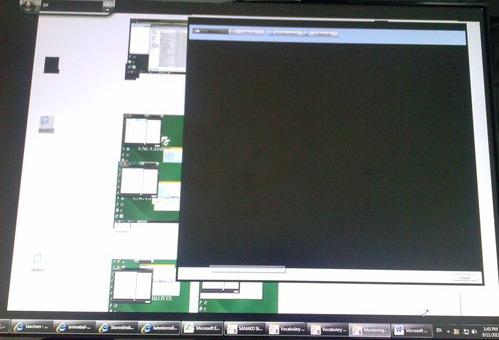
- However, here I got some problem details from windows:

- The first one
- The 2nd one
- also occurred during “Autoscanning”.
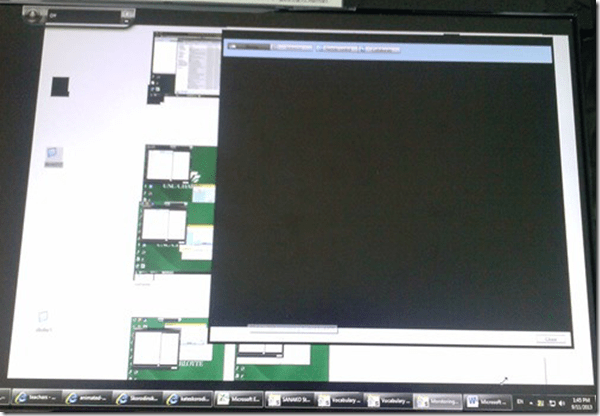
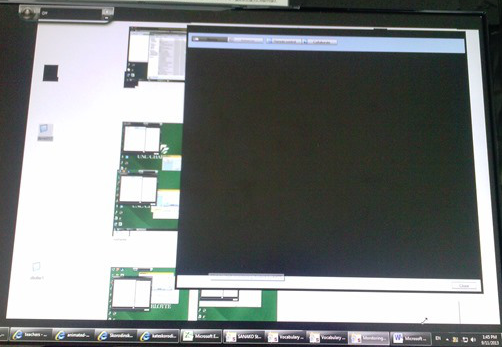
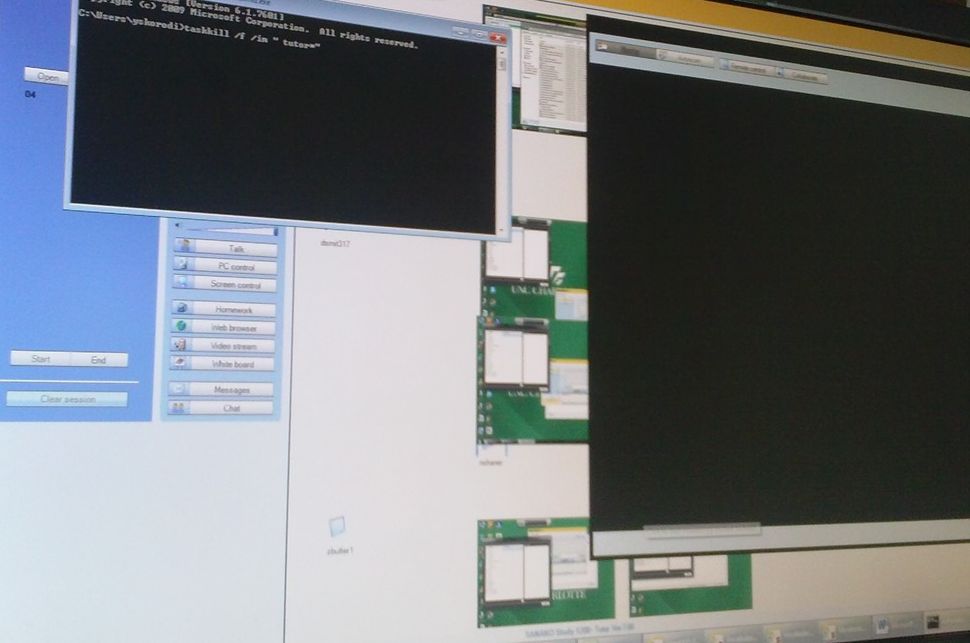
- This time, however, not the Autoscan itself brought the system down, but only when I tried to resize the autoscan window by dragging and dropping the border (video-intensive?).
- I got a performance notification from Windows (not legible here, but something to the amount of “your computer is dangerously slow”):
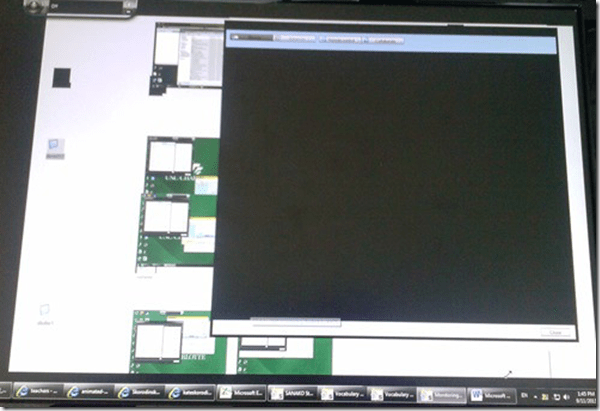
- I managed to task kill the tutor:
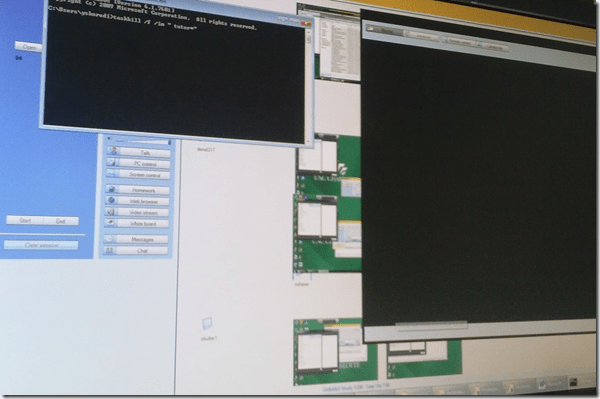
- I got some more diagnostics help from Windows which notified me that my “Windows Color scheme” had to be downgraded to “Basic”:
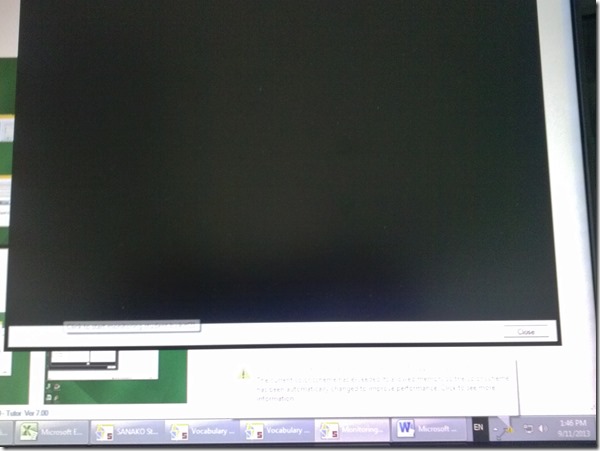
- also occurred during “Autoscanning”.
- Dell Optiplex 760 (B6CCLK1)
- 4GB,
- graphics chip: Y103D Card, Graphics, 256, Loop, OUGA6; original driver Video: AMD Radeon HD3450 256M, v.8.593 WHQL Vista, A05 with DUP (101 MB)
- dual screen (1024*768 secondary, 1920*1080 primary – I remember having hard hangs on this system when attempting to drag Autoscan Windows of Sanako Stuy 1200 Tutor ver. 5.2 across 2 dual screens of the same size on Windows XP )
- Win 7 (64bit).
- No eventvwr or Sanako log data since PC was frozen…

How to work around a possible bug of Sanako Study 1200 collecting student files opening multiple explorer windows?
2013/09/09
Leave a comment
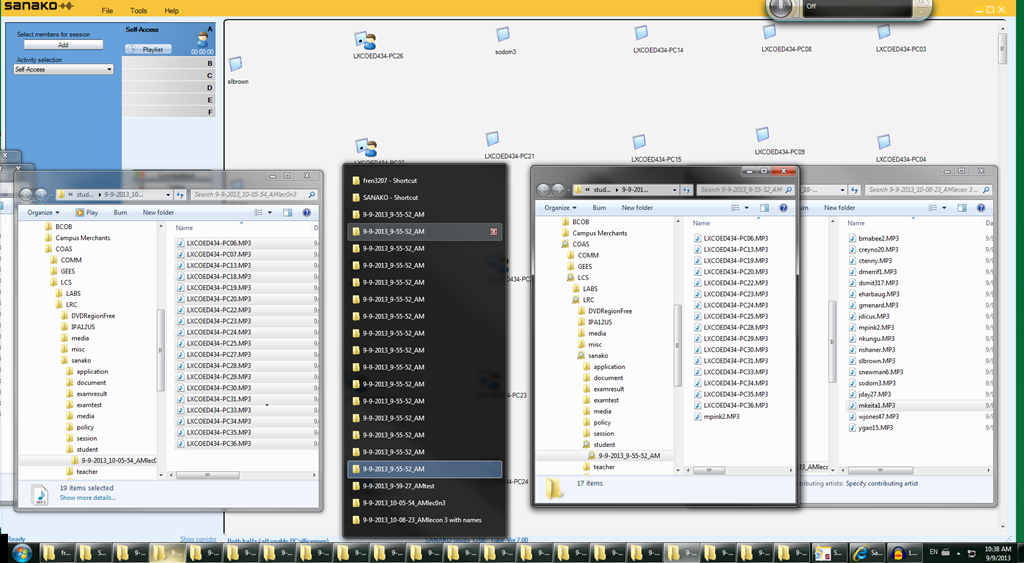
- Problem: To great confusion of my teachers, Sanako version 7 often seems to open multiple collection windows (1 per student recorded?) when collecting files, like so:
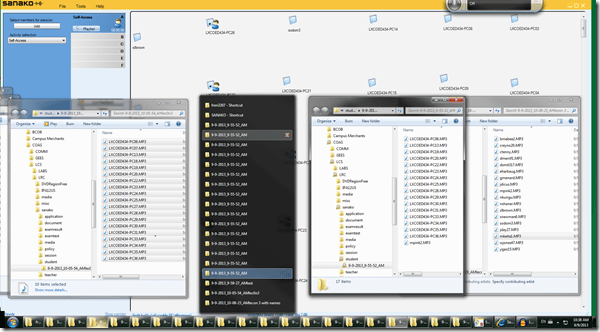
- Possible Cause: From the screenshot above,
- where only 1 collection event out of 3 shows this undesirable behavior,
- and the 2 that did not, collected all file either under student computer name or all under student login name:
- is it possible that Sanako has a bug which causes it to open one Windows explorer window per student file collected, if
- some students are displayed under their computer name,
- while other are displayed under their login name?
- This is aggravated by another limitation (or bug): Students that come online after I chose show student computer names, are not affected by this setting, but display with their login name (the default).
- Possible Workaround:
- Make sure all students display under the same naming scheme.
- This is best achieved by waiting until every student icon shows up in the classroom map before changing the classroom map student display option.
Categories: digital-audio-lab, e-languages, Glitches&Errors
naming, sanako-study-1200
"Server busy” error?
2013/09/08
Leave a comment
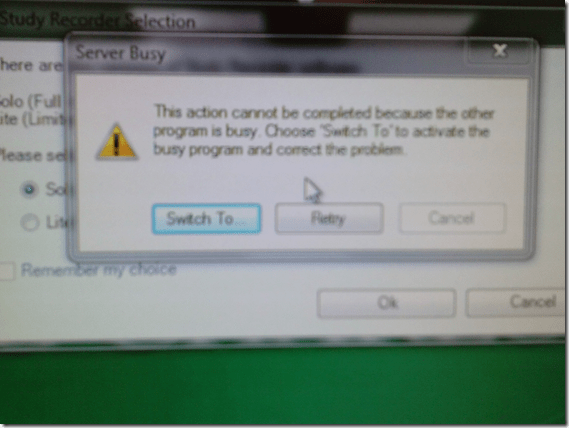
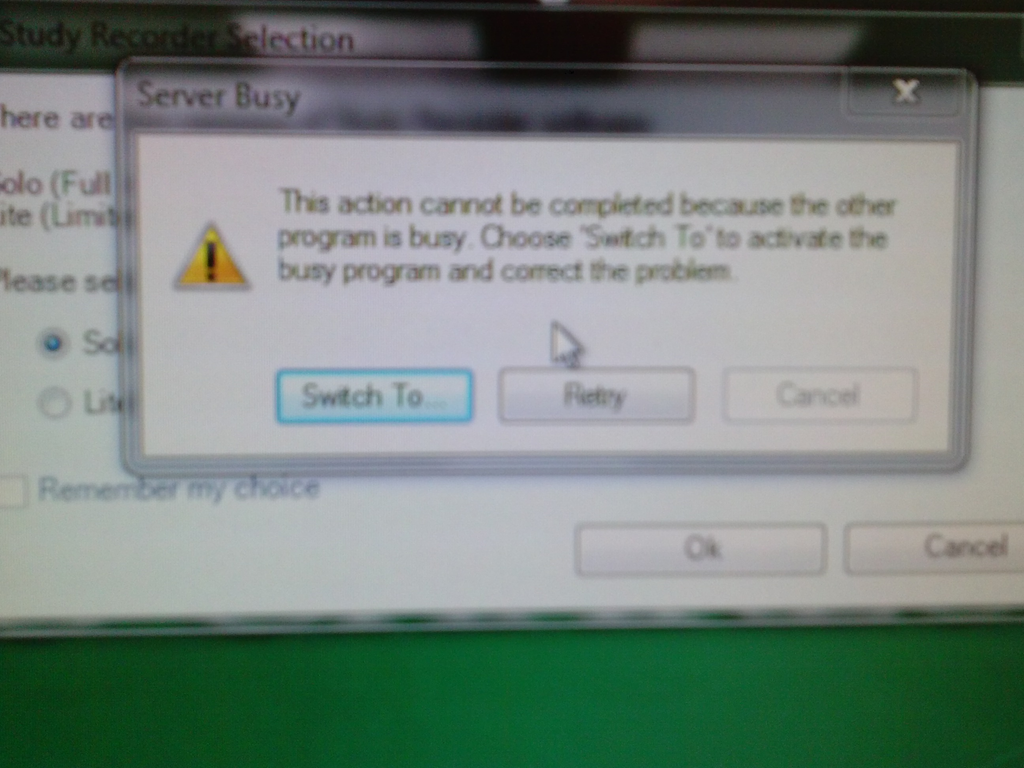
- This dialogue appears regularly on student log in:
- Update: This seems to have disappeared in the 2nd half of the term.
Categories: e-infrastructure, Glitches&Errors
7, image2013, ms-windows


Questions? Read the About. Or just ask me a quick Our Databases: Resources with calendars -- Language learning material Moodle Sites, multimedia files -- films


FAQs for LRC student staff or for students or for teachers. To search our FAQs, in the browser addressbar, add after "https://plagwitz.wordpress.com/feed/?tag=faqs+/" "+TAG1" (from tag cloud below) OR "https://plagwitz.wordpress.com/feed/tag=faqs
&category_name=" "CAT1" (from category hierarchy below). OR search both categories and tags, and multiple TAGs/CATs (connect with "," for OR-search, with "+" for AND-search), like so: https://plagwitz.wordpress.com/feed/?tag=TAG1+TAG2+...TAGn&category_name=CAT1
+CAT2+...CATn"
Other ways to find help
If you cannot find it here, look there: 5,500 Language-Learning Links and Programs for learning or teaching 150 languages
Shortcuts:Our Lists, Our Maps, LRC Staff Moodle Site,LRC Project Moodle Site, 49erexpress, UNCC Moodle, Student Recordings: s:claslcslrcsanakostudent
Learning usage samples: Sanako oral exam, Kaltura webcam presentation, Dictation with speech recognition, Sanako written exam, Chinese and Japanese interactive stroke-order practice
Test the Sanako Installer, Webbrowser Popup Konfigurator for XP, or Windows7, faster LRC TeacherPC Log-in Let MS facilitate diacritics writing by installing for you US-International keyboard layout
This is my personal blog (Google+). The views expressed on these pages are mine alone and not those of my employer. The information in this weblog is provided “AS IS” with no warranties, and confers no rights.
 Thomas' Work Space