LRC Renovation Proposal: Add small group collaboration spaces by consolidating equipment storage and circulation
- Objective:
- to support new requirements in LCS
- increased and further increasing 1-on-1 tutoring and small group collaboration spaces for the (current) hybrid Spanish program and tele-taught LCTL (imminent: Hindi) programs,
- collaborative presentation and multimedia (e.g. ePortfolio projects) in other languages,
- circulation of multimedia equipment to teachers and students
- with
- small group work spaces
- which we free up by streamlining the workflow (cope with higher traffic, keep accurate records, monitor repair state and provide hands-on instructions) for the increased tech equipment circulation needs (and to make up for one lost office)
- to support new requirements in LCS
- Action proposed:
- centralize circulation desk & materials in COED436, with storage, student assistants, supervisor in fishbowl, and walkup circulation counter;
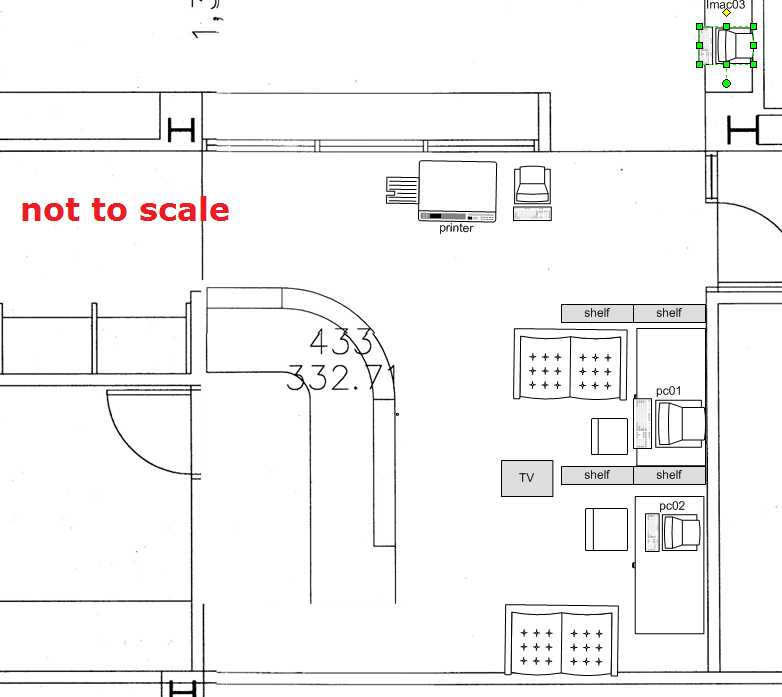
- equip the freed-up spaces 431,433&435a/b with furniture (portable walls, seats,desks,insulation) and technology (power, internet access) for tutoring&small group work.
- Illustrations:
- inspiration from other institutions:
- Shared computer screen small group collaboration spaces
- UNCC Atkins library installation by TBA: We would need better sound insulation to accommodate multiple tutors and groups for currently 12 languages taught:


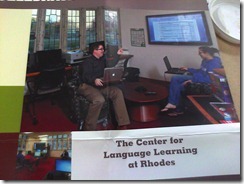
- Rhodes College. We would prefer booths with tables (for laptops, notebooks) to easy chairs.
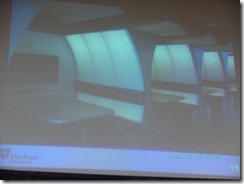
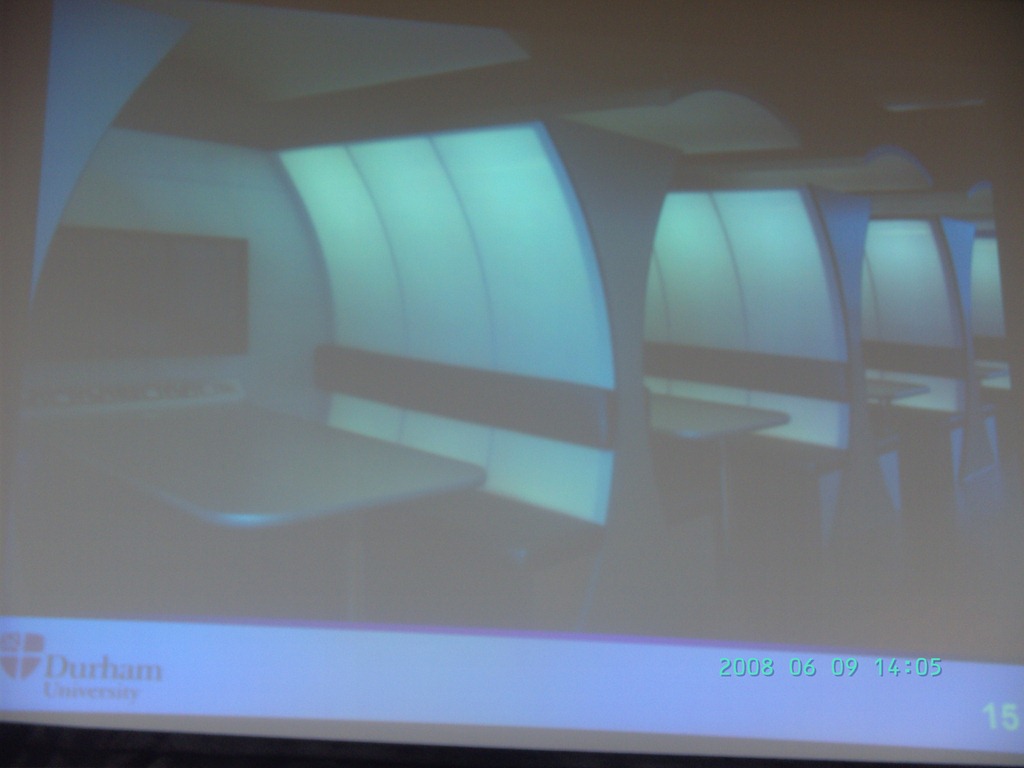
- Computer science collaboration spaces, Durham University, UK. For foreign language exchanges, we would want better sound proofing:

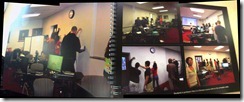
- Rhodes College. whiteboard writable walls would be excellent space savers for small group workspaces:
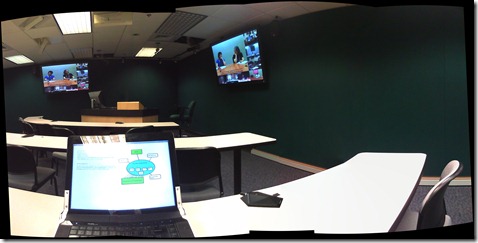
- The Atkins library videoconferencing facility: For small groups in (many different) LCTL, one would better set up a more intimate facility with better audio, possibly with facilities for directed audio channels and possibly breakout groups which are a requirement for SLA classes.
- Loyola University language resource center library walkup counter with one computer shared between staff and client (the LRC would want 2 computers, to serve 2 lines)

- UNCC Atkins library installation by TBA: We would need better sound insulation to accommodate multiple tutors and groups for currently 12 languages taught:
- Shared computer screen small group collaboration spaces
- to document our current facilities:
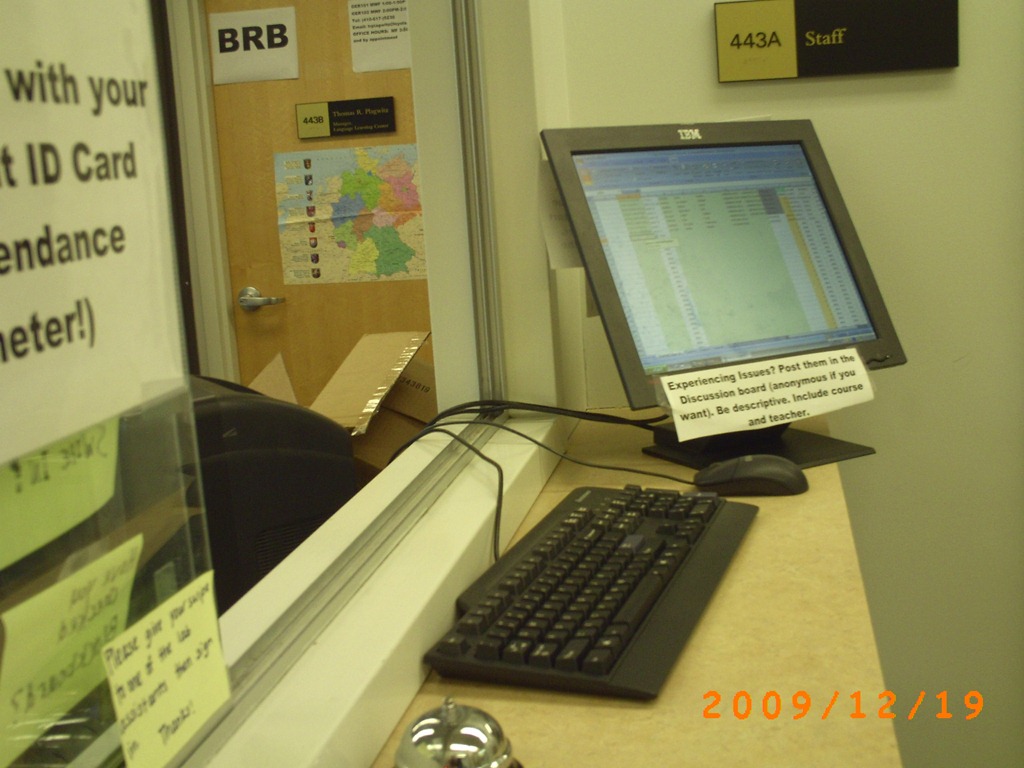
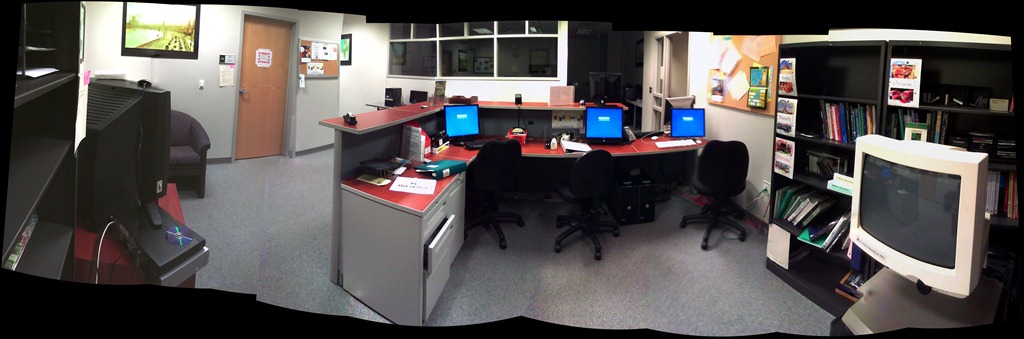
- To the right: Coed 434 (large classroom). To the left: Coed433 (reception area part which should be converted into 2-3 small group workspaces:
- Rooms to be converted into small group workspaces:
- Storage Coed435a, to become teleconferencing or pair workspace:

- Storage Coed4355b, to become teleconferencing or pair workspace:

- Storage Coed431, to become small group workspace:

- Coed436, to become consolidated storage area and office:

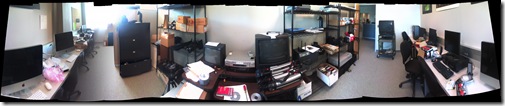
- Or use this as a stopgap:

- Storage Coed435a, to become teleconferencing or pair workspace:
- To the right: Coed 434 (large classroom). To the left: Coed433 (reception area part which should be converted into 2-3 small group workspaces:
- inspiration from other institutions:


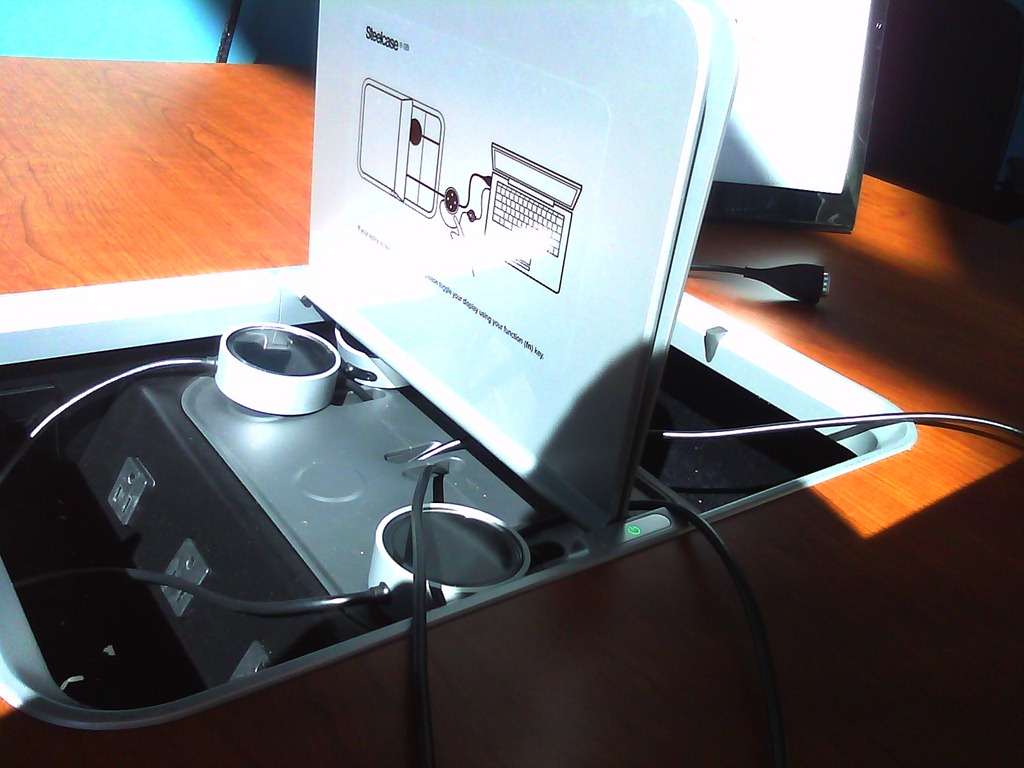
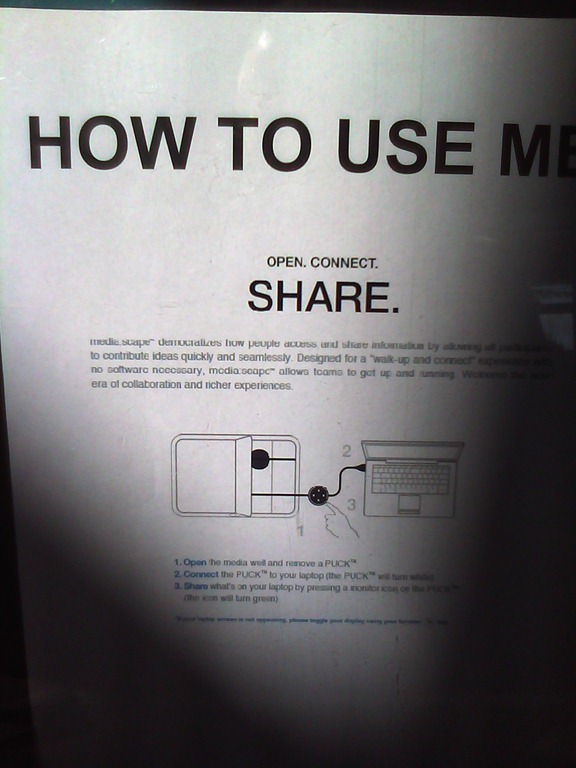






Trying out the new Moodle layout options by integrating my blog via an RSS block
- Running a blog? Feeding a twitter account? It could be worthwhile narrowcasting your (teaching-related) postings (presumably more substantial than tweets about tardiness for class) by integrating it with your Moodle course, via RSS.
- As of today, UNCC-Moodle offers new layout options, including putting blocks into the content (center) column, as a “sticky” post underneath the header.
- This is timely, since I have created a Moodle site for the LRC staff and have been wondering how I can use it to quickly update the LRC staff on new technological opportunities or issues and solutions around the LRC.
- Moodle’s RSS block – linking to the feeds that my blog feed/Twitter hash tag for LRC staff emit – makes that easy.
- Except that up until now, outside the center column, there has not been enough space to display also the teaser of blog posts – an area I invest some thought in, in accordance with age old publishing principles transferred into the internet age.
- The layout options upgrade allows me to fix that – here is how:
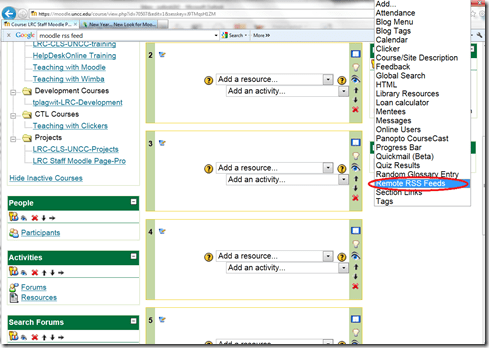
- After pressing button: editing on, choose from the dropdown “blocks”: remote RSS feeds

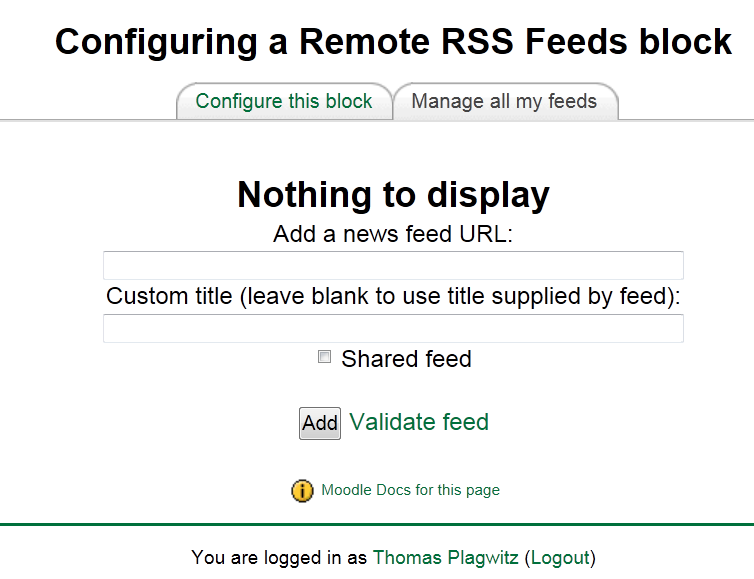
- Don’t be confused by the inability to add your feed source – you need to change to the tab: “manage my feeds” first:
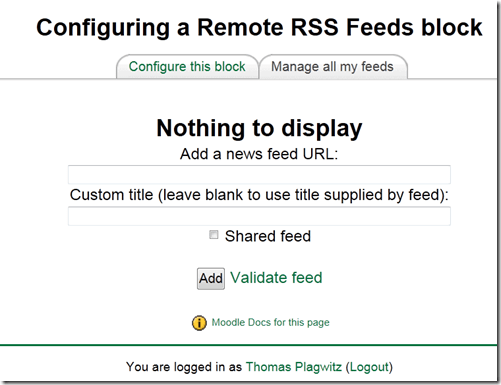
- if you make your feed a “share feed”, it becomes an option for all institutional Moodle sites.
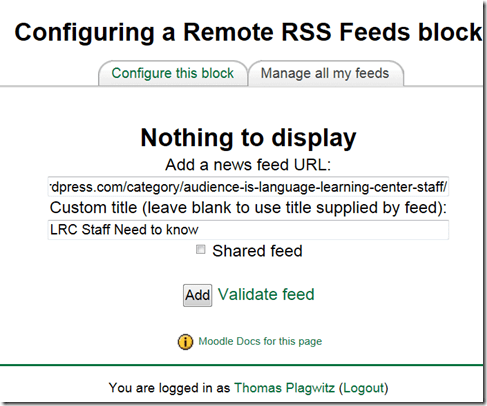
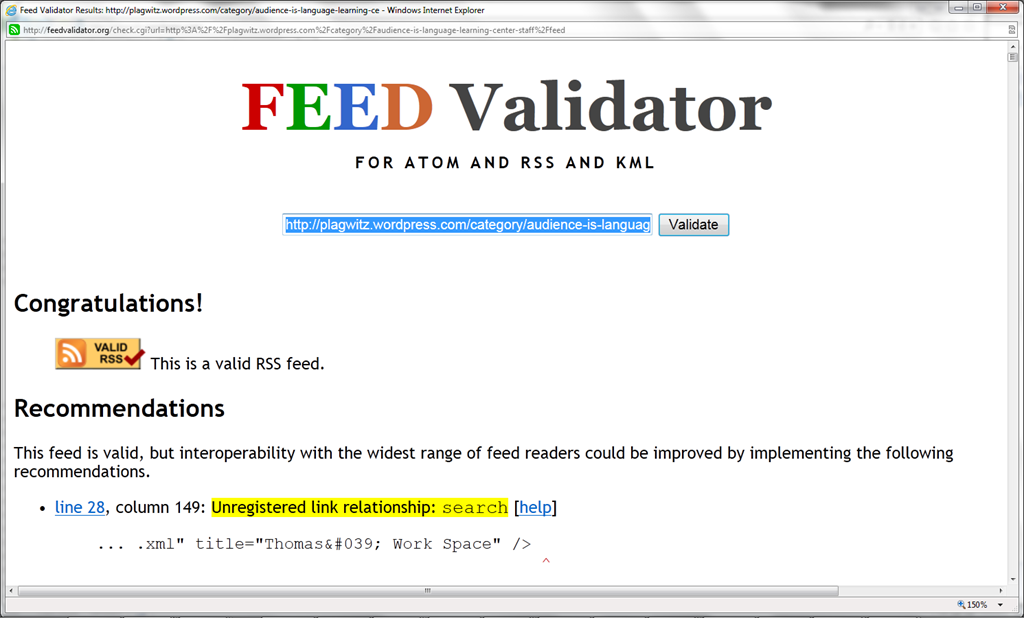
- Validate your feed so that Moodle doe not outright refuse to display (the linked validator will give you error information that can help you fix your feed).

- After moving your feed to the center with the “left arrow”, you can

- You can see more of the Moodle RSS block results here.

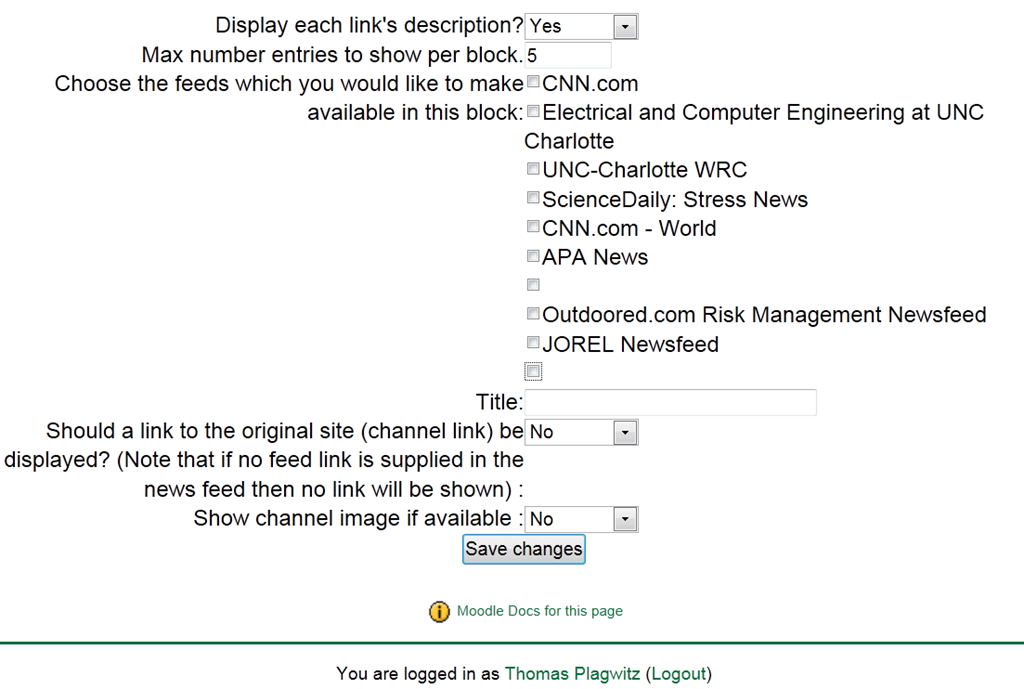
Adjust the settings: for me it is important to display descriptions.


The LRC staff Moodle site: An Introduction
- The LRC has now a Moodle site for staff. All permanent and temporary LRC staff members will be enrolled in this site.
- All permanent and temporary LRC staff members will participate in this site. This means logging in at shift start and reviewing the following sections for new items:
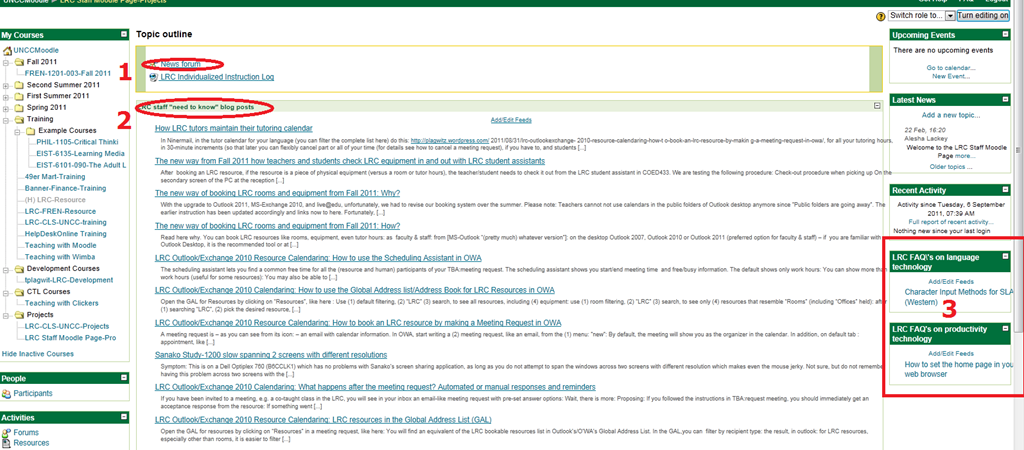
- The news forum: here LRC assistants can find announcements and assigned jobs, as well as post notes of their own for all colleagues and responses.
- The most recent LRC assistant training articles appear here. In these tasks, LRC assistants are supposed to assist clients hands-on with more general
- LRC FAQ’s: LRC assistants have to monitor this block to be in the know about what the LRC has in terms of answer guides to FAQs about technology use in learning, and be able to point clients with questions to these answer guides (i.e. identify an applicable answer guide, display it on the reception computer, email the client the link for the client to review the guide).
How LRC tutors&assistants maintain their schedule
- In Ninermail,
- in the tutor calendar for your language/LRCassistant calendar (you can filter the complete list here)
- do this: https://plagwitz.wordpress.com/2011/08/31/lrc-outlookexchange-2010-resource-calendaring-how-to-book-an-lrc-resource-by-making-a-meeting-request-in-owa/,
- for all your tutoring hours,
- in one block (there is an easier way to cancel part than using 30-minute increments (so that later you can flexibly cancel part or all of your time (for details see how to cancel a meeting request), if you have to, and students can sign up for tutoring timeslots));
- with weekly recurrence until the end of the current academic term;
- with the subject of the meeting request stating the levels you are tutoring for/”LRC Assistant” (do not put your name or email in the subject).
- Note that your resulting work schedule will appear in your own NINERMAIL calendar, and, if you have requested, you will be remindedd of your shift.
The new way from Fall 2011 how teachers and students check LRC equipment in and out with LRC student assistants
- After booking an LRC resource, if the resource is a piece of physical equipment (versus a room or tutor hours), the teacher/student needs to check it out from the LRC student assistant in COED433. We are testing the following procedure:
- Check-out procedure when picking up
- On the secondary screen of the PC at the reception desk (mirroring mode), in whatever browser the LRC assistant is not using, the teacher or student that wants to check out an LRC resource
- logs into her university email in OWA/NINERMAIL
- opens their “meeting request” with the resource from her calendar
- or, if they have no prior meeting request, create one now
- the LRC assistant on her screen, views the “meeting request” to make sure
- that the checkout time is not in the future OR the item is not past due. If necessary and possible (= no conflicts, duraiton dos not exceed maximum allowed), adapt the meeting request start time , and end time, but mark in the notes field if the item was returned late
- what the item is, including the number (if any)
- handles the item
- gets the item from storage shelves in COED436; make sure it is the same number as in the meeting request
- checks item, with the user, for functionality and completeness
- in the MS-Excelfile: checkoutin.xlsm (auto-loaded during login of LRC assistant, if not open it from the recent files list in MS-Excel or from c:\temp),
- presses button:”check-in code” which generates a unique code in the file and puts it in the windows clipboard)
- even if the user has multiple meeting requests in her calendar, the LRC assistant can use the same code for all her meeting requests
- in the “meeting request”, in the big notes field at the bottom:
- pastes the code at the end of the the subject line
- adds necessary remarks regarding broken or incomplete equipment (if any)
- sends the updated request
- logs the teacher/student out of OWA
- If you need large amounts of equipment for an entire class, I recommend having select students access NINERMAIL during class (or prior and wherever they are ready to book equipment), book the equipment for your class hour with meeting requests (1 for each piece of equipment required). The person who booked it has to be present during pickup and is responsible for the equipment. One student can book as many pieces as she can carry. Since I hope to have 2 reception desk computers and 2 LRC assistants at the reception desk, 2 students picking up should make for the fastest checkout process.
- On the secondary screen of the PC at the reception desk (mirroring mode), in whatever browser the LRC assistant is not using, the teacher or student that wants to check out an LRC resource
- Check-in procedure when returning: same as above, in reverse.
The new way of booking LRC rooms and equipment from Fall 2011: Why?
- With the upgrade to Outlook 2011, MS-Exchange 2010, and live@edu, unfortunately, we had to revise our booking system over the summer. Please note: Teachers cannot not use calendars in the public folders of Outlook desktop anymore since ”Public folders are going away”. The earlier instruction has been updated accordingly and links now to here.
- Fortunately, this upgrade also allowed us to expand our booking system, to now include:
- more than rooms and tutors. You can now also book LRC equipment – see the complete list of LRC resources that you can book or check out . And we hope to set up that you can truly sign up for tutoring.
- more than staff: We hope that, with Ninermail (live@edu), students will also be able to book and check out. We hope to achieve better resource utilization this w
- more and faster information to act on, and thus a better workflow
- you get an immediate response
- you can get always a positive response since in “scheduling assistant”, you can see the prior bookings, both times and organizers (hover your mouse over busy times), and can thus either can fit your request into the schedule, or contact the prior organizer for a resolution.
- your bookings and cancellations are immediately disseminated through the scheduling assistant and resource calendars, for others (students, teachers, support staff) to work with/around
- Read more here on how to book LRC resources
Film-studies educational community can get free Autodesk Software
Autodesk offers free software licenses to the educational community if you register (free), some of which may be of interest for film studies (see selection of software below). Make sure you check fit into the licensing conditions: “Important Note :The Autodesk Student Version software incorporates all the functionality of our professional licenses, but includes a print banner making the software inappropriate for professional, commercial, or for-profit purposes. Autodesk Student Version software may not be used in the classroom or lab for instructional purposes, or for commercial or for-profit purposes. Annual licenses of Autodesk student software are not eligible for product upgrade or transfer to a commercial license. View print banner sample.”
Autodesk Maya
Autodesk® Maya® 2012 software delivers powerful new toolsets for previsualization and games prototyping; offers extended simulation capabilities; and opens the way for better pipeline integration.
Autodesk MotionBuilder
Autodesk® MotionBuilder® 2012 software delivers new tools for virtual movie-making, performance animation, and stereoscopic productions, and enhanced interoperability with other products in the Autodesk® Entertainment Creation Suites 2012.
Autodesk Mudbox
Autodesk® Mudbox™ 2012 software delivers enhancements to the painting toolset; innovative new UV and topology-independent workflows; practical posing tools; and improved performance and large dataset handling.
Autodesk 3ds Max Design
Autodesk® 3ds Max® Design 2012 software delivers powerful new rendering toolsets, accelerated iterative workflows, and enhanced interoperability that together help increase overall productivity.
Autodesk Softimage
Autodesk® Softimage® 2012 software delivers innovative new creative toolsets; enhanced interoperability with Autodesk®
Autodesk Smoke for Mac OS X
Autodesk® Smoke® 2012 software offers a timeline-based, all-in-one creative toolset for editorial finishing that spans color correction, keying, tracking, paint, cleanup, titling and 3D visual effects.
Teacher startup
What may cause this Novell error and subsequent crash when a teacher logs into pc32, using edirectory?


Questions? Read the About. Or just ask me a quick Our Databases: Resources with calendars -- Language learning material Moodle Sites, multimedia files -- films


FAQs for LRC student staff or for students or for teachers. To search our FAQs, in the browser addressbar, add after "https://plagwitz.wordpress.com/feed/?tag=faqs+/" "+TAG1" (from tag cloud below) OR "https://plagwitz.wordpress.com/feed/tag=faqs
&category_name=" "CAT1" (from category hierarchy below). OR search both categories and tags, and multiple TAGs/CATs (connect with "," for OR-search, with "+" for AND-search), like so: https://plagwitz.wordpress.com/feed/?tag=TAG1+TAG2+...TAGn&category_name=CAT1
+CAT2+...CATn"
Other ways to find help
If you cannot find it here, look there: 5,500 Language-Learning Links and Programs for learning or teaching 150 languages
Shortcuts:Our Lists, Our Maps, LRC Staff Moodle Site,LRC Project Moodle Site, 49erexpress, UNCC Moodle, Student Recordings: s:claslcslrcsanakostudent
Learning usage samples: Sanako oral exam, Kaltura webcam presentation, Dictation with speech recognition, Sanako written exam, Chinese and Japanese interactive stroke-order practice
Test the Sanako Installer, Webbrowser Popup Konfigurator for XP, or Windows7, faster LRC TeacherPC Log-in Let MS facilitate diacritics writing by installing for you US-International keyboard layout
This is my personal blog (Google+). The views expressed on these pages are mine alone and not those of my employer. The information in this weblog is provided “AS IS” with no warranties, and confers no rights.
 Thomas' Work Space
