Archive
Error code 14001 when installing Audacity
- Symptom: Audacity installation seems to complete without error, but attempting to start Audacity at the end of the installation process results in an error about bad environment with the above error code.
- For your reference: It is has been the missing Visual C++ redistributable installation here in the past on staff computers.
- Solution: Download and install the redistributable, then try restarting Audacity: It should start now.
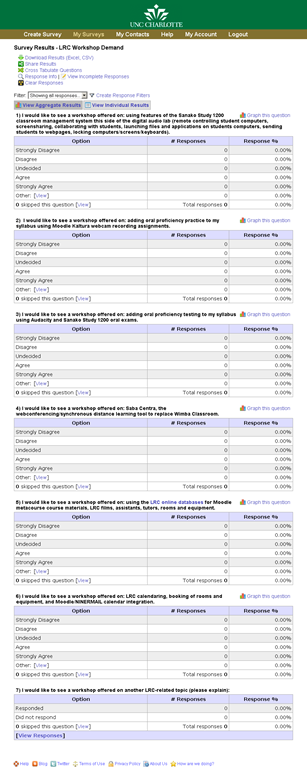
LRC Workshop Demand Survey Results
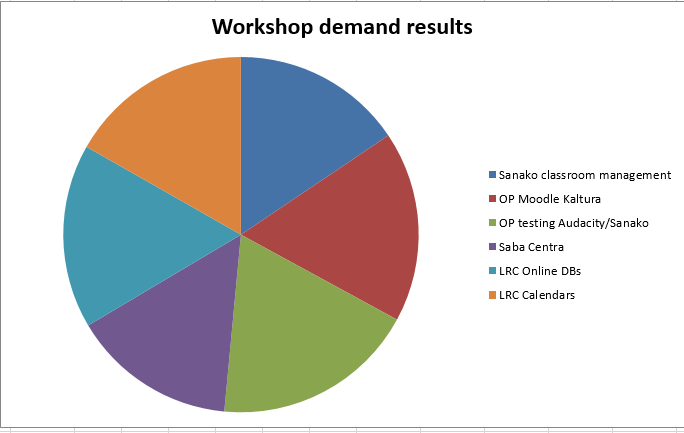
7 responded, 1 commented. OP=Oral Proficiency.
Full lifecycle for authoring and collecting a poll in surveyshare. A walk-through
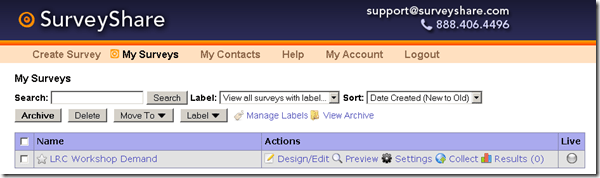
- A list of your surveys is also available on the start page:
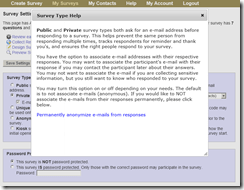
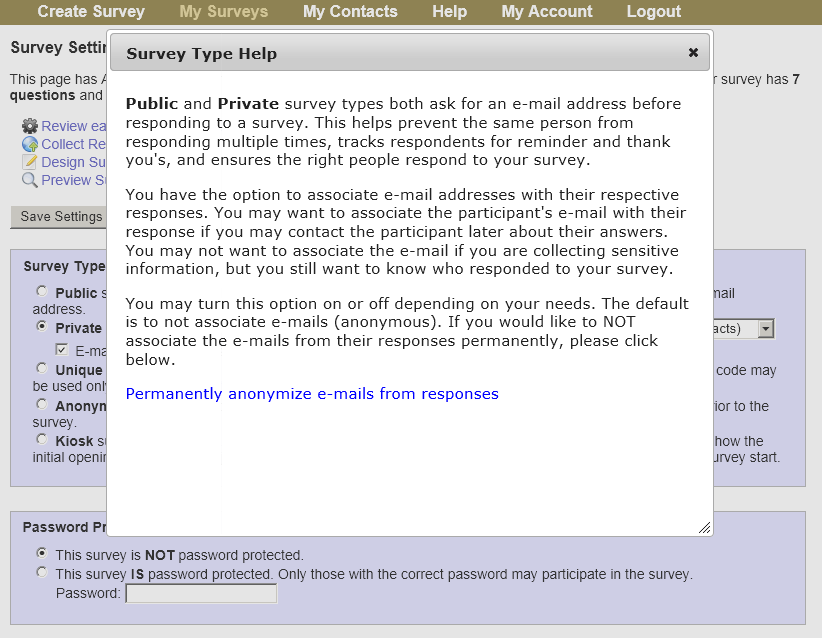
- Choose your general settings:
 Once you started a survey: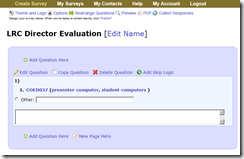
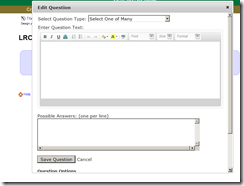
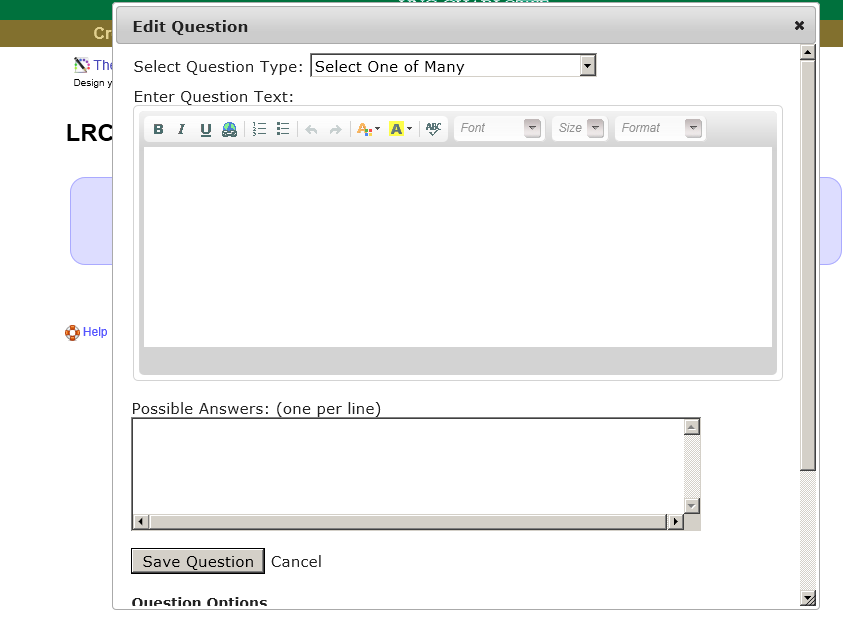
- Add questions to it 1 by 1, using a variety of question types:


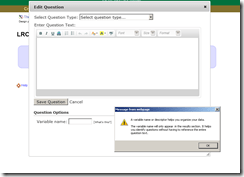
- An internal variable can be useful for managing results:
- Overview:

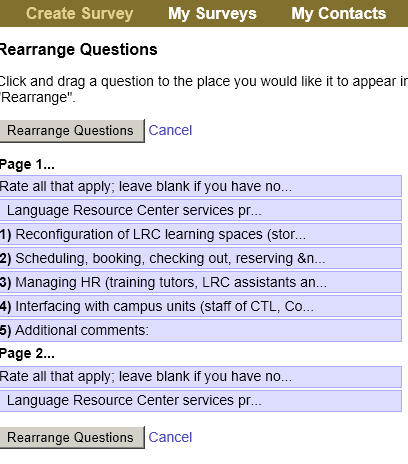
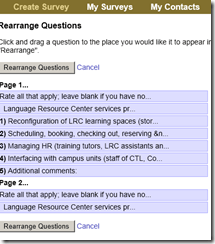
- Changing sequence of questions:
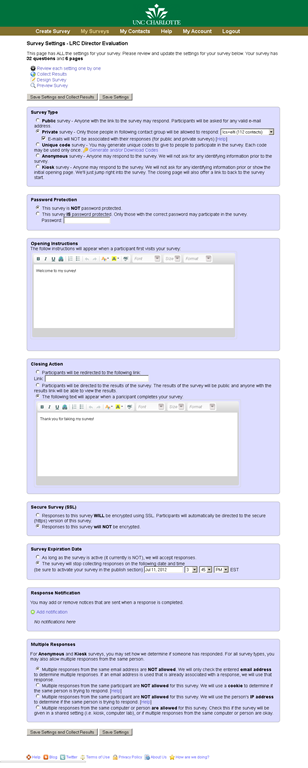
- Settings overview:

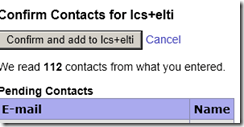
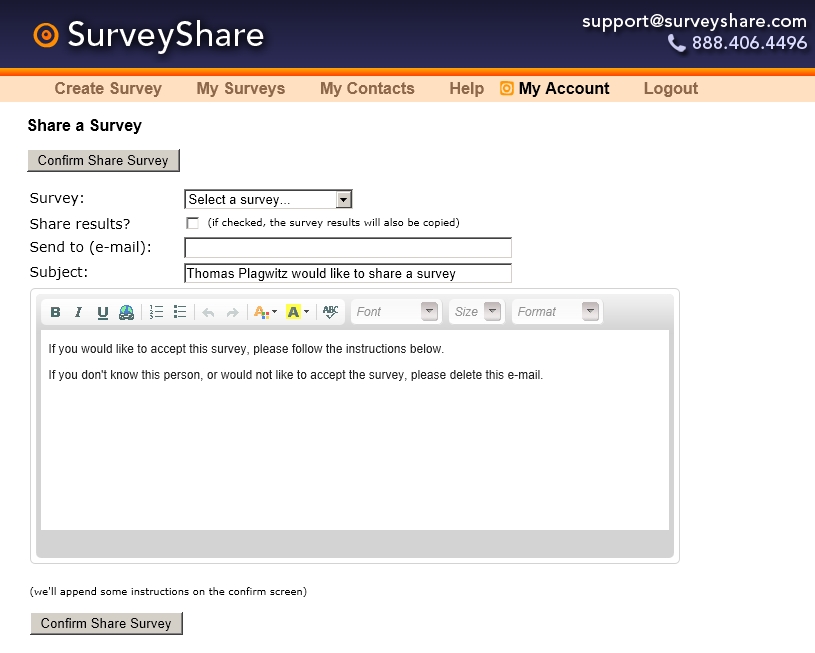
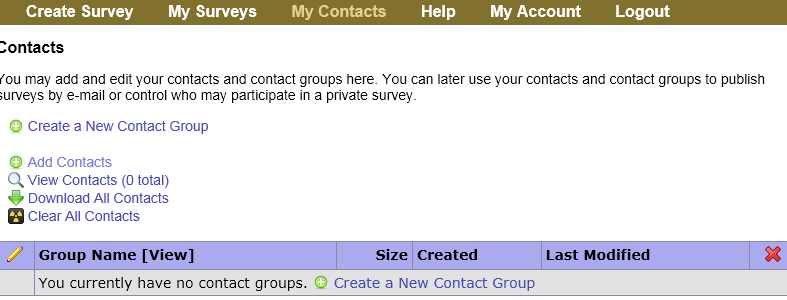
- Adding recipient contacts for a private survey:

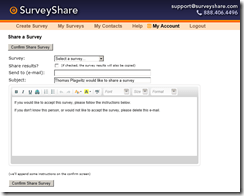
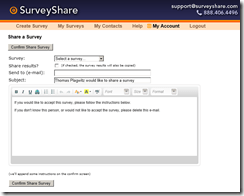
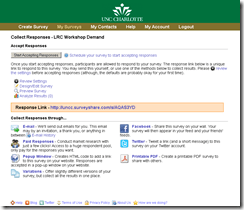
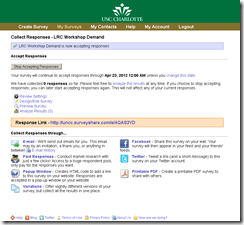
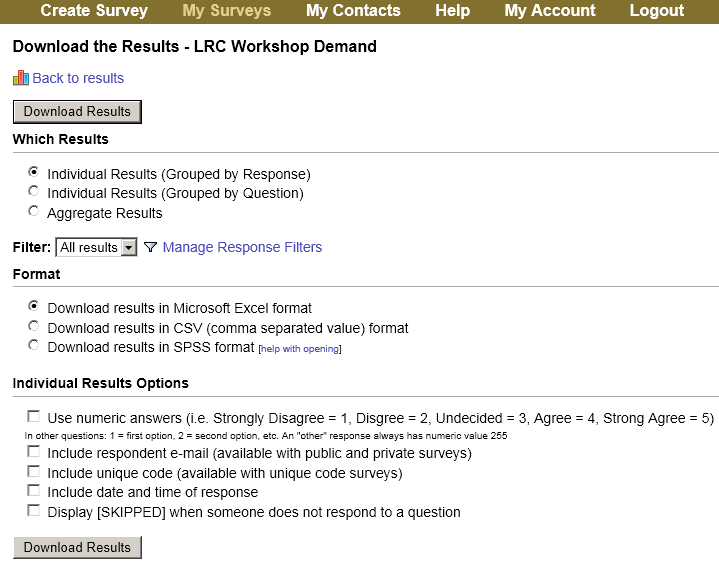
- Publishing and collecting







How to troubleshoot network share and thumb drive disk space issues with WinDirStat
- There are many such tools, but WinDirStat has served me well, and it is free.
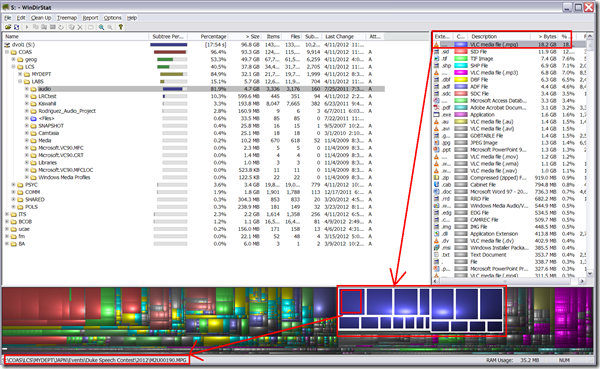
- Especially useful seems the treemap visualization and that you can drill in per file type, from the upper right pane, and to a file location from the tree map,. like so:
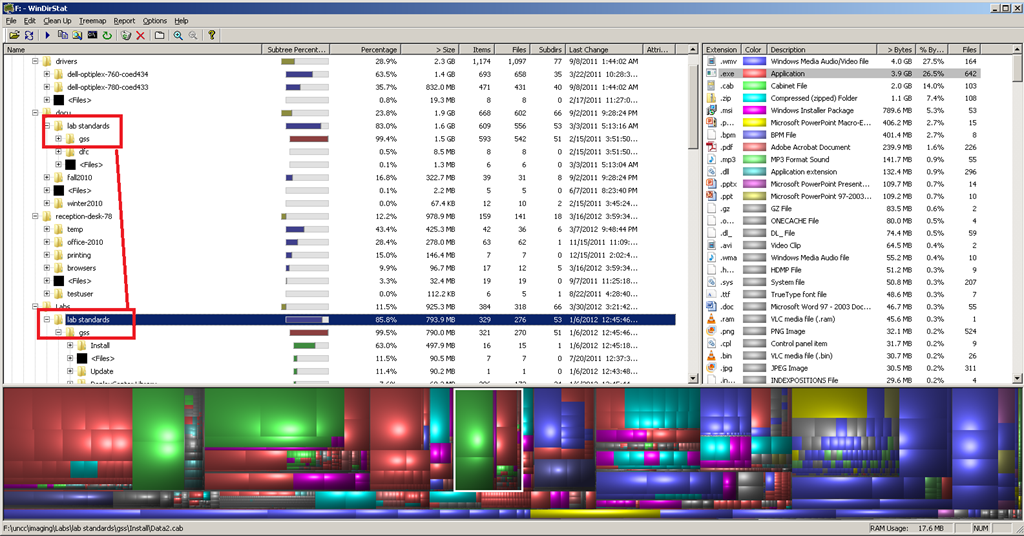
- Similarly useful on not-shared, but limited-storage drives, e.g. for deduplicating, like so:

- This detailed tutorial (which, incidentally, uses WinDirStat, can give you a list of ideas/folders where it is worthwhile checking the WinDirStat results (although one of the nice features of WinDirStat is that it sorts folders and an aggregate of the files in a folder by size).

How to use Sony PMB software and a Rosewill memory card reader to read your Sony MS-PRO (and bring Windows-XP to its knees)
- The Rosewill rcr-ic001 card reader seems temperamental – you need to try several times to insert the card for the reader light to reliably flash.
- It seems you need the Sony-provided software installed to have Windows recognize the drive:
 .
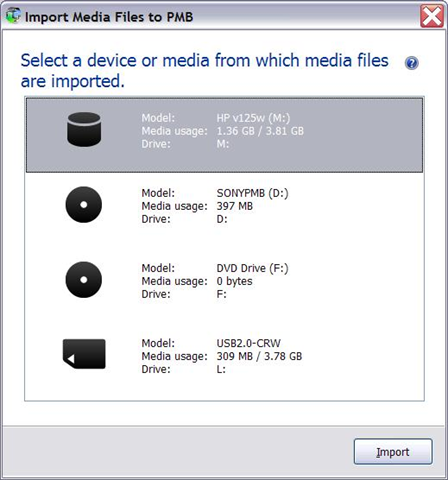
. - And offer an import:

- However, the import of videos fails for me (only images get imported)
 .
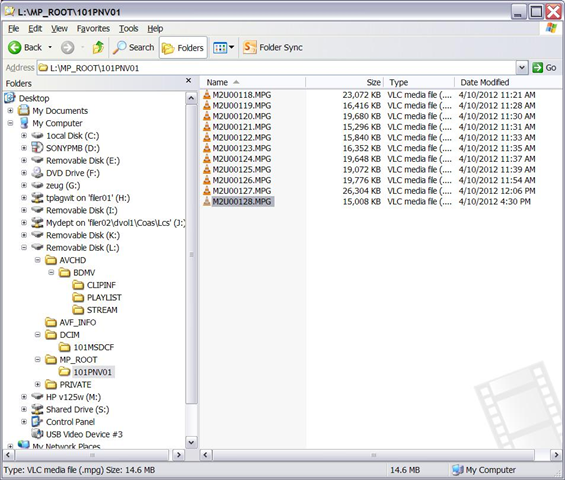
. - But at least I can access the videos through Windows, from here (for non-HD):
-
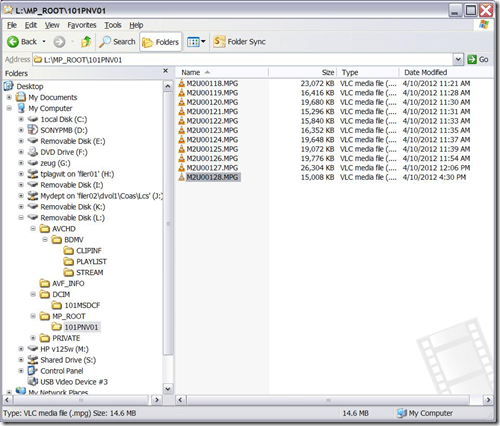
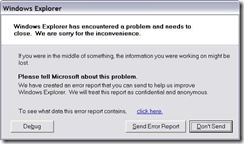
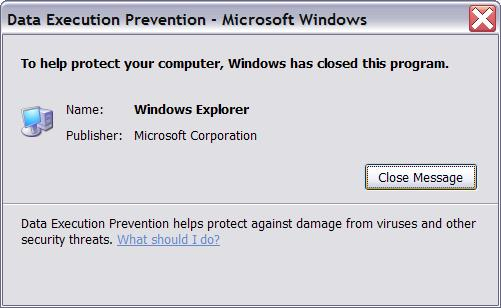
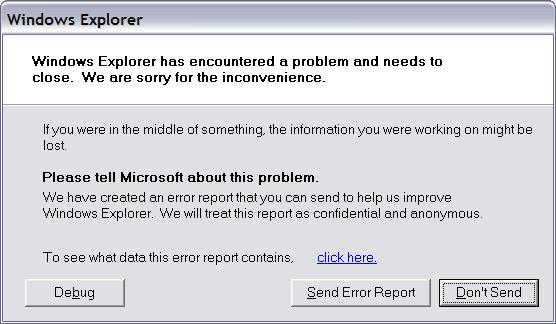
- Until things go bad (computer slows to a crawl, then explorer crashes):



Protected: New LRC Calendars/Equipment mailboxes visible to students
If students have no mp3 audio on LRCRoomCoed433a Listening Stations
Problem: A Student that took the French Respondus Lockdown browser on PC 43, when playing to listening comprehension files, had no audio on her headset (except for her microphone input was played back for her. The test is single attempt only, and lockdown browser prevents us from troubleshooting.
Cause: Master volume for Wave and SW Synth on lrcroomcoed433b back to 0, like so:

Workaround: plug in one of the black headsets (USB) temporarily (plugging in another brown headset did not resolve the issue).
Solution: None currently: even when the Respondus lockdown browser is not running, Deepfreeze will not allow making changes, and changes in the current user profile will not affect users whose profiels gets created upon login (which is all student users). Longterm: Don’t try to run identical software images on different hardware configurations. Not as longterm: Autoit FTW?


Questions? Read the About. Or just ask me a quick Our Databases: Resources with calendars -- Language learning material Moodle Sites, multimedia files -- films


FAQs for LRC student staff or for students or for teachers. To search our FAQs, in the browser addressbar, add after "https://plagwitz.wordpress.com/feed/?tag=faqs+/" "+TAG1" (from tag cloud below) OR "https://plagwitz.wordpress.com/feed/tag=faqs
&category_name=" "CAT1" (from category hierarchy below). OR search both categories and tags, and multiple TAGs/CATs (connect with "," for OR-search, with "+" for AND-search), like so: https://plagwitz.wordpress.com/feed/?tag=TAG1+TAG2+...TAGn&category_name=CAT1
+CAT2+...CATn"
Other ways to find help
If you cannot find it here, look there: 5,500 Language-Learning Links and Programs for learning or teaching 150 languages
Shortcuts:Our Lists, Our Maps, LRC Staff Moodle Site,LRC Project Moodle Site, 49erexpress, UNCC Moodle, Student Recordings: s:claslcslrcsanakostudent
Learning usage samples: Sanako oral exam, Kaltura webcam presentation, Dictation with speech recognition, Sanako written exam, Chinese and Japanese interactive stroke-order practice
Test the Sanako Installer, Webbrowser Popup Konfigurator for XP, or Windows7, faster LRC TeacherPC Log-in Let MS facilitate diacritics writing by installing for you US-International keyboard layout
This is my personal blog (Google+). The views expressed on these pages are mine alone and not those of my employer. The information in this weblog is provided “AS IS” with no warranties, and confers no rights.
 Thomas' Work Space