Archive
Archive for the ‘Speaking’ Category
The big LRC SANAKO “How do I…?”
2012/12/05
Leave a comment
(Work in progress).
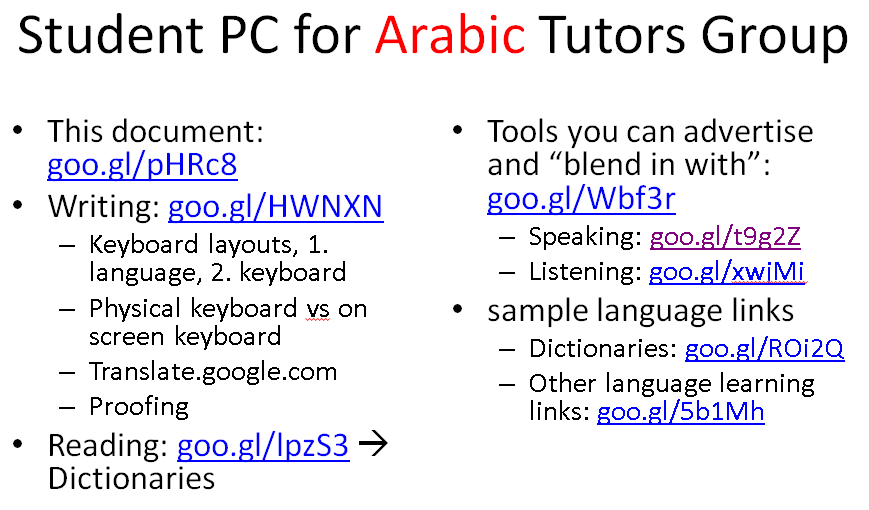
View larger Word version than this embed:
Categories: all-languages, animated-GIFs, audience-is-students, audience-is-teachers, classroom-management-system, digital-audio-lab, documentation, e-languages, Institution-is-University-of-North-Carolina-Charlotte, learning-usage-samples, Listening, LRCRoomCoed434, Presenter-Computer, Reading, recording-software, Screencasts, screenshot-albums, service-is-documenting, service-is-training, Speaking, Student-Computers, training, Writing
sanako-study-1200
Fall 2012 Faculty Workshop II: Clinic on creating teaching materials for use with the Sanako
2012/11/22
Leave a comment
- (Being planned and scheduled, therefore this post is a work in progress, please stay tuned: ).
- As a continuation (and practical application ) of our previous Intermediate Sanako Teaching Techniques Workshop (and a repetition of our Learning material creation Clinic from the summer), we will create learning materials.
- Bring some ideas and materials. The Sanako and entire LRC infrastructure aims to lower the technical authoring requirements.
- We can record remotely, all authoring teachers at the same time, your source (model/question material) which you will be able to distribute as easily (“ loop induction”) from the Sanako teacher station. Bring some questions your students should be able to respond to in L2, and be prepared to read some text that you want them to repeat, for pronunciation practive
- We can author hand-outs for so-called “homework” (actually reading and writing, with supervision and collection by the teacher as easy as the handout): It just takes opening one of our customized LRC MS-Word templates. I will hand out (more loop induction) “homework” files to aid your work. Bring some texts and essay writing tasks
- PowerPoint exam files with visual cues: bring some ideas for vocabulary quizzes.
Categories: announcements, audience-is-teachers, digital-audio-lab, documentation, e-languages, Institution-is-University-of-North-Carolina-Charlotte, learning-usage-samples, Listening, LRCRoomCoed434, Reading, service-is-learning-materials-creation, Speaking, workshops, Writing
MS-Word, sanako-study-1200, templates
Protected: Our assessment results after 1.5 years with Sanako Study 1200
2012/11/09
Enter your password to view comments.
Categories: audience-is-administration, audience-is-teachers, digital-audio-lab, e-languages, Institution-is-University-of-North-Carolina-Charlotte, learning-usage-samples, marketing, Metrics, recording-software, reports, Screencasts, service-is-assessing, Speaking, Spreadsheets, Writing
oral-exam, sanako-study-1200
How to mix SANAKO- recorded individual students’ audio tracks together
2012/11/05
Leave a comment
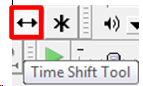
- If the students’ audio tracks are not already time-aligned, first use audacity: "time shift tool" to align individual tracks
 (with this tool selected, you can move individual tracks back and forth, to the left or right).
 - If/ When they are time-aligned, use audacity/ menu: tracks/"stereo track to mono".
How a teachers gives files not meant for writing to students with Sanako Study 1200 Playlist –the ultimate training summary…
2012/10/16
Leave a comment
…using animated .gifs. Slower? Compact: 0.25sec,0.5sec, 0.75sec, 1sec, 1.5sec, 2sec, 3sec, 4sec, 5sec, 6sec, 7sec, 8sec, 9sec, 10sec. Or including unmarked frames: 0.25sec, 0.5sec, 0.75sec, 1sec, 1.5sec, 2sec, 3sec, 4sec, 5sec, 6sec, 7sec, 8sec, 9sec, 10sec. 1sec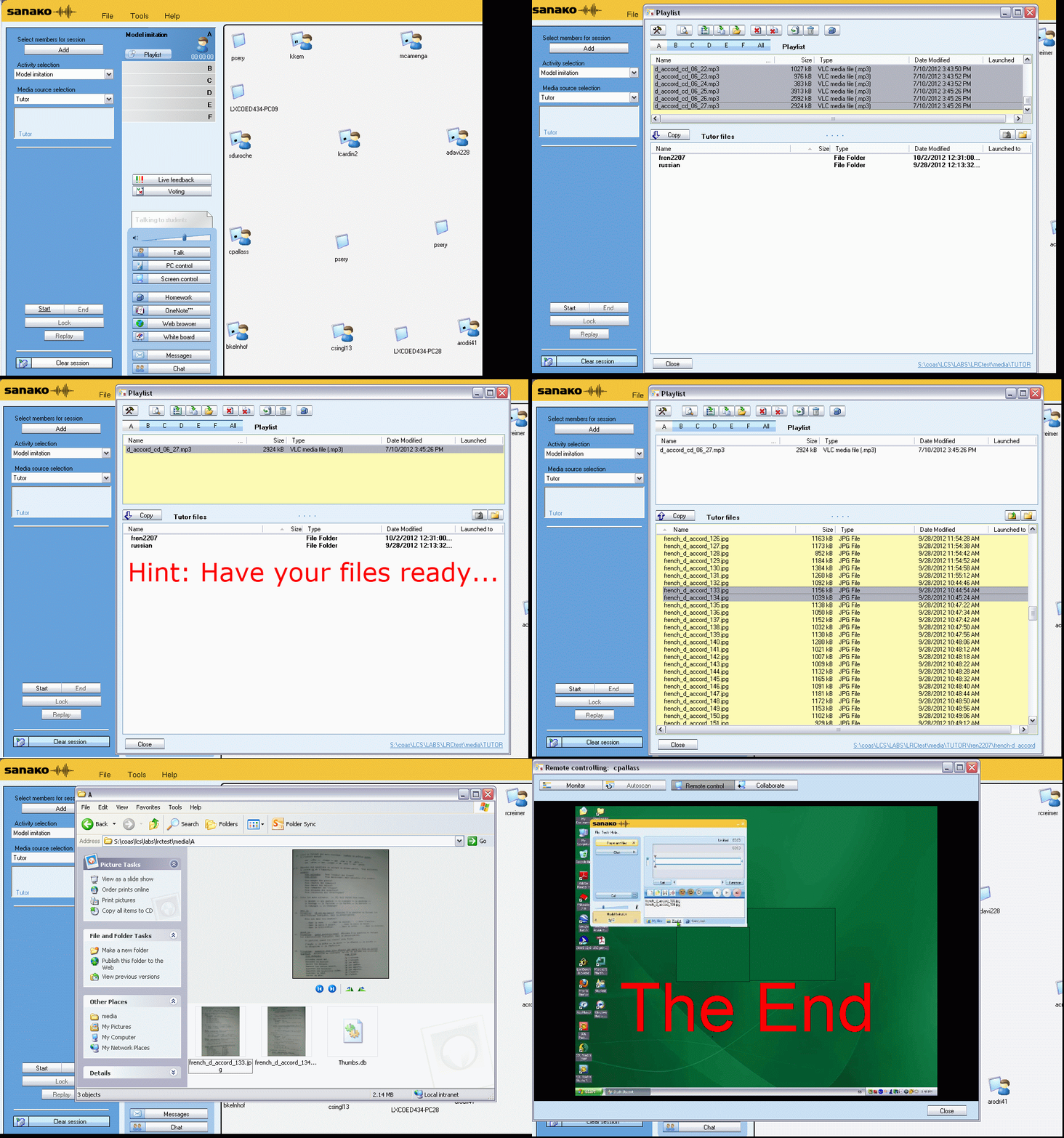
Or proceed manually:


Categories: animated-GIFs, audience-is-teachers, digital-audio-lab, Reading, Speaking
playlist, sanako-study-1200


Questions? Read the About. Or just ask me a quick Our Databases: Resources with calendars -- Language learning material Moodle Sites, multimedia files -- films


FAQs for LRC student staff or for students or for teachers. To search our FAQs, in the browser addressbar, add after "https://plagwitz.wordpress.com/feed/?tag=faqs+/" "+TAG1" (from tag cloud below) OR "https://plagwitz.wordpress.com/feed/tag=faqs
&category_name=" "CAT1" (from category hierarchy below). OR search both categories and tags, and multiple TAGs/CATs (connect with "," for OR-search, with "+" for AND-search), like so: https://plagwitz.wordpress.com/feed/?tag=TAG1+TAG2+...TAGn&category_name=CAT1
+CAT2+...CATn"
Other ways to find help
If you cannot find it here, look there: 5,500 Language-Learning Links and Programs for learning or teaching 150 languages
Shortcuts:Our Lists, Our Maps, LRC Staff Moodle Site,LRC Project Moodle Site, 49erexpress, UNCC Moodle, Student Recordings: s:claslcslrcsanakostudent
Learning usage samples: Sanako oral exam, Kaltura webcam presentation, Dictation with speech recognition, Sanako written exam, Chinese and Japanese interactive stroke-order practice
Test the Sanako Installer, Webbrowser Popup Konfigurator for XP, or Windows7, faster LRC TeacherPC Log-in Let MS facilitate diacritics writing by installing for you US-International keyboard layout
This is my personal blog (Google+). The views expressed on these pages are mine alone and not those of my employer. The information in this weblog is provided “AS IS” with no warranties, and confers no rights.
 Thomas' Work Space