Archive
Archive for the ‘Institution-is-any’ Category
How best to edit PDF here
2012/08/18
Leave a comment
The college provides each faculty and staff member with a full version of Adobe Acrobat (with editing capabilities) on their office computer. If it is not already installed, you can submit a request here.
How to request minor hardware and office supplies for the LRC using 49ermart
2012/06/26
Leave a comment
- Go to https://49ermart.uncc.edu, log in with your NINERNET account.
- Search the approved providers, like CDW or Staples for minor hardware and office supplies.
- Put items in your shopping cart.

- Follow these steps to request the item:


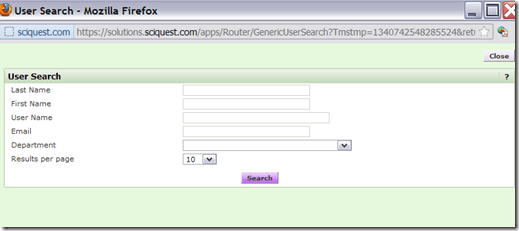
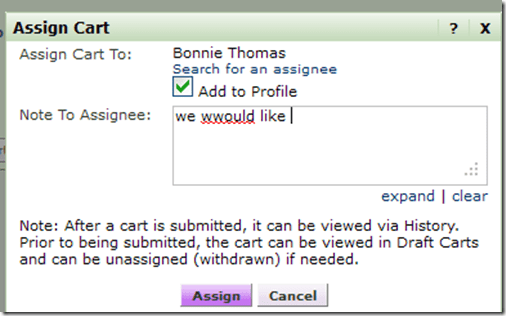


Protected: SelfReg – registration of devices on the UNCC network in 5 easy steps
2012/06/20
Enter your password to view comments.
How to easily upload, distribute, share and play large multimedia files with Google Apps
2012/05/11
Leave a comment
- Tired of burning, lugging around, inserting, ejecting, or forgetting, losing, scratching and replacing CD- and DVD- media, or hard- and thumb drives to handle your large multimedia files? Do you have internet and web browser where you need to access and play your files? Then you can use UNCC Google Apps instead.
- Go to your UNCC Google Apps (you have to log into UNC)
- Click on the Hard-drive-icon in the upper left
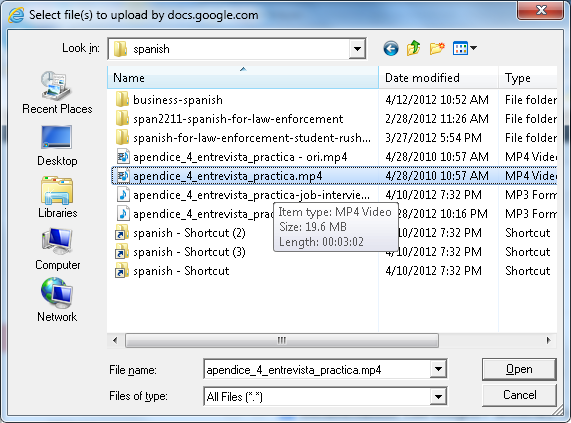
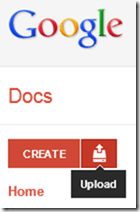 and on “files”, select a video file:
 (many formats and underlying codecs supported, including Flash, MOV, AVI, WMV, MPG. File size limits: currently “every user is given 1GB of free storage space for files” (not enough for much HD footage, but difficult to upload, and didn’t Google Drive just increase this limit to 5GB, or does this not carry over to Google Apps? Stay tuned for updates), click “Start upload”..
- Wait until upload is finished,
 and then, depending:
- if you want to share the file with colleagues, click on “share” (appears after “cancel”) and fill out the dialogue. You can share your file both
- inside the university community and

- inside the university community and
- outside of the university community:
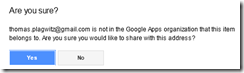

- if you want to share the files with students in your course, there is a better way using Moodle Kaltura video upload;
- if you just want to play the file yourself (including to your students in the classroom), you are already done.
- Go to your files
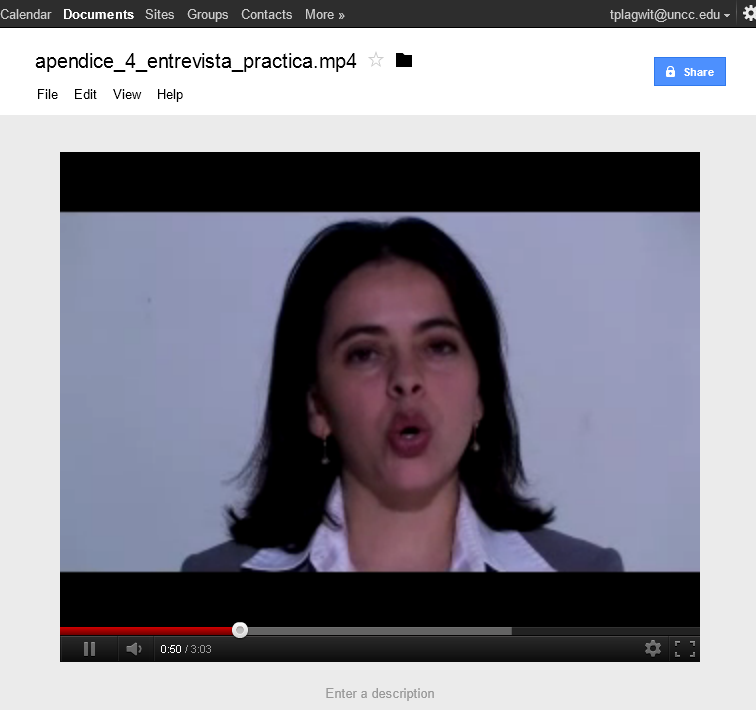
 and click on the file in the list to play the video: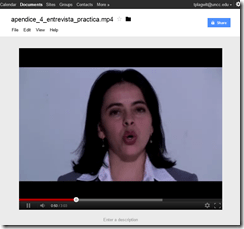
- Also, you can always “get your file back” by “Download”:
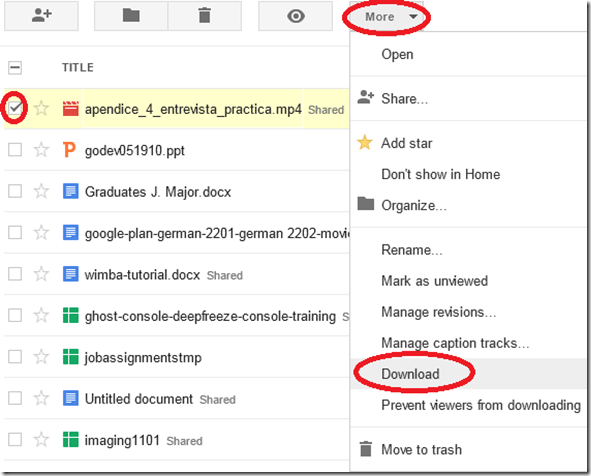 (and note you can also prevent users from downloading the files. This is useful if you only want to temporarily share it, but later revoke permissions).
- if you want to share the file with colleagues, click on “share” (appears after “cancel”) and fill out the dialogue. You can share your file both
- More help is available from the from the source




Students of the Oaklawn Language Academy visited the LRC …
2012/05/03
Leave a comment
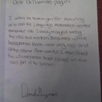
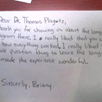
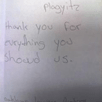
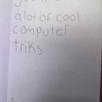
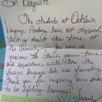
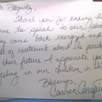
… and sent us a thick envelope chock-full of these very sweet handwritten thank-you notes.
I have twin nieces their age, so I know that it can take a bit to get them to write these notes (I am looking at you, Miss M…!  ).
).
The little man on the screen they mention, that can talk in tongues is the Microsoft-Deskbot, and the headphones they mention were connected to a Sanako Study 1200 digital audio lab.
I hope we can upgrade all this to Windows 7 this summer, and that the Language Academy will be back next spring to admire it all…




Error code 14001 when installing Audacity
2012/04/27
5 comments
- Symptom: Audacity installation seems to complete without error, but attempting to start Audacity at the end of the installation process results in an error about bad environment with the above error code.
- For your reference: It is has been the missing Visual C++ redistributable installation here in the past on staff computers.
- Solution: Download and install the redistributable, then try restarting Audacity: It should start now.
How to load the university Drupal calendars into your favorite calendar application
2012/04/26
Leave a comment
- If you go to our university calendar webpages, you may see

- a top menu allowing you to select either Year,Month,Week, or Day
- a bottom right corner calendar icon (why not the well established ics icon?) which, changing with the view you selected, points to the same (directory) link as the views, but resolves to an ICS file when clicked in your browser
- The default action on click is an open/save option: either way, AFAIK, you will download and point your desktop calendar application (e.g. MS-Outlook) to this file. Even if you do this only per year, this is not only tedious, but the hope that nothing will change in the course of things seems futile.
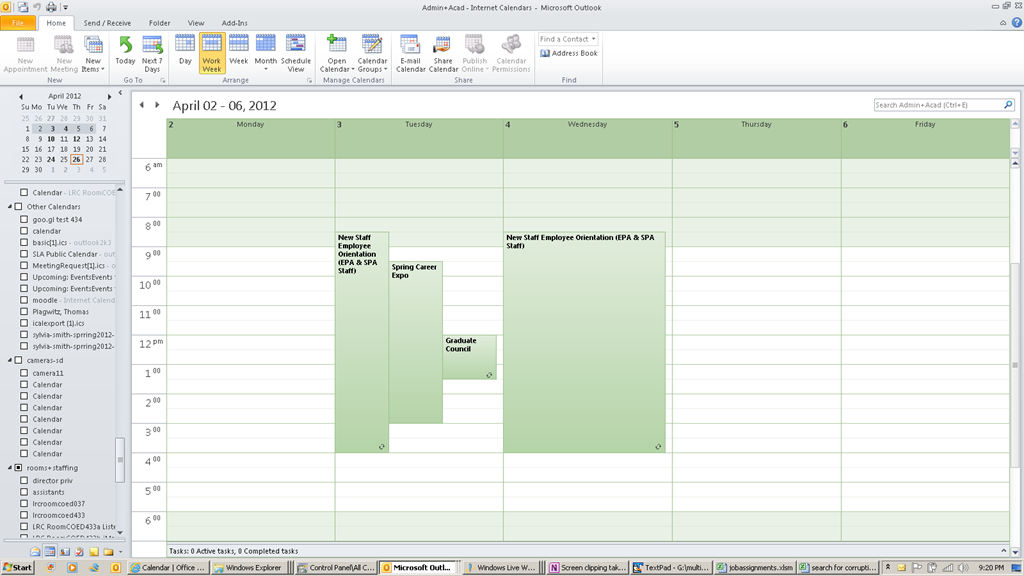
- The best way that I have found to make this a live calendar subscription is this: in your ICS-compatible calendar application, where it asks you for the calendar URL, load one of the links provided under the calendar icon, e.g. that for the year. But before clicking “OK”, remove anything (= any filter) after “ical” portion of the link.
- In MS-Outlook, this procedure looks like this:

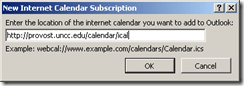 , and the result looks like this: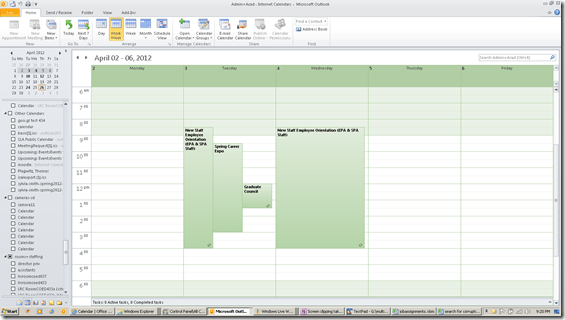
- If you open the downloadable ICS, an open it (mental note: are there other iCAL readers to examine the data, short of loading the calendar into your desktop, phone or cloud calendar software?) you will notice that these calendars are a Drupal-based offering: “PRODID:-//Drupal iCal API//EN”
- Sample Links
- Calendar examples for your web browser: http://provost.uncc.edu/calendar, http://registrar.uncc.edu/calendar
- Calendar year ICS examples for your calendar reader: http://provost.uncc.edu/calendar/ical/2012, http://registrar.uncc.edu/calendar/ical/2012
- The provost’s calendar includes the registrar’s calendar: Administrative and Academic. the color-coding will be lost in translation when loading via ICS. I have not found a way to load the Administrative calendar separately, to use my calendar application to manage the coloring.
- Are there more calendar pages that are of general interest?




Questions? Read the About. Or just ask me a quick Our Databases: Resources with calendars -- Language learning material Moodle Sites, multimedia files -- films


FAQs for LRC student staff or for students or for teachers. To search our FAQs, in the browser addressbar, add after "https://plagwitz.wordpress.com/feed/?tag=faqs+/" "+TAG1" (from tag cloud below) OR "https://plagwitz.wordpress.com/feed/tag=faqs
&category_name=" "CAT1" (from category hierarchy below). OR search both categories and tags, and multiple TAGs/CATs (connect with "," for OR-search, with "+" for AND-search), like so: https://plagwitz.wordpress.com/feed/?tag=TAG1+TAG2+...TAGn&category_name=CAT1
+CAT2+...CATn"
Other ways to find help
If you cannot find it here, look there: 5,500 Language-Learning Links and Programs for learning or teaching 150 languages
Shortcuts:Our Lists, Our Maps, LRC Staff Moodle Site,LRC Project Moodle Site, 49erexpress, UNCC Moodle, Student Recordings: s:claslcslrcsanakostudent
Learning usage samples: Sanako oral exam, Kaltura webcam presentation, Dictation with speech recognition, Sanako written exam, Chinese and Japanese interactive stroke-order practice
Test the Sanako Installer, Webbrowser Popup Konfigurator for XP, or Windows7, faster LRC TeacherPC Log-in Let MS facilitate diacritics writing by installing for you US-International keyboard layout
This is my personal blog (Google+). The views expressed on these pages are mine alone and not those of my employer. The information in this weblog is provided “AS IS” with no warranties, and confers no rights.
 Thomas' Work Space