Archive
Saville Interpreting Suite layout diagram
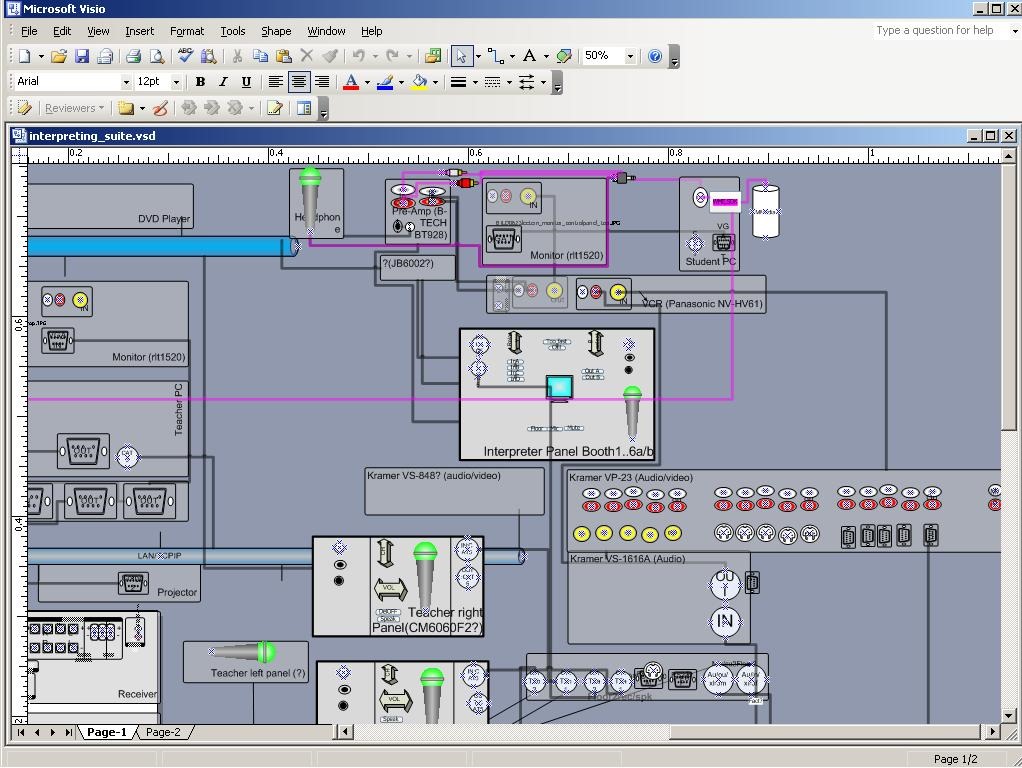
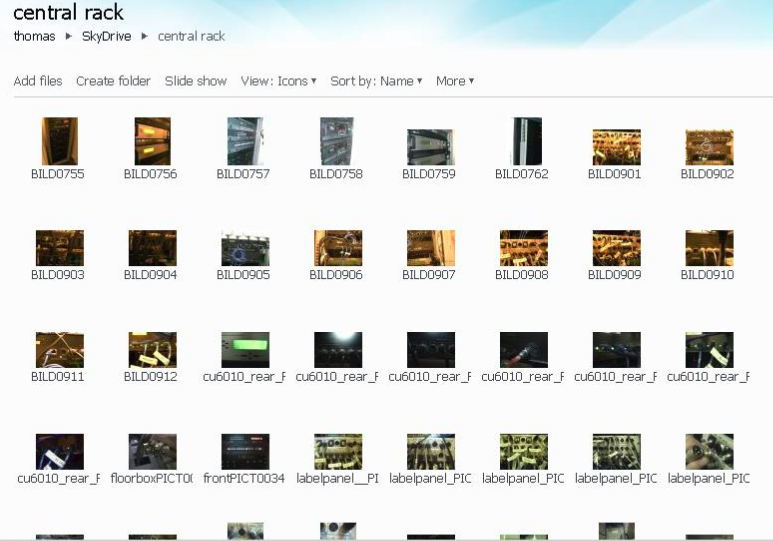
Which I had to derive from photos:
Interpreting Lab Vendors at BETT 2009
artec_main_bett2009.AVI (big, and you can find help here on How to play videos) is a quick-and-dirty video I shot during my visit to the ARTEC/TELEVIC booth at the British Educational Technology Tradeshow (BETT) 2009 in London 16/01/2009.
ARTEC demonstrated certain lab features (they had a live setup of a teacher and a number of student computers) for face-to-face teaching.
They also tried to show off a web-based add-on for self-access interpreting practice which you better try out yourself here, then browse to Demo edumatic online / demo online / audio/video comparative / comparative recording : an online dual band recorder.
If I have time, I will post an outline of this video here. In the meantime, you can add points you find notable to the comments below.
I also visited the booth of CONNECTED (SONY VIRTUOSO – they have their own WMV Demo Video ) and SANAKO (I put the CD-Rom in a SkyDrive folder sanako for the Interpreting-Group).


Questions? Read the About. Or just ask me a quick Our Databases: Resources with calendars -- Language learning material Moodle Sites, multimedia files -- films


FAQs for LRC student staff or for students or for teachers. To search our FAQs, in the browser addressbar, add after "https://plagwitz.wordpress.com/feed/?tag=faqs+/" "+TAG1" (from tag cloud below) OR "https://plagwitz.wordpress.com/feed/tag=faqs
&category_name=" "CAT1" (from category hierarchy below). OR search both categories and tags, and multiple TAGs/CATs (connect with "," for OR-search, with "+" for AND-search), like so: https://plagwitz.wordpress.com/feed/?tag=TAG1+TAG2+...TAGn&category_name=CAT1
+CAT2+...CATn"
Other ways to find help
If you cannot find it here, look there: 5,500 Language-Learning Links and Programs for learning or teaching 150 languages
Shortcuts:Our Lists, Our Maps, LRC Staff Moodle Site,LRC Project Moodle Site, 49erexpress, UNCC Moodle, Student Recordings: s:claslcslrcsanakostudent
Learning usage samples: Sanako oral exam, Kaltura webcam presentation, Dictation with speech recognition, Sanako written exam, Chinese and Japanese interactive stroke-order practice
Test the Sanako Installer, Webbrowser Popup Konfigurator for XP, or Windows7, faster LRC TeacherPC Log-in Let MS facilitate diacritics writing by installing for you US-International keyboard layout
This is my personal blog (Google+). The views expressed on these pages are mine alone and not those of my employer. The information in this weblog is provided “AS IS” with no warranties, and confers no rights.
 Thomas' Work Space