Archive
How to play Windows media on the MAC OS platform
LRC-provided Windows Media encoded audio and video learning materials files can easily also be played on the MAC, since Microsoft supports Windows Media also on the Mac-platform.
Mac users can download wmv/wma support for the Mac OS X version 10.3.9 or later, QuickTime version 7.0 or later) from http://www.microsoft.com/windows/windowsmedia/player/wmcomponents.mspx for free. In this download from Microsoft, Windows Media® Components for QuickTime are now “new & improved”.
Protected: How teachers find their Sanako materials
LoC says on DVDs: Excerpts, but no space-shifting
And: foreign language faculty seems now included.
“The most complicated exemption focuses on DVDs. Between now and 2015, it will be legal to rip a DVD “in order to make use of short portions of the motion pictures for the purpose of criticism or comment in the following instances: (i) in noncommercial videos; (ii) in documentary films; (iii) in nonfiction multimedia e-books offering film analysis; and (iv) for educational purposes in film studies or other courses requiring close analysis of film and media excerpts, by college and university faculty, college and university students, and kindergarten through twelfth grade educators.” A similar exemption applies for “online distribution services.”
The Librarian also allowed DVDs to be decrypted to facilitate disability access. Specifically, it’s now legal “to access the playhead and/or related time code information embedded in copies of such works and solely for the purpose of conducting research and development for the purpose of creating players capable of rendering visual representations of the audible portions of such works and/or audible representations or descriptions of the visual portions of such works to enable an individual who is blind, visually impaired, deaf, or hard of hearing, and who has lawfully obtained a copy of such a work, to perceive the work.”
But the Librarian did not allow circumvention for space-shifting purposes. While public interest groups had argued that consumers should be allowed to rip a DVD in order to watch it on an iPad that lacks a built-in DVD drive, the Librarian concluded that no court has found that such “space shifting” is a fair use under copyright law.”
Jailbreaking now legal under DMCA for smartphones, but not tablets | Ars Technica
Ipatrainer.com community provides free phonetic transcription tables with sounds and exercises
- This is looking good, but …
- There seem to be some coding issues, I am getting server errors 500 after registering.
- The site is advertisement-based.
- There is no content beyond the IPA sound which would put these bare basics in phonetics into language learning context and practice.
- Site Contains:
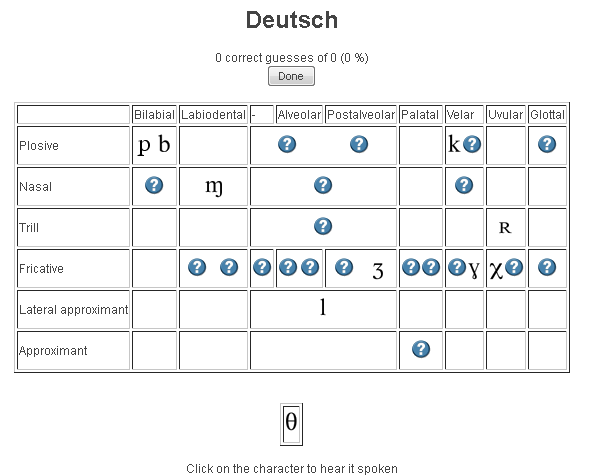
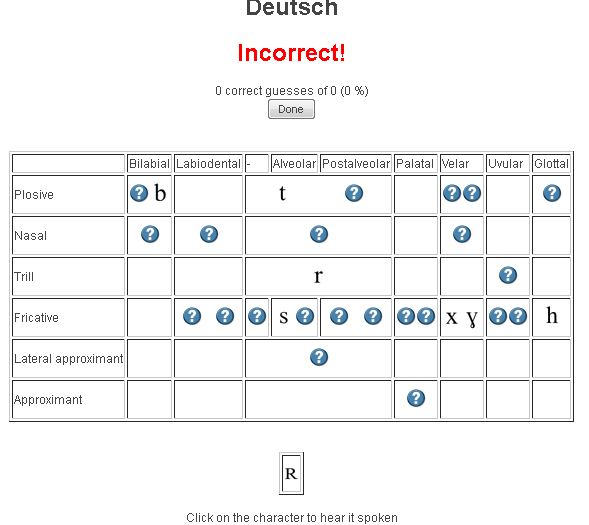
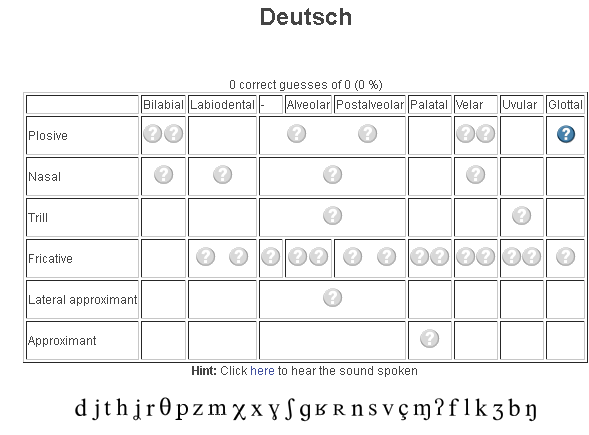
- tables for teaching your language – complete with phonetic symbols and sound samples

- and exercises for your students (e.g. Memory games, Identifying characters


 , places,
 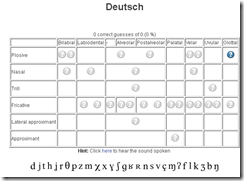 and sounds.
- tables for teaching your language – complete with phonetic symbols and sound samples
- You can
- Create your own, after free registration,
- or assign one of the ones from many other teachers.
- Most popular ones are listed here: http://www.ipatrainer.com/user/site/?language=, and if the use numbers are accurate, there must be really some serious IPA learning going on here…
- I see no way to browse other tables without having the username of the teacher who created and assigned it.
- There is also a phonetic writer.
- And a user forum, in its infancy.



MyGermanLab shortlinks and step-by-step chapter test for GERM1201, GERM1202 classes
- Using Internet Explorer, go here: goo.gl/JUSUC.
- Log into MyGermanLab.
- to open your test:
-
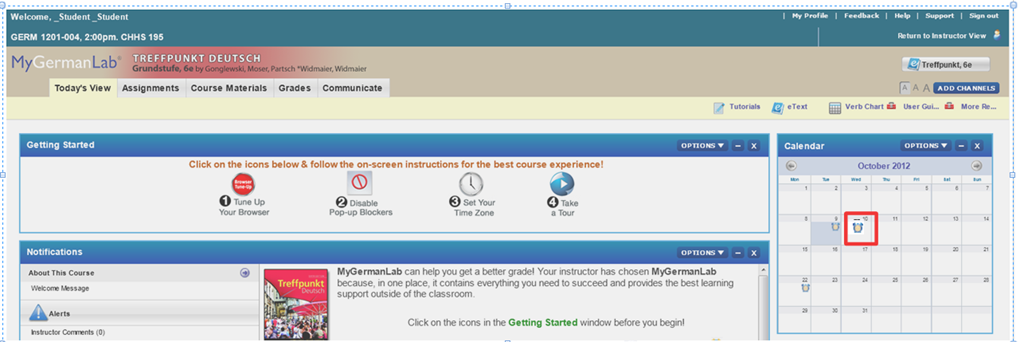
- Click on the assignment for today on your assignment calendar to the right:

- if your test does not show as assignment in the calendar (Update for proctored make-up exam: this applies espeially to you), go to the top tab: “course materials”“. Hold the CTRL key and click on the assignment
- either in the list on the right or
- at the bottom in the list on the left.
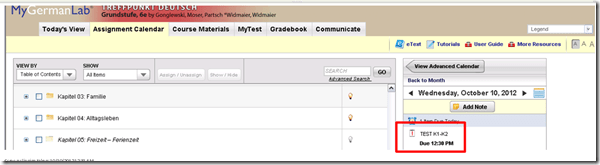
- if your test does not show as assignment in the calendar (Update for proctored make-up exam: this applies espeially to you), go to the top tab: “course materials”“. Hold the CTRL key and click on the assignment
- Enter the password that you will be given during the exam in the LRC:
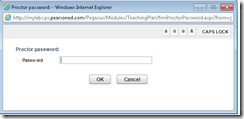 , hold the CTRL key and click button: “OK”.
 - Click button: “start”.

- Click through the pages until it tells you you have “submitted” the test.
- Click on the assignment for today on your assignment calendar to the right:
- to handle multimedia:
- Use the headsets hanging behind the screens for questions that require listening/speaking.
-
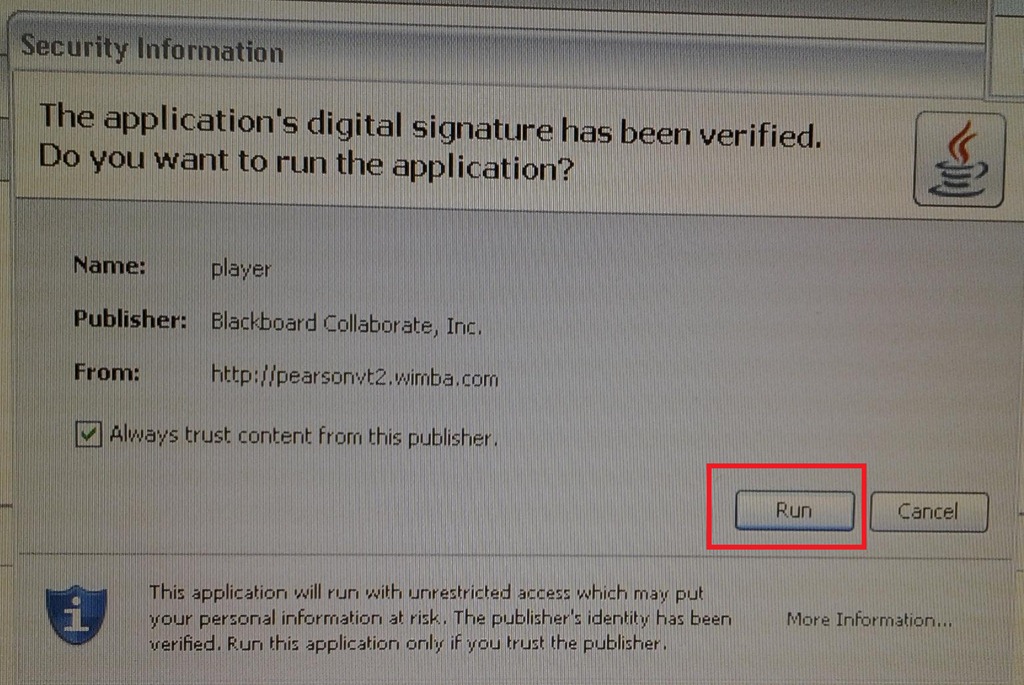
When you load the audio player or audio recorder, you will see a dialogue like these, click button: ”Run” or “Trust”:
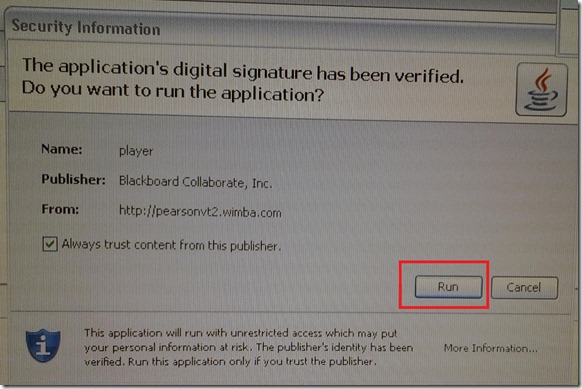
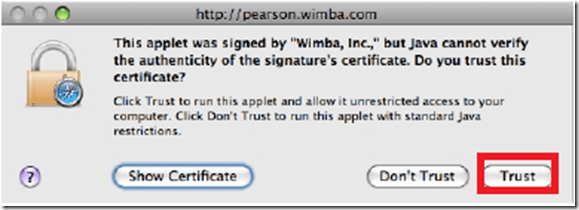
- There is a step-by-step guide on how to record here.
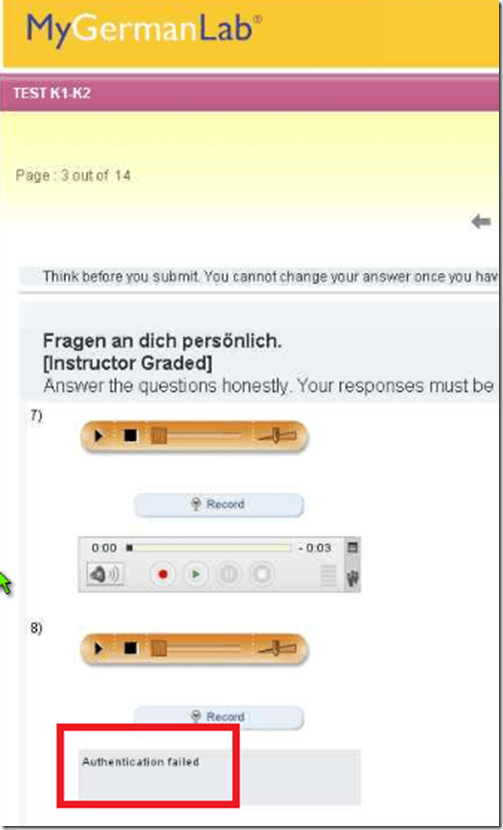
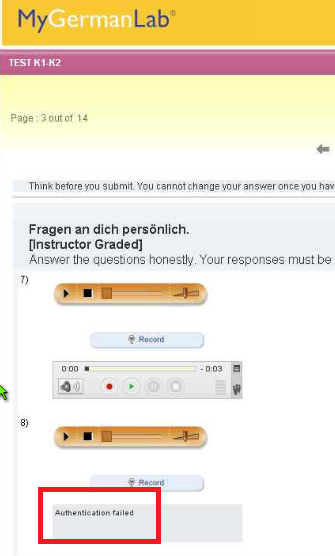
- If you get an error for the audio recorder saying “Authentication failed”, keep calm and carry on, your recording is not lost, you only cannot review it anymore:
- If you have a question, do not disturb others. Rather put your headsets on and get in the queue by clicking button: “Call” in this window
 . Your call will be answered shortly.
- Please be advised that this exam is
- proctored and that your screen can be seen by the proctor at any time.
- randomized, so that your neighbors’ screen will most likely display your current test question at a quite different time.



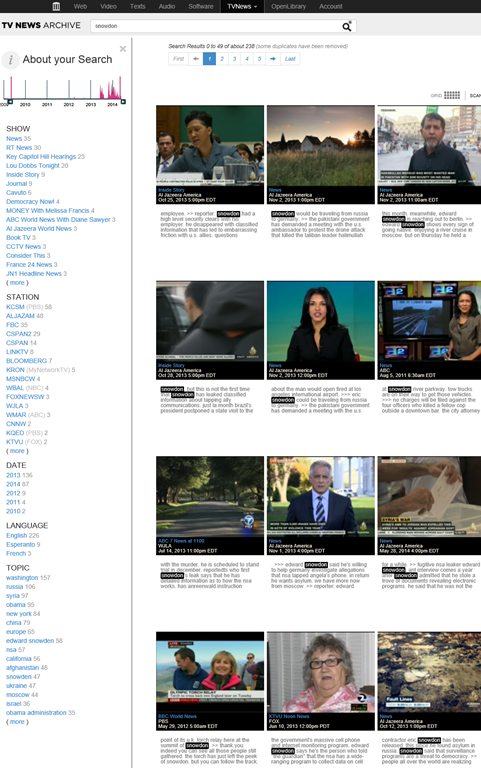
How to use archive.org’s US-English news collection as a language learning corpus with QUIK-like speaking samples
- Much of TV news nowadays seems to amount to not much more than a constant stream of sound bites – however, exactly this brevity,
- the large archive and simple search interface:

- the research/browsing capabilities visible on the left here, including the varied sources – of which Arabic and French and other European TV likely provide a somewhat different perspectives on Edward Snowden –
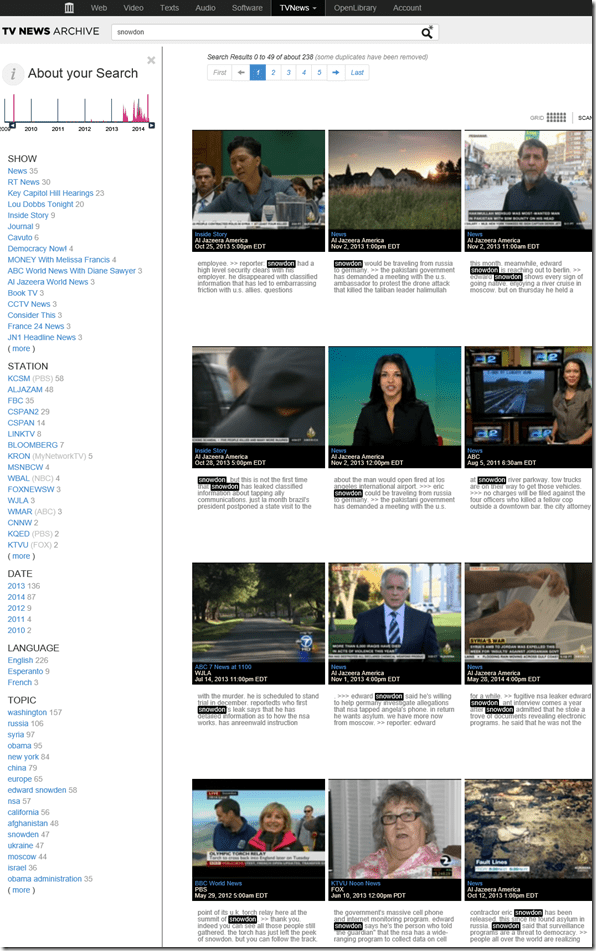
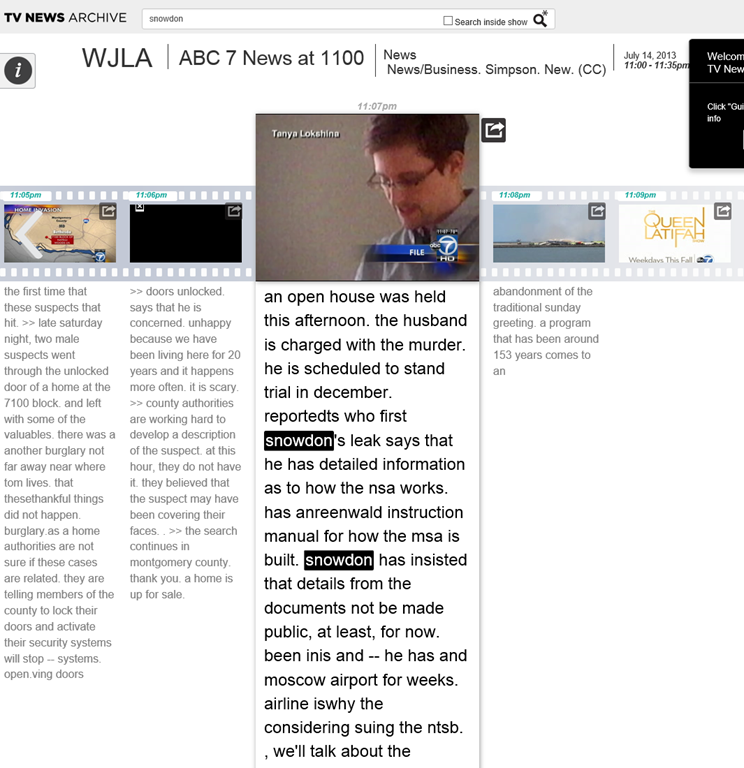
- and the caption-like transcription, make it all the more accessible for intermediate learners of English.

- video clips of only 30 seconds length is hardly enough for instruction, however, you can have students work with corpus-QUIK-like spoken samples, and have them string a news history together if you design webquest-like research assignments – with the major added benefits, that this corpus is spoken and trains listening.
- For more background info on archive.org’s transcribed TV news, consult this NYTimes article.



Questions? Read the About. Or just ask me a quick Our Databases: Resources with calendars -- Language learning material Moodle Sites, multimedia files -- films


FAQs for LRC student staff or for students or for teachers. To search our FAQs, in the browser addressbar, add after "https://plagwitz.wordpress.com/feed/?tag=faqs+/" "+TAG1" (from tag cloud below) OR "https://plagwitz.wordpress.com/feed/tag=faqs
&category_name=" "CAT1" (from category hierarchy below). OR search both categories and tags, and multiple TAGs/CATs (connect with "," for OR-search, with "+" for AND-search), like so: https://plagwitz.wordpress.com/feed/?tag=TAG1+TAG2+...TAGn&category_name=CAT1
+CAT2+...CATn"
Other ways to find help
If you cannot find it here, look there: 5,500 Language-Learning Links and Programs for learning or teaching 150 languages
Shortcuts:Our Lists, Our Maps, LRC Staff Moodle Site,LRC Project Moodle Site, 49erexpress, UNCC Moodle, Student Recordings: s:claslcslrcsanakostudent
Learning usage samples: Sanako oral exam, Kaltura webcam presentation, Dictation with speech recognition, Sanako written exam, Chinese and Japanese interactive stroke-order practice
Test the Sanako Installer, Webbrowser Popup Konfigurator for XP, or Windows7, faster LRC TeacherPC Log-in Let MS facilitate diacritics writing by installing for you US-International keyboard layout
This is my personal blog (Google+). The views expressed on these pages are mine alone and not those of my employer. The information in this weblog is provided “AS IS” with no warranties, and confers no rights.
 Thomas' Work Space