Archive
Archive for October, 2013
A checklist for our late hires in the LRC
2013/10/09
Leave a comment
- With the help of your colleagues at the reception desk, sign up for your work schedule by sending meeting requests from NINERMAIL to lrcassistant@uncc.edu,
- Plug any holes/weaknesses in the schedule Reception Staffing
- Uf you have $2000 FWS, not more than 10 hours /week even if you start late.
- Final approval from LRC coordinator required.
- Whenever starting/leaving your shift, log in at the reception desk computer, allow all windows to open, then clock in by entering your code for checkin/out from the spreadsheet checkoutin.xls into the meeting request (series) on your NINERMAIL calendar.
- Read/listen to the training materials you received –
- Word (goo.gl/5hgr7Y) printout : contains a checklist for your responsibilities during your shift.
- PowerPoint:
- Deck (goo.gl/OV45aF) printout explains how to help with booking LRC equipment and rooms using NINERMAIL meeting requests (which will constitute e most of your work at the help desk).
- Video of training session: goo.gl/nWDDro.
- NOTE: After your first 2 weeks at work, there will be a Moodle quiz (TBA) that you need to pass!
- Questions?
- First and foremost, follow the instructions and helpful hints of your more senior colleagues at the reception desk.
- Bring further questions to the LRC coordinator or director.
- If no one is available for questions: post questions in the LRC Moodle Forum.
How to retroactively remove comment option from WordPress posts
2013/10/07
Leave a comment
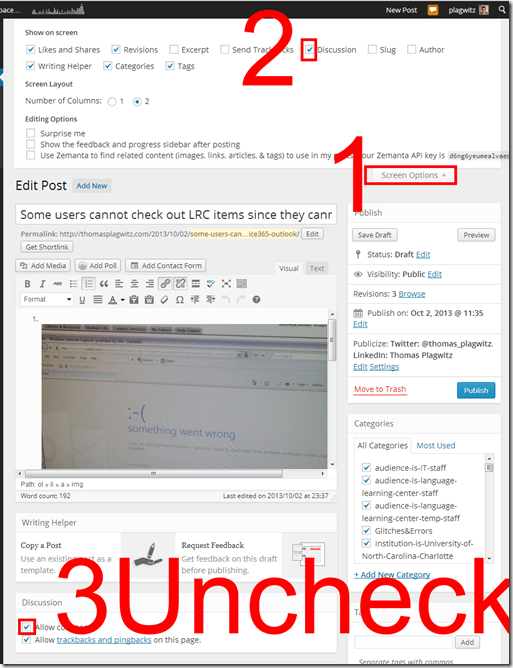
- Unchecking “Allow comments” does not affect past posts (you had better find that out early in your blogging career – I did not …)
- To disable comments for past posts, you have to uncheck “Allow comments”in each one of them.
- To even show “Allow comments” in the post editing interface, do this:

Categories: audience-is-teachers, documentation, e-infrastructure, Screenshots
wordpress
Use Moodle 2 Forums’ Mail Now Option to speed up communication
2013/10/04
Leave a comment
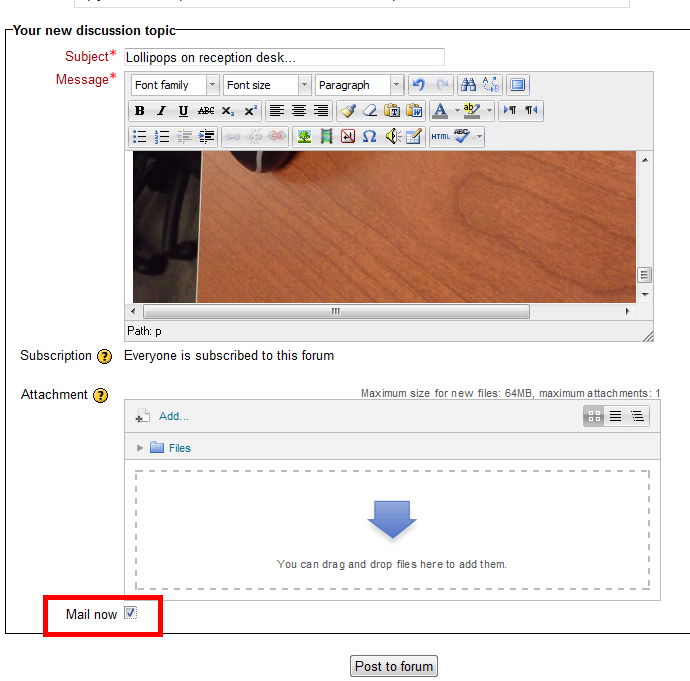
- The “Mail Now” checkbox is still there, just the location has changed, compared with Moodle 1..9.:
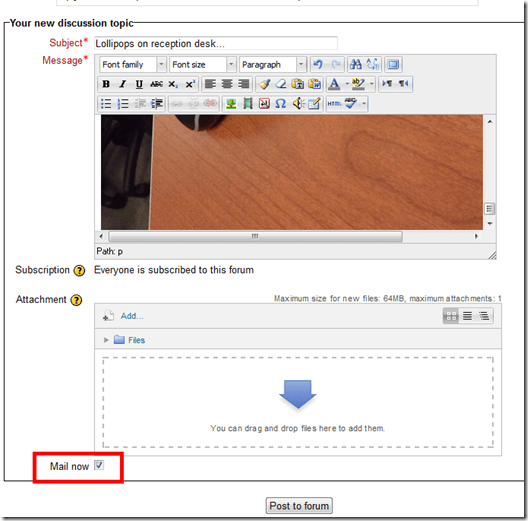
- Even without “Mail Now” checked, your post goes immediately to the forum – but on the forum, you can still edit it (if you didn’t proof read etc.).
- Email, however, you cannot recall after sending it (well, MS-Exchange email you can, but not Moodle email). That’s why “Mail Now” tries to provide a safety net for emailed forum messages.
- That Forum messages are emailed (“notifications”) is a function of the subscription of users to a forum, which is (“force subscription”) the default, but can be changed in the forum settings.
- If you try to use the Moodle forum as a mailing list and/or real-time messaging system (like we do with the LRC Moodle as groupware for LRC staff), checking “Mail now” is recommended.
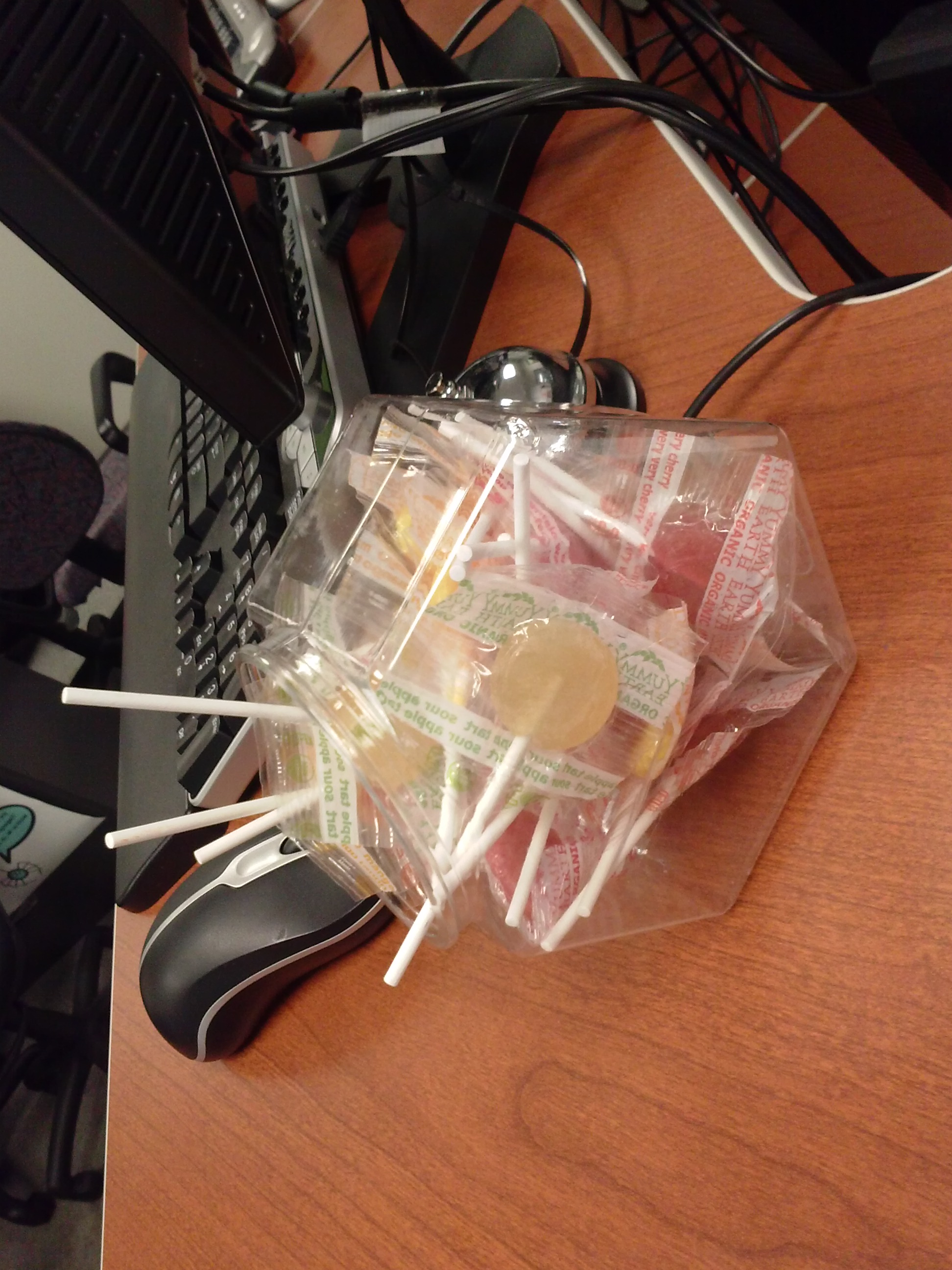
Lollipops on reception desk…
2013/10/03
Leave a comment
… are reserved for staff and clients that fill out their meeting requests properly. 😎
Categories: Uncategorized
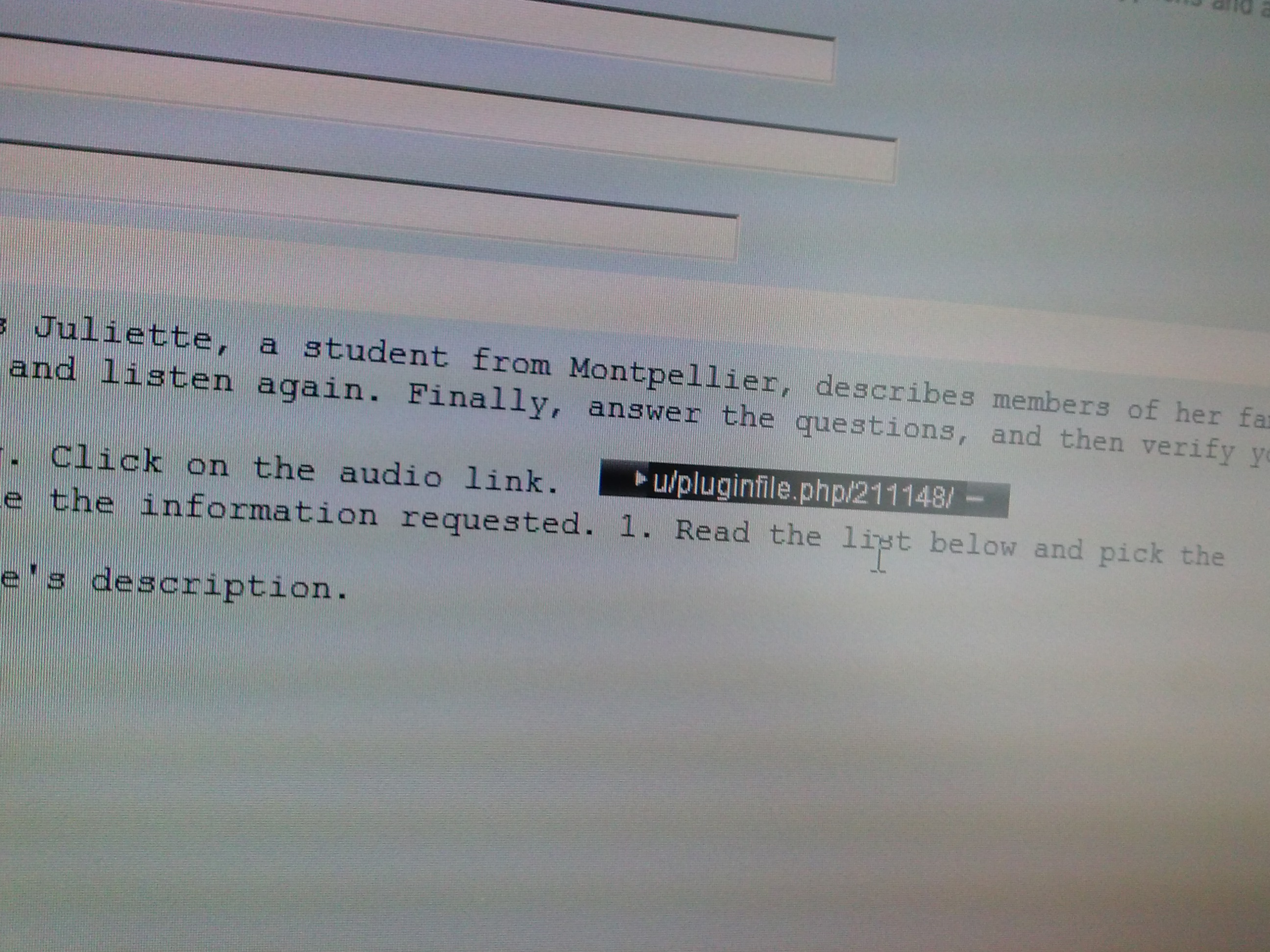
French Quiz audio not playing
2013/10/03
Leave a comment
LRC assistants will advise to skip the questions
Categories: Uncategorized
If you get an error when trying to edit your Moodle settings…
2013/10/03
Leave a comment
- Like this: “Error: Database connection failed It is possible that the database is overloaded or otherwise not running properly. The site administrator should also check that the database details have been correctly specified in config.php”
- Try click on “Edit settings” again. It may well work the second time (overload?).
Categories: Glitches&Errors, lms
moodle
Don’t worry about uppercase letters when logging in to post an issue to the online Helpdesk
2013/10/03
Leave a comment
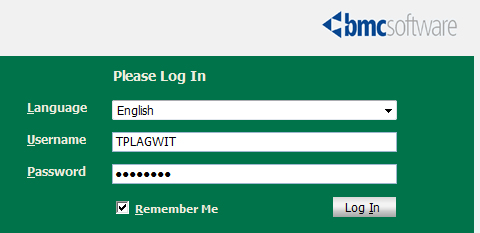
- The username input for our helpdesk system login is set to write uppercase letters, and this cannot be changed:

- Once you have made sure that your keyboard is indeed not set to uppercase (caps lock on, see light in upper right), which it most ikely is not, you can ignore the uppercasing, proceed as normal with entering your password.
- If you get a login error, it is not because of the uppercasing. Rather, you may have mistyped something else. A good strategy (when nobody is looking over your shoulder, that is) is to type your password somewhere else (word, notepad, google search box) where is it visible and copy/paste it onto the Password field.
LRC Tutors at check in take their signs…
2013/10/03
Leave a comment
… please , and put them on their desks prominently. We are reintroducing this signage, now that the group rooms often overflow..



Questions? Read the About. Or just ask me a quick Our Databases: Resources with calendars -- Language learning material Moodle Sites, multimedia files -- films


FAQs for LRC student staff or for students or for teachers. To search our FAQs, in the browser addressbar, add after "https://plagwitz.wordpress.com/feed/?tag=faqs+/" "+TAG1" (from tag cloud below) OR "https://plagwitz.wordpress.com/feed/tag=faqs
&category_name=" "CAT1" (from category hierarchy below). OR search both categories and tags, and multiple TAGs/CATs (connect with "," for OR-search, with "+" for AND-search), like so: https://plagwitz.wordpress.com/feed/?tag=TAG1+TAG2+...TAGn&category_name=CAT1
+CAT2+...CATn"
Other ways to find help
If you cannot find it here, look there: 5,500 Language-Learning Links and Programs for learning or teaching 150 languages
Shortcuts:Our Lists, Our Maps, LRC Staff Moodle Site,LRC Project Moodle Site, 49erexpress, UNCC Moodle, Student Recordings: s:claslcslrcsanakostudent
Learning usage samples: Sanako oral exam, Kaltura webcam presentation, Dictation with speech recognition, Sanako written exam, Chinese and Japanese interactive stroke-order practice
Test the Sanako Installer, Webbrowser Popup Konfigurator for XP, or Windows7, faster LRC TeacherPC Log-in Let MS facilitate diacritics writing by installing for you US-International keyboard layout
This is my personal blog (Google+). The views expressed on these pages are mine alone and not those of my employer. The information in this weblog is provided “AS IS” with no warranties, and confers no rights.
 Thomas' Work Space