Archive
Sony Virtuoso Apprentice and Brevi Options Dialogues and Diagnostics
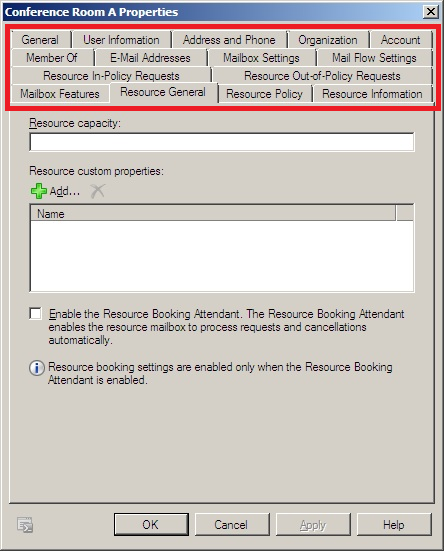
When working on improvements for the room booking and equipment checkout in the LRC, I was recently reminded by the MS-Exchange 2010 room mailbox settings :
 ,
,
how nice it is to have, like a giant tool belt, a reasonably evolved software application with all kinds of knobs and handles (all you can set here can help you, solve a problem for you, relieve you of manual troubleshooting/clerical work).
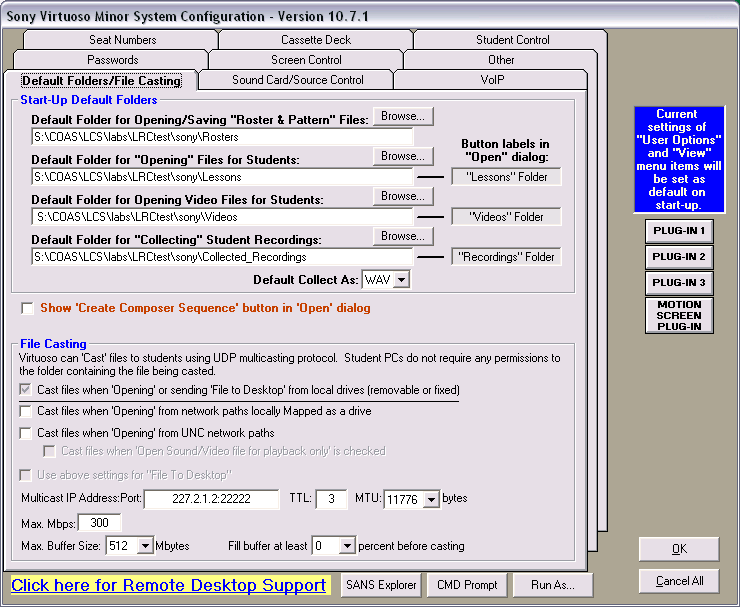
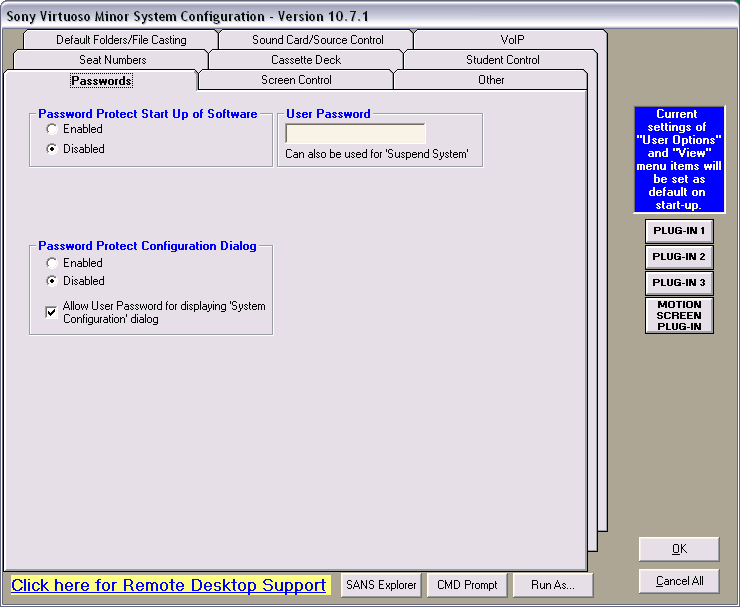
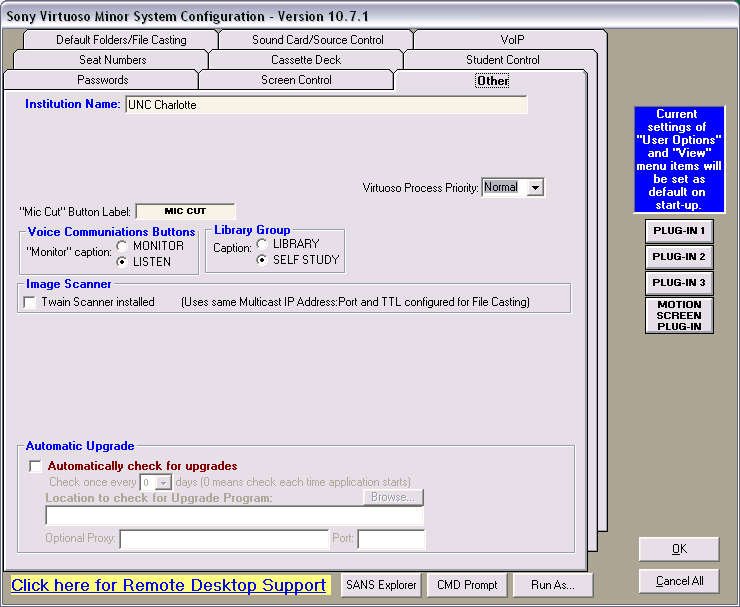
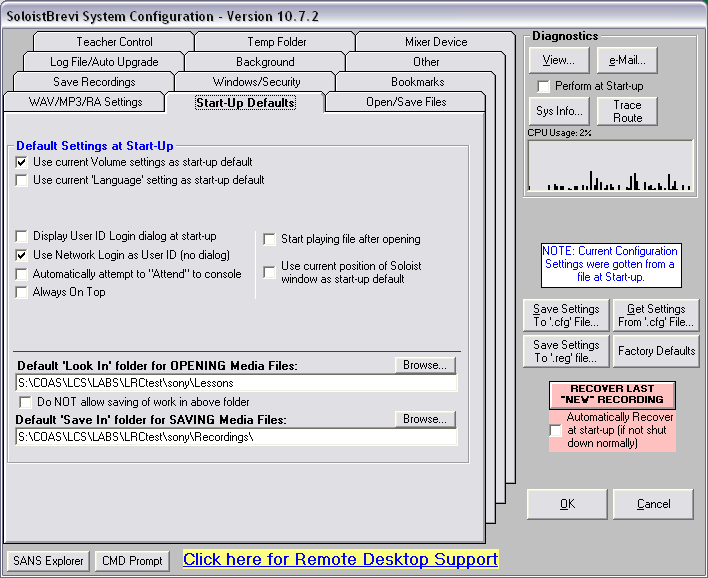
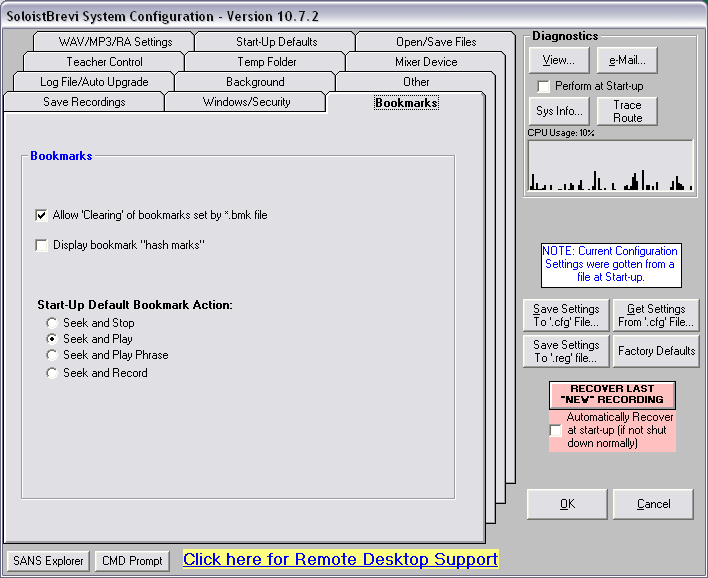
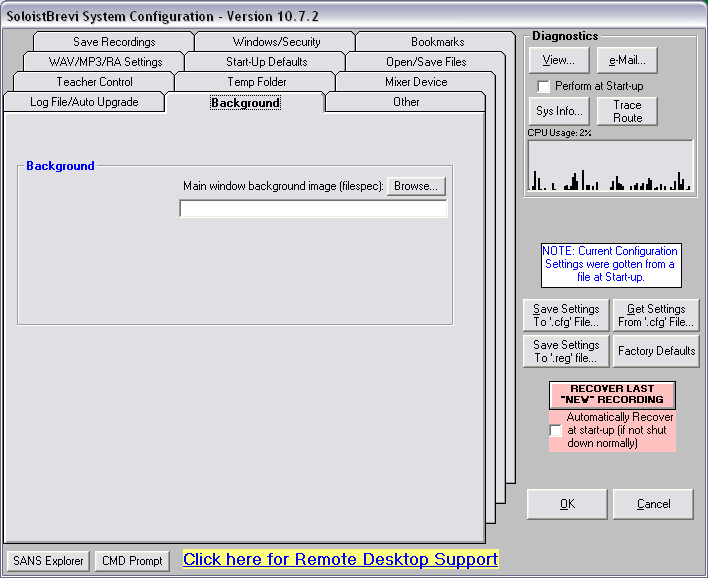
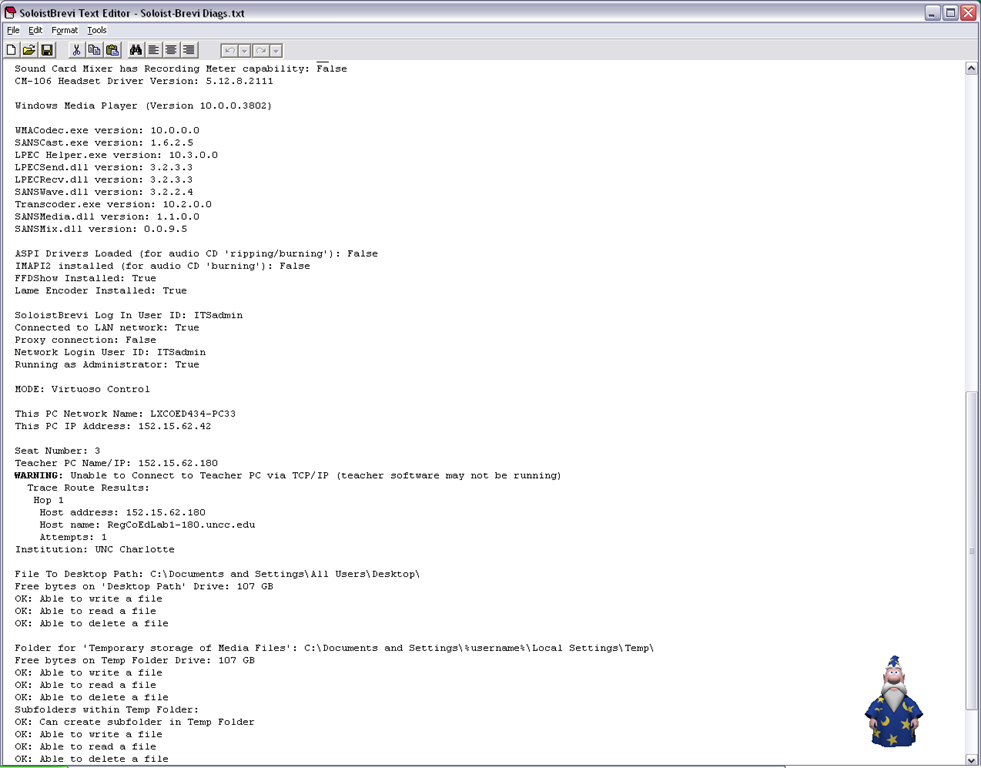
The Sony Virtuoso Apprentice language lab software and the corresponding Sony Soloist Brevi Student Recorder application did not make the cut here for other reasons. But I sure felt intrigued and put in control by its options and settings dialogues:
Virtuoso Dialogues:





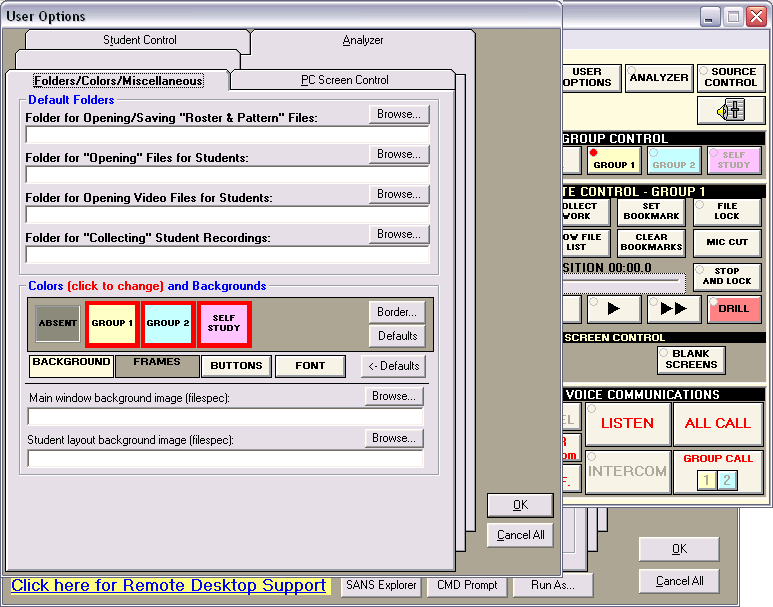




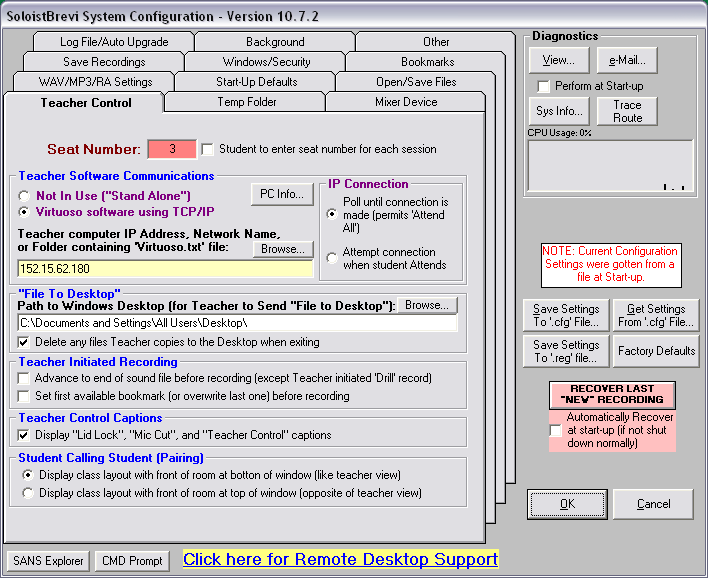
Soloist Dialogues and Diagnostics:








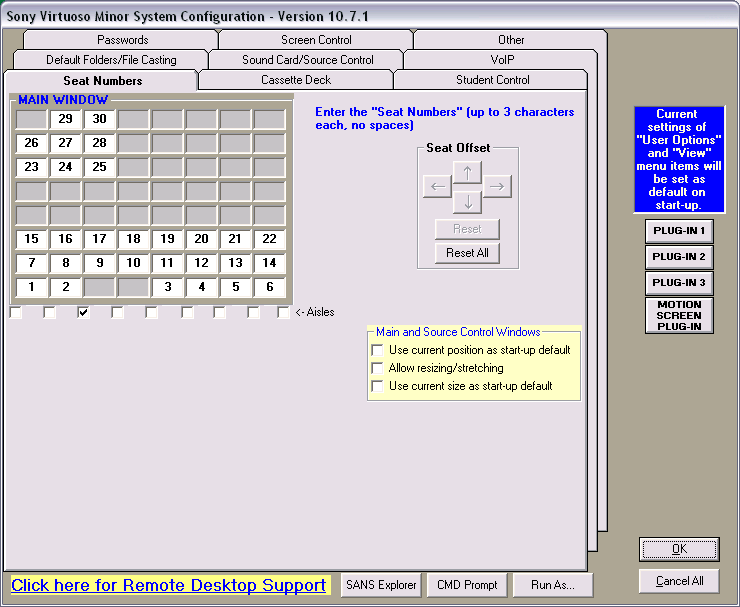
How to design a classroom layout in Sony Virtuoso, and reflect it in the Sony Soloist
Teachers using a fully computerized classroom – as well as the installed language learning software itself (which, once set up, will help further by displaying the names of the students logged in on the student computers), – need to have an easy way to identify and address individual student computers.
Sony Virtuoso/Soloist, like the Sanako Lab 300, use an identification scheme which based on manual numberin of te student computers.
This requires the administrator to manually make a configuration change on each student computer when the software is first installed (and whenever the classroom is reimaged with upgrades).
Newer classroom mangement and langauge learning systems like NetOp SChool or Sanako Study can autonumber and –identify connected student computers.
To set up the student computers, start the Soloist from the desktop icon.
Press ctrl – shift –f10 to access the configuration dialogues. On tab: teacher control, 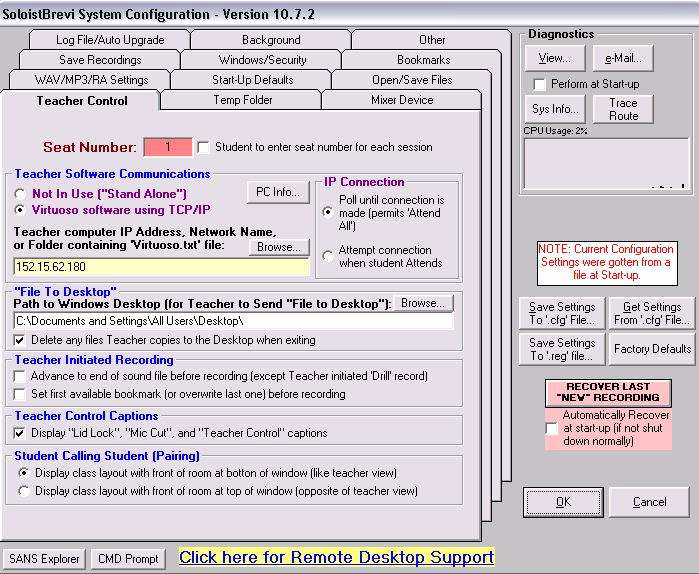
in the text input field Seat number highlighted red above, put the number that corresponds to the attached seating map below.

NOTE: the seats in the center bottom forming a dent in the layout are intentionally left blank for he presenter computer and PC32.
The square in the upper right are the leftmost (teacher perspective) computers in our main lab – they would not fit better into the lab layout grid of the Sony Virtuoso Apprentice (higher versions have more flexible layout grids, I hear).


Questions? Read the About. Or just ask me a quick Our Databases: Resources with calendars -- Language learning material Moodle Sites, multimedia files -- films


FAQs for LRC student staff or for students or for teachers. To search our FAQs, in the browser addressbar, add after "https://plagwitz.wordpress.com/feed/?tag=faqs+/" "+TAG1" (from tag cloud below) OR "https://plagwitz.wordpress.com/feed/tag=faqs
&category_name=" "CAT1" (from category hierarchy below). OR search both categories and tags, and multiple TAGs/CATs (connect with "," for OR-search, with "+" for AND-search), like so: https://plagwitz.wordpress.com/feed/?tag=TAG1+TAG2+...TAGn&category_name=CAT1
+CAT2+...CATn"
Other ways to find help
If you cannot find it here, look there: 5,500 Language-Learning Links and Programs for learning or teaching 150 languages
Shortcuts:Our Lists, Our Maps, LRC Staff Moodle Site,LRC Project Moodle Site, 49erexpress, UNCC Moodle, Student Recordings: s:claslcslrcsanakostudent
Learning usage samples: Sanako oral exam, Kaltura webcam presentation, Dictation with speech recognition, Sanako written exam, Chinese and Japanese interactive stroke-order practice
Test the Sanako Installer, Webbrowser Popup Konfigurator for XP, or Windows7, faster LRC TeacherPC Log-in Let MS facilitate diacritics writing by installing for you US-International keyboard layout
This is my personal blog (Google+). The views expressed on these pages are mine alone and not those of my employer. The information in this weblog is provided “AS IS” with no warranties, and confers no rights.
 Thomas' Work Space