Archive
Can’t rename default folder names for Room and resource mailboxes with MFCMAPI
- To get the MS-Exchange calendar ICS to include a name line other than “X-WR-CALNAME:Calendar” (which, when trying to aggregate calendars, does not play well with other mailbox calendars also emitted by MS-Exchange with default name )
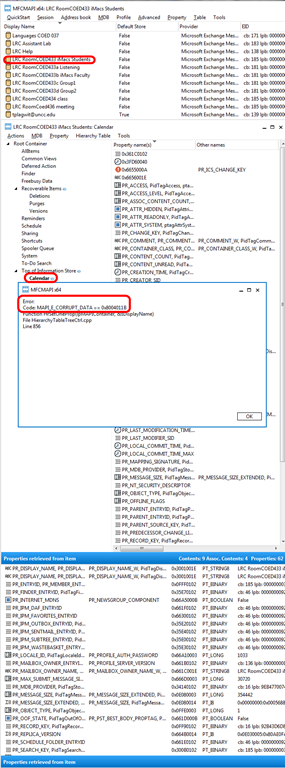
- when trying to follow the renaming instructions here using MFCMAPI (which seem however for personal mailboxes, not the different folder hierarchy: “information store”).
- I only get this 0x8004011b mapi_e_corrupt_data (would have kind of surprised me they had let me mess with MS-Exchange, this is not PST world anymore):

- Is there another way to rename room/resource mailbox calendars? Seems like not. But there is a recommended feedback form for this (or is this for office online only, not for exchange on premise?).
If MS-Exchange room mailbox does not auto-decline, but forwards conflicting requests
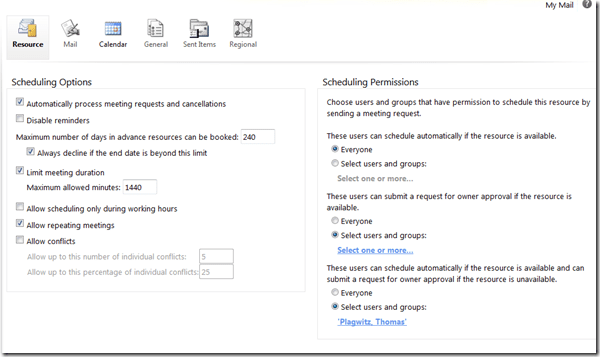
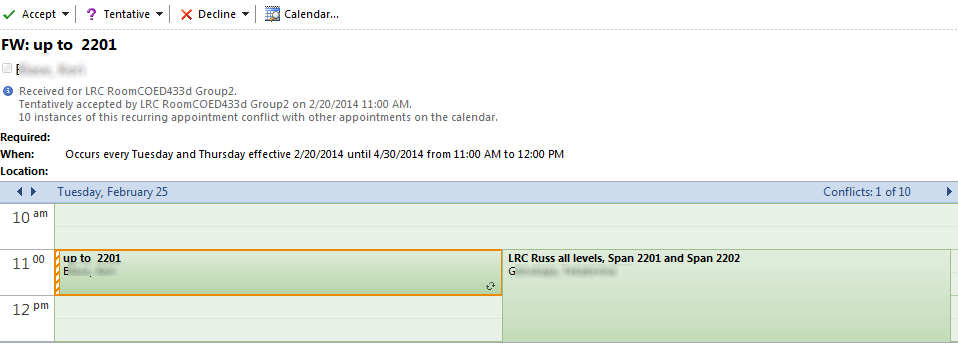
- This room should auto-decline conflicting requests, but forwards them:

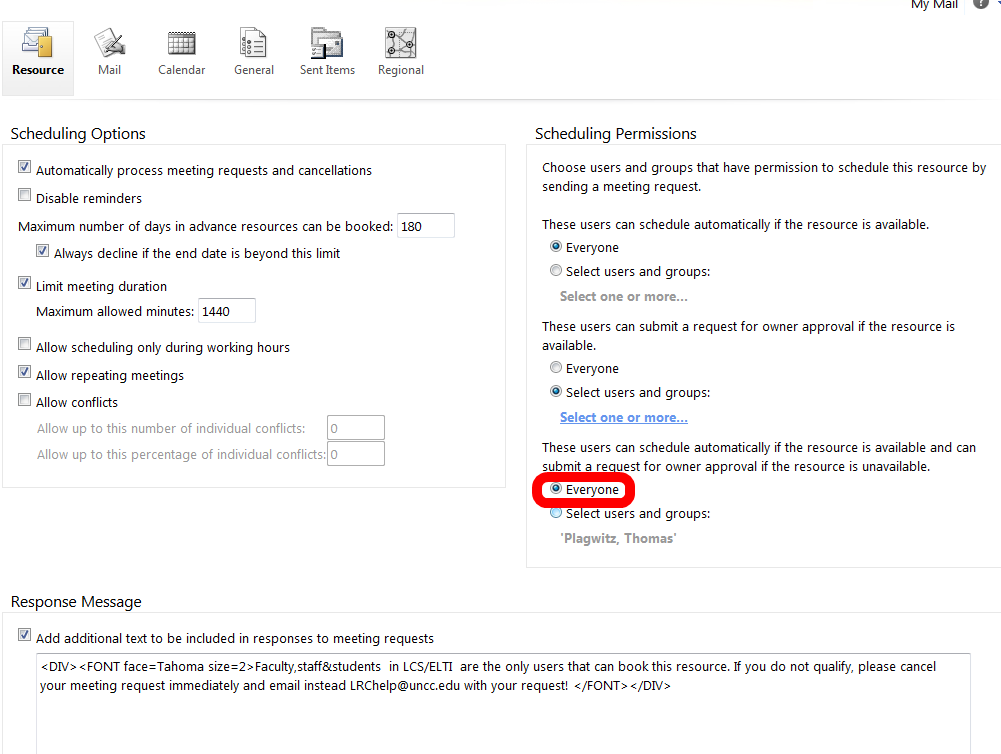
- If you log in as the room and look under Options / See more options / Settings / Resource:

- You see that 433d has it wrong here:

- 434 has it set correctly:


Protected: Facilitating equipment circulation and room booking with website calendar aggregation?
Scheduling assistant shows no information on free/busy
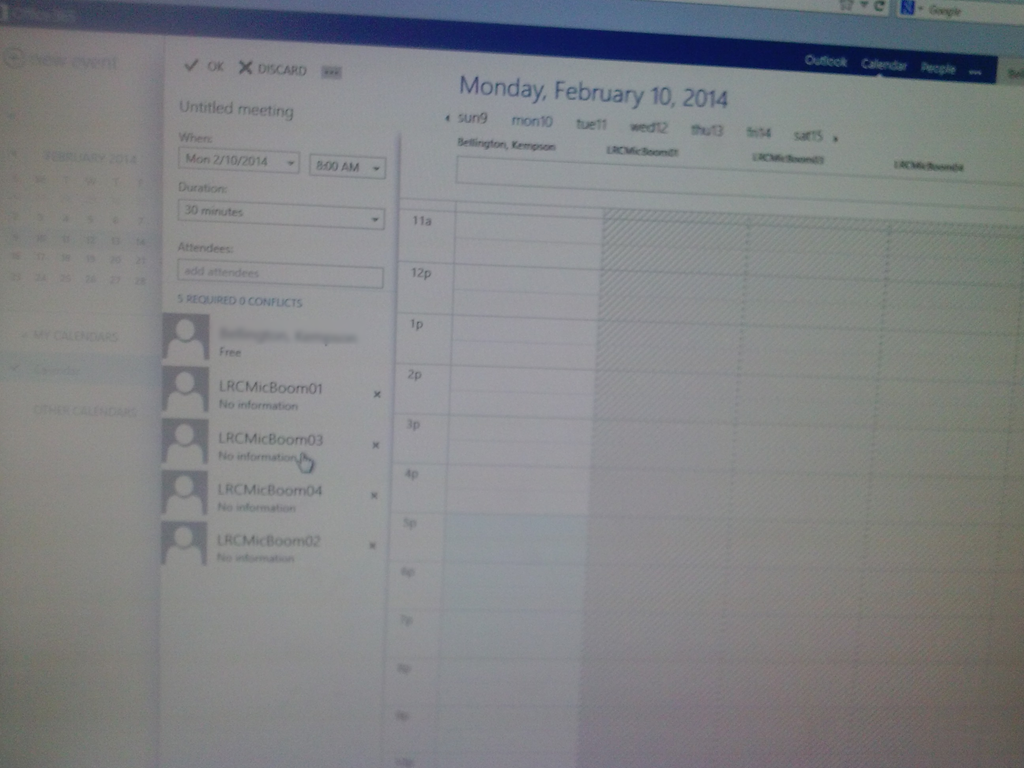
This effectively prevents all reservations of shared equipment. We tested with these 4 resources, and increasingly nearer dates in the future (from May to today). This is in Offcie265 from a student account. From a staff account in OWA, I do not see the same behavior: 
Update: A resolution is being worked on… Update2: FIXED
Managing responses when organizing workshops with meeting requests
You can use “copy status to clipboard”
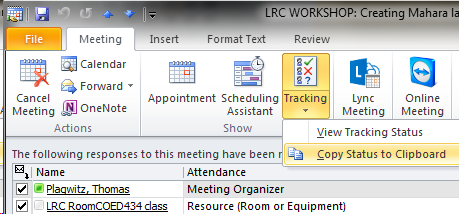
to move to and manage in excel:


Use an excel table autofilter to drill down to the actual participants:


and paste them right back into an outlook message:
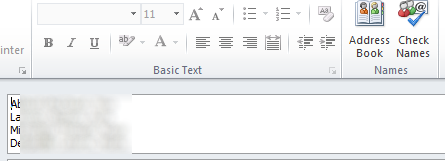
Outlook can handle that (“check names”):

How to book a resource in Office365–the ultimate training…

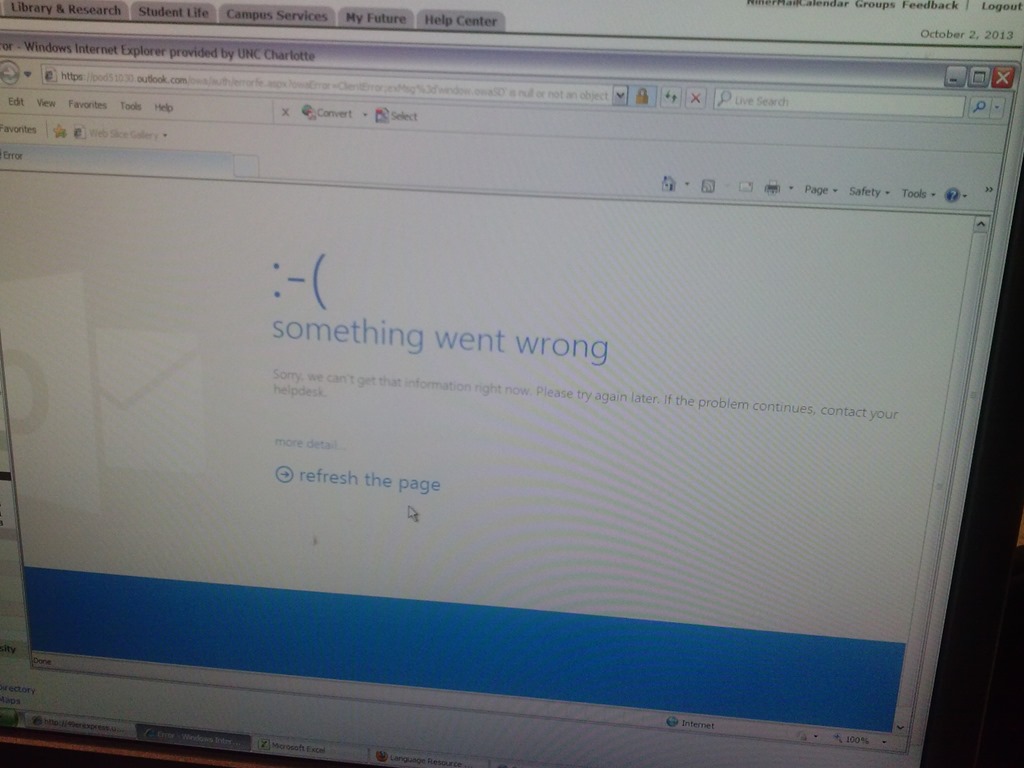
Some users cannot check out LRC items since they cannot log into their NINERMAIL Office365 Outlook

- This seems to have been going on for a while. We have no good way to use another browser on the computers that we use for our room booking and equipment circulation system. Besides,
- IE8 is the default browser on campus.
- Microsoft seems to say it not deprecate it without notice. Rather, pasted from http://community.office365.com/en-us/wikis/manage/office-365-and-internet-explorer-8.aspx states the following (they do not mention XP though, but that is also supported until April 2014):
- Why is Office 365 ending support for Internet Explorer 8? [in short, html5]
-
Why 8 April 2014? Office 365 provides customers 12 months’ notice of disruptive change under our Online Services Support Lifecycle. We announced Office 365 is ending support for Internet Explorer 8 on the System Requirements Wiki on 9 April 2013.
-
Will Internet Explorer 8 users be blocked from connecting to Office 365 after 8 April 2014? No, Office 365 will not deliberately block Internet Explorer 8 users from accessing the service after 8 April 2014. But after that date, users connecting to Outlook Web App will only be able to use Outlook Web App Light.
- ITS says Microsoft told them IE8 is not supported.
- The following change does not fix it here on XP SP3:
-
Windows Registry Editor Version 5.00
-
[HKLM and HKCU\SOFTWARE\Microsoft\Internet Explorer\Main]
“XMLHTTP”=dword:00000001
-
- Go figure.


Questions? Read the About. Or just ask me a quick Our Databases: Resources with calendars -- Language learning material Moodle Sites, multimedia files -- films


FAQs for LRC student staff or for students or for teachers. To search our FAQs, in the browser addressbar, add after "https://plagwitz.wordpress.com/feed/?tag=faqs+/" "+TAG1" (from tag cloud below) OR "https://plagwitz.wordpress.com/feed/tag=faqs
&category_name=" "CAT1" (from category hierarchy below). OR search both categories and tags, and multiple TAGs/CATs (connect with "," for OR-search, with "+" for AND-search), like so: https://plagwitz.wordpress.com/feed/?tag=TAG1+TAG2+...TAGn&category_name=CAT1
+CAT2+...CATn"
Other ways to find help
If you cannot find it here, look there: 5,500 Language-Learning Links and Programs for learning or teaching 150 languages
Shortcuts:Our Lists, Our Maps, LRC Staff Moodle Site,LRC Project Moodle Site, 49erexpress, UNCC Moodle, Student Recordings: s:claslcslrcsanakostudent
Learning usage samples: Sanako oral exam, Kaltura webcam presentation, Dictation with speech recognition, Sanako written exam, Chinese and Japanese interactive stroke-order practice
Test the Sanako Installer, Webbrowser Popup Konfigurator for XP, or Windows7, faster LRC TeacherPC Log-in Let MS facilitate diacritics writing by installing for you US-International keyboard layout
This is my personal blog (Google+). The views expressed on these pages are mine alone and not those of my employer. The information in this weblog is provided “AS IS” with no warranties, and confers no rights.
 Thomas' Work Space