Archive
Posts Tagged ‘joomla’
How to bypass email cloaking in Joomla 2.5
2012/05/31
1 comment
- If you have URLs on your Joomla site that contain @-signs, Joomla 2.5 will mangle them, since it seems to think out of the box that these are email addresses that need to be protected (anybody else using Joomla 2.5 with MS-Exchange 2010 calendars…?).
- If you do not want to give directive {emailcloak=off} on top of the article, try url-encoding the @-sign (%40). May be more difficult for your users to memorize, though.
Categories: e-infrastructure, lab-portal
2.5, 2010, calendaring, joomla, ms-exchange
How to access most important LRC calendars from quick links on LRC home page
2012/03/08
Leave a comment
- Go to http://lrc.uncc.edu
- access like so:


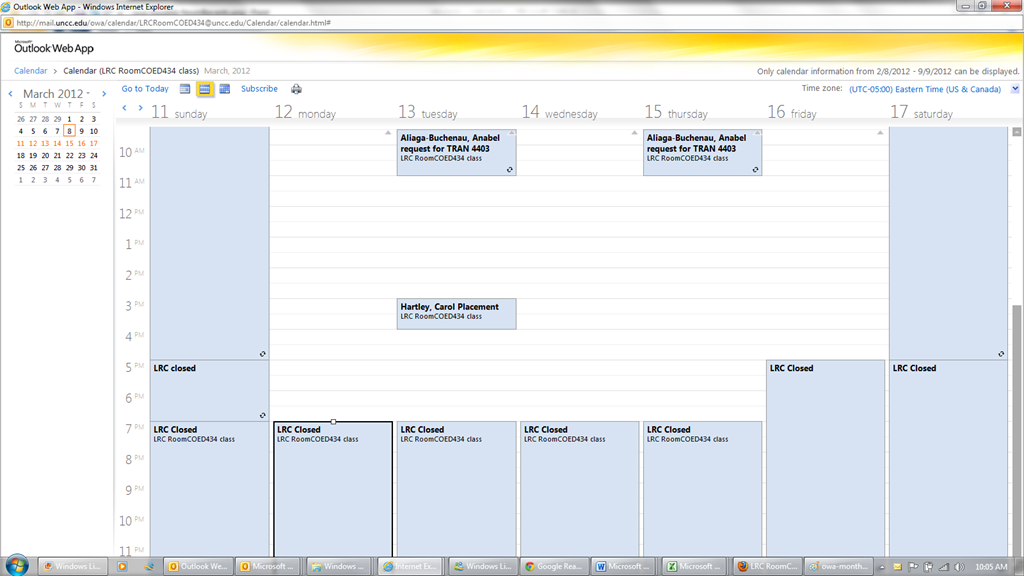
- The default calendar view in OWA is monthly:
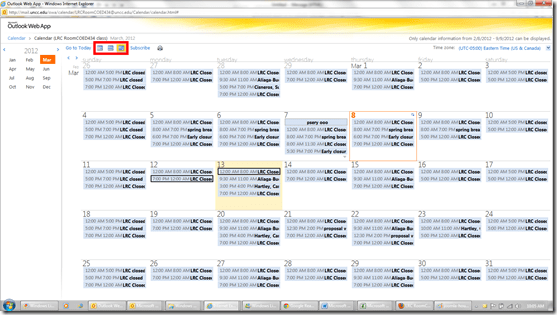
- From the top menu icons, you can easily change to weekly and daily views:

- The calendars are edited directly by the service-providing party, to stay up to date with the frequent changes in tutor availability (see #1 on Seven ways to think like the web; #4, getting them to stick to our “disciplined naming conventions” remains a work in progress).
- Thanks to Joomla’s Publish/Unpublish feature, we also stand a chance keeping up with the frequent changes in tutors being sent to the LRC or not, by entirely hiding non-applicable calendars (so that students do not have to think about what we mean by “no time slots = sorry, currently no tutor”):



Is there a better way to cross-link within Joomla?
2011/11/15
Leave a comment
- I find my best bet to find anything in the hyperlink dialogue is to go to the published site and search for the article. Here I finally found the article in questions, knowing that it lived (“had been filed”?) in “uncategorized”, which the site search results kindly let me know:

- Obviously you do want to use the internal URL which should survive DNS-related changes.

Categories: audience-is-IT-staff, e-infrastructure
joomla
How to access your HTML code in Joomla
2011/11/01
Leave a comment
- Could have an easier icon in the WYSIWYG editor:


Categories: documentation, e-infrastructure, mental-notes
joomla
How to add an RSS feed to your Joomla front page
2011/10/06
Leave a comment
- Go to Top menu: Extensions / menu item: module manager / upper right corner button: new / radio button: feed display / upper right button: next
- Fill out this form, some hints to follow:
- radio button: show title: module name will be displayed on front page,
- Position
- Order
- RTL = Right To Left
- title: can give context
- image: not if you want a tight display
- items: more than 3

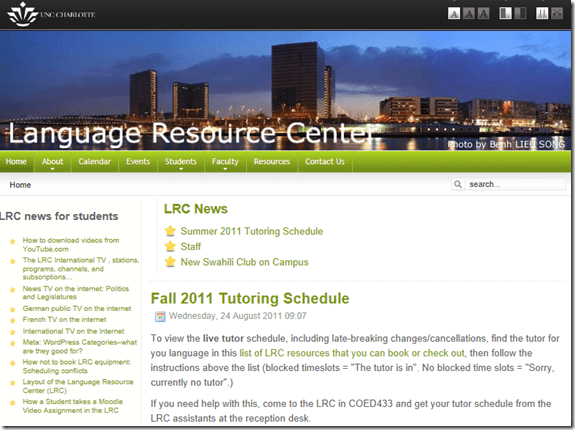
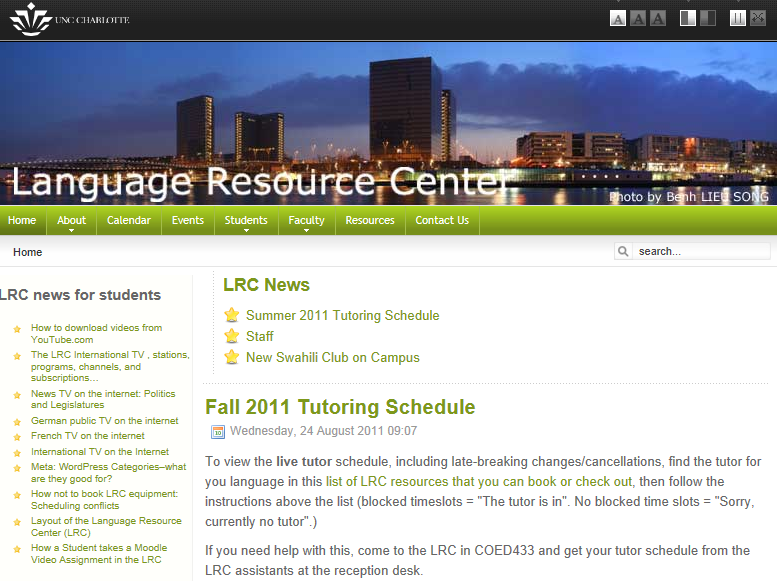
- The resulting feed display looks like this on the Joomla Front Page:

How to remove the Calendar by editing the Joomla Menus
2011/09/29
Leave a comment
- JEvent was planning to add the capability of loading ICS for 1.6, but we are running 1.5 and we seem to fade it out instead of upgrading it. It is better anyway for clients use their personal communication environment to personalize the events they need to know about, instead of going to a one-size-fits-all website. So we are removing this menu item. Here is how:
- In the Joomla Administrator Control Panel, click on the Menu Manager:
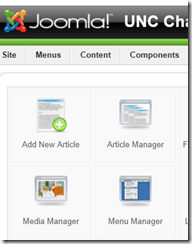
- Locate the menu item that you want to remove in the hierarchy.
- Open the Menu item – from here you can
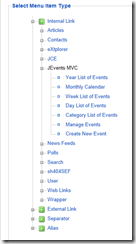
- either “unpublish” the menu
- or, lest you confuse your users, change the type to a page and post an explanation and directions where users can get the information they want in a better way.
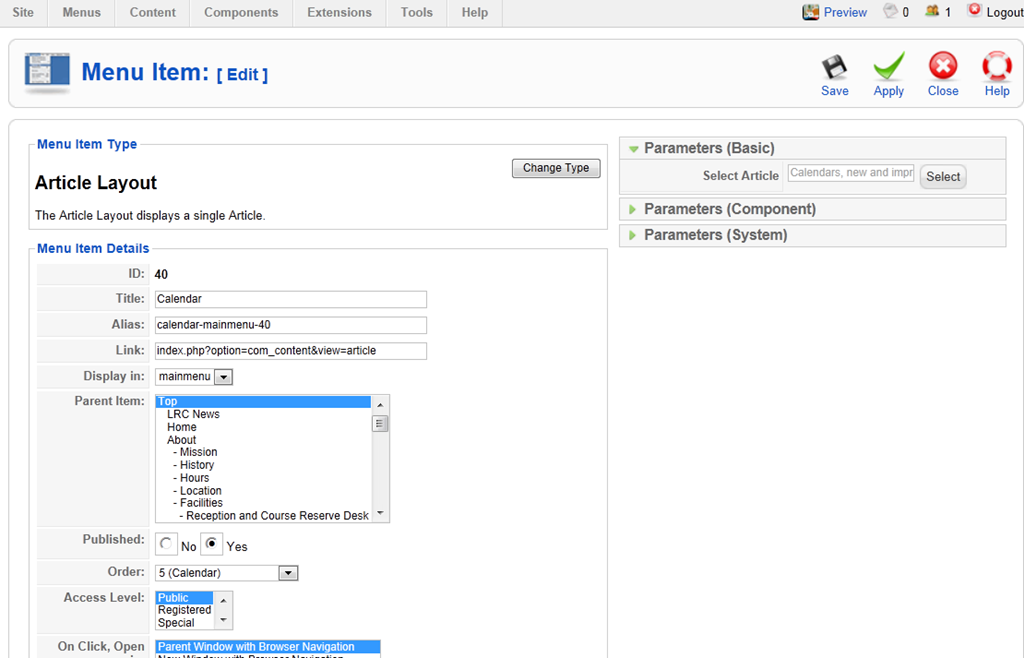
- replace the Calendar by an Article, then choose first the article format, then the article (article has to exist, you have to author it before editing the menu):

- Result:



LRC website homepage updated to included LRC newsfeeds
2011/08/25
Leave a comment
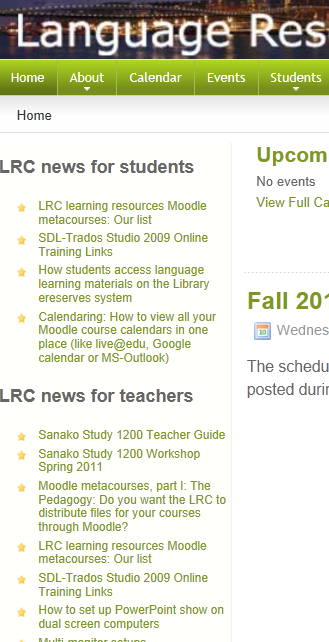
We have added newsfeeds to the most recent LRC news for students and teachers to the UNCC-LRC homepage, in the hope that our clients will find it easier to learn about new LRC features for language learning.
Categories: audience-is-students, audience-is-teachers, e-infrastructure, websites
joomla, newsfeed, rss, website


Questions? Read the About. Or just ask me a quick Our Databases: Resources with calendars -- Language learning material Moodle Sites, multimedia files -- films


FAQs for LRC student staff or for students or for teachers. To search our FAQs, in the browser addressbar, add after "https://plagwitz.wordpress.com/feed/?tag=faqs+/" "+TAG1" (from tag cloud below) OR "https://plagwitz.wordpress.com/feed/tag=faqs
&category_name=" "CAT1" (from category hierarchy below). OR search both categories and tags, and multiple TAGs/CATs (connect with "," for OR-search, with "+" for AND-search), like so: https://plagwitz.wordpress.com/feed/?tag=TAG1+TAG2+...TAGn&category_name=CAT1
+CAT2+...CATn"
Other ways to find help
If you cannot find it here, look there: 5,500 Language-Learning Links and Programs for learning or teaching 150 languages
Shortcuts:Our Lists, Our Maps, LRC Staff Moodle Site,LRC Project Moodle Site, 49erexpress, UNCC Moodle, Student Recordings: s:claslcslrcsanakostudent
Learning usage samples: Sanako oral exam, Kaltura webcam presentation, Dictation with speech recognition, Sanako written exam, Chinese and Japanese interactive stroke-order practice
Test the Sanako Installer, Webbrowser Popup Konfigurator for XP, or Windows7, faster LRC TeacherPC Log-in Let MS facilitate diacritics writing by installing for you US-International keyboard layout
This is my personal blog (Google+). The views expressed on these pages are mine alone and not those of my employer. The information in this weblog is provided “AS IS” with no warranties, and confers no rights.
 Thomas' Work Space