Archive
Posts Tagged ‘imaging’
Reception area PCs: Remaining issues with the software image
2011/09/08
Leave a comment
- That’s a new one:
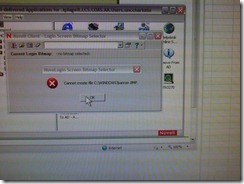 . likely fixed by logging in with an admin account first before freezing.
 - IE8 windows in kiosk mode where clients need to log in (and out, using the built in links not by closing the browser)
- 49erexpress , the rest is linked there and opens in a new window which can also be closed, as long as the login dialogue stays up
- mail.uncc.edu
- Moodle
- Safari
- default dialogues need to be changed
- no “not default browser”:
- close w/o saving settings/tabs
- no “not default browser”:
- should start and load the UNCC-LRRC calendar (could be home page)
- default dialogues need to be changed
- Chrome
- business chrome install, but interferes with zoomit shortcuts
- Firefox
- is missing tab 49erexpress: use this also for lrc assistants
- LRC Moodle
- LRC lists
- loads its required tabs twice – probably related to “save and quit” feature which needs to be set to “quit” and “never ask again”.
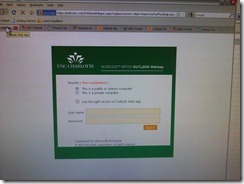
- Spreadsheet opens read-only.
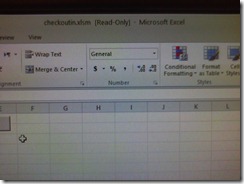
- Trying to set the file attribute to read/write fails

- Trying to set the file attribute to read/write fails
- not needed, store in outlook, also we do not output code to spreadsheet anymore anyway to discourage manual copy: Writable spreadsheet is not useful anyway on a frozen PC
- w/o thawspace: implement one in Deepfreeze (which requires alteration of the DFWks.exe installer) (and during creation of the image, fake the drive letter from which the spreadsheet autoloads, with a removable drive).
- Better would be Faronics Igloo which would with install of deepfreeze redirect spreadsheet folder to thawed virtual partition, but is not available
- Deepfreeze did install and could be frozen, but does not accept its password for thawing locally and needs to be thawed from the Deepfreeze Console. Password has been updated.
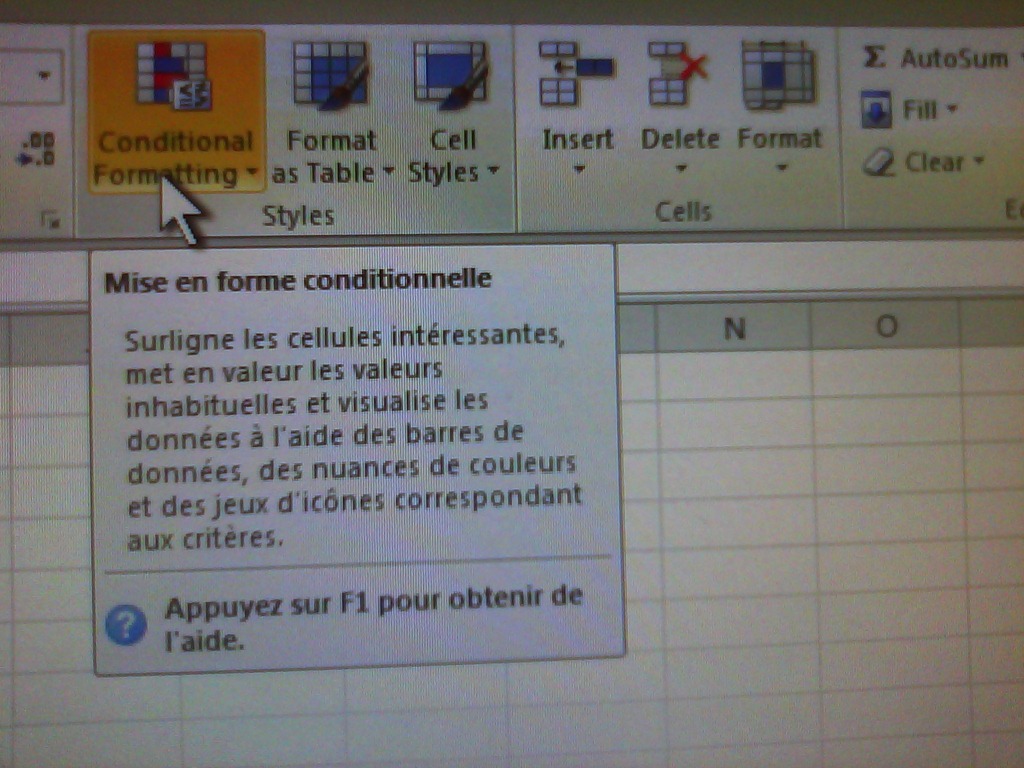
- The MS-Office tooltips are set to French – this is for testing:

- Internet Explorer managed to sneak in Bing as the default search provider;

- When starting MS-word, there is a DOCUMENT Recovery pane.
- in explorer, protected operating files are not shown, but hidden files
- label screens on lrc assistant side.
- LRC assistants use Firefox, clients use Internet explorer (full-screen – use ALT+TAB to switch windows)
- show on 2nd screen:
- SAFARI with UNCC-LRC calendar
- Moodle Spanish announcement (?)
- Printers
- department: optional
- Ricoh: default



Just testing the post by email
2011/08/25
Leave a comment
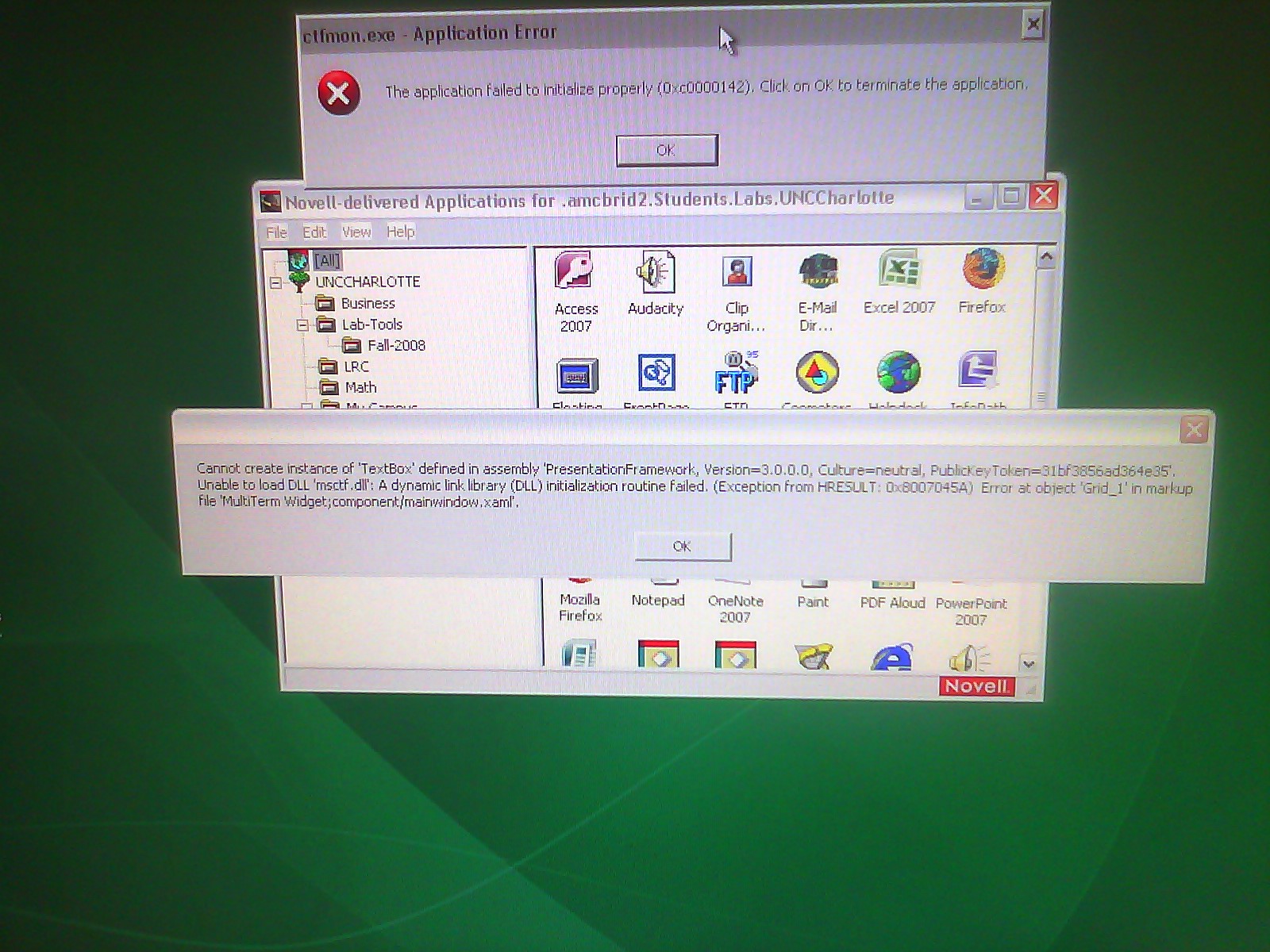
This appears to be a Trados error. Does it appear on every startup? On each Coed434 PC? We have to investigate.
Categories: Glitches&Errors, Student-Computers, translation-software
imaging, sdl-trados


Questions? Read the About. Or just ask me a quick Our Databases: Resources with calendars -- Language learning material Moodle Sites, multimedia files -- films


FAQs for LRC student staff or for students or for teachers. To search our FAQs, in the browser addressbar, add after "https://plagwitz.wordpress.com/feed/?tag=faqs+/" "+TAG1" (from tag cloud below) OR "https://plagwitz.wordpress.com/feed/tag=faqs
&category_name=" "CAT1" (from category hierarchy below). OR search both categories and tags, and multiple TAGs/CATs (connect with "," for OR-search, with "+" for AND-search), like so: https://plagwitz.wordpress.com/feed/?tag=TAG1+TAG2+...TAGn&category_name=CAT1
+CAT2+...CATn"
Other ways to find help
If you cannot find it here, look there: 5,500 Language-Learning Links and Programs for learning or teaching 150 languages
Shortcuts:Our Lists, Our Maps, LRC Staff Moodle Site,LRC Project Moodle Site, 49erexpress, UNCC Moodle, Student Recordings: s:claslcslrcsanakostudent
Learning usage samples: Sanako oral exam, Kaltura webcam presentation, Dictation with speech recognition, Sanako written exam, Chinese and Japanese interactive stroke-order practice
Test the Sanako Installer, Webbrowser Popup Konfigurator for XP, or Windows7, faster LRC TeacherPC Log-in Let MS facilitate diacritics writing by installing for you US-International keyboard layout
This is my personal blog (Google+). The views expressed on these pages are mine alone and not those of my employer. The information in this weblog is provided “AS IS” with no warranties, and confers no rights.
 Thomas' Work Space