Archive
Which browser and operating system we could get which Moodle Kaltura webcam assignments to work in
Below please find our current (work in progress) test matrix. Use one of the combinations that worked (“YES”) to avoid problems when taking or grading webcam assignments (or come to the LRC where we set up a working combination). You can view your version of the Kaltura video player and of Adobe Flash by right-clicking on the Kaltura video window.
How to record your voice with Vocaroo.com
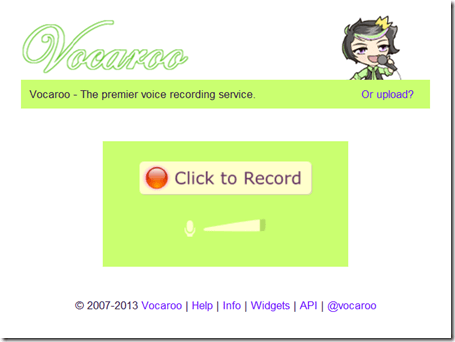
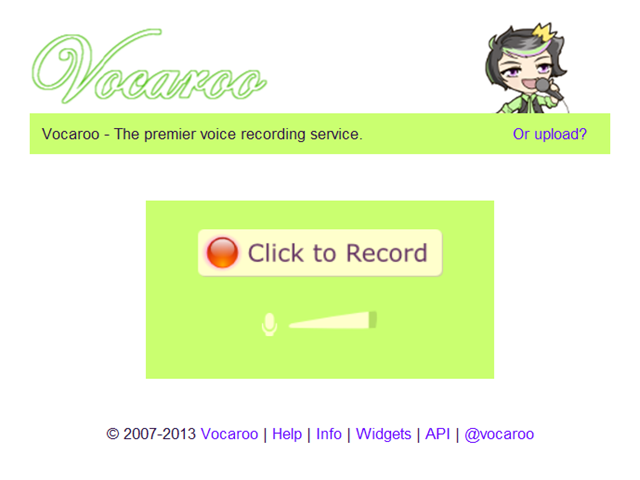
- Click the red record button:
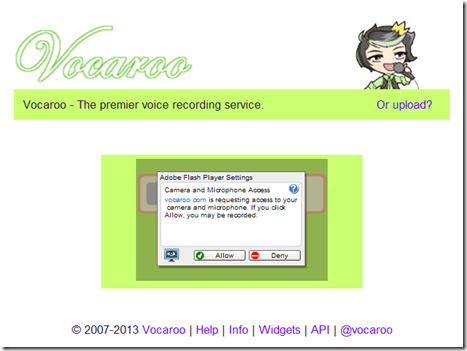
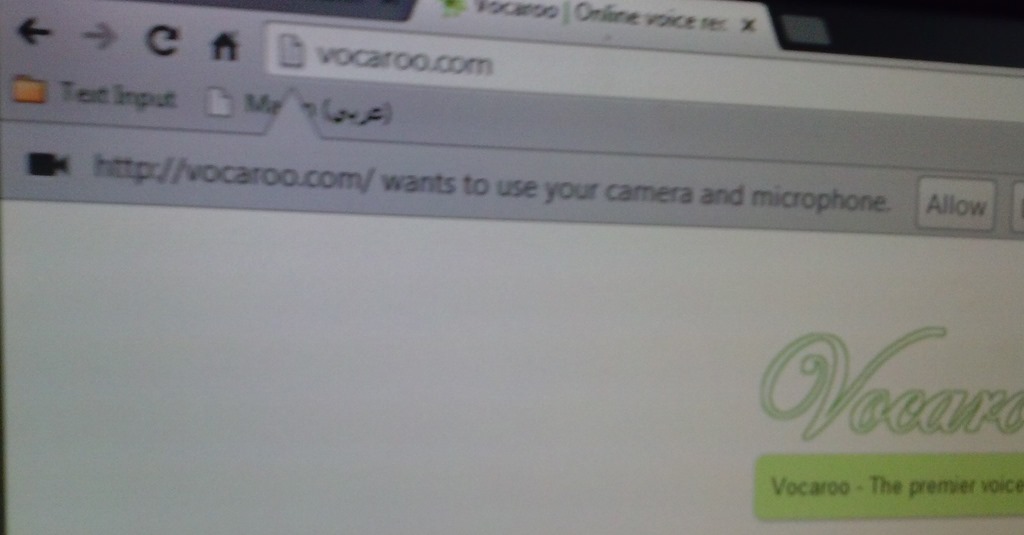
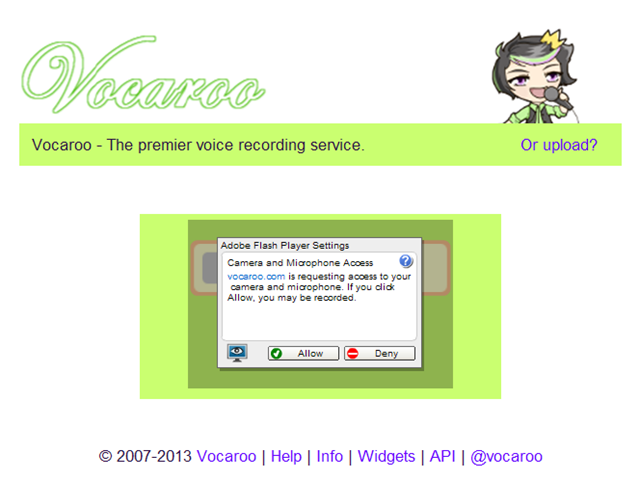
- IMPORTANT: You have to allow the web app access to your microphone (you would not want webpages be able to record you without having been asked for permission, would you?):

- And/or Click “allow” on this screen:
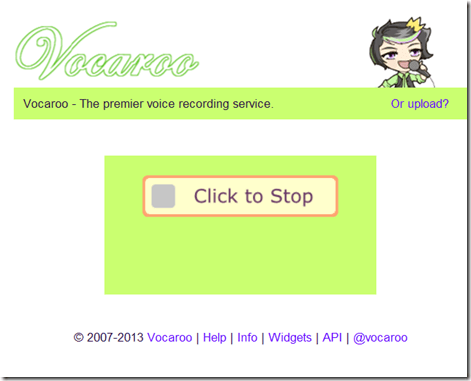
- Speak, when done, click the square stop button:
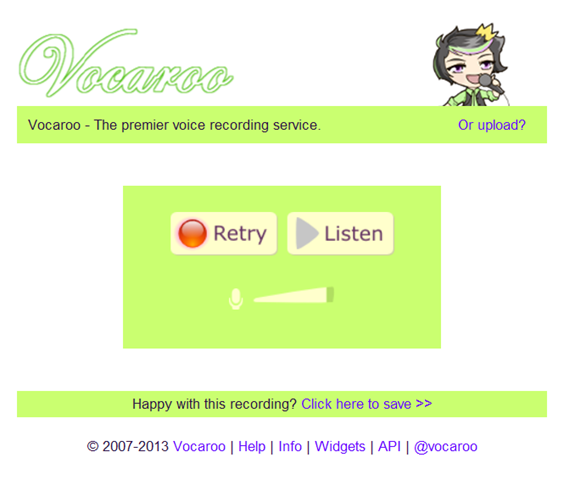
- Click the triangle to listen to your recording (if you do not see the triangle, but a warning at the bottom, have you clicked “allow ” in step 3 above? If you are not sure, press “F5” now to refresh the page, that will bring up the dialogue again for you press “allow ”):

- Listen:
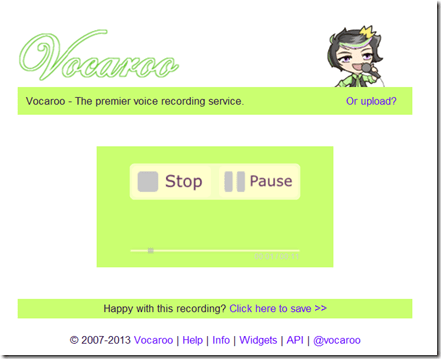
- “Save”.


Multilingual WordNet search interface
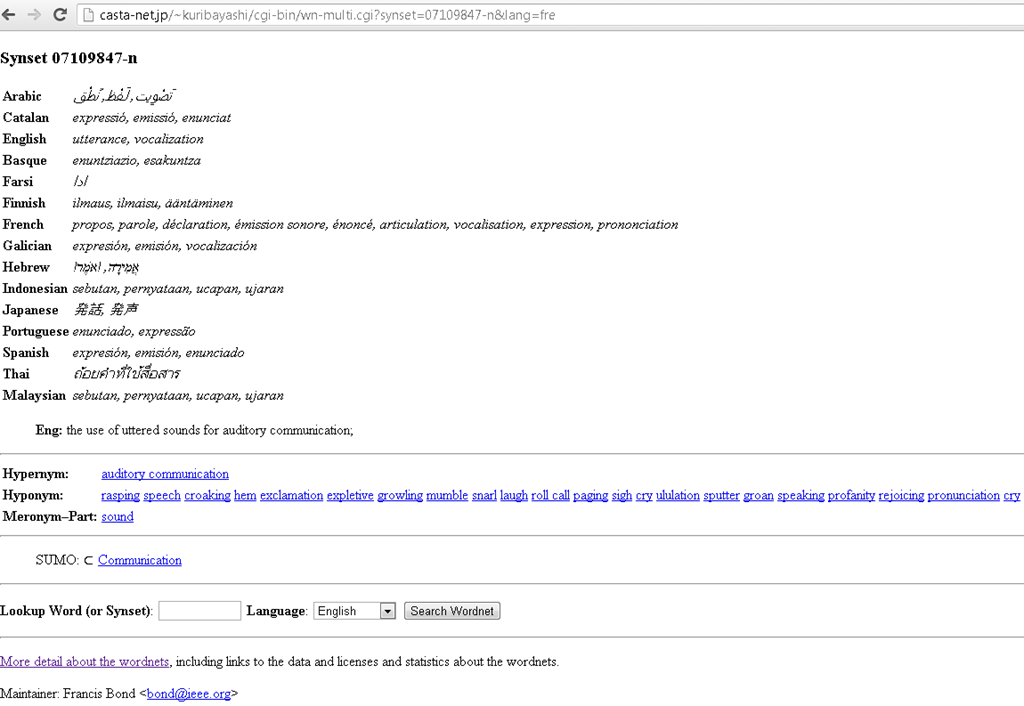
Covers a subset of the languages supported by the LRC. Based on Wordnet which is rather than a dictionary for human consumption, a machine-readable semantic network, but here is one of its machine-generated applications.
Protected: Block common translator, webmail and/or social web sites during LRC class by loading a RUL file in Sanako Study 1200
How to find clip art for learning material creation with Google’s Advanced Image Search
Once you made it to http://images.google.com, click on the “options” button in the upper right and choose “Advanced search”:
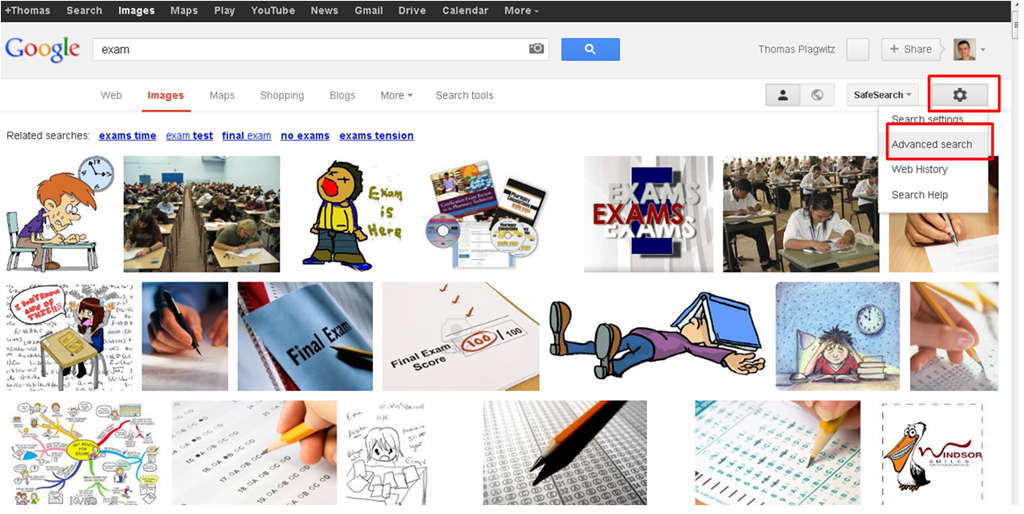
One of the useful options for learning material creation is restricting search to “clip art”, like in the screenshot below:

The results in many cases are more different – and useful – than in this example:
So give it a try, and also let us know in the comments what other advanced image search options you like to use in your learning material creation.
Kaltura Webcam assignment GRMN1201 example
Pictolang, another flashcard site for vocabulary learning
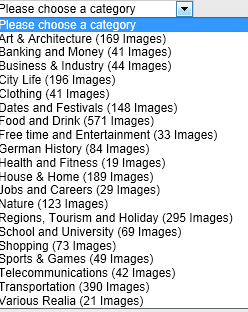
- Distinguishing mark: Pictolang is based on the Culturally authentic Picture Lexicon. Here is an overview of the currently available languages and imagery:
-
Language Region # Images German 2631 Mandarin China 2336 ESL North America 2074 Russian 1420 French France 1231 Spanish Southern Cone 1022 Spanish Mexico 1000 Spanish Central America & Caribbean 872 Spanish Peninsular 579 Arabic 287 Special Collections 151 Ukrainian 139 Japanese 106 French Canada 47 Arabic Oman 11 - You can focus vocabulary your study on specific topics, which will likely integrate it better with your core textbook material (often divided into topical chapters).

- Suitable for self-study, the use of CAPL makes this an especially interesting tool for preparing work/study/travel abroad. It also allows for playing a classroom flashcard game in language culture and area studies, where the teacher can provide context and background information in the images from the target culture.

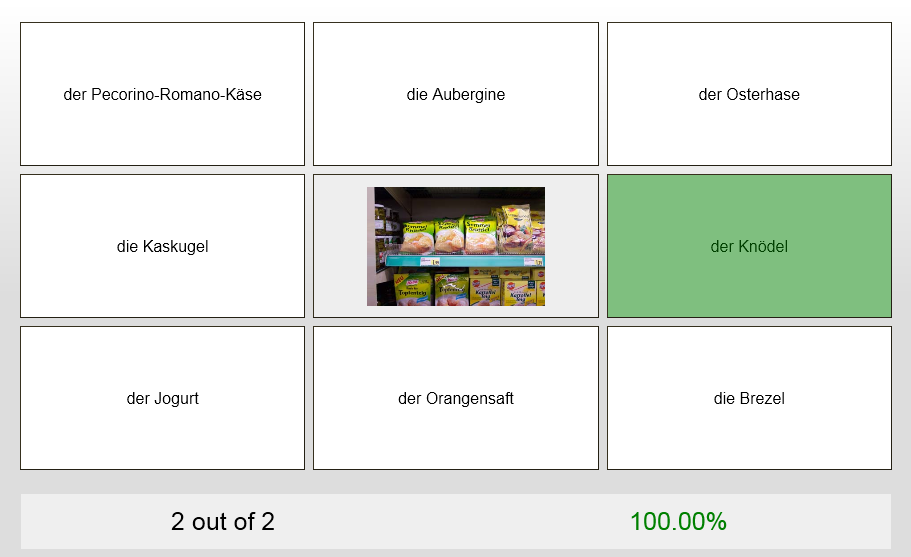
- Example o the Word Match Game right answer feedback:
- Wrong answer feedback:




Questions? Read the About. Or just ask me a quick Our Databases: Resources with calendars -- Language learning material Moodle Sites, multimedia files -- films


FAQs for LRC student staff or for students or for teachers. To search our FAQs, in the browser addressbar, add after "https://plagwitz.wordpress.com/feed/?tag=faqs+/" "+TAG1" (from tag cloud below) OR "https://plagwitz.wordpress.com/feed/tag=faqs
&category_name=" "CAT1" (from category hierarchy below). OR search both categories and tags, and multiple TAGs/CATs (connect with "," for OR-search, with "+" for AND-search), like so: https://plagwitz.wordpress.com/feed/?tag=TAG1+TAG2+...TAGn&category_name=CAT1
+CAT2+...CATn"
Other ways to find help
If you cannot find it here, look there: 5,500 Language-Learning Links and Programs for learning or teaching 150 languages
Shortcuts:Our Lists, Our Maps, LRC Staff Moodle Site,LRC Project Moodle Site, 49erexpress, UNCC Moodle, Student Recordings: s:claslcslrcsanakostudent
Learning usage samples: Sanako oral exam, Kaltura webcam presentation, Dictation with speech recognition, Sanako written exam, Chinese and Japanese interactive stroke-order practice
Test the Sanako Installer, Webbrowser Popup Konfigurator for XP, or Windows7, faster LRC TeacherPC Log-in Let MS facilitate diacritics writing by installing for you US-International keyboard layout
This is my personal blog (Google+). The views expressed on these pages are mine alone and not those of my employer. The information in this weblog is provided “AS IS” with no warranties, and confers no rights.
 Thomas' Work Space