Archive
Archive for the ‘audience-is-language-learning-center-staff’ Category
LRC hosts help desk for students to register on their McGraw-Hill Connect online textbook website
2013/08/17
Leave a comment
This special Help desk will be sign-posted in the LRC on the day of the events. For now, consult the calendar of the iMacsand Group Room1, 2 (see https://thomasplagwitz.com/2012/11/04/how-to-view-lrc-hoursevents/).Here is the documentation:
How to fix a crash of the teacher station control panel
2013/08/15
Leave a comment
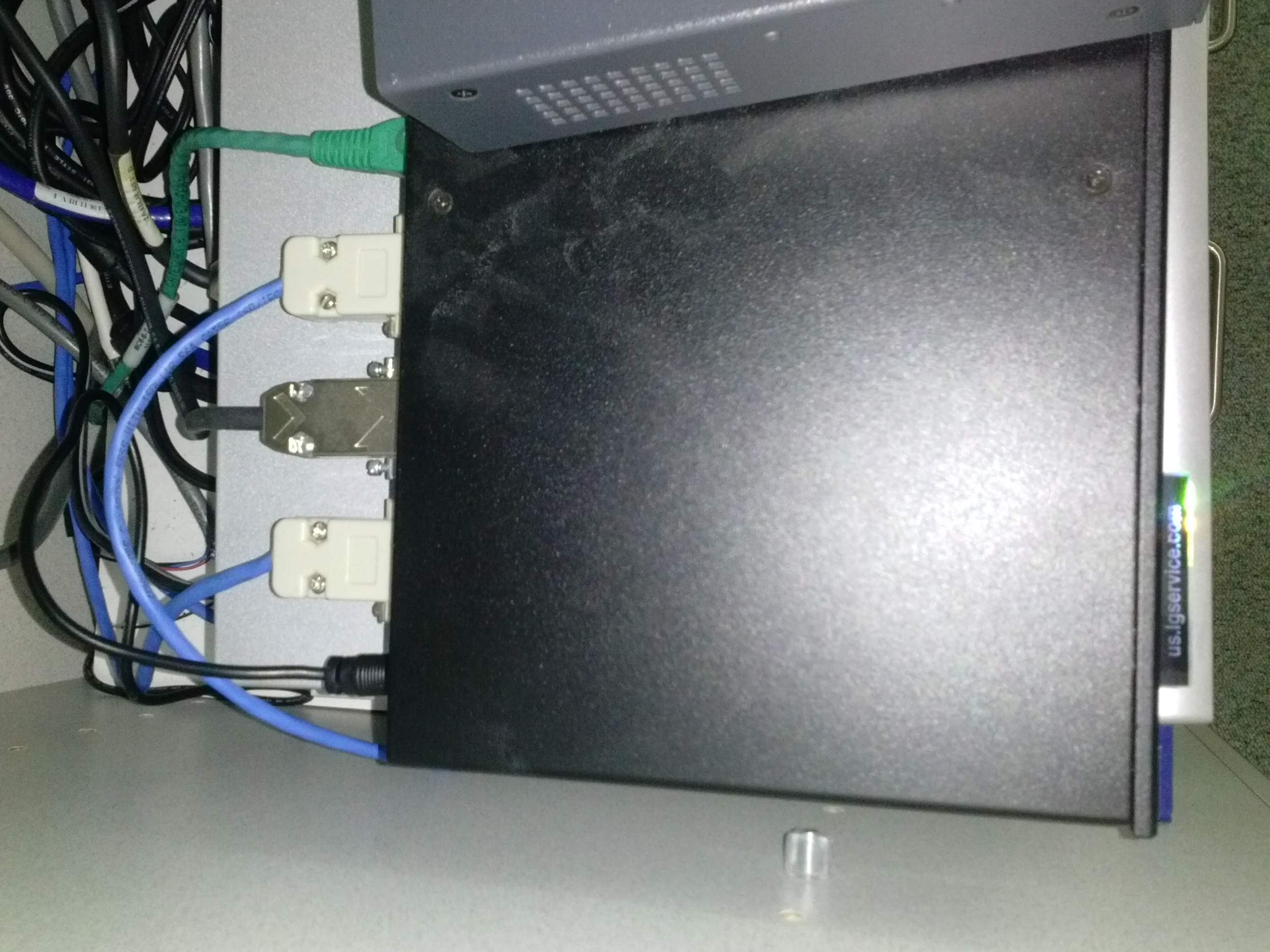
- Problem: control panel on the teacher station unresponsive (both hardware and software buttons). No AV and on/off switching.
- Cause: Octo switch in the AV cabinet crashed (it needs replacing).
- Resolution: Open the door to the AV cabinet and powercycle the switch (= unplug and replug the lower thin black cable in the 1st or top rightmost thin black cable in the 2nd photo). Or use the call button (still functional) and wait for help.


How to publish an OWA calendar to the internet
2013/07/31
Leave a comment
- For lack of PowerShell access, we have to:
- sign in as the resource :

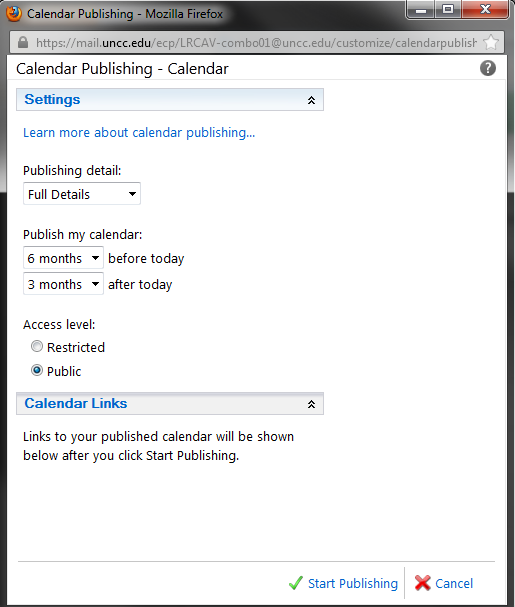
- “click on publish” in the calendar’s context menu:

- choose these settings
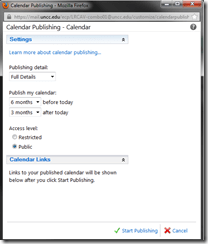 ”
”
- we do a lot of forensics and statistics, looking back throuhg the term, which is longer back than 3 months
- students do not need to book ahead at the beginning of the term for end-of-term projects, so we do not need 6 months forward;
- Result:
 .
.



How to quickly check if onboard audio is disabled on student PCs with Sanako headsets
2013/07/05
Leave a comment
- Sanako Study 1200 works best with its own Sanako SLH-07 headsets (they include a USB soundcard). When using these, it is best to completely disable the analog or other sound chip/card that came with your system (onboard). Usually, you can do this in the BIOS.
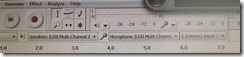
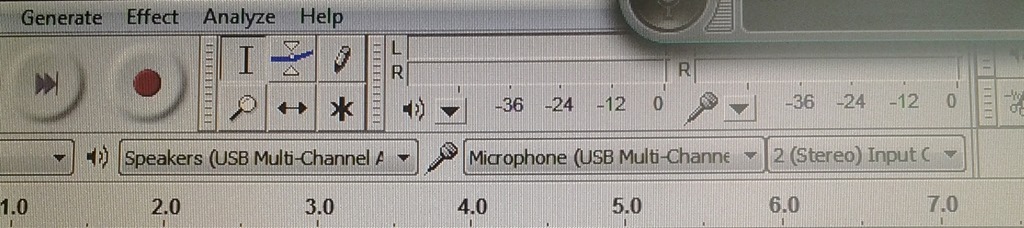
- Before you venture in there, an easy check on which computers is necessary is possible thanks to Audacity displaying the sound card options: Start Audacity form the desktop and look in the dropdowns under the top menu which sound devices Audacity has detected on the system:
- This example is form a PC where I had to fix it:
 . Audacity should not see the SoundMax if it has been disabled in the BIOS.
 - And this is what audacity should see (the USB sound card that comes with the Sanako SLH-07):
- This example is form a PC where I had to fix it:

More unsolicited Deepfreeze system reboots in the middle of working?
2013/07/05
Leave a comment
What gives? 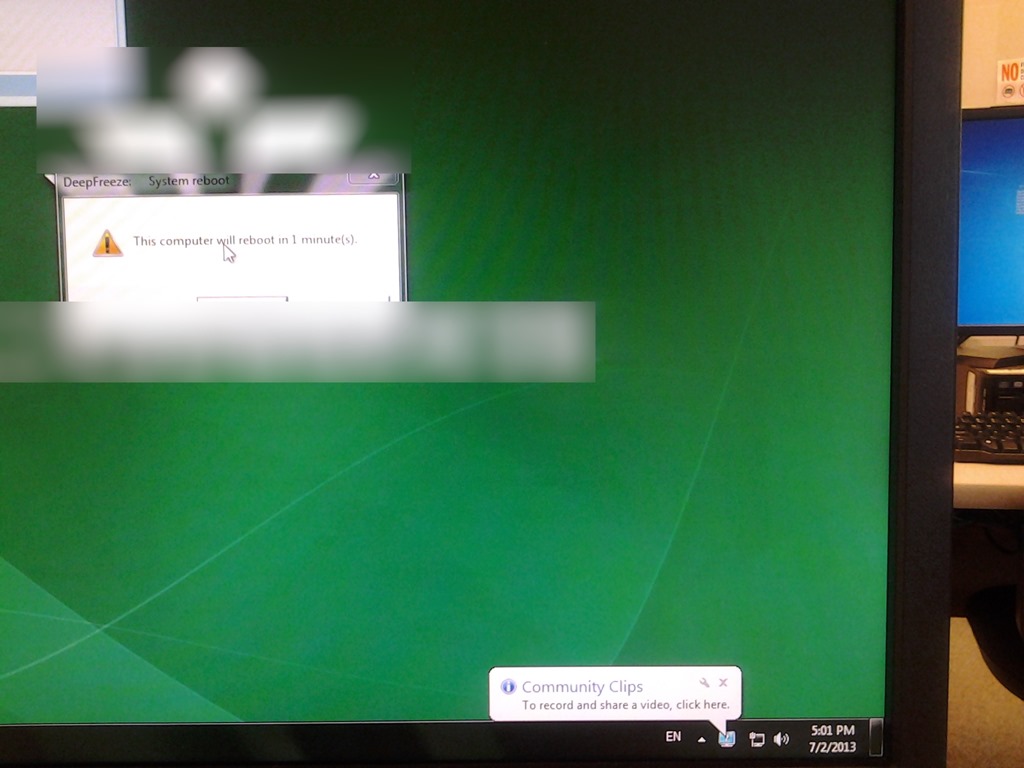
LRC Teacher podium AV switch
2013/07/05
Leave a comment
- Even though we may soon swap the switch, here is how the AV switch needs to be connected for the teacher computer’s left screen to get projected to the dual projector screens:


How to fix exception: Sanako Graph Data not installed
2013/07/05
Leave a comment
- Problem: When trying to administer an oral exam, using model imitation, source: file, I could not, but rather I got this error
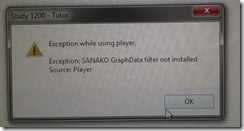
- Root: The same feature had worked in the morning – however, then the Sanakorecorder interfered with the Sanako tutor. Turned out that the Sanako tutor had been installed over a Sanako Student recorder which caused the tutor pc to connect to itself (distracting, also potentially a liability since it eats up licenses if not managed). In between morning and afternoon exam, the student recorder was uninstalled, but without the required functionality testing afterwards. So this exam had to become the test.
- Workaround: Reinstall the student recorder. We used the “test the Sanako installer” program on my home page to not delay the exam too much.

- Solution: do not install the Sanako tutor over a student installation in the first place.
- Either remove the Student recorder after imaging the teacher station with the student image,
- or better, image the PC without the added baseline task “Student recorder”.




Questions? Read the About. Or just ask me a quick Our Databases: Resources with calendars -- Language learning material Moodle Sites, multimedia files -- films


FAQs for LRC student staff or for students or for teachers. To search our FAQs, in the browser addressbar, add after "https://plagwitz.wordpress.com/feed/?tag=faqs+/" "+TAG1" (from tag cloud below) OR "https://plagwitz.wordpress.com/feed/tag=faqs
&category_name=" "CAT1" (from category hierarchy below). OR search both categories and tags, and multiple TAGs/CATs (connect with "," for OR-search, with "+" for AND-search), like so: https://plagwitz.wordpress.com/feed/?tag=TAG1+TAG2+...TAGn&category_name=CAT1
+CAT2+...CATn"
Other ways to find help
If you cannot find it here, look there: 5,500 Language-Learning Links and Programs for learning or teaching 150 languages
Shortcuts:Our Lists, Our Maps, LRC Staff Moodle Site,LRC Project Moodle Site, 49erexpress, UNCC Moodle, Student Recordings: s:claslcslrcsanakostudent
Learning usage samples: Sanako oral exam, Kaltura webcam presentation, Dictation with speech recognition, Sanako written exam, Chinese and Japanese interactive stroke-order practice
Test the Sanako Installer, Webbrowser Popup Konfigurator for XP, or Windows7, faster LRC TeacherPC Log-in Let MS facilitate diacritics writing by installing for you US-International keyboard layout
This is my personal blog (Google+). The views expressed on these pages are mine alone and not those of my employer. The information in this weblog is provided “AS IS” with no warranties, and confers no rights.
 Thomas' Work Space