Archive
Archive for September, 2013
The Scheduling Assistant is simply multiple calendars displayed as parallel timelines for easier comparison
2013/09/09
Leave a comment
- We are all conversant in reading a daily – like here for the classroom-, weekly or monthly calendar sheet:
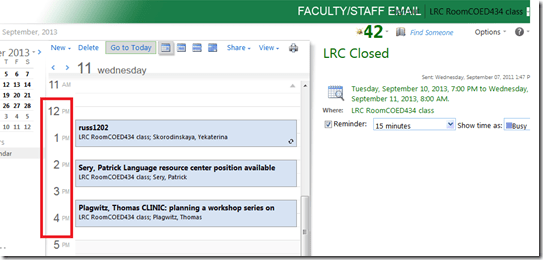
- If you send a Meeting request to the classroom to book it, the Scheduling Assistant displays exactly the same free/busy information for the classroom.
- Same pattern of events as above:
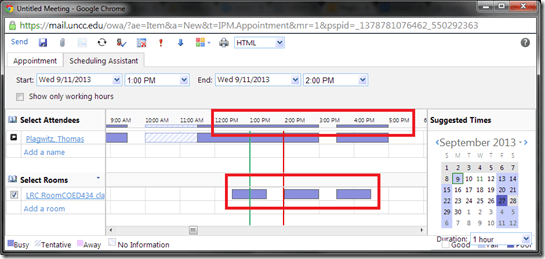
- Except that it is folded from a calendar into a timeline format (and in OWA does not display text explanatory beyond with what/whom the room is busy).
- This timeline format may be less familiar, but is much more practical to compare the availability for the multiple participants of a meeting.
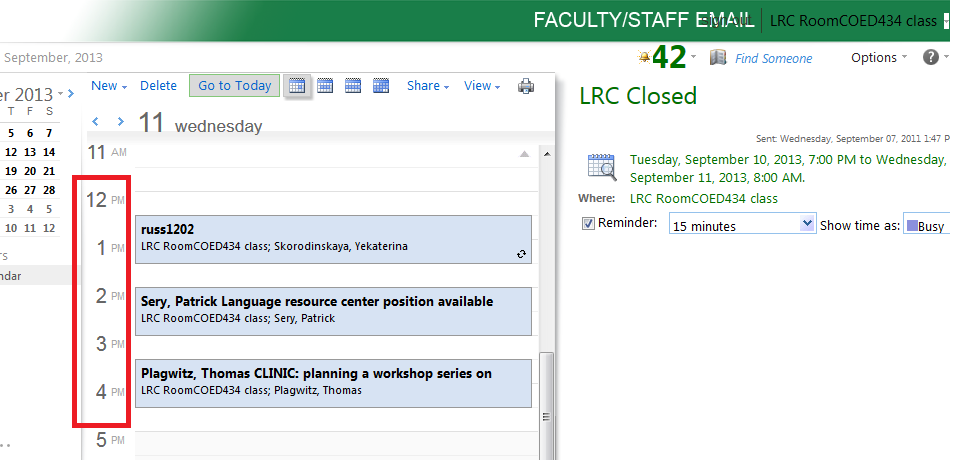
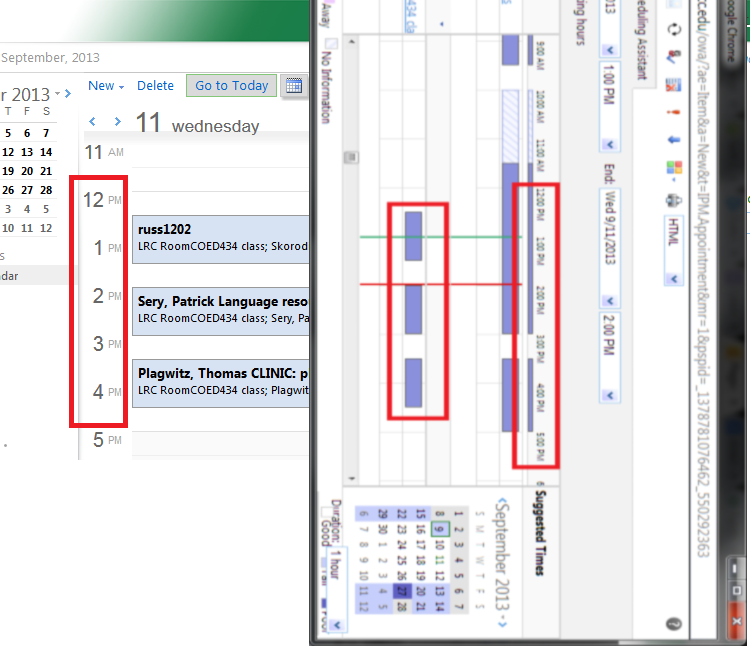
- Same pattern of events as above:
- Compare here: Same pattern for the room booking on both views.



Clinic on PowerPoint for teaching presentations
2013/09/09
Leave a comment
Categories: audience-is-teachers, workshops
ms-powerpoint
How to work around a possible bug of Sanako Study 1200 collecting student files opening multiple explorer windows?
2013/09/09
Leave a comment
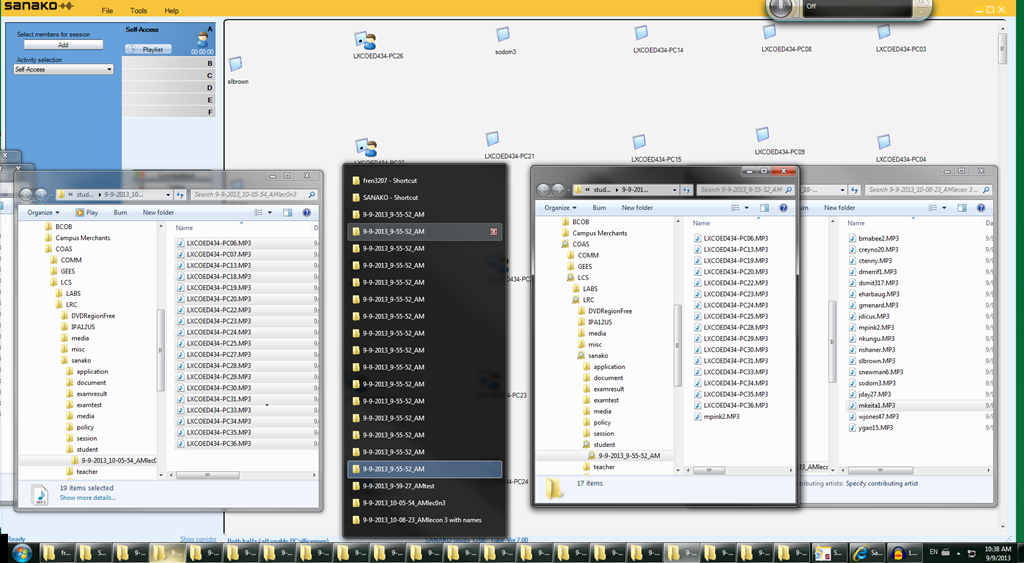
- Problem: To great confusion of my teachers, Sanako version 7 often seems to open multiple collection windows (1 per student recorded?) when collecting files, like so:
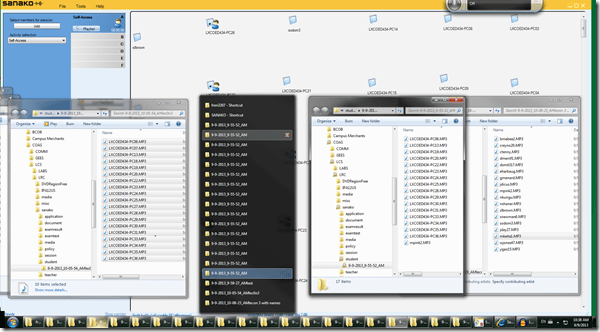
- Possible Cause: From the screenshot above,
- where only 1 collection event out of 3 shows this undesirable behavior,
- and the 2 that did not, collected all file either under student computer name or all under student login name:
- is it possible that Sanako has a bug which causes it to open one Windows explorer window per student file collected, if
- some students are displayed under their computer name,
- while other are displayed under their login name?
- This is aggravated by another limitation (or bug): Students that come online after I chose show student computer names, are not affected by this setting, but display with their login name (the default).
- Possible Workaround:
- Make sure all students display under the same naming scheme.
- This is best achieved by waiting until every student icon shows up in the classroom map before changing the classroom map student display option.
Categories: digital-audio-lab, e-languages, Glitches&Errors
naming, sanako-study-1200
How to set up your computer to access ASCM URLS with Adobe Digital Edition for DRM-protected eBooks
2013/09/09
Leave a comment
-
I downloaded the Adobe digital Edition from here: http://www.adobe.com/products/digital-editions/download.html
-
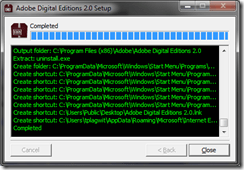
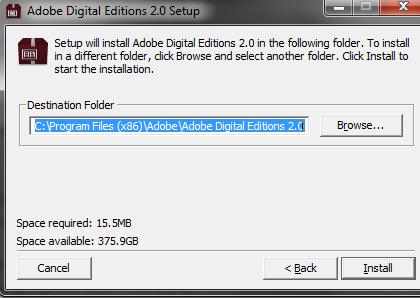
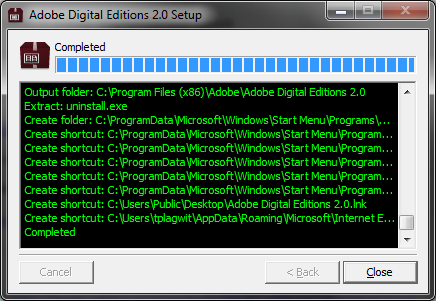
I installed the downloaded Adobe Digital edition like so:
-

-

-
-
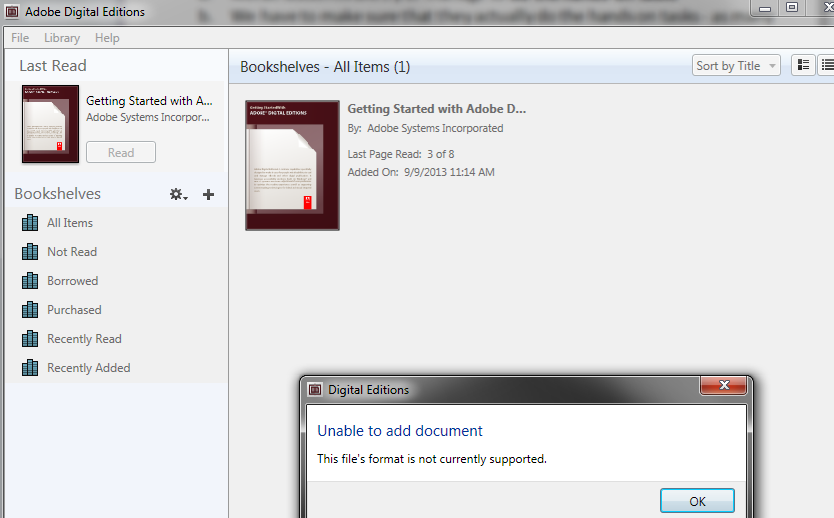
I can now run the Adobe Digital Edition program:
-
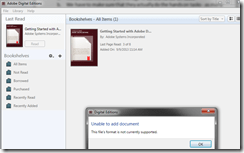
However, File / open / paste url won’t work.
-
-
Also, if I download the ASCM file, Windows still does not know which application to open ASCM file with
-

-
I CAN HOWEVER DOWNLOAD AN ASCM FILE AND DRAG drop this into an open digital edition window, to get this at least
-

-
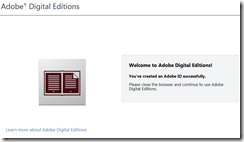
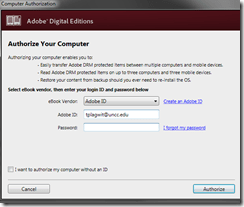
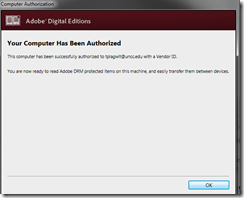
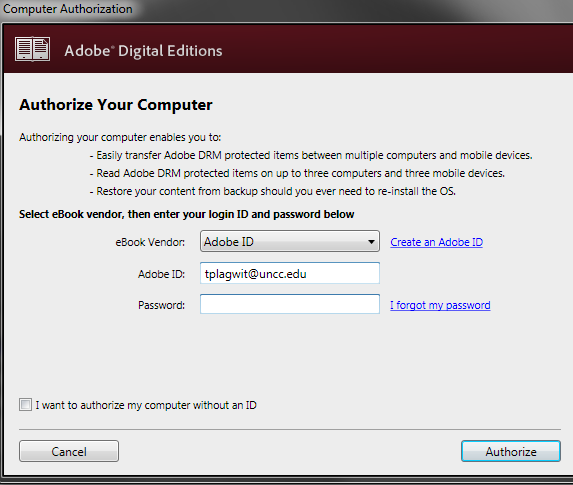
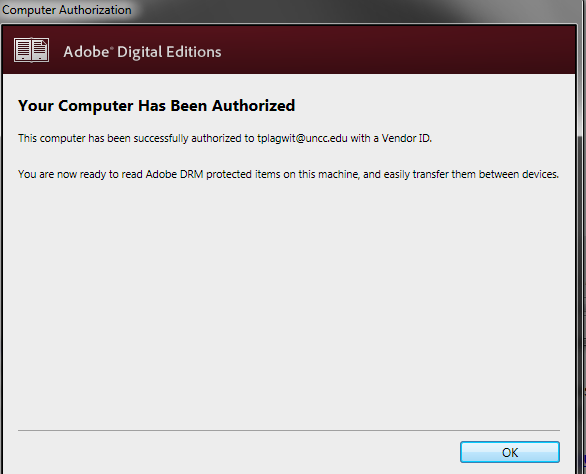
I went down the "authorize your computer" route:
-

-
-
-
-
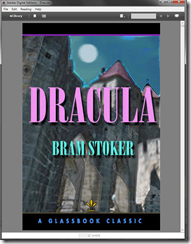
Here is my first example (from the Adobe samples website):
-
-
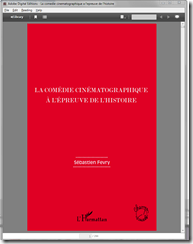
From now on, I can simply click on adobe digital edition links with ASCM files.
-
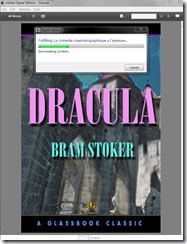
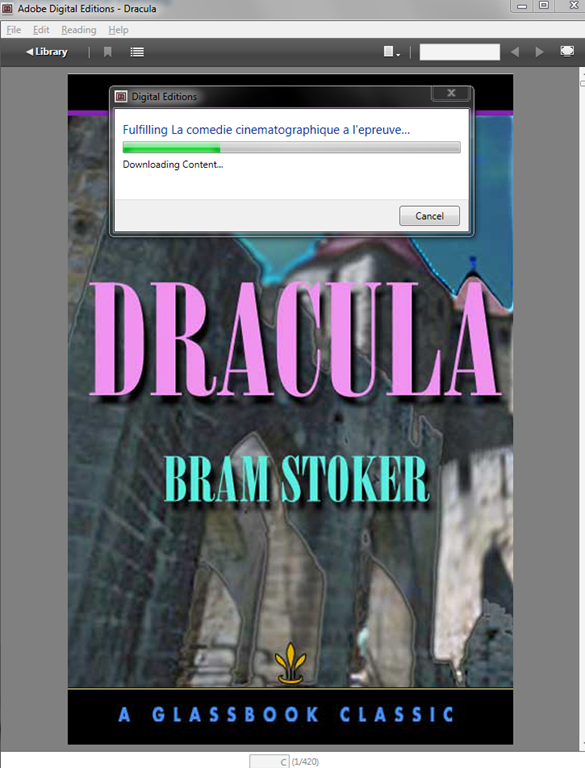
When getting the download dialogue, I can skip saving and click "open":
-

-
-
-
Note: you are consuming a license if you open te ebook with your account.






"Server busy” error?
2013/09/08
Leave a comment
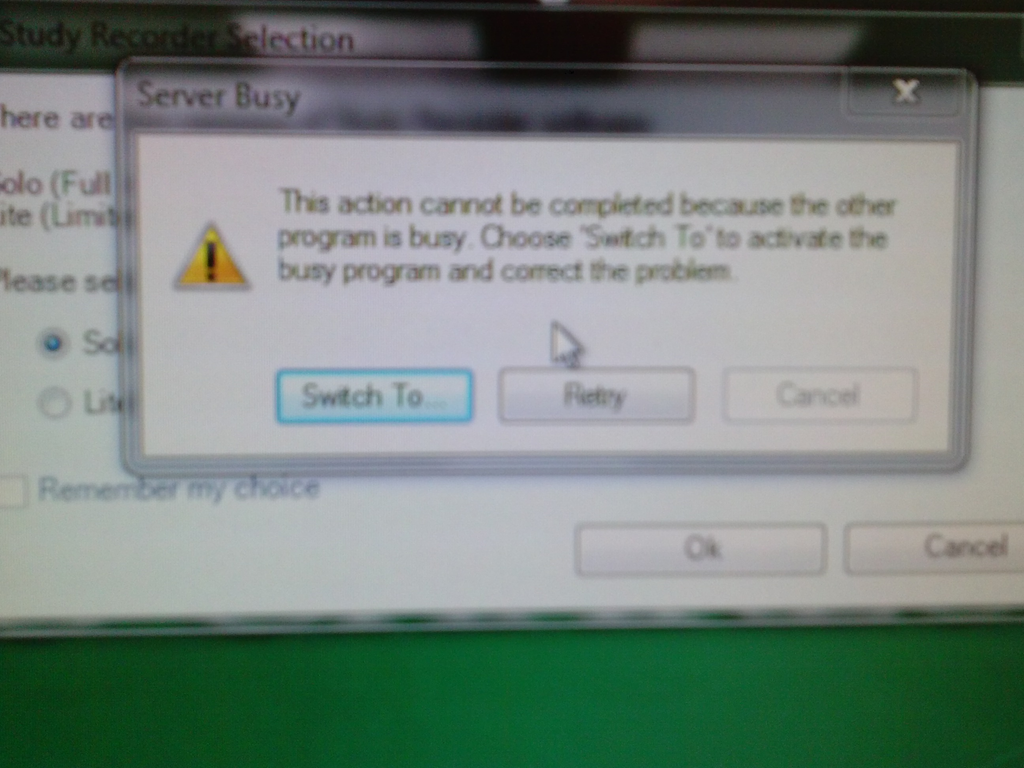
- This dialogue appears regularly on student log in:
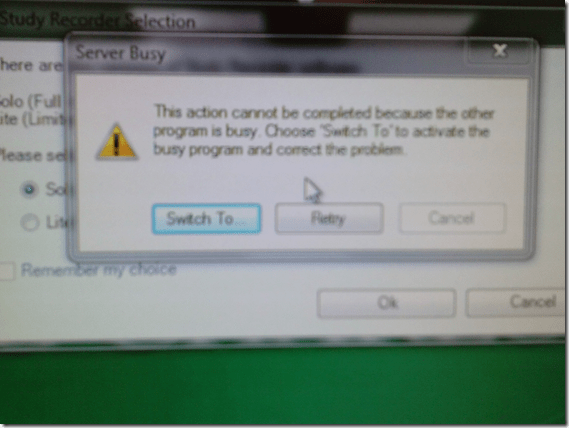
- Update: This seems to have disappeared in the 2nd half of the term.
Categories: e-infrastructure, Glitches&Errors
7, image2013, ms-windows
Creating site-specifically useful learning content for the Sanako Study 1200 vocabulary testing
2013/09/06
Leave a comment
- The usefulness of the Sanako Study 1200 new (from ver 6) vocabulary test activity hinges on the availability of site-specific vocabulary lists.
- Sanako UK
- seems aware of this and publishes vocabulary collections for textbooks and assessments commonly used in UK secondary education.
- Sanako favors using the built-in format and saving it on the network share that is required for the Sanako study 1200.
- Vocabulary tests are organized and can be discovered and browsed by file name only.
- TBA: How could something similar be done in a US HE context? One would need:
- establish which textbooks are (and will remain) in use?
- are they e-books or would the material need digitization?
- is the chapter vocabulary easily accessible as a list? Appendix glossaries encompass usually much more than the vocabulary required to study, so testing on these would quickly become frustrating
- how best to reformat the materials (from turning into a table to handling linguistic metadata) for easy use with the Sanako vocabulary test?
- how best to publish the material?
- to make it manageable for the updaters: crowdsourcing? copyright issuew?
- to make it easily selectable for the teacher: filter by integrated linguistic and course metadata?
- Last not least: How to do all this economically? Taking into consideration teacher preference, enrollment, preexisting materials…?
- cost lowered if tabular lists of vocabulary already exists
- benefit is lowered if online flash card applications already exist.
“I can haz all my online appointment and schedule information in one merged calendar in NINERMAIL?”
2013/09/06
Leave a comment
- Yes, you can! Overlay calendars, a much needed feature from Outlook Desktop (as we mentioned earlier) has finally made it into the web version of Outlook (in Office365 the migration of which from live@edu will be finished by the end off the month), as was announced today: “Users can have multiple calendars in a merged view.”
- Example: In Outlook Desktop (not available to students), you can not only add a calendar like, icsexport.ics to the right, but, if you click on the (1) little black arrow, add/merge icsexport.ics to the (2) already overlaid calendars on the left, which is much more usable if you need to aggregate content from different sources:

- And now also in OFFICE365 NINERMAIL:

- This should make the sharing of calendar information much easier, not only for the about 100 LRC resource calendars, but also for other useful calendars that are published on campus:
- the new LCS calendar
- the registrar’s academic calendar
- the campus-wide faculty calendar
- last not least: your Moodle calendar (view all your moodle assignment deadlines in one place, the same place you check your email)
- And more… ? Do you know of other calendars, and/or a way to discover them?
- The details
- yet need to be panned out. We assume the feature will “just work” like above in Outlook Desktop when you
- We’ll provide more information and examples once we see this feature… TBA

Categories: audience-is-language-learning-center-staff, audience-is-language-learning-center-temp-staff, audience-is-students, audience-is-teachers, e-infrastructure, Institution-is-University-of-North-Carolina-Charlotte, office-software
calendaring, live@edu, ms-exchange, office365, outlook, outlook-live, resources, scheduling, sharing, subscribing


Questions? Read the About. Or just ask me a quick Our Databases: Resources with calendars -- Language learning material Moodle Sites, multimedia files -- films


FAQs for LRC student staff or for students or for teachers. To search our FAQs, in the browser addressbar, add after "https://plagwitz.wordpress.com/feed/?tag=faqs+/" "+TAG1" (from tag cloud below) OR "https://plagwitz.wordpress.com/feed/tag=faqs
&category_name=" "CAT1" (from category hierarchy below). OR search both categories and tags, and multiple TAGs/CATs (connect with "," for OR-search, with "+" for AND-search), like so: https://plagwitz.wordpress.com/feed/?tag=TAG1+TAG2+...TAGn&category_name=CAT1
+CAT2+...CATn"
Other ways to find help
If you cannot find it here, look there: 5,500 Language-Learning Links and Programs for learning or teaching 150 languages
Shortcuts:Our Lists, Our Maps, LRC Staff Moodle Site,LRC Project Moodle Site, 49erexpress, UNCC Moodle, Student Recordings: s:claslcslrcsanakostudent
Learning usage samples: Sanako oral exam, Kaltura webcam presentation, Dictation with speech recognition, Sanako written exam, Chinese and Japanese interactive stroke-order practice
Test the Sanako Installer, Webbrowser Popup Konfigurator for XP, or Windows7, faster LRC TeacherPC Log-in Let MS facilitate diacritics writing by installing for you US-International keyboard layout
This is my personal blog (Google+). The views expressed on these pages are mine alone and not those of my employer. The information in this weblog is provided “AS IS” with no warranties, and confers no rights.
 Thomas' Work Space