Archive
Working around problems getting ELTI course worksheet out of Report Express
Problem: I used to, but cannot anymore get the course worksheet for ELTI out of Report Express. My choices:

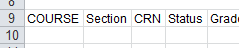
Result set is empty:
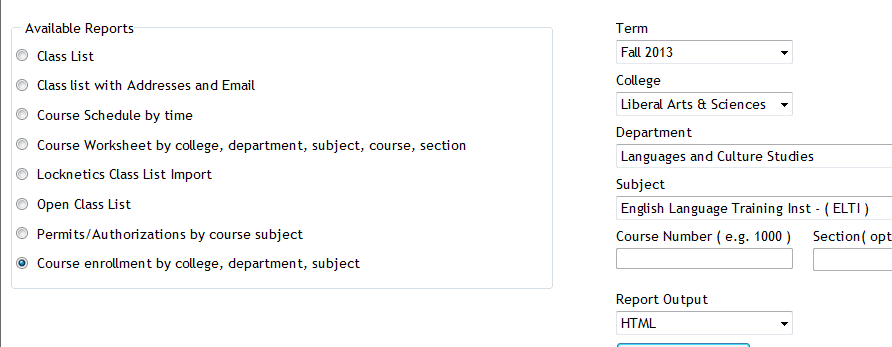
Course enrollment does not work either:

I am still in a position to get the full class list out of the system, but that is not what I need, and is not the course worksheet sheet just a calculation based on the


Solution: Use “international programs” as the “department”.
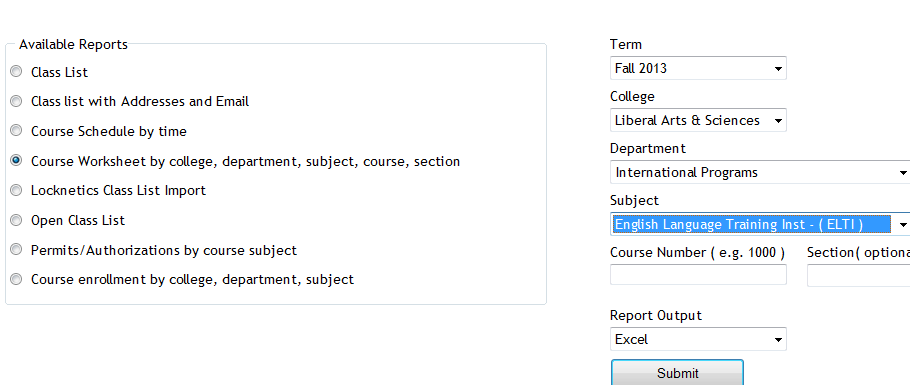
It seems “department”and “subject” drop downs synchronize only with the selection of “college”, but selection of “department” can be in conflict with selection of “subject” (Is this a good GUI?).
It also seems that this affects only the “course worksheet", but not the “class list”(Huh?)
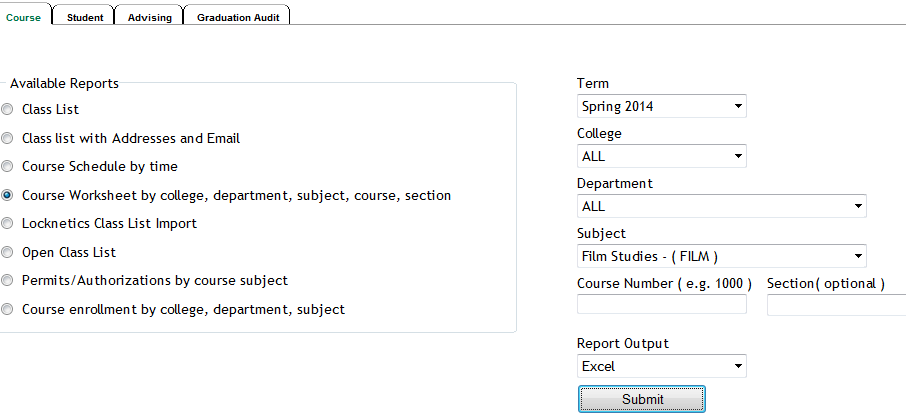
Another example: I seem to be able to get to the Film studies course list only if I leave all other drop down to “all”..
Getting answers for the LRC management from Report Express
- Report Express is a powerful tool to get current enrolment data which seems vital for running the LRC, but which I have not been able to get my hands on before easily (SCT-Banner limits access too much).
- Excel download format – which I recommend : cleaner (fewer graphics) and more information – DOES work, but for Excel 2010, I have to rename the download file extension from XLS to HTML (which the download is) and “open with” –> Excel.
- I have not been successful merging these output files per language on the command line into one large HTML file and cleaning up the <html><body> framework – so I have to open each one, merge by copy/paste the contents of the result worksheet into a new worksheet and clean up the data in there by converting into an Excel Table and sorting by a suitable table column, e.g. ID, which puts all actual enrolment data sequentially, and separates all (redundant anyways) header and footer information.
- I finally added table columns with array formulas to calculate the enrolment aggregates,
- per this section (to answer questions like: will this class fit into the language resource center?),
- this course # (to answer questions like: where can we have maximum impact on improving learning with technology with creating the minimum of new learning/assessment materials. Assessment is standardized per course #.)
- and per language-level.
- Finally, vlookup-columns allow me to link the instructor of record and other missing class information (room, building, time) to the student enrolment rows. This allows me to filter, sort and search the enrolment sheet with real-life questions, like
- can we support this size class/course/level and language in the LRC
- is it practical to relocate this course for part/a whole class meeting to the LRC
- which students need be given access permissions to the SANAKO
- etc.
-
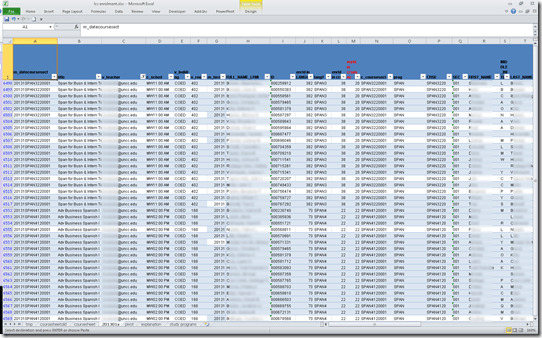
Sample filter of the aggregate sheet:



Questions? Read the About. Or just ask me a quick Our Databases: Resources with calendars -- Language learning material Moodle Sites, multimedia files -- films


FAQs for LRC student staff or for students or for teachers. To search our FAQs, in the browser addressbar, add after "https://plagwitz.wordpress.com/feed/?tag=faqs+/" "+TAG1" (from tag cloud below) OR "https://plagwitz.wordpress.com/feed/tag=faqs
&category_name=" "CAT1" (from category hierarchy below). OR search both categories and tags, and multiple TAGs/CATs (connect with "," for OR-search, with "+" for AND-search), like so: https://plagwitz.wordpress.com/feed/?tag=TAG1+TAG2+...TAGn&category_name=CAT1
+CAT2+...CATn"
Other ways to find help
If you cannot find it here, look there: 5,500 Language-Learning Links and Programs for learning or teaching 150 languages
Shortcuts:Our Lists, Our Maps, LRC Staff Moodle Site,LRC Project Moodle Site, 49erexpress, UNCC Moodle, Student Recordings: s:claslcslrcsanakostudent
Learning usage samples: Sanako oral exam, Kaltura webcam presentation, Dictation with speech recognition, Sanako written exam, Chinese and Japanese interactive stroke-order practice
Test the Sanako Installer, Webbrowser Popup Konfigurator for XP, or Windows7, faster LRC TeacherPC Log-in Let MS facilitate diacritics writing by installing for you US-International keyboard layout
This is my personal blog (Google+). The views expressed on these pages are mine alone and not those of my employer. The information in this weblog is provided “AS IS” with no warranties, and confers no rights.
 Thomas' Work Space