Archive
Archive for the ‘service-is-configuring-learning-tools’ Category
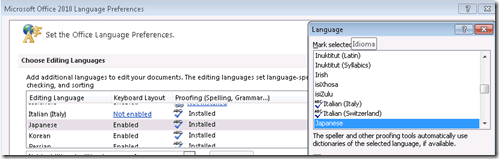
Japanese Language Tools (Proofing, dictionary, furigana) in the LRC MS-Office 2010 installation
2013/09/30
Leave a comment
- Even if not showing in MS-Word’s Language selector),
-
-

-
Even though there is no Japanese Thesaurus:

-
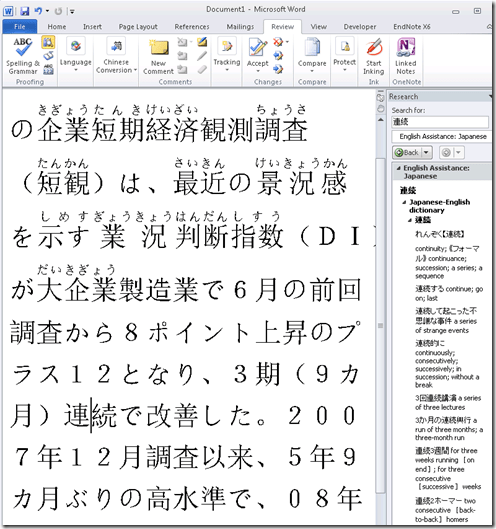
There are these tools:
-
In the Research pane, "English Assistance: Japanese" (in the ribbon / "Review" tab, Proofing section, press the
 , then ALT-Click a character to start a lookup:
 -
-
a Japanese Consistency Checker:

-
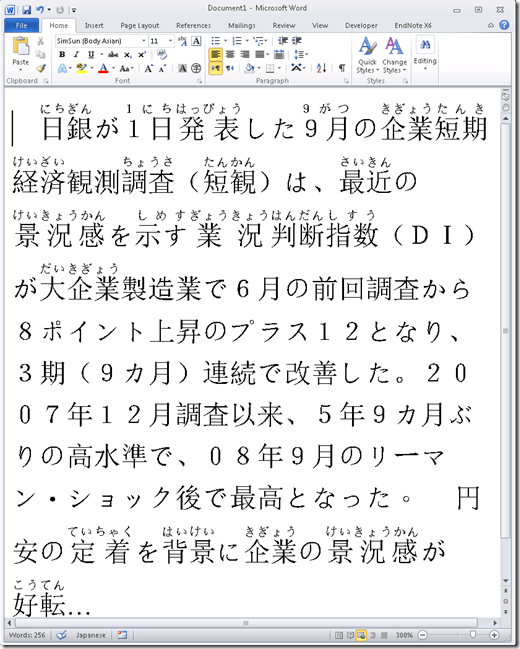
Furigana:
-
To enable:

-
Result (in view / Web layout):
-
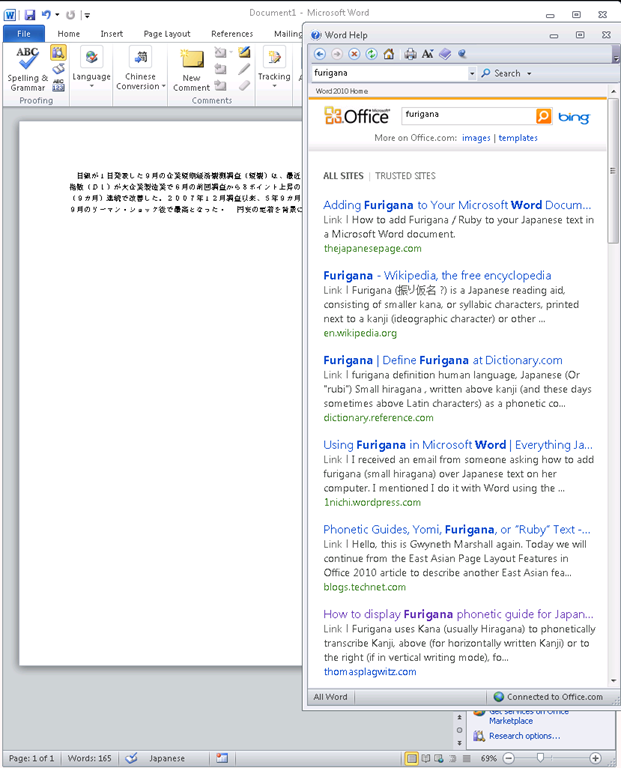
Incidentally, my blog has not quite made it into the TOP 5 of MSW-Office help content:

-
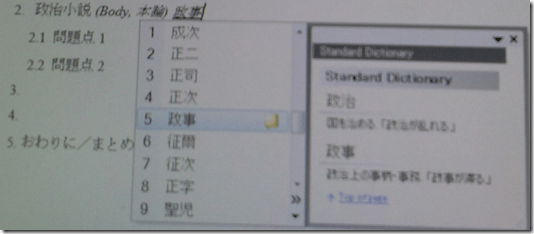
In addition, for Office, but also beyond, there are the tools of the MS-Office Input method editor (which include dictionary help when you write):



Categories: audience-is-students, audience-is-teachers, Dictionaries, e-languages, Japanese, Listening-Stations, LRCRoomCoed434, office-software, Presenter-Computer, Reading, service-is-configuring-learning-tools, small-group-work-spaces, Student-Computers, Writing
dictionaries, furigana, proofing-tools
Protected: Many input languages, keyboards and IMEs requested are not accessible to most LRC users
2013/08/28
Enter your password to view comments.
WordSmith Tools are once again not licensed
2013/08/28
Leave a comment
- StartingWordsmith from the desktop shortcut results in this:

- Didn’t I test and describe last summer how to fix this?

How to speed up jumping around YouTube videos in class with YouTubeCenter
2013/08/27
Leave a comment
- Problem: When you use – that is to say: analyze – YouTube video clips in a classroom setting – whether in Film studies or second language acquisition classes –, you will find yourself jumping around a lot in these clips. This can be slow and enter a lot of undesirable little interruptions into your teaching (or learning) flow.
- Root cause: Since pedagogical use is not the primary use case for YouTube videos, their download configuration defaults to streaming, which preloads the video only a few seconds ahead of the cursor or playhead.
- Solution:
- If you want to buffer or preload the entire YouTbue video clip before examining it in your class, you can install a browser add-on called YouTubeCenter.
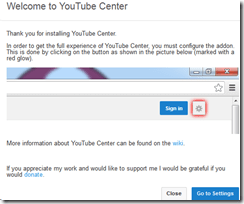
- Here is more on how to install YouTubeCenter.
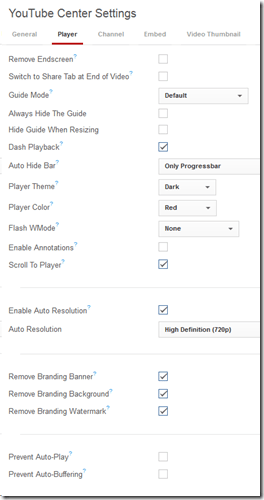
- No configuration necessary, ”Dash Playback” which buffers videos completely locally, is the default setting.
YouTube Center, a power user extension for your video usage in class
2013/08/27
Leave a comment
- YouTubeCenter comes for a variety of browsers, but note that Firefox seems the only practically supportable browser in our campus computing environment.
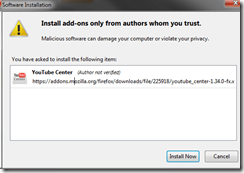
- To download and install, go to : https://addons.mozilla.org/en-us/firefox/addon/youtube-center/ and click on:


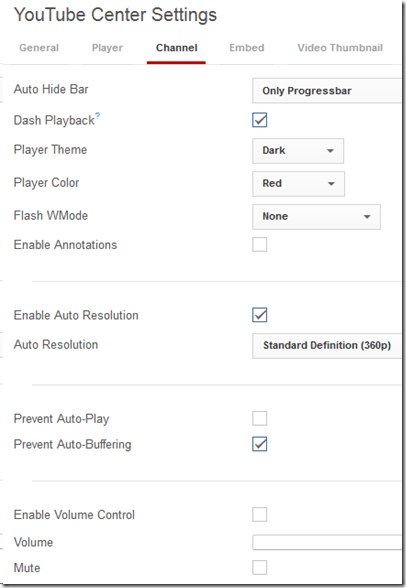
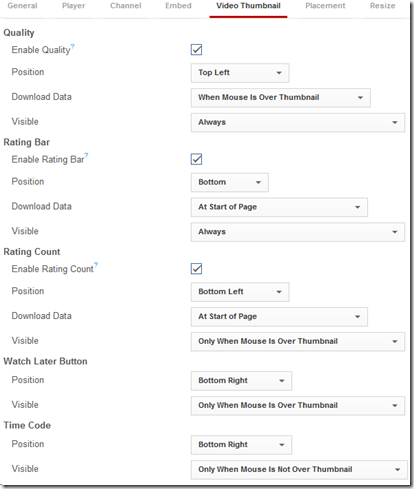
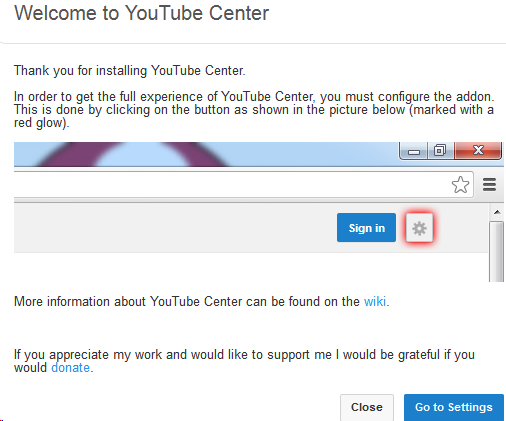
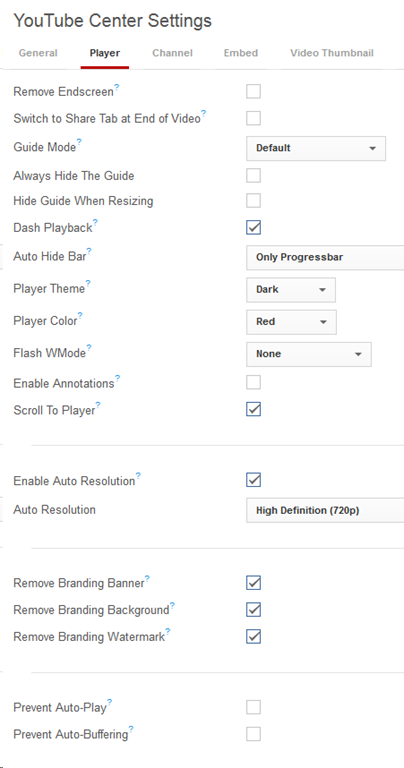
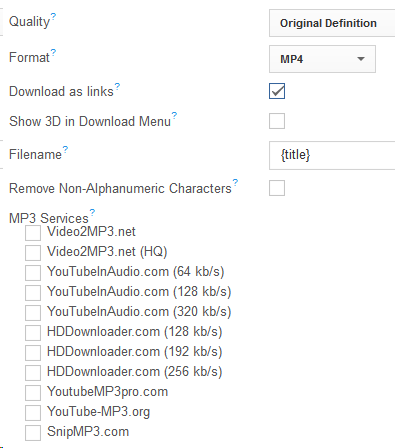
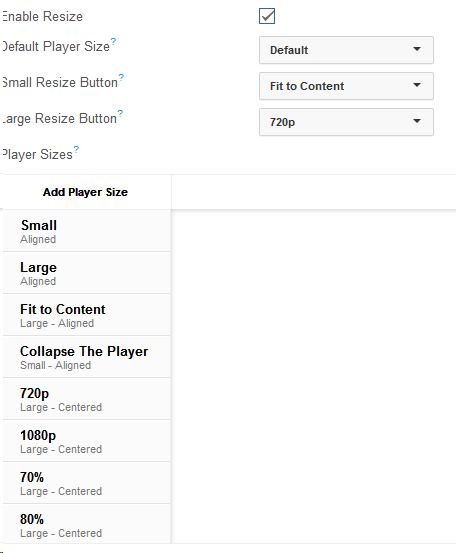
- There is not shortage of settings (e.g. preselected is the Dash Playback, useful to speed up jumping around a video, by disabling streaming):








Protected: Why requiring manual configuration of the Sanako by students does not work for us
2013/08/20
Enter your password to view comments.
Categories: audience-is-administration, audience-is-IT-staff, digital-audio-lab, e-languages, Glitches&Errors, Institution-is-University-of-North-Carolina-Charlotte, Presenter-Computer, service-is-configuring-learning-tools, service-is-testing-troubleshooting-debugging, Student-Computers
image2013, sanako-study-1200
LRC hosts help desk for students to register on their McGraw-Hill Connect online textbook website
2013/08/17
Leave a comment
This special Help desk will be sign-posted in the LRC on the day of the events. For now, consult the calendar of the iMacsand Group Room1, 2 (see https://thomasplagwitz.com/2012/11/04/how-to-view-lrc-hoursevents/).Here is the documentation:
Workaround for Sanako study 1200 tutor v7 window limitations
2013/08/06
Leave a comment
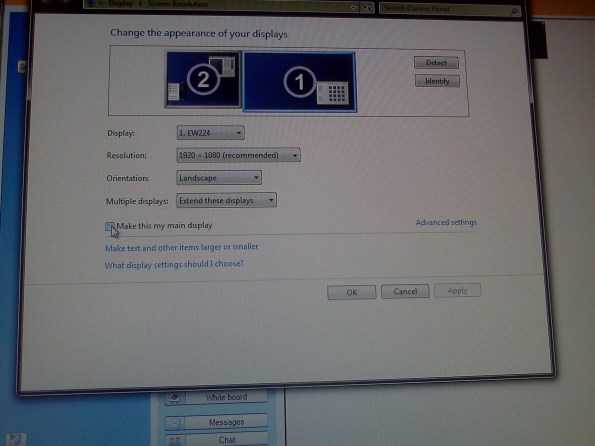
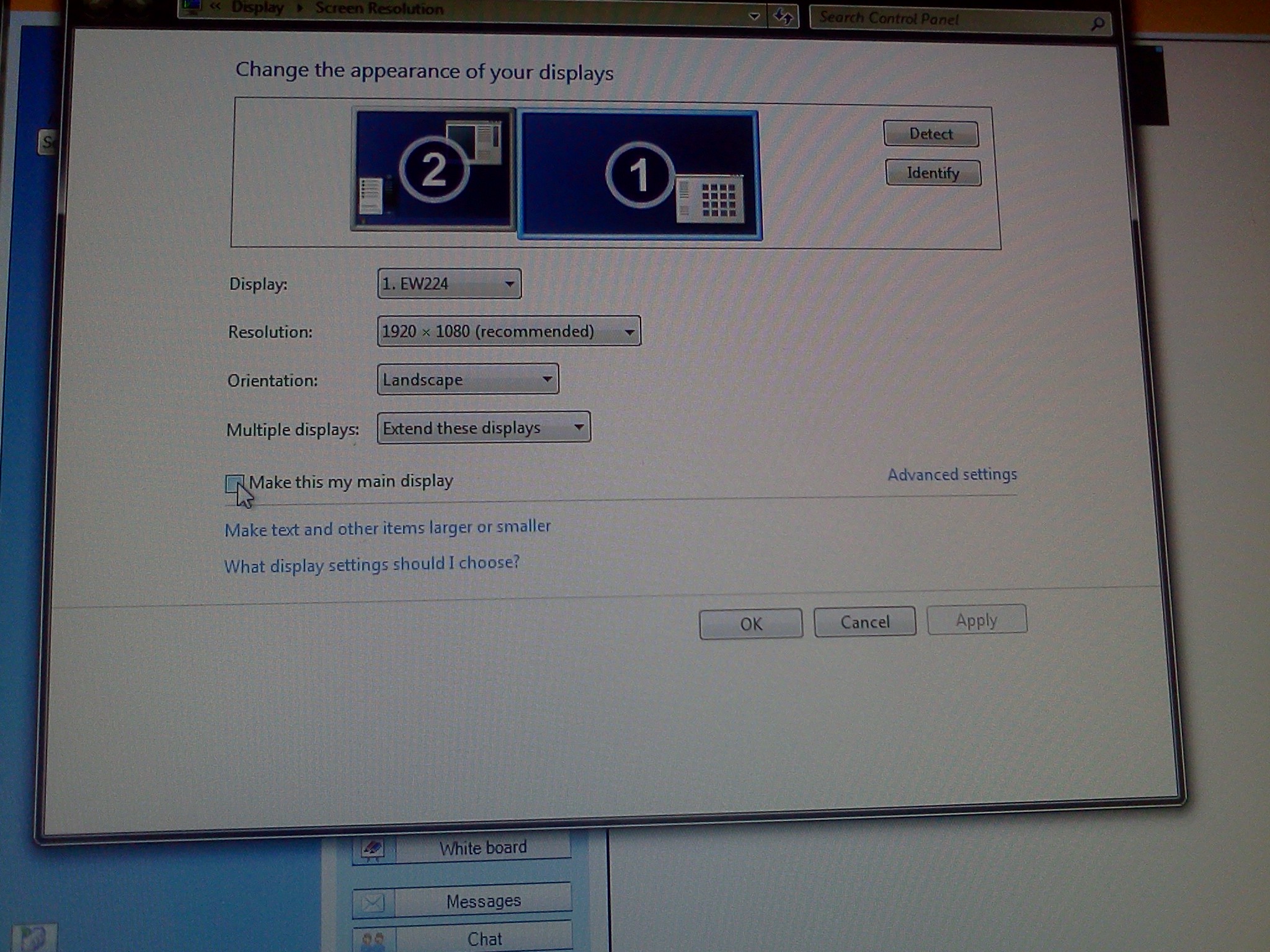
- Problem: Window maximizes only to size of,and location defaults to, primary screen. This is now on windows7.
- Workaround: make the screen whose size you desire the primary (and live with the side effects).
- Downside:
- Screencast recordings of instruction won’t work: Community Clips can only record the primary screen, which is not the screen displayed to students during regular teaching. Windows Media Encoder does not work with our non-standard dual screen configuration on Windows7.


Questions? Read the About. Or just ask me a quick Our Databases: Resources with calendars -- Language learning material Moodle Sites, multimedia files -- films


FAQs for LRC student staff or for students or for teachers. To search our FAQs, in the browser addressbar, add after "https://plagwitz.wordpress.com/feed/?tag=faqs+/" "+TAG1" (from tag cloud below) OR "https://plagwitz.wordpress.com/feed/tag=faqs
&category_name=" "CAT1" (from category hierarchy below). OR search both categories and tags, and multiple TAGs/CATs (connect with "," for OR-search, with "+" for AND-search), like so: https://plagwitz.wordpress.com/feed/?tag=TAG1+TAG2+...TAGn&category_name=CAT1
+CAT2+...CATn"
Other ways to find help
If you cannot find it here, look there: 5,500 Language-Learning Links and Programs for learning or teaching 150 languages
Shortcuts:Our Lists, Our Maps, LRC Staff Moodle Site,LRC Project Moodle Site, 49erexpress, UNCC Moodle, Student Recordings: s:claslcslrcsanakostudent
Learning usage samples: Sanako oral exam, Kaltura webcam presentation, Dictation with speech recognition, Sanako written exam, Chinese and Japanese interactive stroke-order practice
Test the Sanako Installer, Webbrowser Popup Konfigurator for XP, or Windows7, faster LRC TeacherPC Log-in Let MS facilitate diacritics writing by installing for you US-International keyboard layout
This is my personal blog (Google+). The views expressed on these pages are mine alone and not those of my employer. The information in this weblog is provided “AS IS” with no warranties, and confers no rights.
 Thomas' Work Space