Archive
How to have Microsoft add US-International keyboard layout shortcuts for you automatically
Add the United States-International keyboard layout (Microsoft Fix it 50558). Saves you reading and following the rest of the instructions here: http://support.microsoft.com/kb/306560.
Save 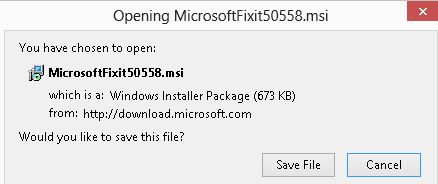 ,open:
  and agree:
 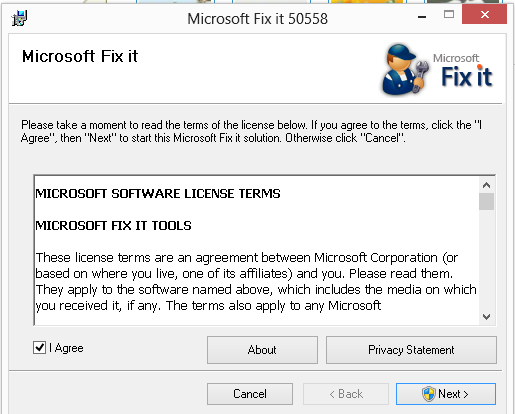 .
.
You will get:
International.
| Press this key | Then press this key | Resulting character |
| ‘(APOSTROPHE) | c, e, y, u, i, o, a | ç, é, ý, ú, í, ó, á |
| "(QUOTATION MARK) | e, y, u, i, o, a | ë, ÿ, ü, ï, ö, ä |
| `(ACCENT GRAVE) | e, u, i, o, a | è, ù, ì, ò, à |
| ~(TILDE) | o, n, a | õ, ñ, ã |
| ^(CARET) | e, u, i, o, a | ê, û, î, ô, â |
For Windows 7, in Windows Vista, and Windows XP. Finally, view this if you are still on Windows 3.1. 
Web-based Greek to Roman characters transliteration using Greeklish

http://speech.ilsp.gr/greeklish/, 255 characters max. Or 5000 max at http://services.innoetics.com/greeklish/:

Automating language learning listening material creation with Google Translate text-to-speech: The technology
- A digital audio lab heavily depends on the availability of, but does not usually come with digital learning materials (and recent exceptions are exceptions for a reason) Some digital audio materials that come with your textbook may be adaptable. “Rolling your own” has all kinds of advantages (allows for personalization, for both teachers to express themselves, and for students to learn), but can be a chore.
- Can the LRC find a workaround? Here is one attempt: making Google translate (too often abused by students in its original interface) text-to-speech (unusable for learning material in its original interface since severely crippled) usable for digital audio learning material production, provided you have a source text in the target language.

- GoogleTTS can serve as the gateway to better suiting Google Translate text-to-speech features to the needs of the LRC:
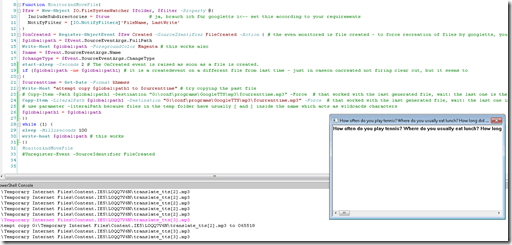 GoogleTTS allows for arbitrary-length input text (it chunks it automatically).
- GoogleTTS produces intermediate local audio files which we can postprocess.
- Google Translate’s automatic language recognition remains a sore point: it is not reliable. Unlike Google Translate, GoogleTTS has no interface to set the language manually when the automatic recognition fails.
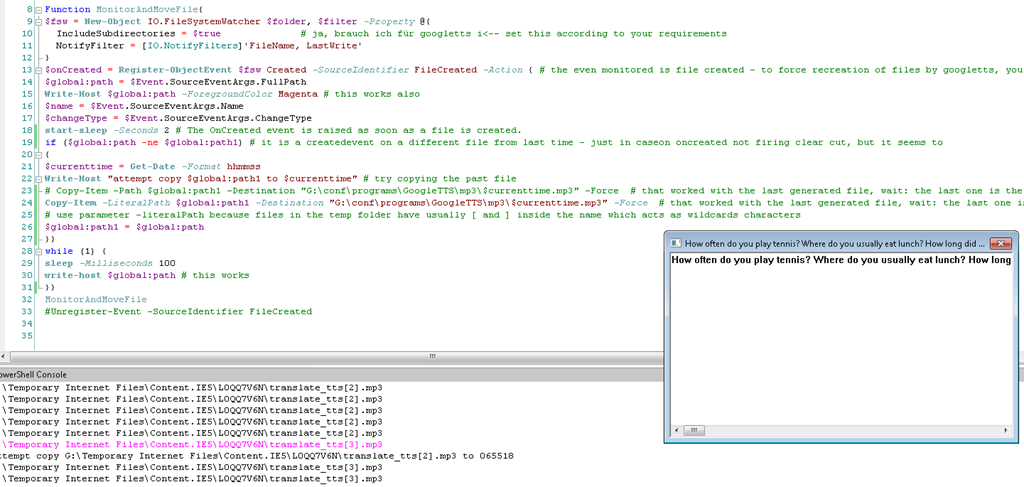
- Batch-download the files from Google Translate, using MS-PowerShell: <
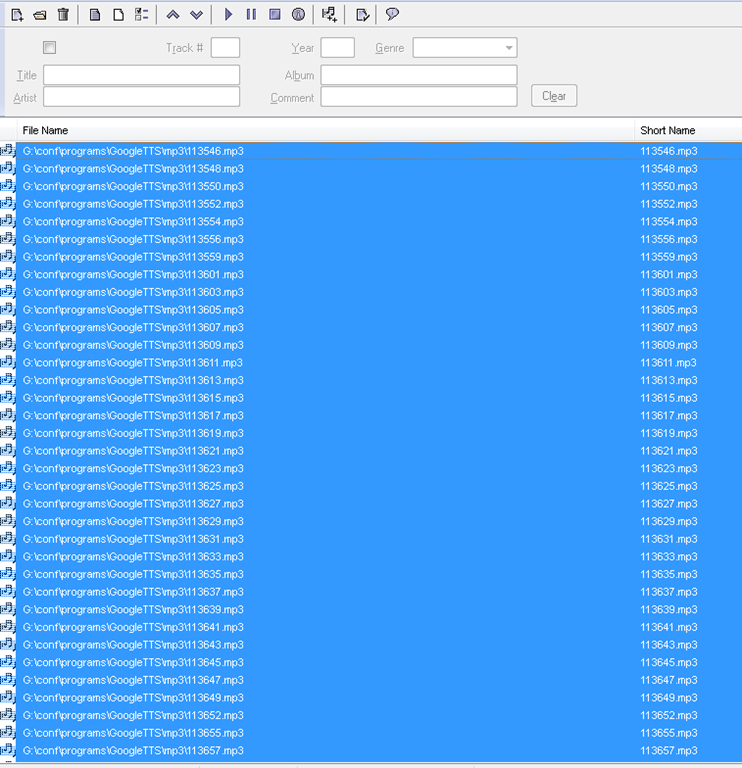
$global:folder = 'G:\Temporary Internet Files\Content.IE5' $filter = '*.mp3' # <-- set this according to your requirements $global:destination = 'G:\conf\programs\GoogleTTS\mp3' $global:path $global:path1 $currenttimeFunction MonitorAndMoveFile{ $fsw = New-Object IO.FileSystemWatcher $folder, $filter -Property @{ IncludeSubdirectories = $true # ja, brauch ich für googletts i<-- set this according to your requirements NotifyFilter = [IO.NotifyFilters]'FileName, LastWrite' } $onCreated = Register-ObjectEvent $fsw Created -SourceIdentifier FileCreated -Action { # the even monitored is file created - to force recreation of files by googletts, you may have to clear watched folder of all mp3 < 100kb first $global:path = $Event.SourceEventArgs.FullPath Write-Host $global:path -ForegroundColor Magenta # this works also $name = $Event.SourceEventArgs.Name $changeType = $Event.SourceEventArgs.ChangeType start-sleep -Seconds 2 # The OnCreated event is raised as soon as a file is created. if ($global:path -ne $global:path1) # it is a createdevent on a different file from last time - just in caseon oncreated not firing clear cut, but it seems to { $currenttime = Get-Date -Format yyyy-MM-dd-hhmmss Write-Host "attempt copy $global:path1 to $cuurrenttime" # try copying the past file # Copy-Item -Path $global:path1 -Destination "G:\conf\programs\GoogleTTS\mp3\$currenttime.mp3" -Force # that worked with the last generated file, wait: the last one is the one that remaisn behind, earlier ones get overwritten Copy-Item -LiteralPath $global:path1 -Destination "G:\conf\programs\GoogleTTS\mp3\$currenttime.mp3" -Force # that worked with the last generated file, wait: the last one is the one that remaisn behind, earlier ones get overwritten # use parameter -literalPath because files in the temp folder have usually [ and ] inside the name which acts as wildcards characters $global:path1 = $global:path }} while (1) { sleep -Milliseconds 100 write-host $global:path # this works }} MonitorAndMoveFile #Unregister-Event -SourceIdentifier FileCreated - Merge the downloaded files (wisely numbered sequentially):
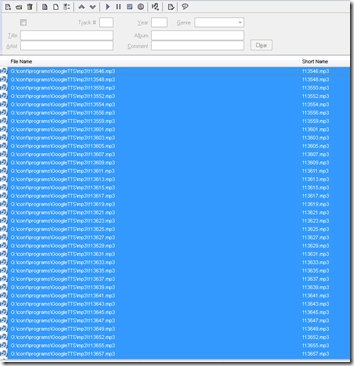
- Fix minor errors in your audio editor:
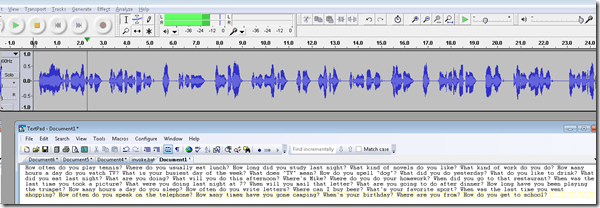
- Done:
- Here I have a lot of questions for a speaking exam in ESL, and with a much better accent than my own.
- Nifty, plus output sounds even better for German than for English. Note, there is no attempt to parse sentences semantically. Some languages chunk better than others (I made some little improvements in this regard to the original program). Other common problems include numbers and in German I find myself, when listening, tending to look up once in a while and shake a high school students by the shoulders, asking him: “Do you actually understand what you are reading?!”
 – which in my eyes is an indicator to the progress made in speech-synthesis.
 - Other examples include French,
- Hindi,
- Italian,
- Spanish.
- So can the LRC relieve teachers from recording their cue files for the digital audio lab listening comprehension and exam? Within limitiations.


Keyboarding game and Typing tutor for ESL students unfamiliar with Roman letters keyboards
- For ESL learners unfamiliar with Roman letters keyboards, the LRC features only a few keyboards with non-Roman character overlays, and otherwise software transliterators integrated into Windows that, while allowing typing in L1 for dictionary lookup and note taking, still require familiarity with the Roman letters keyboards. To help ESL learners getting started, here are a 2 websites I found:
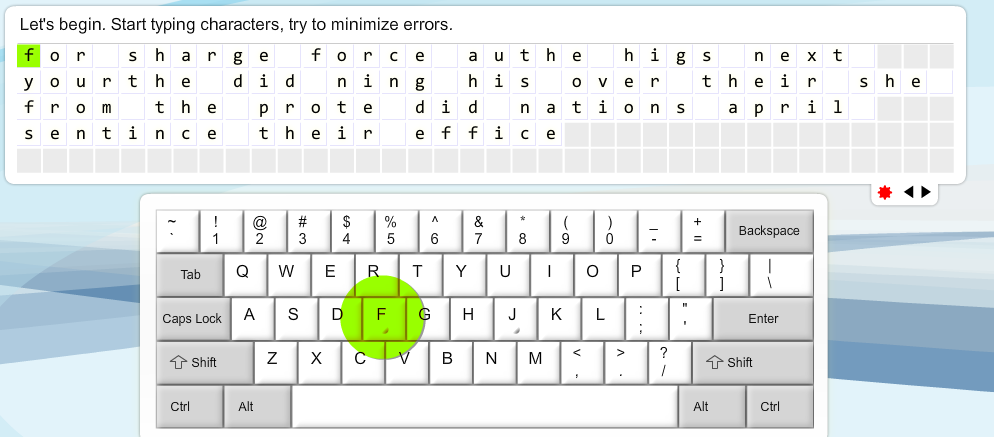
- A typing tutor:
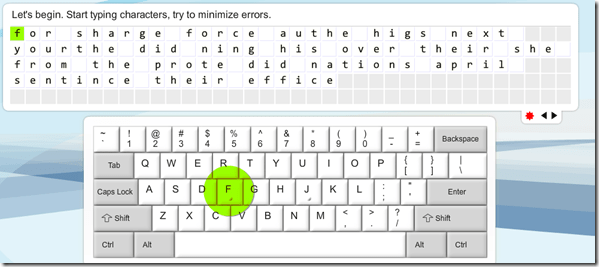
- pros: pedagogically sound: English words are given as cues, and an on screen keyboard that can be operated from the hardware keyboard, but gives hints when needed by highlighting the next letter on the keyboard after a waiting period
- cons: a bit drab.
- An arcade-like keyboarding game (Missile command/Tetris):
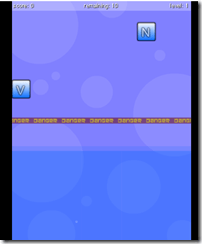
- cons:
- bit too much sound,
- not advertisement free
- letters only, not practice of English words
- pros:
- autostarts and thus can be directly launched for students from the teacher station as a divertissement during slow times in the LRC ,
- reasonably entertaining,
- Levels that start slow, but adaptive.
- cons:

Bab.la.com: Arabic–English Online Dictionary
Bab.la features: easy lookup (1,2,3), and for each lemma: grammar information (4), synonyms (5, with lookup (6)), usage samples (7), pronunciation help (8: audio, but not IPA), reverse lookup (9).

And an example for the reverse lookup:  .
.
In short, this is a real dictionary, unlike Google Translate, which is amazing in itself, but often misused by language learners. Unlike Google Translate, Bab.la helps with lookup by Arabic letter, but does not come with a phonetic transliteration to make it usable with a Roman letters keyboard. Fortunately, the LRC features to phonetic transliterators integrated into Windows: MS-Maren and Google Arabic Input.
How a teacher can divide a class into groups, each sharing audio and one screen, in Sanako Study 1200–the ultimate training summary…
- … using animated GIFS
- make groups (=sessions) like shown here;
- share audio/screen within each group so that (ideal for enforcing oral communication during a shared computer task)
How to record your voice with Vocaroo.com
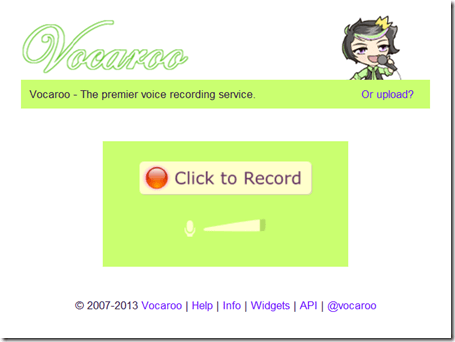
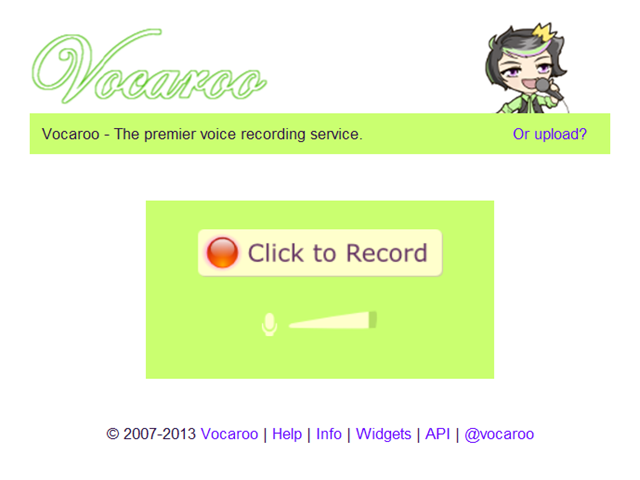
- Click the red record button:
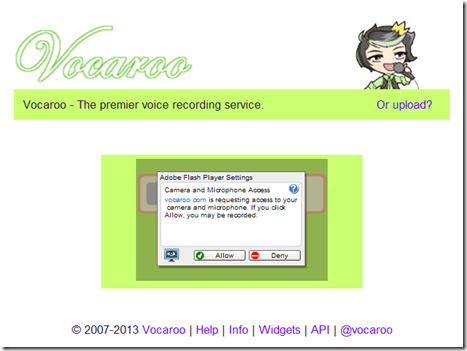
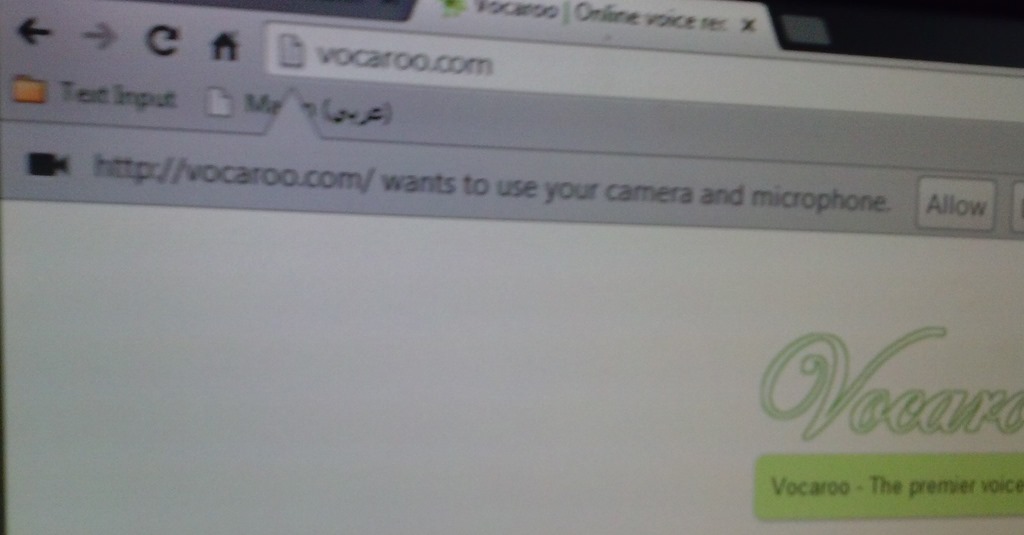
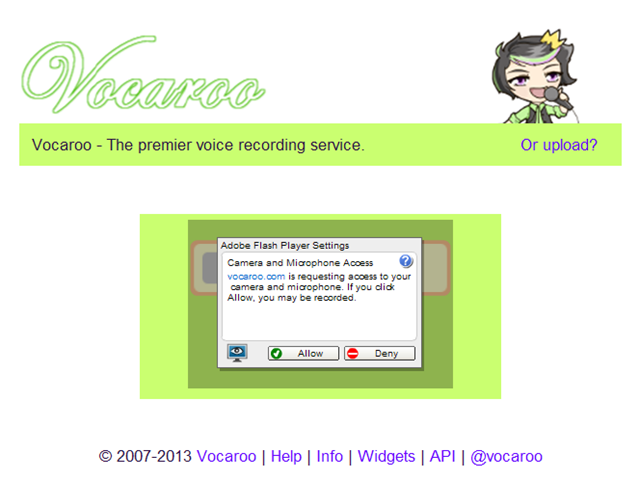
- IMPORTANT: You have to allow the web app access to your microphone (you would not want webpages be able to record you without having been asked for permission, would you?):

- And/or Click “allow” on this screen:
- Speak, when done, click the square stop button:
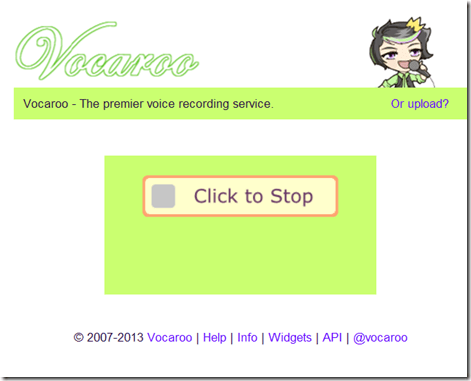
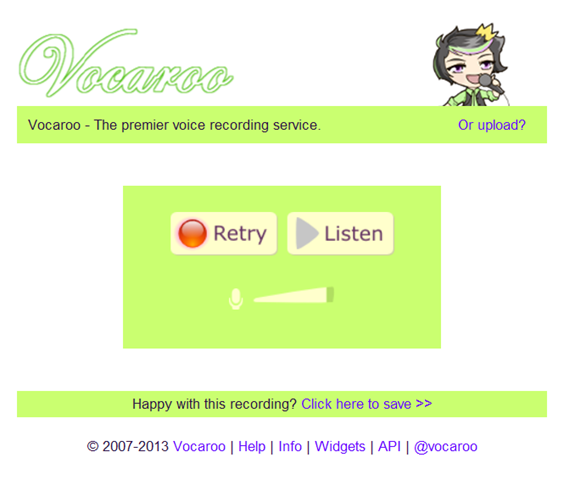
- Click the triangle to listen to your recording (if you do not see the triangle, but a warning at the bottom, have you clicked “allow ” in step 3 above? If you are not sure, press “F5” now to refresh the page, that will bring up the dialogue again for you press “allow ”):

- Listen:
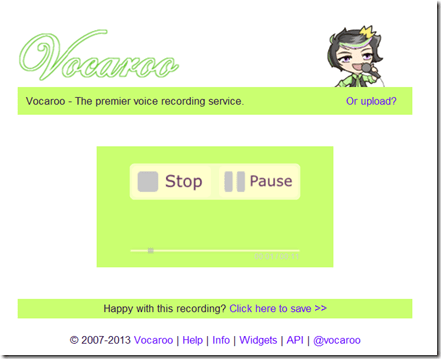
- “Save”.


How to set text-to-speech to a different language on LRC Windows XP computers
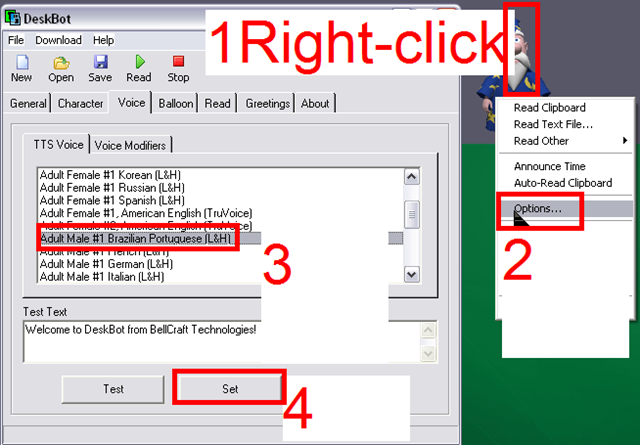
Example for Portuguese – choose your own language instead.


Questions? Read the About. Or just ask me a quick Our Databases: Resources with calendars -- Language learning material Moodle Sites, multimedia files -- films


FAQs for LRC student staff or for students or for teachers. To search our FAQs, in the browser addressbar, add after "https://plagwitz.wordpress.com/feed/?tag=faqs+/" "+TAG1" (from tag cloud below) OR "https://plagwitz.wordpress.com/feed/tag=faqs
&category_name=" "CAT1" (from category hierarchy below). OR search both categories and tags, and multiple TAGs/CATs (connect with "," for OR-search, with "+" for AND-search), like so: https://plagwitz.wordpress.com/feed/?tag=TAG1+TAG2+...TAGn&category_name=CAT1
+CAT2+...CATn"
Other ways to find help
If you cannot find it here, look there: 5,500 Language-Learning Links and Programs for learning or teaching 150 languages
Shortcuts:Our Lists, Our Maps, LRC Staff Moodle Site,LRC Project Moodle Site, 49erexpress, UNCC Moodle, Student Recordings: s:claslcslrcsanakostudent
Learning usage samples: Sanako oral exam, Kaltura webcam presentation, Dictation with speech recognition, Sanako written exam, Chinese and Japanese interactive stroke-order practice
Test the Sanako Installer, Webbrowser Popup Konfigurator for XP, or Windows7, faster LRC TeacherPC Log-in Let MS facilitate diacritics writing by installing for you US-International keyboard layout
This is my personal blog (Google+). The views expressed on these pages are mine alone and not those of my employer. The information in this weblog is provided “AS IS” with no warranties, and confers no rights.
 Thomas' Work Space