Archive
Archive for the ‘training’ Category
LRC Faculty Showcase: Enhancing reading fluency in Spanish through Online Courses
2014/01/24
Leave a comment
- The videos of the presentation by Maria Mahaffey, Emily Kristoff and Shaun Stone on SPAN2200, using Hot Potatoes exercises in Moodle, and the ensuing discussion, are available on the intranet:
- PowerPoint screencast with audio: “S:\CLAS\LCS\MYDEPT\mahaffey\span2200\showcase\SLP_2014_PowerPoint.wmv” (size: 130MB).
- Video with presenter and PowerPoint on projector: “S:\CLAS\LCS\MYDEPT\mahaffey\span2200\showcase\showcase-SLP-2014.mp4” (size:410MB).
Another way to upload many files into Moodle 2
2013/12/04
Leave a comment
- Last time we started from “Add folder” to get to the handy drag-and-drop file upload control in Moodle 2.
- This time we do not want to create a new folder, but work within an existing folder (better for categorizing lots of files).
- Browse into the folder and click edit

- click create folder

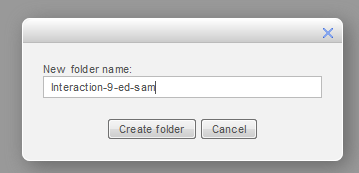
- add name and click create
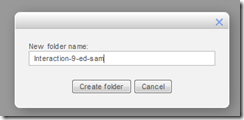
- click to open folder

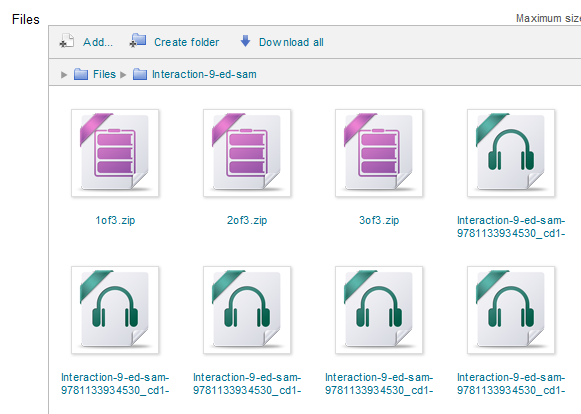
- drag/drop files as zip in folder
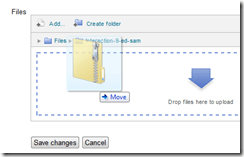
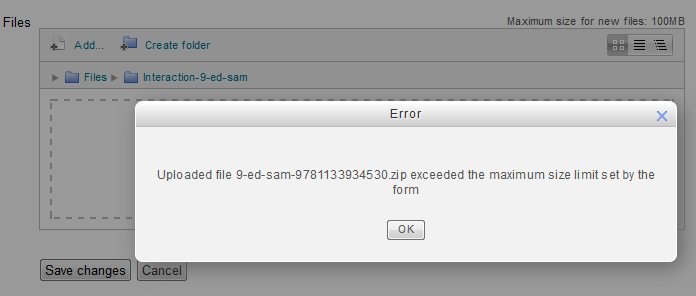
- oops, check the upper right warning :

- Split your files into smaller segments
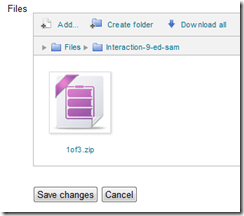
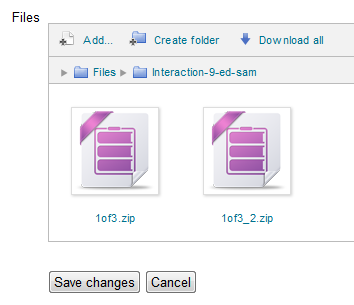
- And be patient, there is no visual indicator of progress, or any action, after the drop), or else you get duplicates:

- Just delete duplicates you might have created:

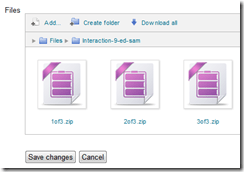
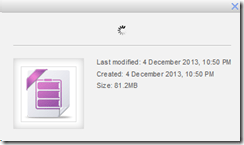
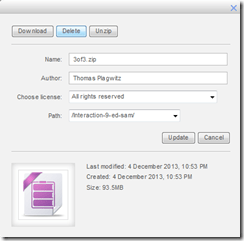
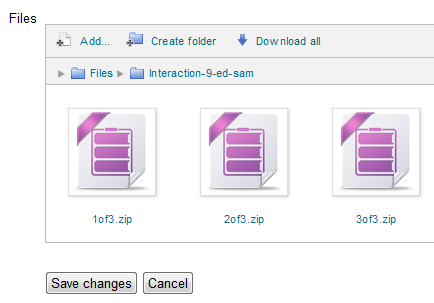
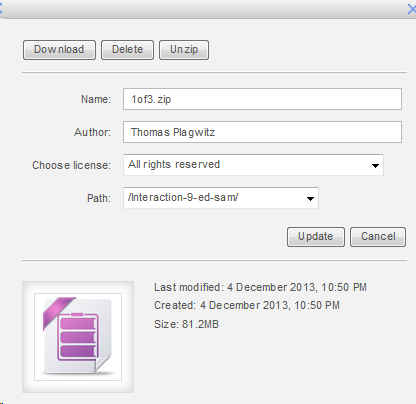
- click on each zip file and choose “unzip”:


- Delete the zip files (not needed anymore)
- Finally, click “save changes”
-
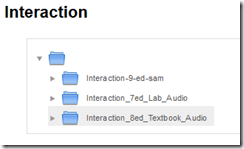
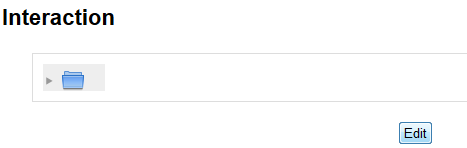
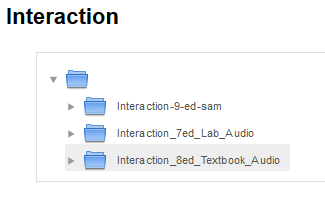
- Note, by working within a folder, you cannot link directly to the new folder you created. It should however be easy enough to navigate to it if you send the link to the root folder, here “Interaction”.








Categories: audience-is-teachers, e-learning, lms, training
files, folders, moodle
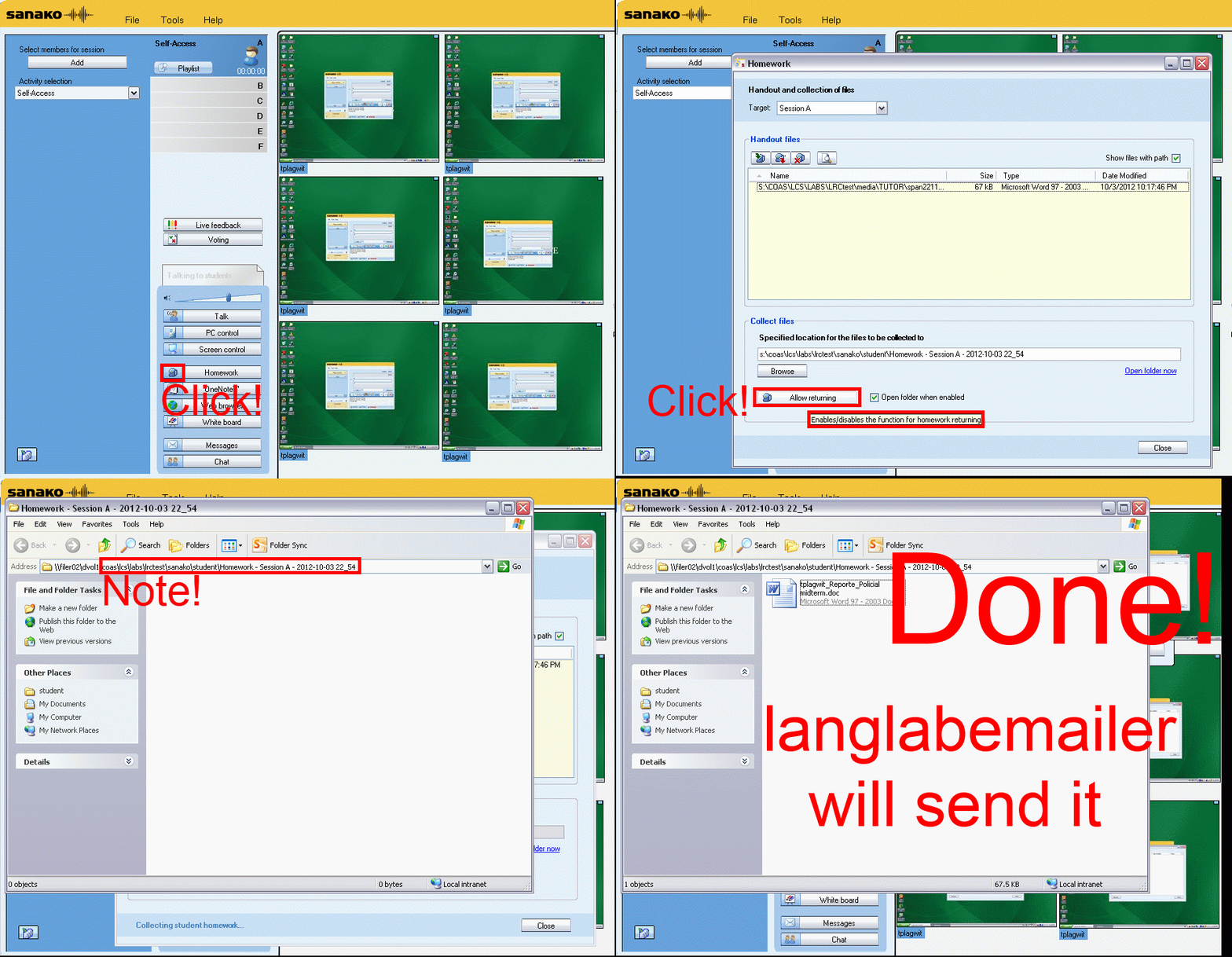
How teachers can collect any file from students’ computers with Sanako Study 1200 homework–the ultimate training…
2013/11/22
Leave a comment
How to upload a folder with many files in Moodle 2–the ultimate training
2013/10/22
Leave a comment
- …using animated .gifs. Different speed? 0.25sec,0.5sec, 0.75sec, 1sec, , 2sec, 3sec, 4sec, 5sec, 6sec, 7sec, 8sec, 9sec, 10sec. 1.5sec

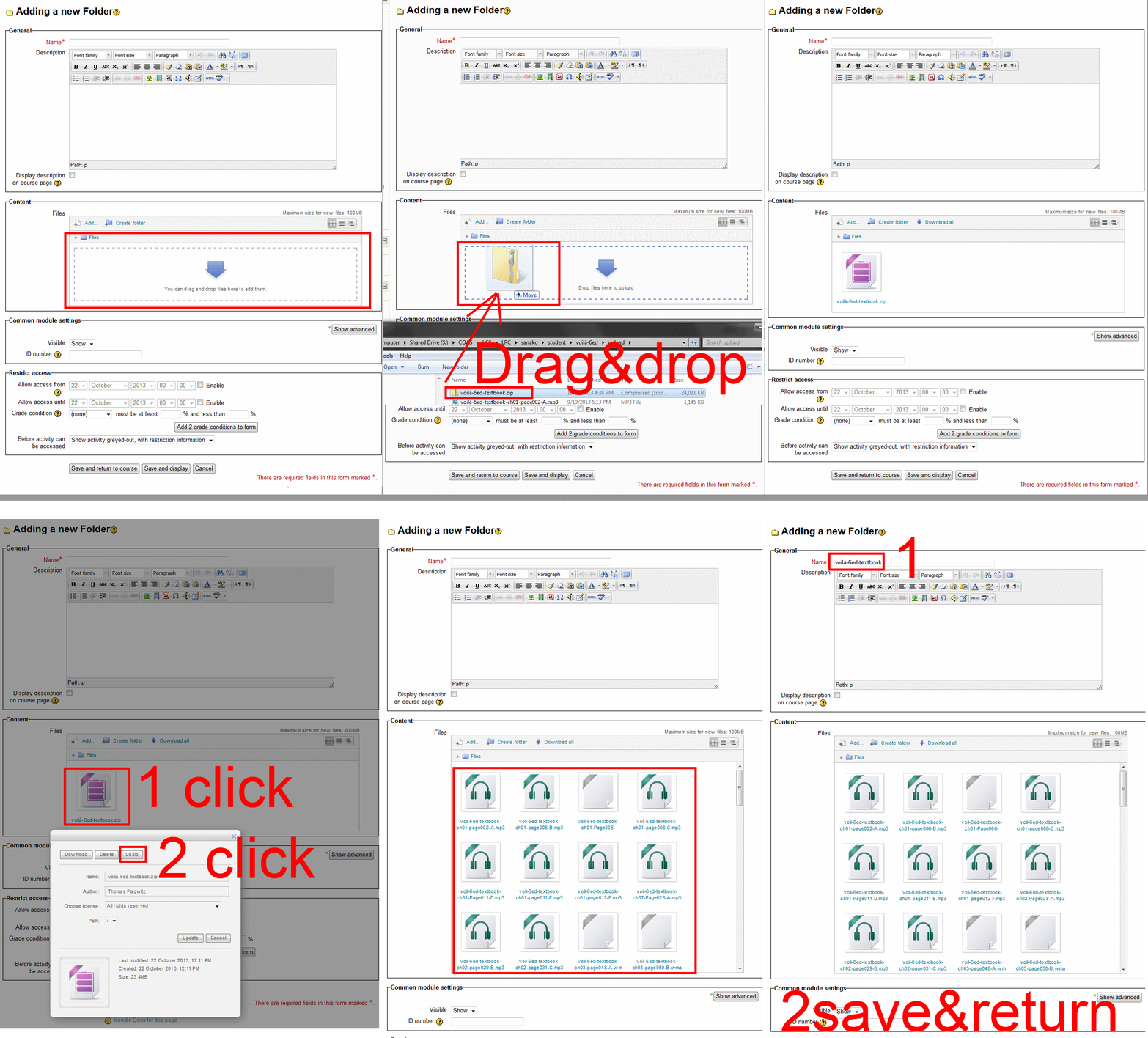
- And the answer is: You now can simply drag-and-drop a zip file (provided you are using a recent web browser). Start with “Turn editing on”, “Add resource”, “Folder”, and then proceed like so:
- Easy enough, but you can still save time: If your folder is reusable not only between terms, but also teachers (sections etc.), I suggest doing this in our Moodle metacourses (once).
- If you want to use an existing instead of adding a new folder, a slightly different way to manage your multiple files upload in Moodle 2 is described here.
Categories: animated-GIFs, audience-is-teachers, e-learning, lms, training
files, folders, moodle
A checklist for our late hires in the LRC
2013/10/09
Leave a comment
- With the help of your colleagues at the reception desk, sign up for your work schedule by sending meeting requests from NINERMAIL to lrcassistant@uncc.edu,
- Plug any holes/weaknesses in the schedule Reception Staffing
- Uf you have $2000 FWS, not more than 10 hours /week even if you start late.
- Final approval from LRC coordinator required.
- Whenever starting/leaving your shift, log in at the reception desk computer, allow all windows to open, then clock in by entering your code for checkin/out from the spreadsheet checkoutin.xls into the meeting request (series) on your NINERMAIL calendar.
- Read/listen to the training materials you received –
- Word (goo.gl/5hgr7Y) printout : contains a checklist for your responsibilities during your shift.
- PowerPoint:
- Deck (goo.gl/OV45aF) printout explains how to help with booking LRC equipment and rooms using NINERMAIL meeting requests (which will constitute e most of your work at the help desk).
- Video of training session: goo.gl/nWDDro.
- NOTE: After your first 2 weeks at work, there will be a Moodle quiz (TBA) that you need to pass!
- Questions?
- First and foremost, follow the instructions and helpful hints of your more senior colleagues at the reception desk.
- Bring further questions to the LRC coordinator or director.
- If no one is available for questions: post questions in the LRC Moodle Forum.
Clinic on PowerPoint for teaching presentations
2013/09/09
Leave a comment
Categories: audience-is-teachers, workshops
ms-powerpoint


Questions? Read the About. Or just ask me a quick Our Databases: Resources with calendars -- Language learning material Moodle Sites, multimedia files -- films


FAQs for LRC student staff or for students or for teachers. To search our FAQs, in the browser addressbar, add after "https://plagwitz.wordpress.com/feed/?tag=faqs+/" "+TAG1" (from tag cloud below) OR "https://plagwitz.wordpress.com/feed/tag=faqs
&category_name=" "CAT1" (from category hierarchy below). OR search both categories and tags, and multiple TAGs/CATs (connect with "," for OR-search, with "+" for AND-search), like so: https://plagwitz.wordpress.com/feed/?tag=TAG1+TAG2+...TAGn&category_name=CAT1
+CAT2+...CATn"
Other ways to find help
If you cannot find it here, look there: 5,500 Language-Learning Links and Programs for learning or teaching 150 languages
Shortcuts:Our Lists, Our Maps, LRC Staff Moodle Site,LRC Project Moodle Site, 49erexpress, UNCC Moodle, Student Recordings: s:claslcslrcsanakostudent
Learning usage samples: Sanako oral exam, Kaltura webcam presentation, Dictation with speech recognition, Sanako written exam, Chinese and Japanese interactive stroke-order practice
Test the Sanako Installer, Webbrowser Popup Konfigurator for XP, or Windows7, faster LRC TeacherPC Log-in Let MS facilitate diacritics writing by installing for you US-International keyboard layout
This is my personal blog (Google+). The views expressed on these pages are mine alone and not those of my employer. The information in this weblog is provided “AS IS” with no warranties, and confers no rights.
 Thomas' Work Space