Archive
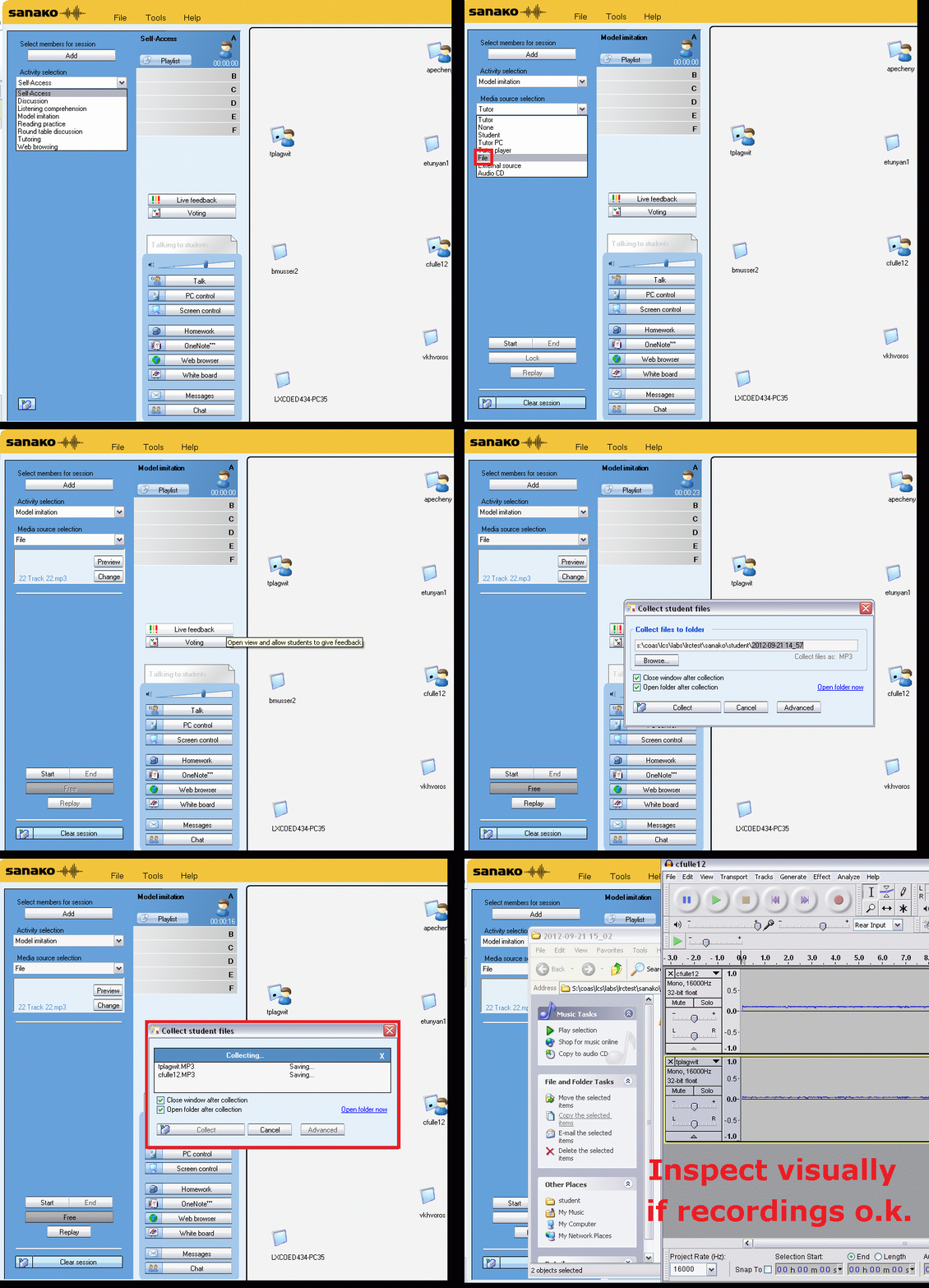
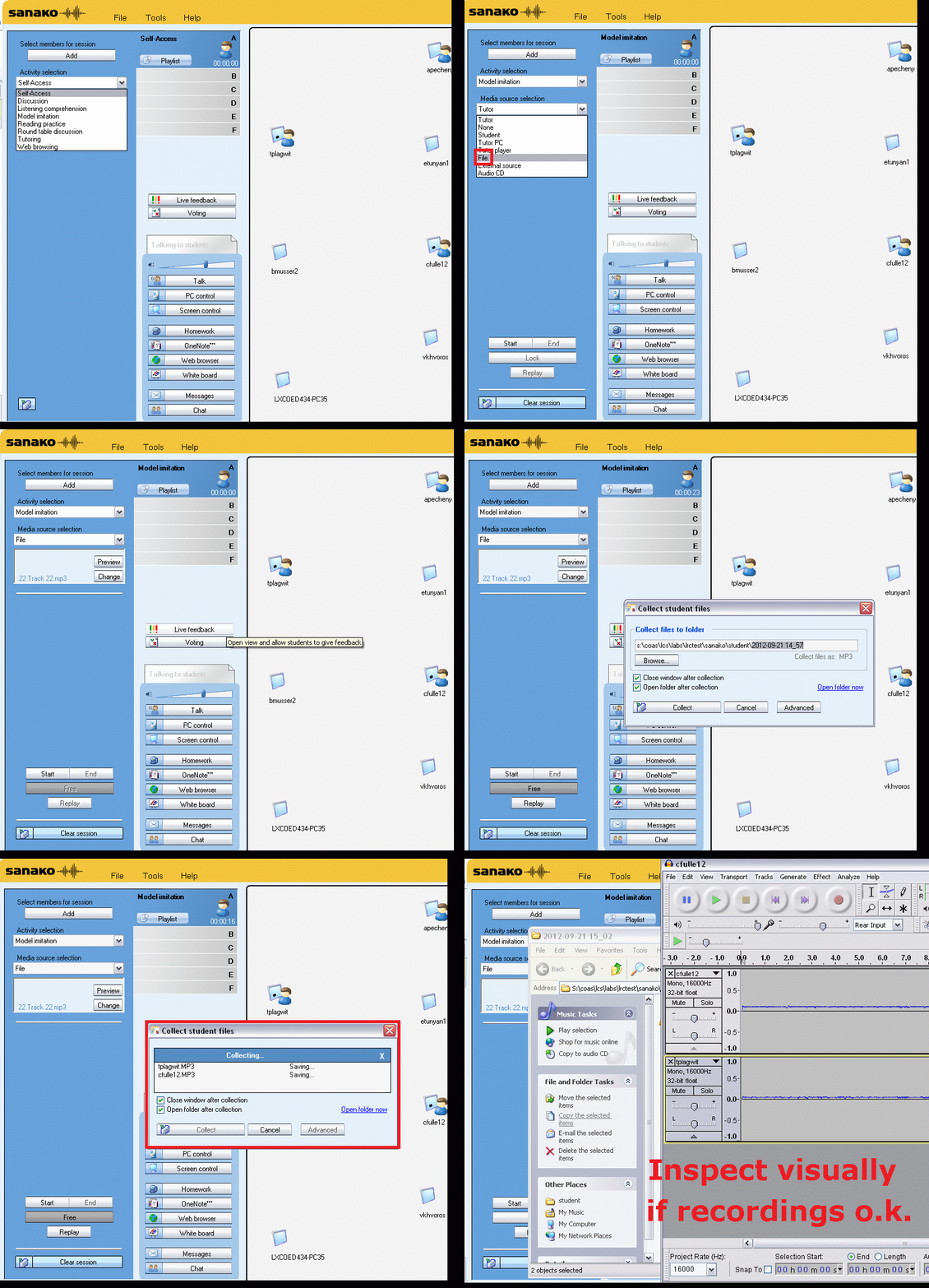
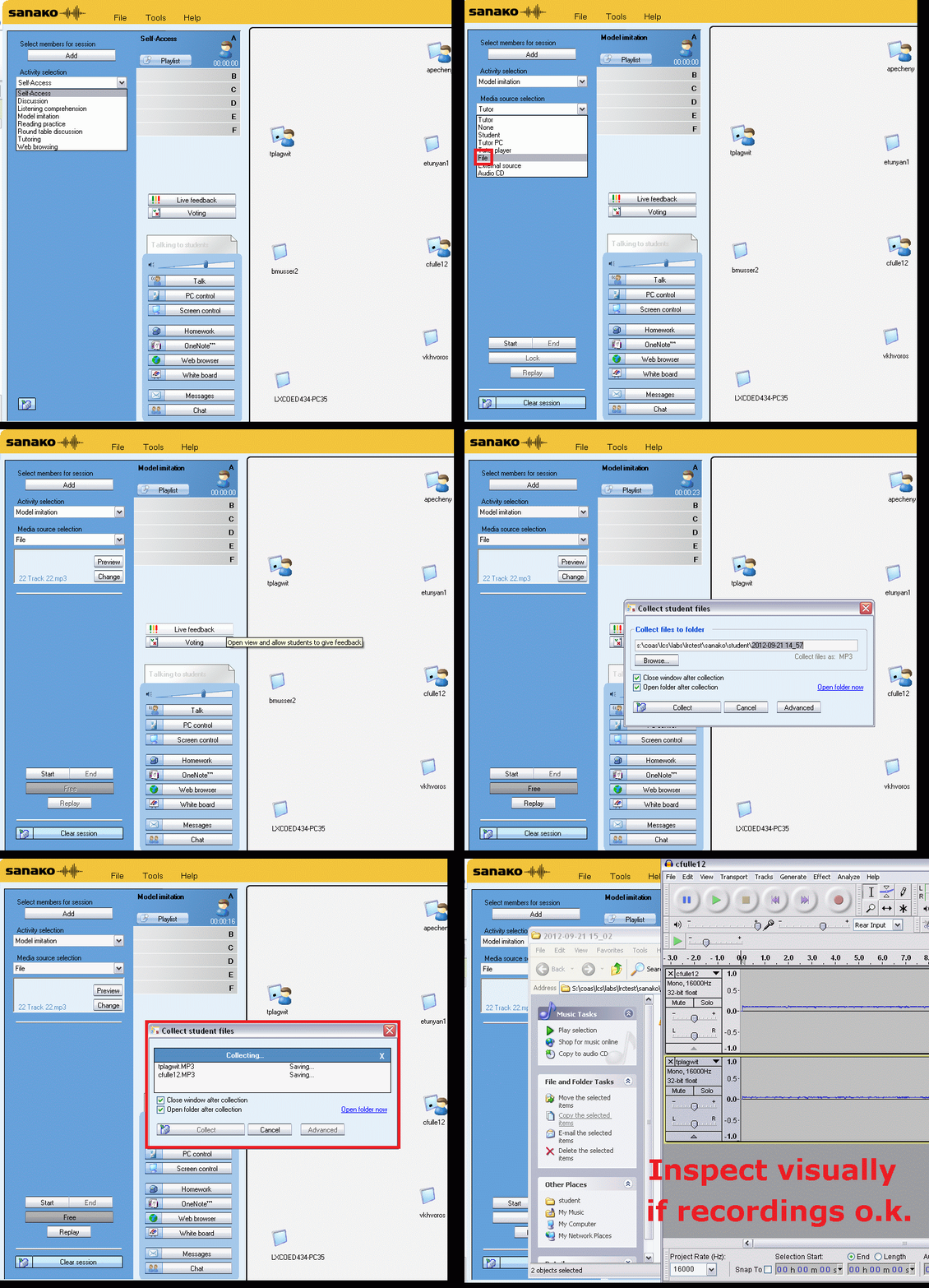
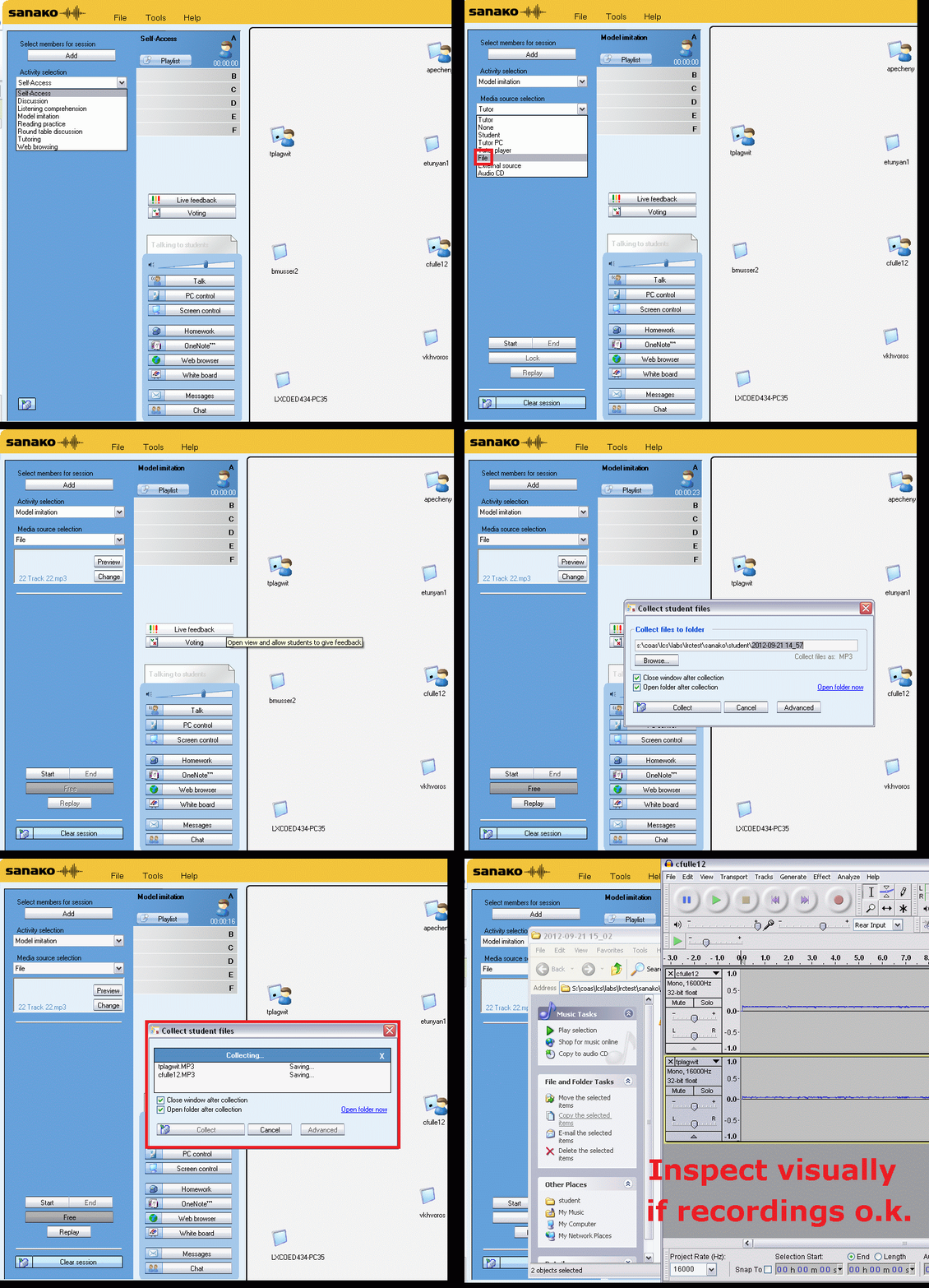
Group conference with all students and the teacher using Sanako Study 1200
- To set up the maybe most common language classroom activity – everybody listening or talking to everbody else (whether student or teacher) –
-
try this with the Sanako Study 1200 – plus have no student fade off because of “incomprehensible input” caused by bad classroom acoustics and self-conscious learners mumbling –:
-
-
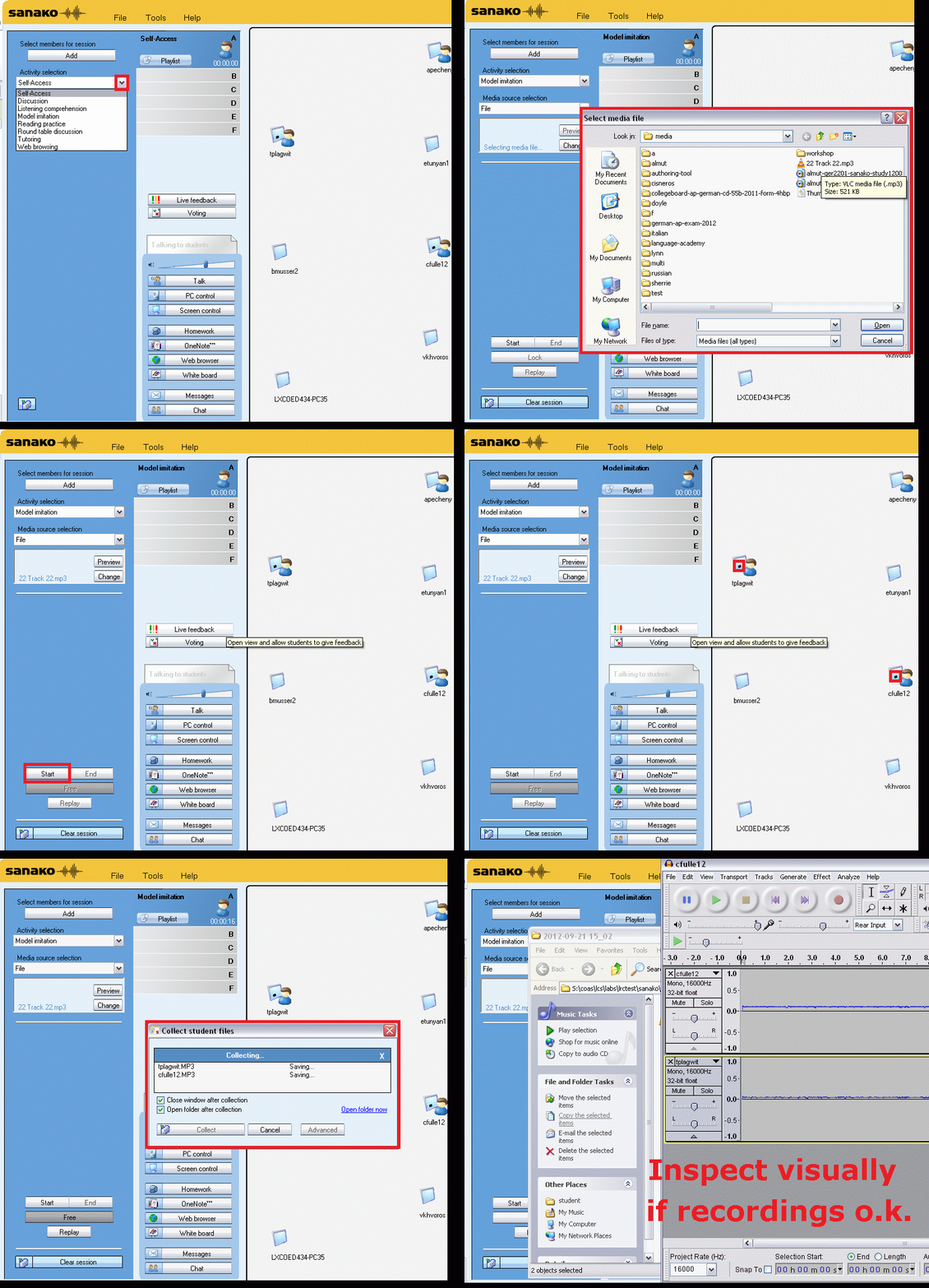
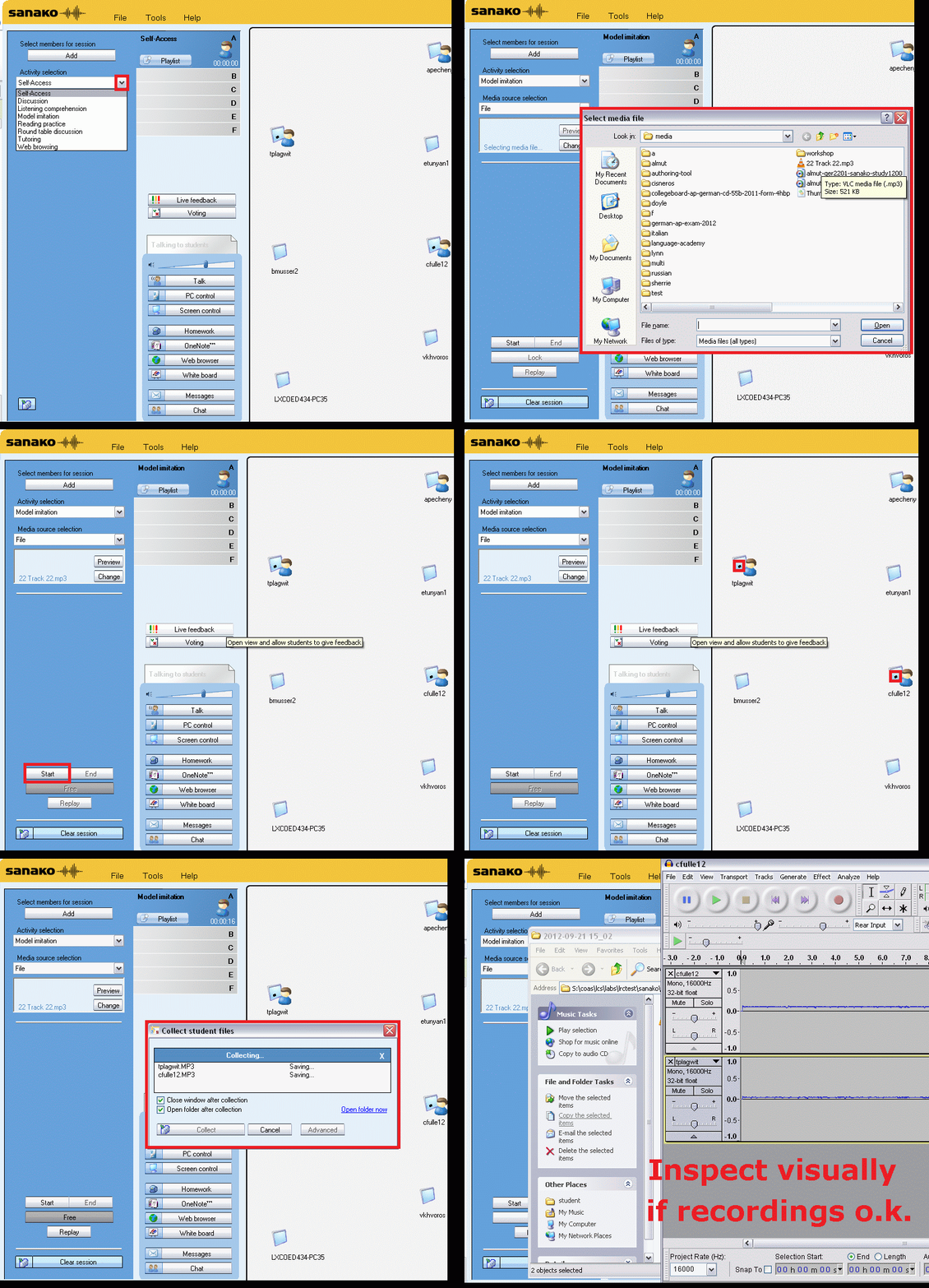
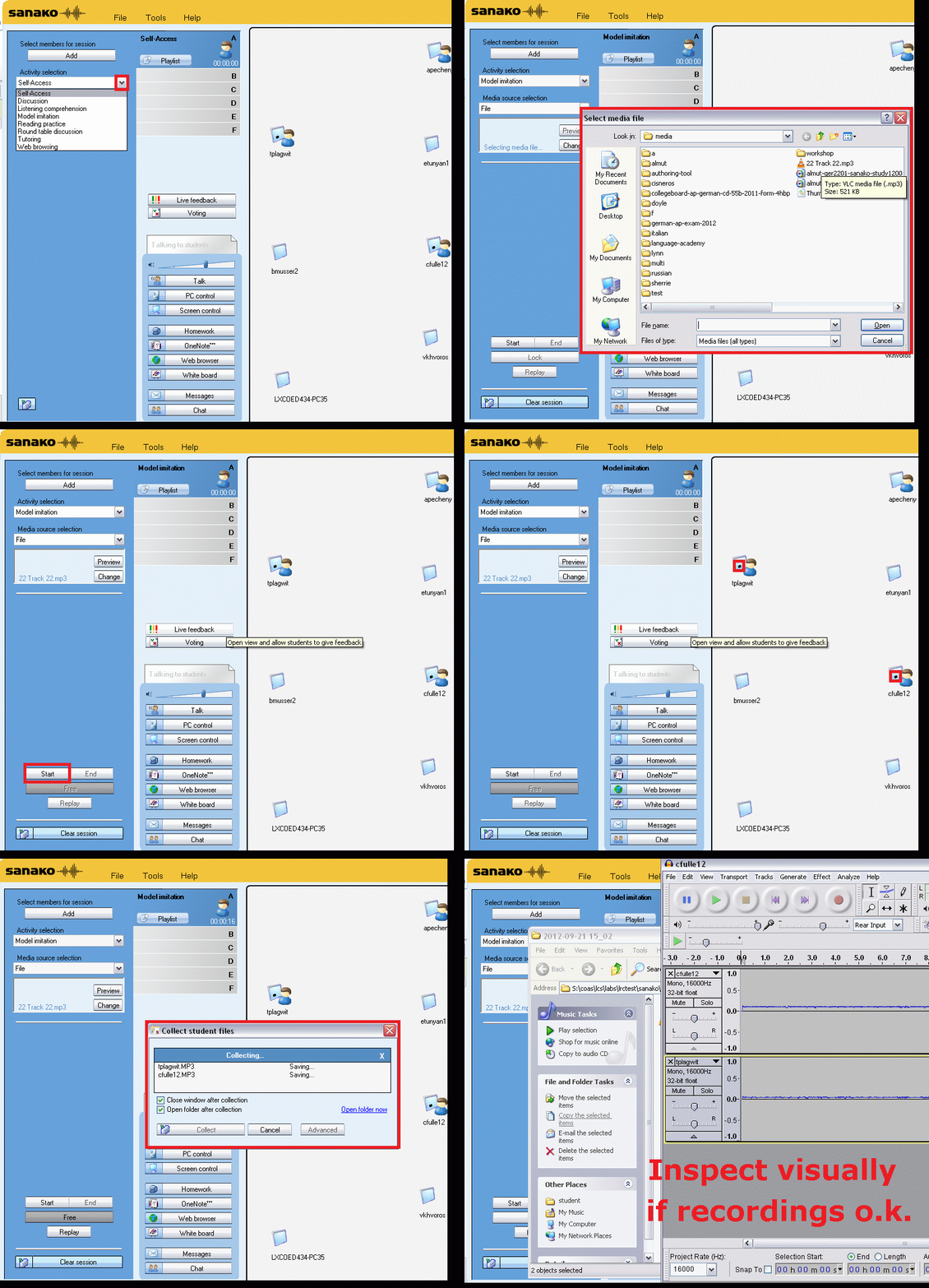
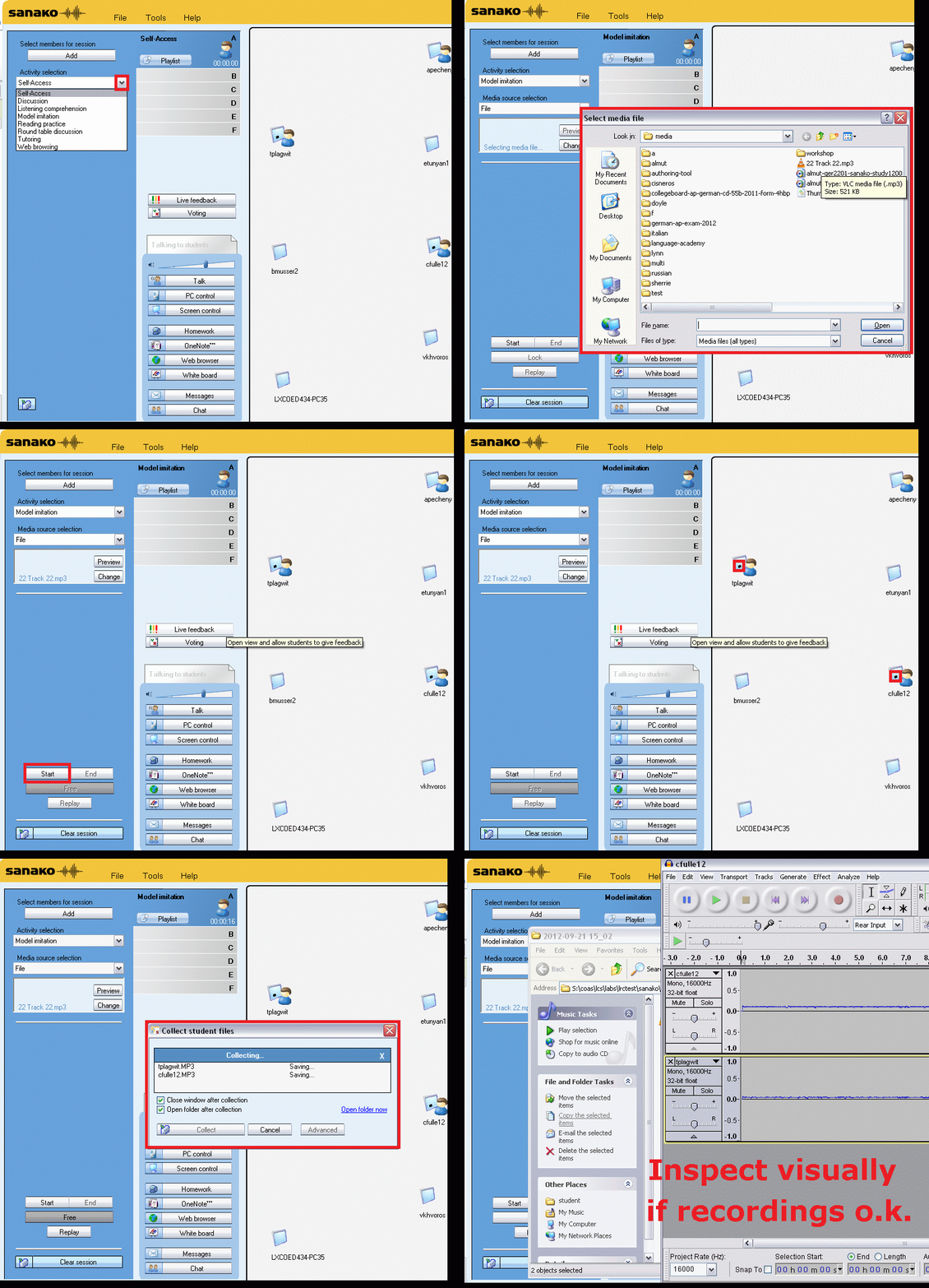
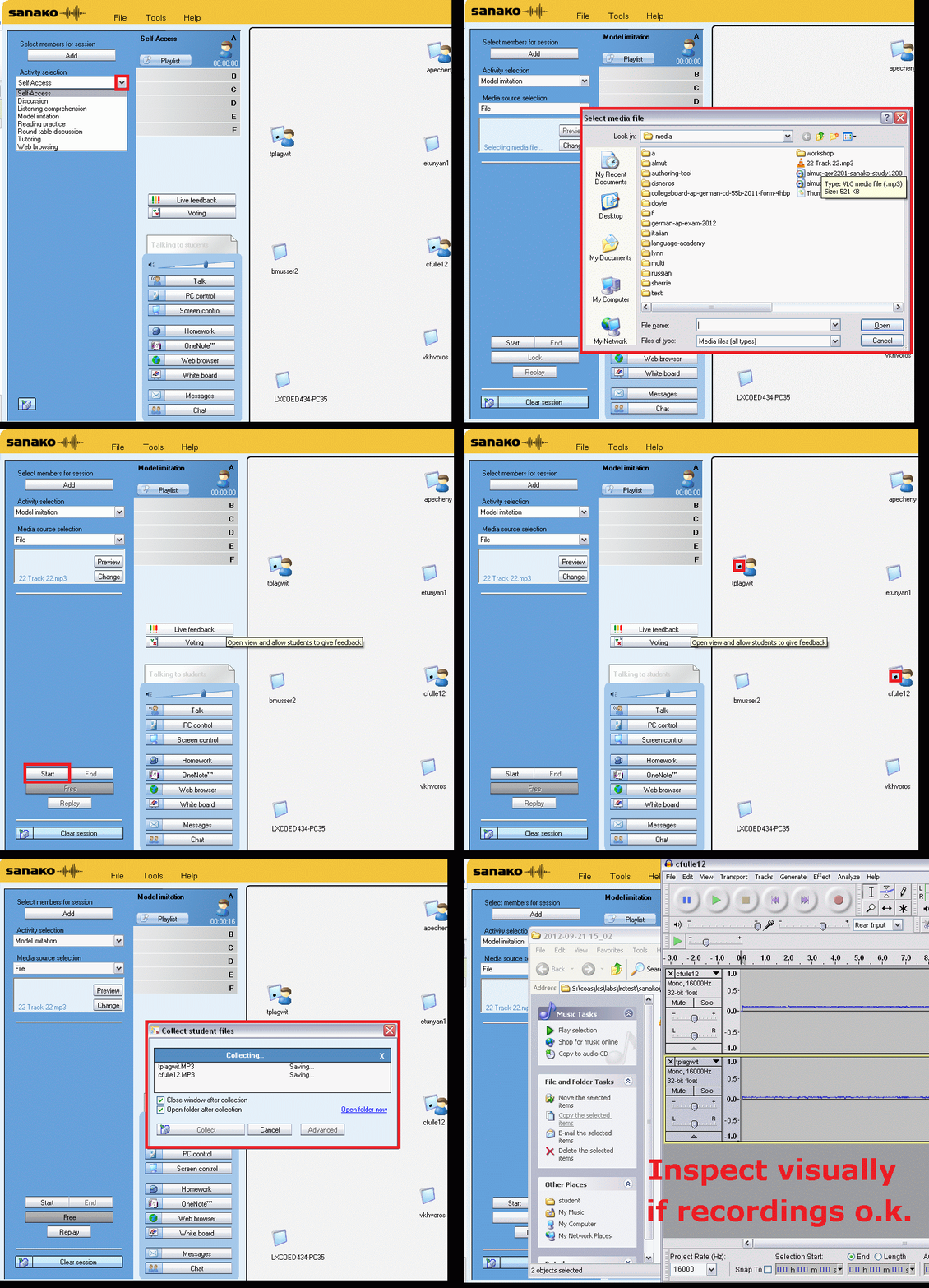
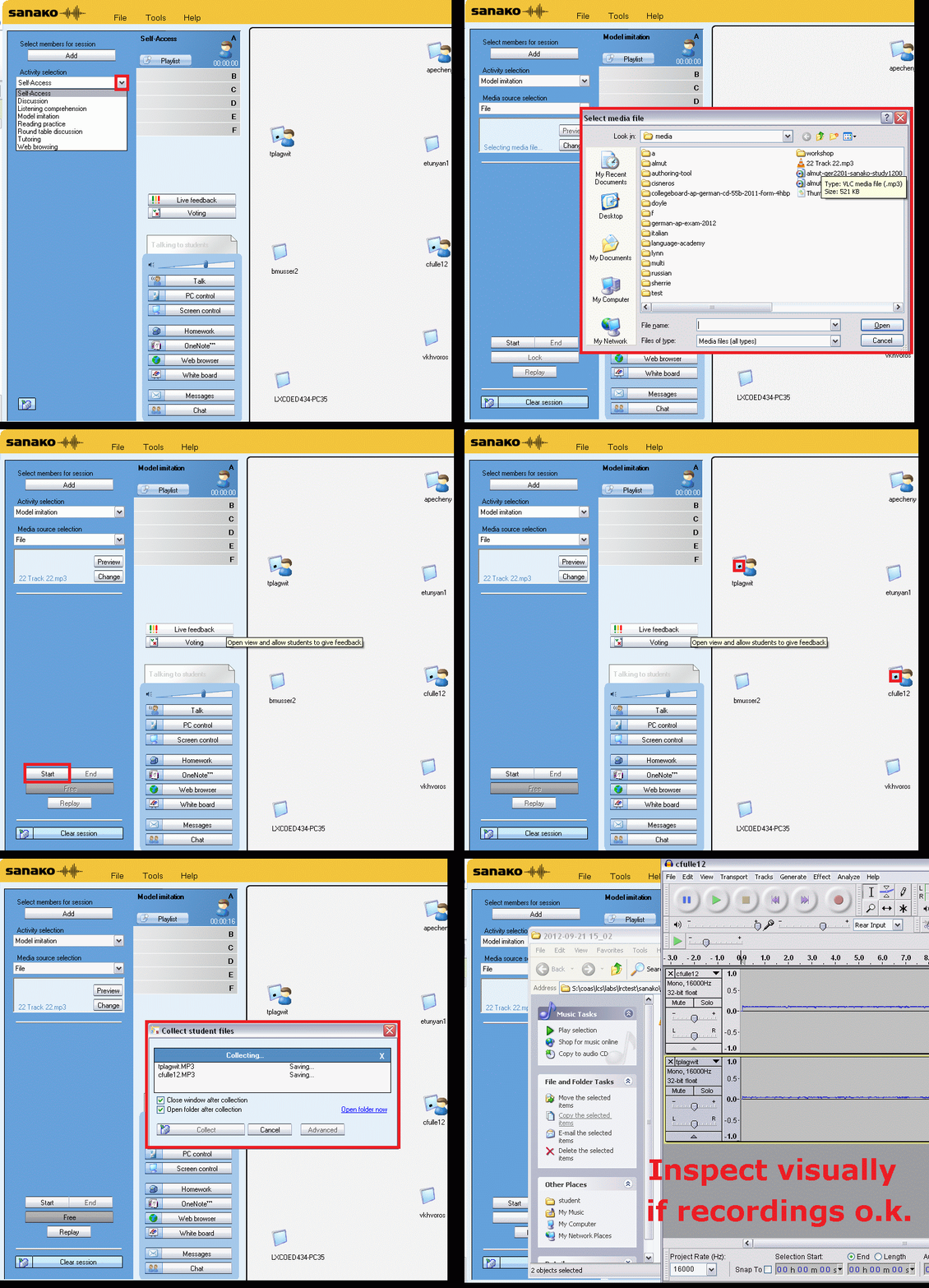
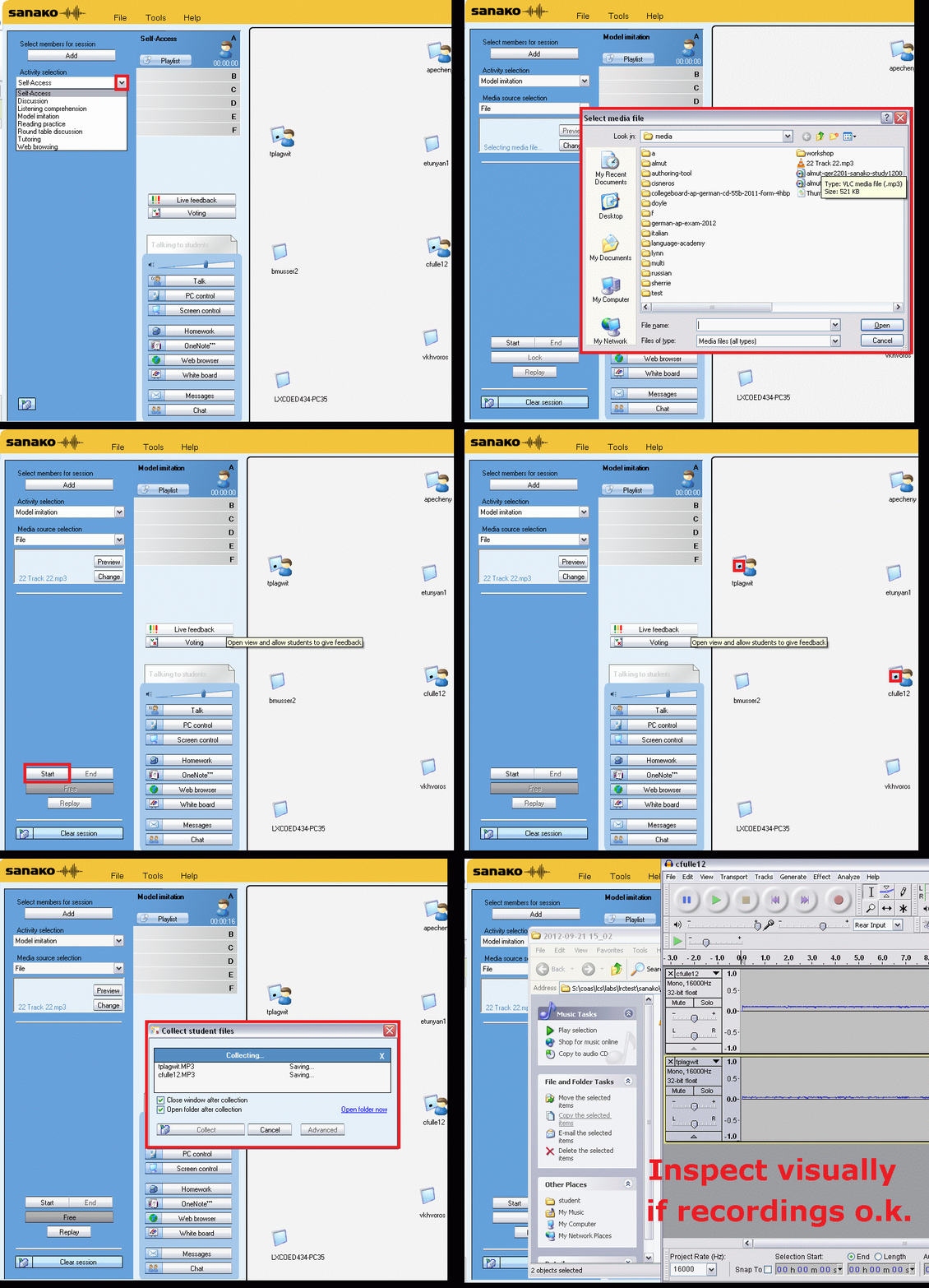
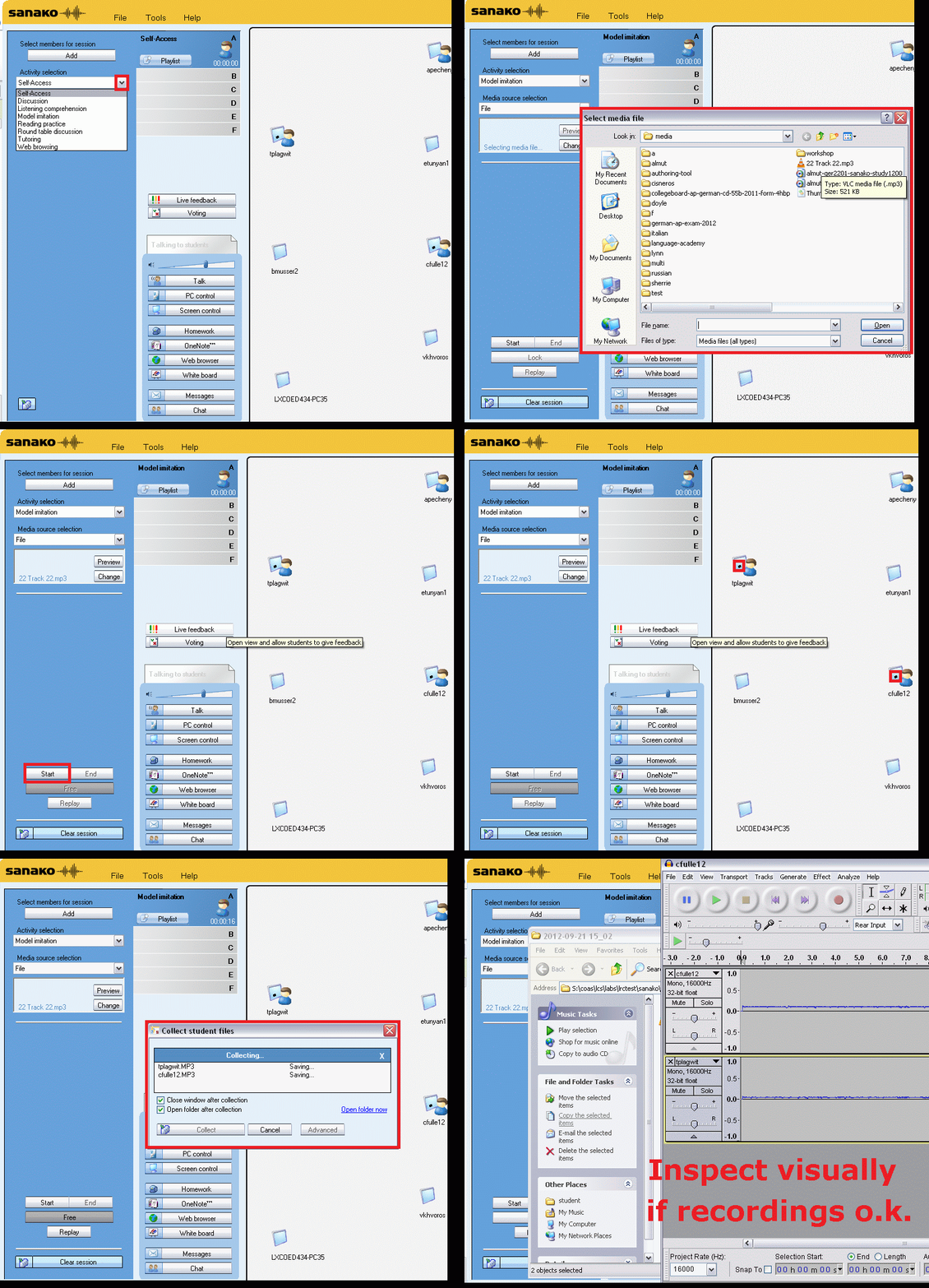
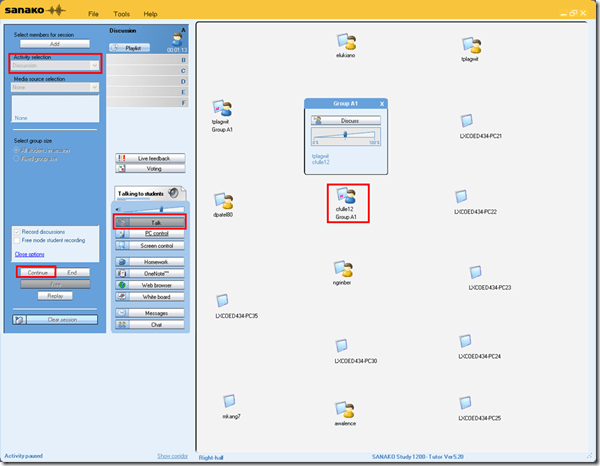
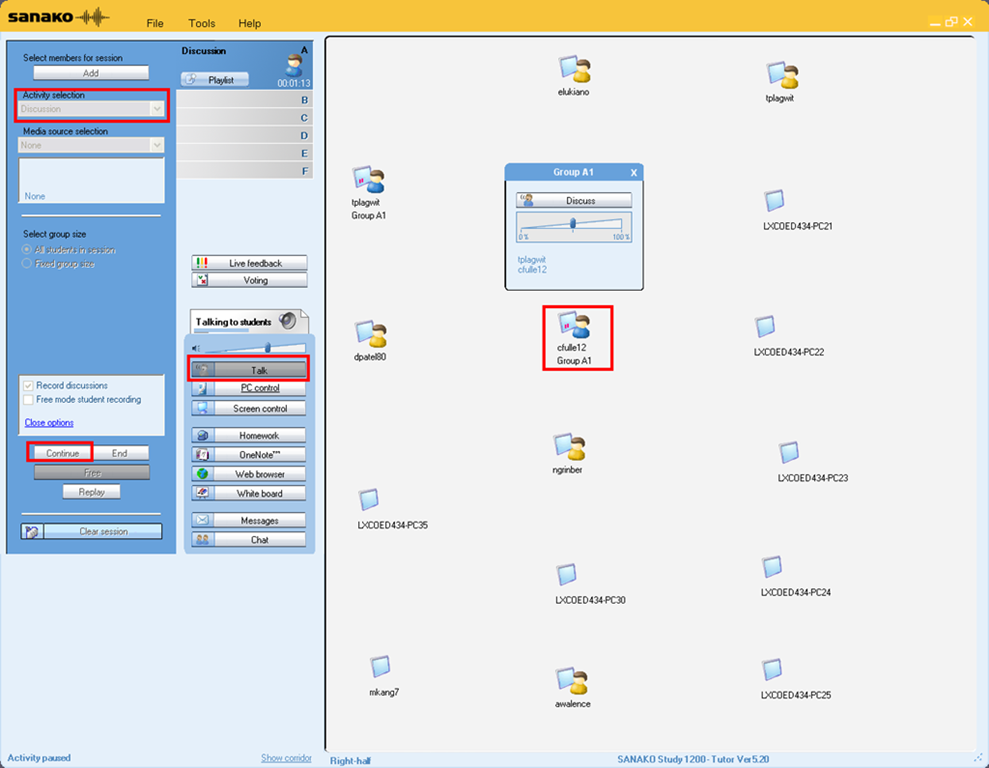
Activity pane: discussion, start –> students can talk with each other
-
Button:talk –> teacher can talk to students
-
Student icon / popup-menu: teacher can hear students – not only the one from the student icon, but anybody in discussion.
No audio on listening stations and group rooms, and workaround
- Symptom: Headsets work (test feedback by putting microphone near headset speakers), but audio files from internet do not play with sound.
- Cause: having to support 2 different kinds of headsets (USB with built-in soundcard versus traditional analog) in one PC software image.
- The workaround
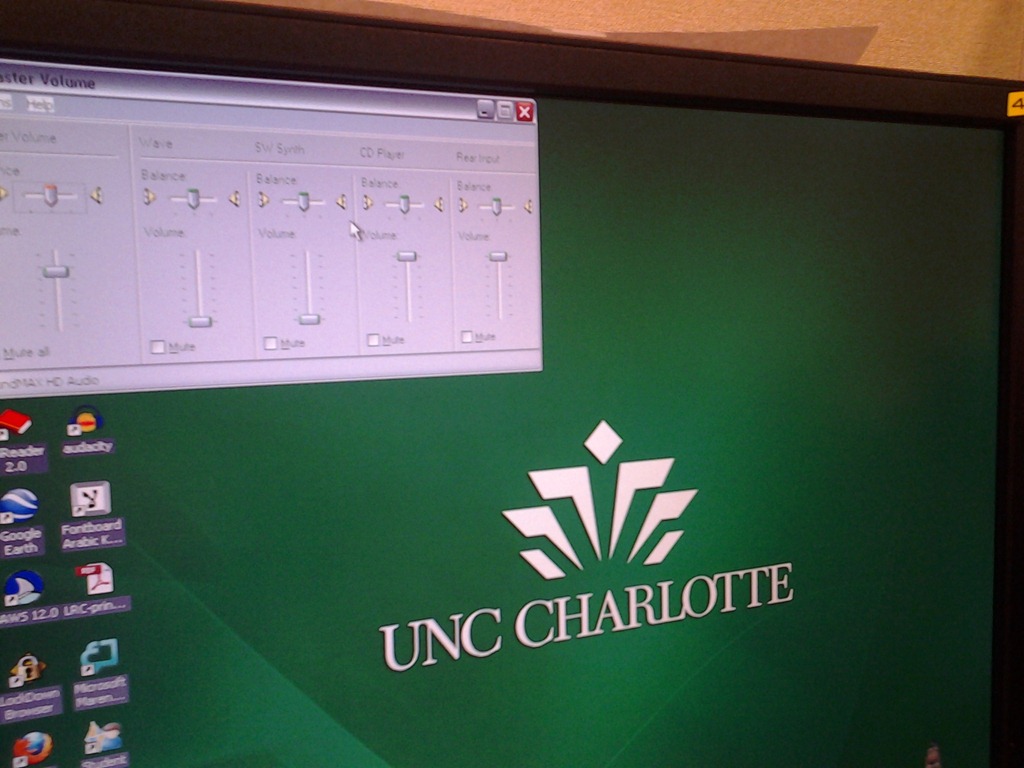
- for temp staff is to start / run / sndvol32.exe and up the low volume sliders here:

- for permanent staff is to unfreeze any computers that have been missed previously
 and put this script into the all users startup folder now: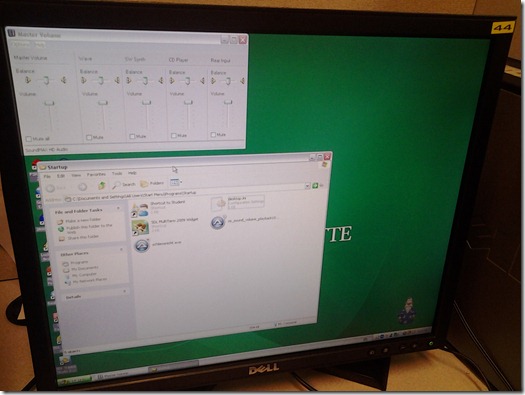
- The solution: standardize on USB headsets when you get a chance.


How to link your LRC tutor calendar and Moodle metacourse from your Moodle course

Oral assessments with Sanako model imitation – The ultimate training summary…
…using animated GIFs. Load the speed of your choosing (or several, use CTRL-Click to open links in a new tab) into the left screen of the teacher station before administering an oral exam, with the window active, press F5 in your web browser to restart the animation from the beginning. Slower? Expanded:050cs, 075cs, 100cs, 150cs, 200cs, 300cs, 400cs, 500cs, 1000cs.Or compact for recapitulation: 025cs, 050cs, 075cs, 100cs, 150cs, 200cs, 300cs, 400cs, 500cs, 600cs, 700cs, 800cs, 900cs, 1000cs. 
Protected: How to share Exchange room and resource mailbox calendars
Video quizzes on Youtube.com in Beta
Video Questions Editor lets channel owners display multiple-choice questions on top of their videos as they play (I see only a “start” in the timeline), offer hints, get results on your feedback page.
But if it supports only summaries, not usernames, it is more a poll than a quiz, which limits it usefulness in foreign language classes as much as that you apparently are limited to your own uploads, and cannot link your questions to the wealth of foreign language video uploaded by others…
More ways of making minor changes to a domain-joined, deepfrozen computer lab image
- Re-imaging a domain-joined, deep-frozen Windows XP language lab using Symantec Ghost and Deepfreeze can be a drawn-out process.
- Minor fixes can be achieved by unfreezing and using a Symantec-Ghost file task and a script that loads the default user registry hive – here is how:
-
sTempHive = """HKEY_USERS\Test"""
'//vista and up: sDefaultUserHive = """%USERPROFILE%\..\Default\NTUSER.DAT"""sDefaultUserHive = """%USERPROFILE%\..\Default User\NTUSER.DAT"""
sSName = oUtility.ScriptName
set oShell = WScript.CreateObject ("Wscript.Shell")
- and alters it before freezing the lab again. Here are some examples of such fixes:
- change the default keyboard (after users logs in):
oLogging.CreateEntry sSName & ": Setting US-International as Default Keyboard Layout",LogTypeInfoRegPath = "HKEY_USERS\Test\Keyboard Layout\Substitutes\"oshell.RegWrite Regpath & "00000409", "00020409", "REG_SZ"
If Err<>0 Then
oLogging.CreateEntry sSName & ": Failed to update Default Keyboard Layout setting",LogTypeErrorZTIProcess=60
Exit Function
End If
- change visibility of the developer tab in the ribbon of MS-Word:
oLogging.CreateEntry sSName & ": Setting MS-Word Developer Toolbar to show",LogTypeInfoRegPath = "HKEY_USERS\Test\Software\Microsoft\Office\14.0\Word\Options\"oshell.RegWrite Regpath & "DeveloperTools", "1", "REG_SZ"
If Err<>0 Then
oLogging.CreateEntry sSName & ": Failed to update S-word developer tools settings",LogTypeErrorZTIProcess=40
Exit Function
End If
- change the SDL-Trados licensing server IP:
oLogging.CreateEntry sSName & ": Setting Default User Trados license server",LogTypeInfoRegPath = "HKEY_USERS\Test\Software\Trados\Shared\Licence"oshell.RegWrite Regpath & "Licence_file", "27000@10.18.189.231", "REG_SZ"
If Err<>0 Then
oLogging.CreateEntry sSName & ": Failed to update Default User Trados license server setting",LogTypeErrorZTIProcess=35
Exit Function
End If
oLogging.CreateEntry sSName & ": Setting Default User Screensaver timeout settings",LogTypeInfoRegPath = "HKEY_LOCAL_MACHINE\SOFTWARE\FLEXlm License Manager"oshell.RegWrite Regpath & "Trados_License_File", "27000@10.18.189.231;27000@xlcs4sbynj1www", "REG_SZ"
If Err<>0 Then
oLogging.CreateEntry sSName & ": Failed to update Screensaver to timeout settings",LogTypeErrorZTIProcess=30
Exit Function
End If
- change the default keyboard (after users logs in):
- On Ghost:
- We create a Ghost file task that points to the wsf file with the current changes we want to implement:

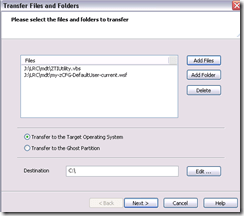
 To apply other changes, just change the filename of your script , e.g.:
- to apply to other computers, just change the target in the ghost task.
- Output:

- These scripts use the ZTIUtility.vbs from the MDT.
- You may have to update the location: <script language="VBScript" src="ZTIUtility.vbs"/>.
- For a while, the logging success made me believe I I had accessed the ntuser.dat and had run into registry permission settings loading it. In fact, I just did not resolve to the XP path of the ntuser.dat. Take advantage of the the logging facilities that come with MDT: Here are your logs on the client:
 .
. - Read the logs with TRACE32, part of the SMS 2003 Toolkit 2.
- Result: Provided the client has been cleanly frozen, and the domain user has no profile created before on this machine, and his profile is based on the altered default user profile, his HKCU will inherit the changes:







Questions? Read the About. Or just ask me a quick Our Databases: Resources with calendars -- Language learning material Moodle Sites, multimedia files -- films


FAQs for LRC student staff or for students or for teachers. To search our FAQs, in the browser addressbar, add after "https://plagwitz.wordpress.com/feed/?tag=faqs+/" "+TAG1" (from tag cloud below) OR "https://plagwitz.wordpress.com/feed/tag=faqs
&category_name=" "CAT1" (from category hierarchy below). OR search both categories and tags, and multiple TAGs/CATs (connect with "," for OR-search, with "+" for AND-search), like so: https://plagwitz.wordpress.com/feed/?tag=TAG1+TAG2+...TAGn&category_name=CAT1
+CAT2+...CATn"
Other ways to find help
If you cannot find it here, look there: 5,500 Language-Learning Links and Programs for learning or teaching 150 languages
Shortcuts:Our Lists, Our Maps, LRC Staff Moodle Site,LRC Project Moodle Site, 49erexpress, UNCC Moodle, Student Recordings: s:claslcslrcsanakostudent
Learning usage samples: Sanako oral exam, Kaltura webcam presentation, Dictation with speech recognition, Sanako written exam, Chinese and Japanese interactive stroke-order practice
Test the Sanako Installer, Webbrowser Popup Konfigurator for XP, or Windows7, faster LRC TeacherPC Log-in Let MS facilitate diacritics writing by installing for you US-International keyboard layout
This is my personal blog (Google+). The views expressed on these pages are mine alone and not those of my employer. The information in this weblog is provided “AS IS” with no warranties, and confers no rights.
 Thomas' Work Space